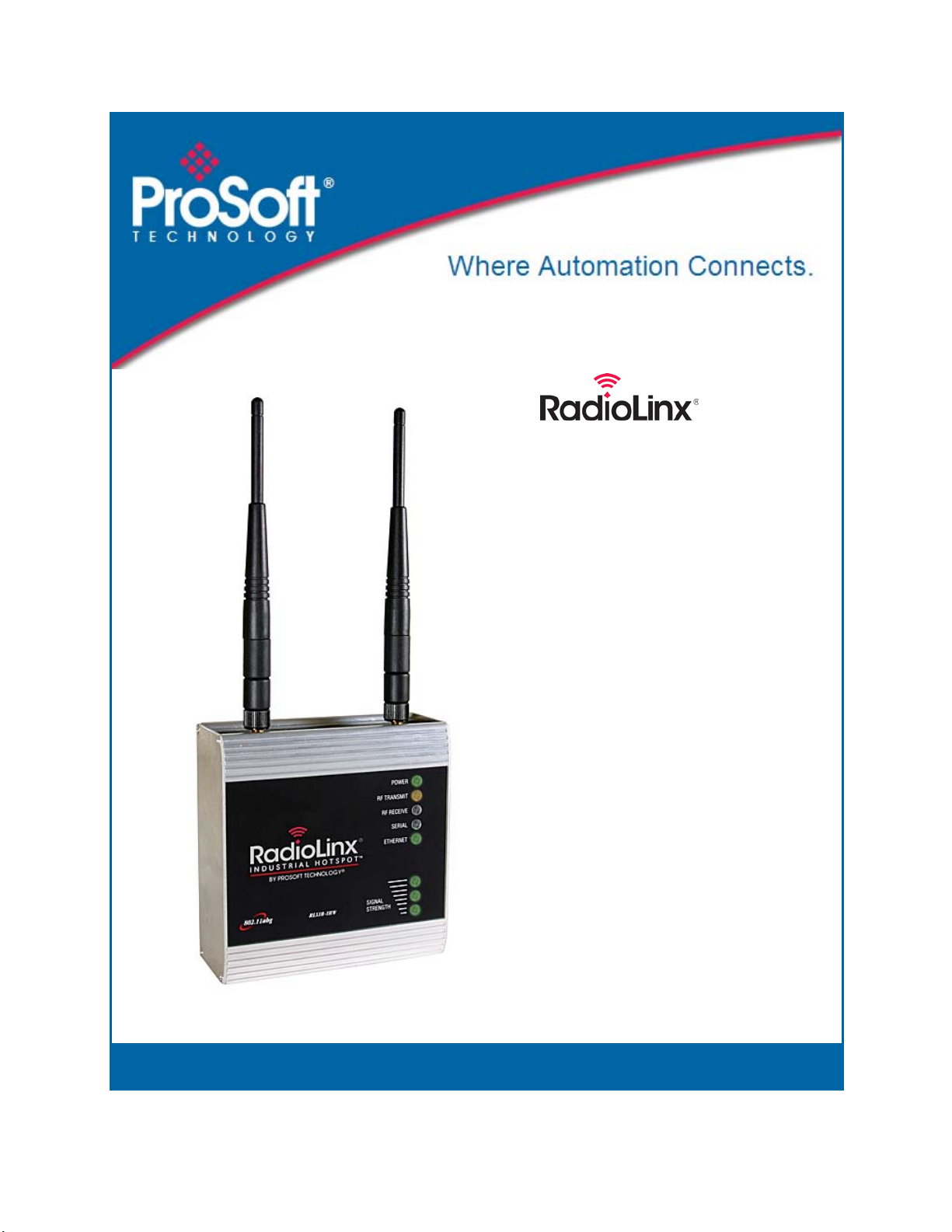
Contents RLXIB-IESC ♦ 802.11a, b, g
User Manual RadioLinx® Industrial 802.11abg Serial and Ethernet Client
ProSoft Technology, Inc. Page 7 of 98
May 25, 2010
Contents
Your Feedback Please........................................................................................................................2
ProSoft Technology®Product Documentation....................................................................................2
Antenna spacing requirements for user safety...................................................................................3
Regulatory Approvals..........................................................................................................................3
RLXIB: ATEX Approval.......................................................................................................................3
RLXIB: CSA C22.2 213-M1987 and N. American Standard ANSI/ISA 12.12.01 listing.....................4
United States FCC & Industry Canada rules ......................................................................................4
European CE certification ...................................................................................................................5
EU Requirements................................................................................................................................5
RLXIB: Power over Ethernet Injector and Accessories Warning........................................................5
Locations & Use..................................................................................................................................5
1Start Here 9
1.1 About the RadioLinx Industrial 802.11abg Serial and Ethernet Client......................9
1.2 Package Contents...................................................................................................11
1.3 System Requirements.............................................................................................11
1.4 Install the IH Browser Configuration Tool................................................................12
1.5 Install ProSoft Wireless Designer............................................................................12
1.6 Planning the Network..............................................................................................12
1.7 Configuring the Radios............................................................................................15
1.8 Verify Communication.............................................................................................22
2Installing the Radios 23
2.1 Connecting antennas ..............................................................................................24
2.2 Test the Network Installation Plan...........................................................................24
3Diagnostics and Troubleshooting 25
3.1 Diagnostics..............................................................................................................25
3.2 Check the Ethernet cable........................................................................................26
3.3 LED display.............................................................................................................26
3.4 Retrieve the default password.................................................................................27
3.5 Troubleshoot RLX-IH Browser error messages......................................................28
3.6 Troubleshoot missing radios ...................................................................................28
3.7 Improve signal quality..............................................................................................29
4Radio Configuration / Diagnostic Utility 31
4.1 Radio Status............................................................................................................35
4.2 Radio Network settings ...........................................................................................42
4.3 Security settings......................................................................................................50
4.4 Radio access settings .............................................................................................53
4.5 Apply Changes........................................................................................................56
4.6 Cancel Changes......................................................................................................56
4.7 Factory Defaults ......................................................................................................56