VR
Getting
started
PV-100S
Following
is
the
preliminary
steps
that
required
to
set
up
the
Recorder
and
make
connections
before
starting
to
use
the
device.
Instruction for installing the Remote Control Battery.
1.
Push
in
the
clip
at
the
side
of
the
battery
holder
.
2.
Pull
battery
holder
out.
3.
Insert
the
battery
with
the
correct
polarity.
4.Push
battery
holder
and
snap
it
in
place.
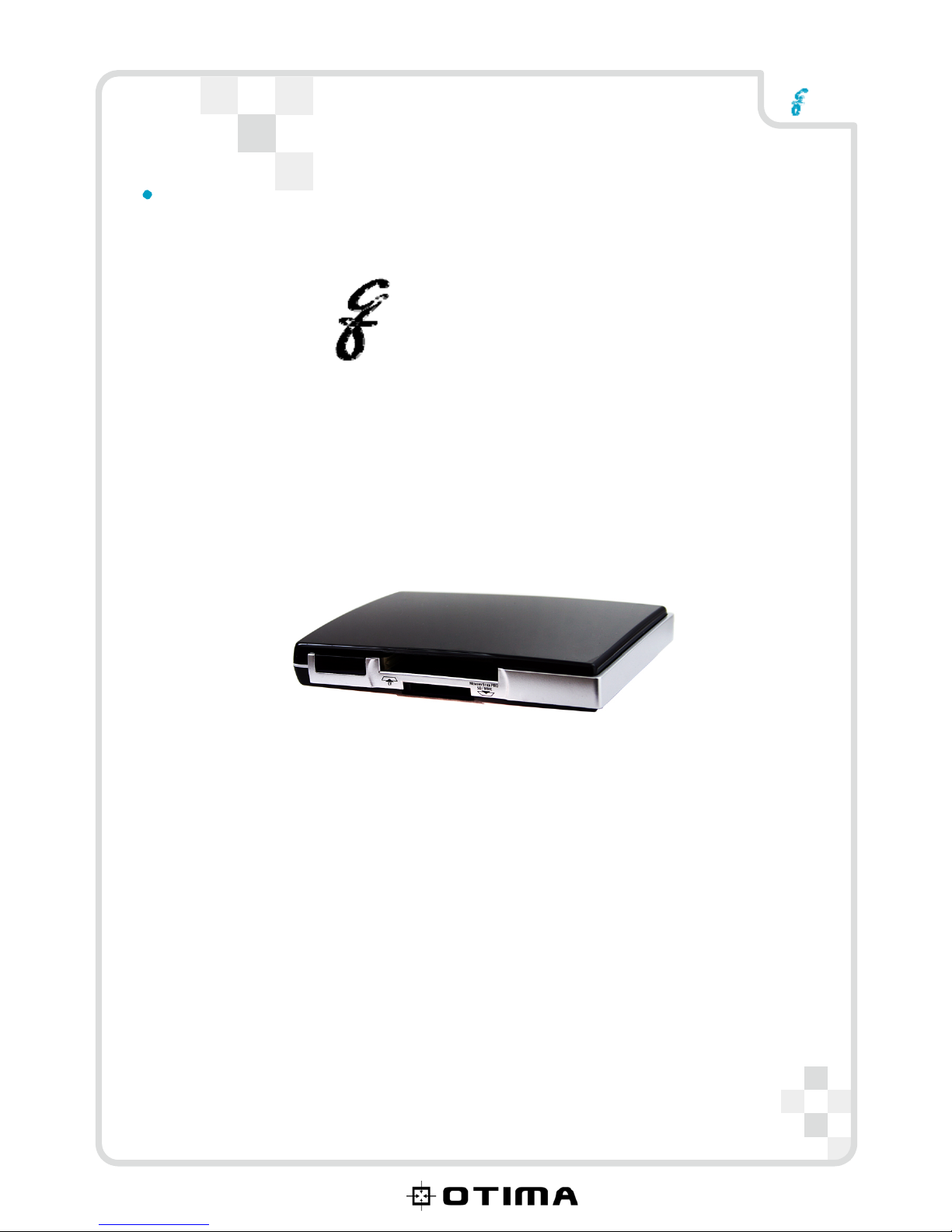
Inserting about the SD/CF series Memory Cards
Note:
Push
the
SD
or
CF
Card
into
Card
Slot
until
it
is
firmly
in
place.
To
remove
the
card,
grip
the
card
and
pull
gently.
A Category of Memory Cards
Storage
CF
slot
CF
card
SD
slot
MiniSD,
T-flash(Micro
SD)
SDHC,
SD
4
/12