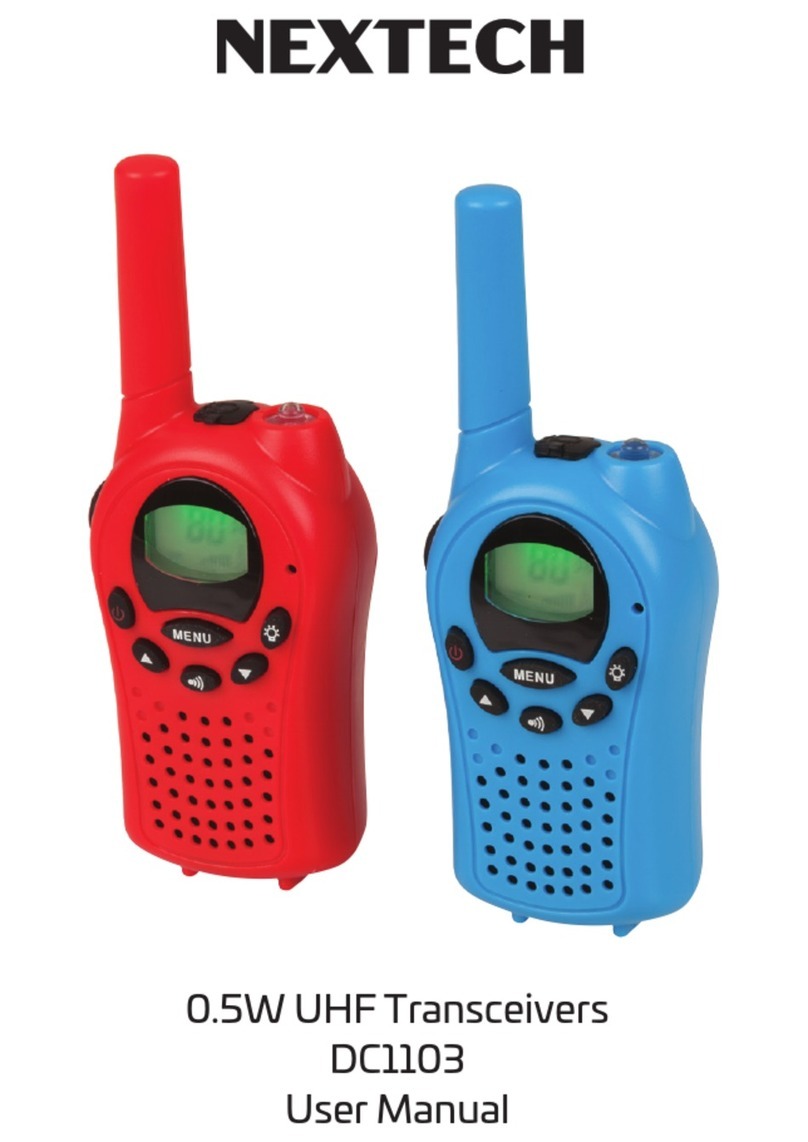
Nex-tech DC1102 Manuel utilisateur

0.5W UHF Transceiver
DC1102
User Manual

Use of the citizen band radio service is licensed in Australia by ACMA
Radio Communications (Citizen Band Radio Stations) Class License and in
New Zealand by MED General User Radio License for Citizens Band Radio.
Operation is subject to conditions contained in those licenses.
This lightweight hand-held transceiver is suitable for all manner of
recreational and professional activities such as building sites, IT-cablers,
electricians, inter-car road trip communication or keeping in touch with
the kids while they play. Open field transmission range is up to 6km, with
typical city range up to 1km. It runs off 3 x AAA batteries, and has features
you usually only find in more expensive models, including VOX hands
free, monitor, call tones, roger beep, backlit display, headset connection,
and CTCSS sub-channels. There is also an LED torch built into the top in
case you’re stuck in the dark. Thanks to the auto-battery saving feature,
the batteries won’t go flat in case you forget to turn it off.

Specific Recommendations:
• To avoid the risk of burns, do not use the device if the aerial is damage
in any way.
• Do not use the device in a potentially explosive setting (e.g. Around
pumps, on the lower deck of a boat or around a fuel-storage installation
or chemical products) If traveling in a car or by bike, stop before using
the device.
• Switch off the device if on an airplane or in a hospital,
• Never use the device in close proximity to a radio to avoid interference.
• Remove the batteries if the device is not going to be used for an
extended period of time. Never mix used with new batteries.
• Position the transmitter and antenna at least 5cm from your face. Direct
the antenna upwards and speak normally.
• Clean the device with a damp cloth. Avoid the use of cleaning agents and
solvents.
• Do not modify the device in any way. In the event of damage occurring,
ensure that the device us checked by a qualified professional. The device
cannot be used to contact the emergency services.


Key Functions:
1. Antenna
2. Lamp
3. LCD
4. Microphone
5. Lamp Button
6. Down Button
7. Call Button
8. Speaker
9. Up Button
10. Menu Button
11. Power ON/OFF Button
12. PTT (Push to Talk) Button
13. Belt Clip
14. Charger/Headset Jack
15. Receiving Icon
16. Transmitting
17. Volume Icon
18. Scan Icon
19. Lock Icon
20. Battery Level Indicator
21. Channel Number
22. CTCSS Number
23. Vox Selection
Before Using the Device:
Removing the belt clip:
Before insert batteries into the device, first pull the belt clip latch away
from the device (See PIC01).
Installing the Batteries:
1. Slide down the battery compartment cover (See PIC02).
2. Insert 3 x AAA Alkaline (Not included)
3. Position the batteries according to the polarity making on the battery
compartment.
4. After placing batteries into correct positions, replace the battery cover
(See PIC03).

Using the Device:
1. Turning the Device ON/OFF
Switch on the Device: Press and hold the Power Button for 3 seconds then
you will hear a beep sound.
Switch off the device: press and hold the Power Button for 3 seconds then
you will hear a beep sound.
2. Adjusting the Volume
To increase the volume, press the ▲Up Button; press the ▼Down Button
to decrease the volume.
3. Low Battery Indication
The device can detect low battery level. When battery voltage is low,
the battery icon will flash and a beep will be heard to indicate that the
batteries need to be replaced.

4. Receiving/Transmitting Communications:
The device is in “Reception” mode when it is turned ON and not
transmitting. When a signal is received on the current channel, the LCD
will display receiving icon.
When you press the PTT (push to talk) button, the device switches to
“Transmission” mode.
Hold the device in a vertical position with the Mic (microphone) 3-5cm
away from your mouth. While holding the PTT button, speak into the
microphone in a normal tone of voice. Release the PTT button when you
have finished transmitting. For others to receive your transmission, they
must be on the same channel with you.
Note:
1. The maximum talking range is up to 6Km, this will depend on your
surroundings and environment. It can be affected by obstructions such
as hills or buildings.
2. Don’t try to use two devices which are less than 1.5m (5 feet) apart.
Otherwise, you may experience interference.
5. Changing Channels:
Press the MENU button once, the channel number will Flash on the
display.
Press the up▲ /down▼button to change the channel. Press the PTT
button to confirm and return to stand-by mode.
Note:
If no button is pressed within 15 seconds during setting, the device will
return to stand-by mode.

6. CTCSS (Continues Tone Coded Squelch System):
Press the MENU button twice, the current CTCSS code will flash on the
display. Press the up▲ /down▼button to change the 38 available codes.
Press the PTT button to confirm and return to stand-by mode. This license
free radio operates on the 476MHZ frequency band; the device has 80
available radio channels. If there are any device users near you, there is a
chance that some of the users are operating on the same radio channel. To
prevent you receiving signals from other users, sub-channels have been
integrated. When using CTCSS, a low frequency tone (between 67-250Hz)
will be transmitted along with the voice signal. There are 38 available
tones to choose form. You are free to choose one of the 38 available
sub-channels. Due to filtering, these sub-channels will generally not be
audible so they will note disturb the communication.
7. VOX (Hands free function):
Press the MENU button three times, the current VOX setting will flash on
the display and the VOX icon will display, Press UP▲button to set the VOX
sensitivity level between 1 and 3 level (level 3 is the high sensitive level).
Press down ▼button until “OF” appears on the display to turn VOX OFF.
Press the PTT button to confirm and return to stand-by mode. In VOX
mode, the radio will transmit a signal when it is activated by your voice or
other sound around you. VOX Operation is not recommended if you plan
to use your device in a noisy or windy environment.
Note:
VOX mode will be over ridden when you press the PTT button.

8. Scanning for an active radio channel:
Press and hold the UP ▲button for 2 seconds: The “SCAN” function
indicator will appear on the display and the channel will scan continuously.
Once an active channel is found, the scanning will stop and you can listen
to the transmission. When the transmission has stopped on that channel,
the scan function will resume automatically.
Note:
If you press the PTT button while listening to a found channel, the device
will go back to stand-by mode on the found channel.
9. Monitor:
Press and hold the DOWN▼button about 3 seconds to activate monitor.
Release the DOWN▼button to return to standby mode.
10. Setting the Call tones:
The device has 10 call tones. Press the MENU button 4 times, “CA” is
displayed and on the current call tone. Press the UP▲/Down▼button to
change to another call tone. Press the PTT button to confirm and return to
stand-by mode.

11. Sending a call tone:
Press the call button one time quickly, the call tone will be transmitted on
the set channel.
12. Roger Beep On/Off:
After the PTT button is released, the device will send out a roger beep to
confirm that you have stopped talking. Press the MENU button 6 times,
“RO” will be displayed. Press the UP▲/Down▼button to set the roger
beep ON/OFF. Press The PTT button to confirm your selection and return
to the stand-by mode.
13. Backlit Display:
Press any button except for the MENU button to activate the back light of
the LCD display. The back light will light on approx. 5 seconds.
14. Headset Connection:
The device can be used with an authorised headset. The connector
is located on the top of the device. Insert the earpiece plug into the
connector (2.5mm jack). There is a small “PTT” button on the earpiece that
has the same function as the PTT button on the device. When you use the
PTT button from the earpiece, you must also use the microphone from
the earpiece to talk.
Note:
Do not connect an un-authorised headset, this may damage your device.
Autres manuels Nex-tech Émetteur-récepteur