NW6000-7001 QIG
-1- -2- -3-
1. Overview
NW6000-7001 DNV GL Managed Industrial Ethernet Switch is
designed for harsh environments to withstand vibration, shock,
free fall and power surges. The switch provides layer 2+ software
features required in marine systems and is DNV GL certied. It
includes 8-port 10/100Mbps RJ45 downlink, 2-port GbE SFP uplink
and supports Modbus TCP communication.
2. Package Checklist
Panel view
4. Grounding the switch
5.1 Wiring Power Input
5.1.1 The Switch with terminal block
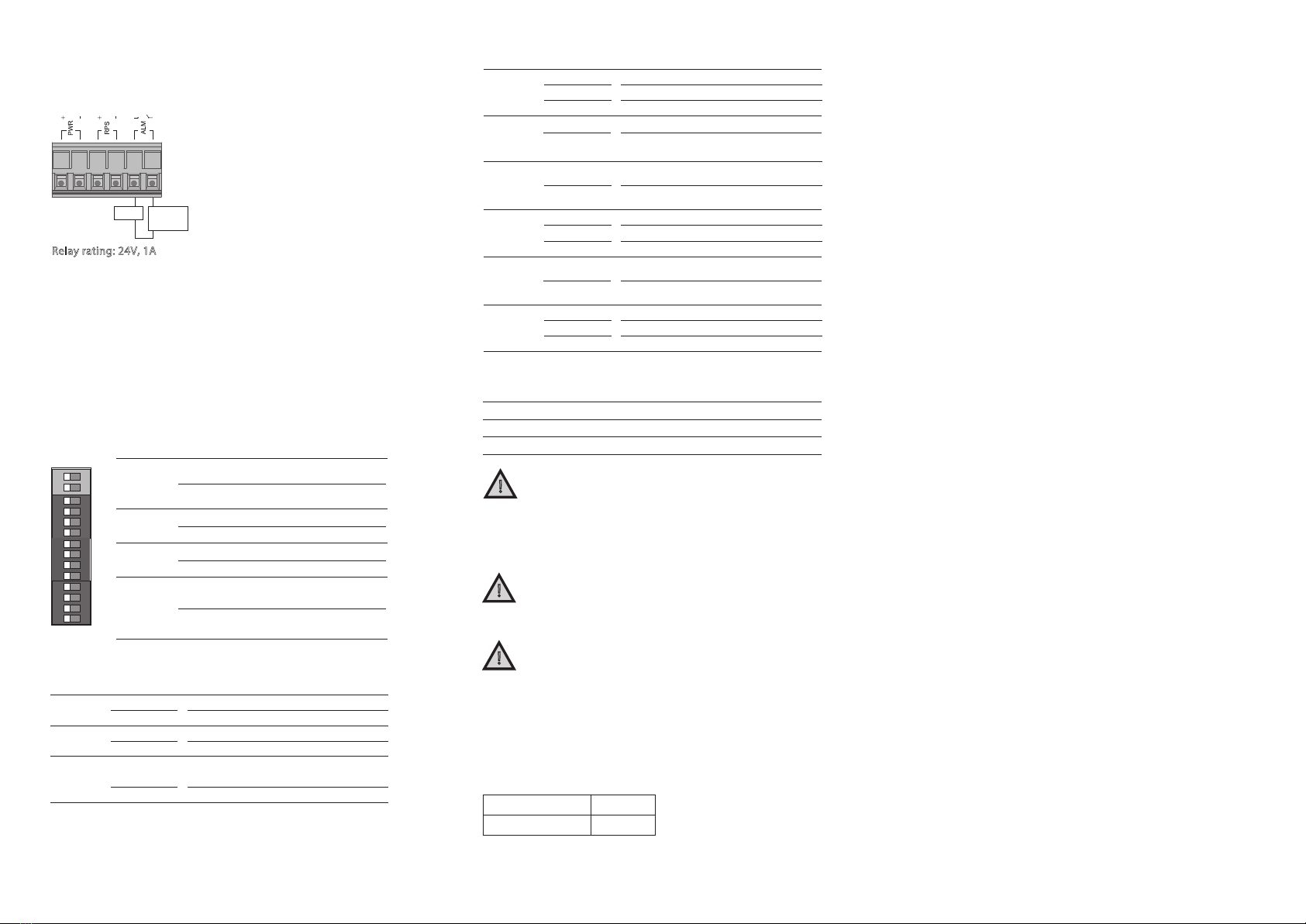
You can use “PWR” for Primary Power input and “RPS” for Redundant
Power Input. Check the polarity while connecting.
Top view of Terminal Block is shown in the gure below:
Grounding and wire routing help limit the eects of noise due to
electromagnetic interference (EMI). Run the ground connection from
the ground screw to the grounding surface prior to connecting
devices.
!ATTENTION:
A corrosion-free mounting rail is advisable. When installing,
make sure to allow for enough space between devices to
properly install the cabling. And provide ample space for
air ow.
3. Mounting and Dismounting to DIN-Rail
!ATTENTION:
The Switch is an open type device and shall be DIN-Rail
mounted or wall mounted (optional) in cabinet or enclosure
and the ambient temperature should not exceed 70°C (75°C
is not certied by UL).
!ATTENTION:
This product is intended to be mounted to a well-grounded
mounting surface such as a metal panel.
!
Terminal Block
Caution:
• Use copper conductors only
• Wiring cable temperature should
support at least 105°C
• Tighten the wire to a torque value 5lb
• The wire gauge for the terminal block
should range between 12~24 AWG
To insert power wire and connect the specied voltage range at a
maximum of 1.5A DC power to the power terminal block, follow the
steps below:
1. Use a at-head screwdriver to loosen the wire-clamp screws
2. Insert the negative/positive DC wires into the PWR-/PWR+
terminals, respectively
3. Tighten the wire-clamp screws to prevent the wires from loosening.
!ATTENTION:
Please use a power supply from 12~60VDC, the device
power shall be supplied by SELV circuit.
!WARNING:
Safety measures should be taken before connecting the
power cable. Turn o the power before connecting
modules or wires. The correct power supply voltage is
listed on the product label. Check the voltage of your
Please read and follow these guidelines:
• Use separate paths to route wiring for power and devices. If
power wiring and device wiring paths must cross make sure the
wires are perpendicular at the intersection point.
NOTE: Do not run signal or communications wiring and power
wiring through the same wire conduit. To avoid interference,
wires with dierent signal characteristics should be routed
separately.
• You can use the type of signal transmitted through a wire to
determine which wires should be kept separate. The rule of
thumb is that wiring that shares similar electrical characteristics
can be bundled together
• You should separate input wiring from output wiring
• We advise that you label the wiring to all devices in the system
Mounting the switch
Place the switch on the DIN-Rail from above using the slot, push the
front of the switch toward the mounting surface until it snaps into
place with a click sound.
5. Wiring requirements
Dismounting the switch
Press the switch from top and pull out the lower edge of the switch
and then remove the switch from the DIN-Rail.
The switch is shipped with the following items*.
If any of these are missing or damaged, please contact your customer
service representative for assistance.
• The Switch x 1
• DIN-Rail kit x 1
• Console Cable x 1
• Quick Installation Guide x 1
power source to make sure that you are using the correct
voltage. DO NOT use a voltage greater than what is
specied on the product label. Calculate the maximum
possible current in each power wire and common wire.
Observe all electrical codes dictating the maximum
current allowable for each wire size. If current exceeds
the maximum rating, the wiring can overheat causing
serious damage to your equipment.
Mounting the Switch
Click
Removing the Switch
Front ViewTop View
DIP Switches
9 10
CONSOLE
1
3
5
7
2
4
6
8
Reset
PWR RPS
ALM
POST
SFP
SFP
100Mbps
(Green)
LNK/ACT
(Green)
LASER ON
SPD
ALM
P9
P10
A
B
1 PWR
RPS
P1
P2
P3
P4
P5
P6
P7
P8
P9
2
3
4
5
6
7
8
9
10
11
12 P10
12~60VDC
+
+
PWR
RPS
ALM
Grounding
Screw
Power Input
Terminal Block
OFF ON
OFF
100M
ON
1000M
A
B
1
2
3
4
5
6
7
8
9
10
11
12