NESS D24 CONTROL PANEL - USER MANUAL 9
ARMING & DISARMING
The control panel must be Armed prior to
vacating the premises in order to detect
intruders. Ensure that the panel is not in
Program, Memory or Exclude modes.
Note:Ifthepanelisalreadyinalarm, youmustfirst
silence the alarm before you can Arm.
SIREN WARNING:
At the end of the exit time, all zones should be
Sealed. If any are Unsealed, the siren will sound
for 2 seconds as a warning to indicate that those
ARMING THE SYSTEM
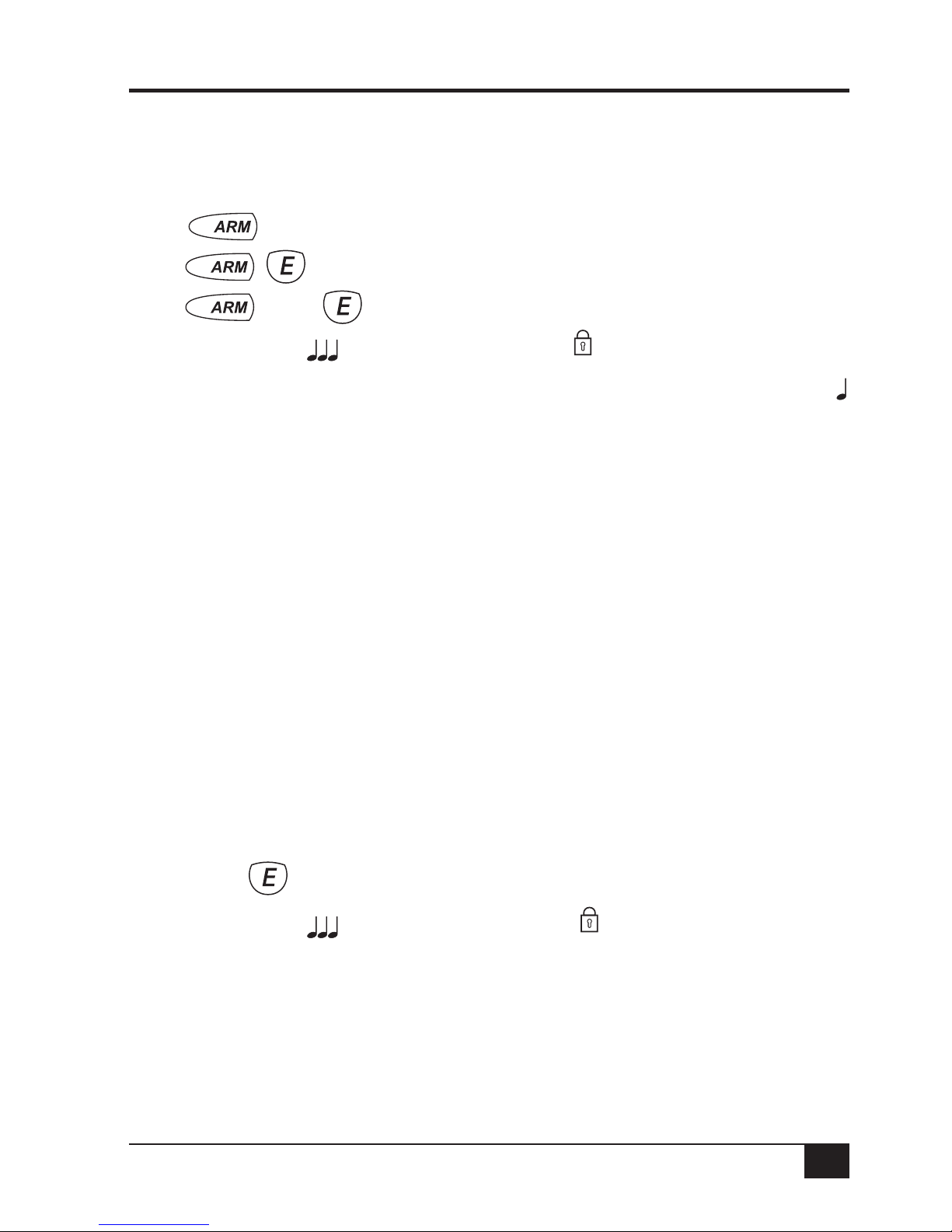
If the D24 has not been programmed for Area operation, this method will Arm the entire system.
Press... (If Two Button Keypad Operation is disabled. This is the factory default.)
...or (If Two Button Keypad Operation is enabled.)
...or [CODE] (If Shortcut Arming is disabled.)
Three beeps will sound and the ARM icon will turn ON
ARM
Leave the premises within the Exit Delay Time. At the end of Exit Delay Time, 1 beep will sound
zones have been automatically excluded. For
maximum security, you should return, Disarm,
check the premises and then Arm again.
Continual warnings could mean that a detector
is faulty and may have to be manually excluded.
AUTO EXCLUDE:
If the auto-exclude option is disabled, the siren
will sound for the duration of reset time if a zone
is Unsealed at the end of exit time.
DISARMING THE SYSTEM
If the D24 has not been programmed for Area operation, this method will Disarm the entire system.
Press... [CODE]
Three beeps will sound and the ARM icon will turn OFF
ARM
Disarm the panel during the Entry Delay Time to prevent unwanted “Alarm on entry”.
An error beep when attempting to Disarm may indicate:
Incorrect Code
or the panel is already Disarmed
or the panel is in Exclude mode
See Page 12 for Disarming Areas