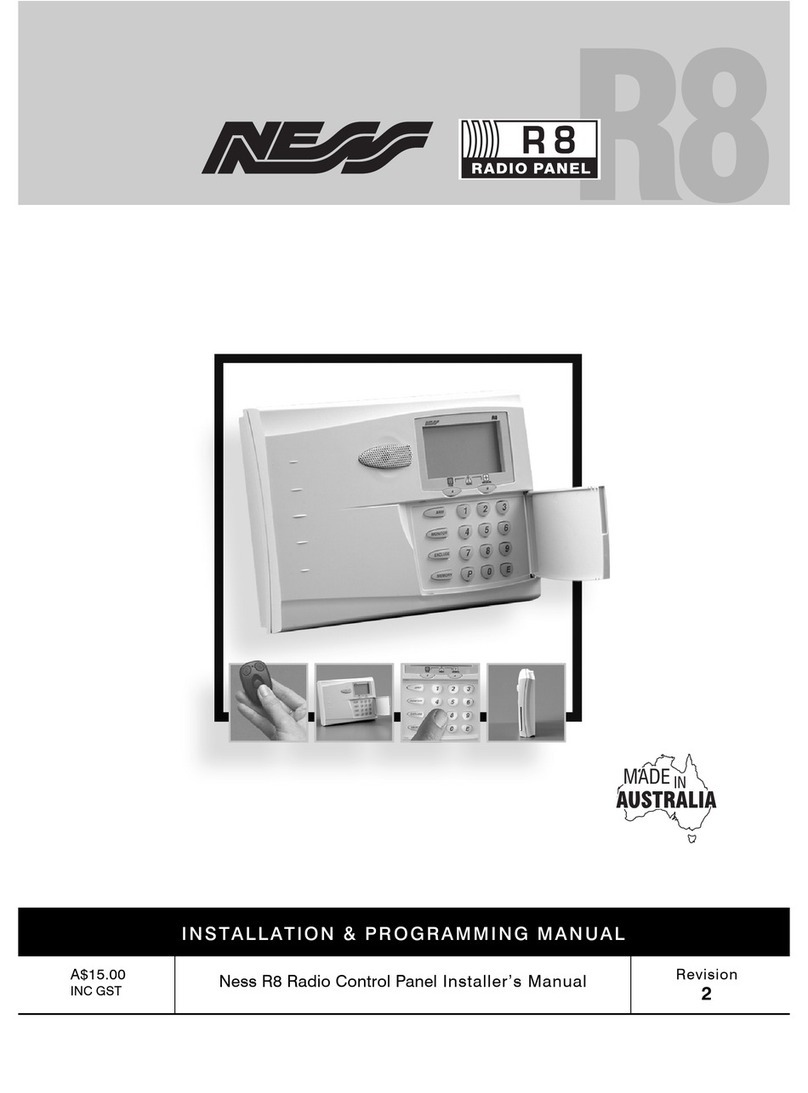
The micro computer based 8 zone control panel forms
the heart of your security system and connects to all
other equipment. Each zone of the panel can be
connected to one or more detection devices to protect
an area such as the front door, hallw ay, w indow s, etc.
Detection devices may be connected to the D-8
control system through the use of either directly
c onnecting devices with cabling or w ith optional
Radio (w ireless) devic es.
Detection devices called Passive Infra-Red Detectors
(or P.I.R’s for short) c an detect the movement of an
intruder by sensing their body heat. P.I.R’s are used to
cover various critical areas of your premises w here
an intruder may enter or trespass. Another detection
device used is called a Reed Sw itch. Reed Sw itc hes
are attac hed to w indow s and doors to detect if a
w indow or door has been opened. A Reed Sw itch is
made up of tw o parts. A magnet w hich is normally
attac hed to the moving part of a w indow or door and a
Reed sw itch w hich is used to detect the presence or
absence of the magnet.
The panel is said to be armed w hen it is set to detect
an intruder. At other times it is disarmed.
Normally a zone is considered secured. Activation of
a detec tion device w ill cause the zone to be
unsecured and may cause an alarm.
Detectors such as fire detectors and panic buttons
must be able to generate an alarm at all times
egardless of the panel setting. A zone w ith this
assignment is called a 24hour zone.
Some detection devices may only be required to
generate an alarm or w arning only w hen the panel is
disarmed. A zone w ith this assignment is called a
day zone.
Before leaving the premises you must arm the panel to
enable it to detect intruders and generate an alarm.
After arming, the panel w ill ignore detectors for the
exit delay time to enable you to d epart w ithout
triggering an alarm.
Arming the system may be done through the keypad or
w ith the use of optional radio keys for Arming from
outside the premises.
When you enter the premises the panel w ill ignore
selected zones for the entry delay time and w ill not
alarm unless you fail to disarm the panel during this
allow ed time.
Disarming the system may be done through the
keypad or w ith the use of optional radio keys for
Disarming from outside the premises.
M onitor mode allow s selected zones to be armed
w hile leaving others disarmed if you w ish to protect a
number of zones w hile you are at home.
If you w ish to split your alarm system into tw o areas
w ith access limited to each area by code numbers
then area operation is used. Optional radio keys may
be used to control area operation.
The control panel housing and the c overs over exter-
nal sirens are protected by tamper sw itc hes to detec t
someone attempting to disable the security system.
Activation of these switches will cause an instant
tamper alarm.
If a detector becomes faulty, you can exclude the
associated zone so that it is totally ignored and cannot
generate an alarm. Including the zone w ill enable it to
generate an alarm again.
The control panel is fitted w ith a rechargeable stand-
by battery to ensure your security system continues to
operate if the mains pow er is interrupted. This battery
is checked every hour and w henever you arm/disarm
the panel.
Whenever an alarm occurs, it may be silenced by
entering an access code or by optional radio keys,
otherw ise it w ill reset at the end of alarm reset time.
All alarms are stored in memory and may be view ed at
any time by entering memory mode.
T ER M I N O LO GY