4
Contents
NeoScan 1000 Installation and Operation Manual // Contents
1. Safety information 5
Conventions in this guide 5
2. NeoScan 1000 Overview 5
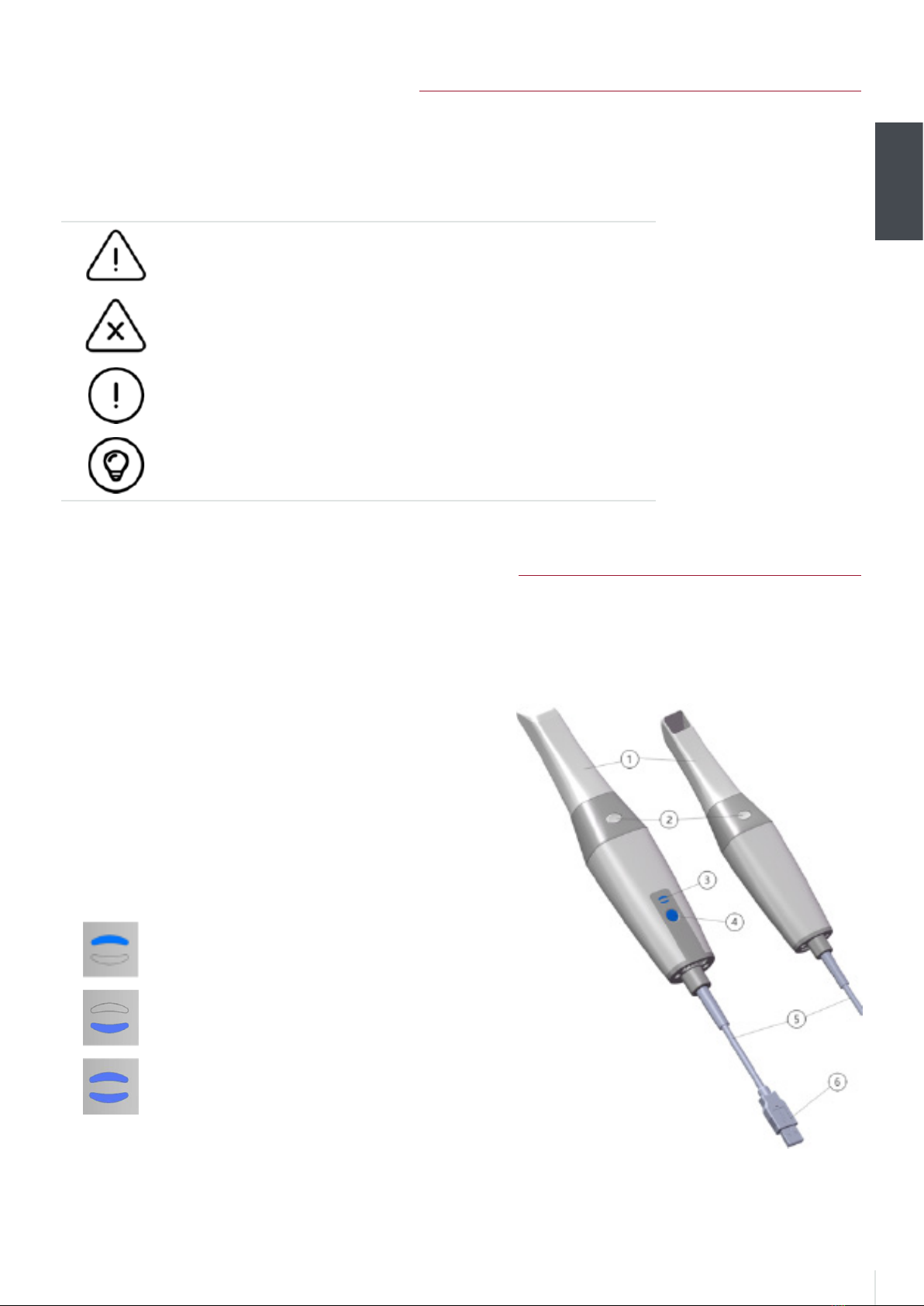
NeoScan 1000 Components 5
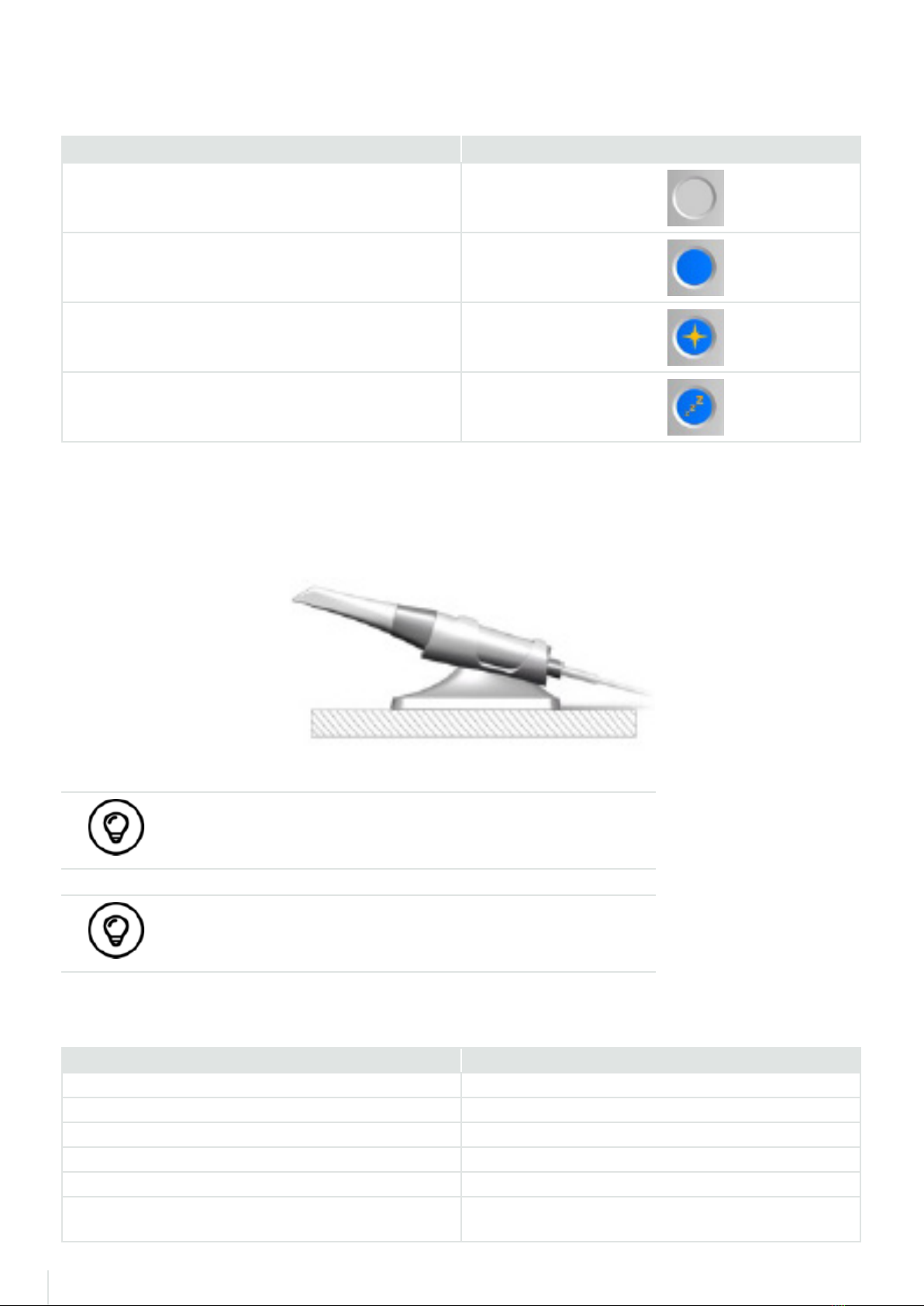
Status indicator overview 6
NeoScan 1000 holder overview 6
NeoScan 1000 packing list 6
3. NeoScan 1000 Software Overview 7
Computer system requirements 7
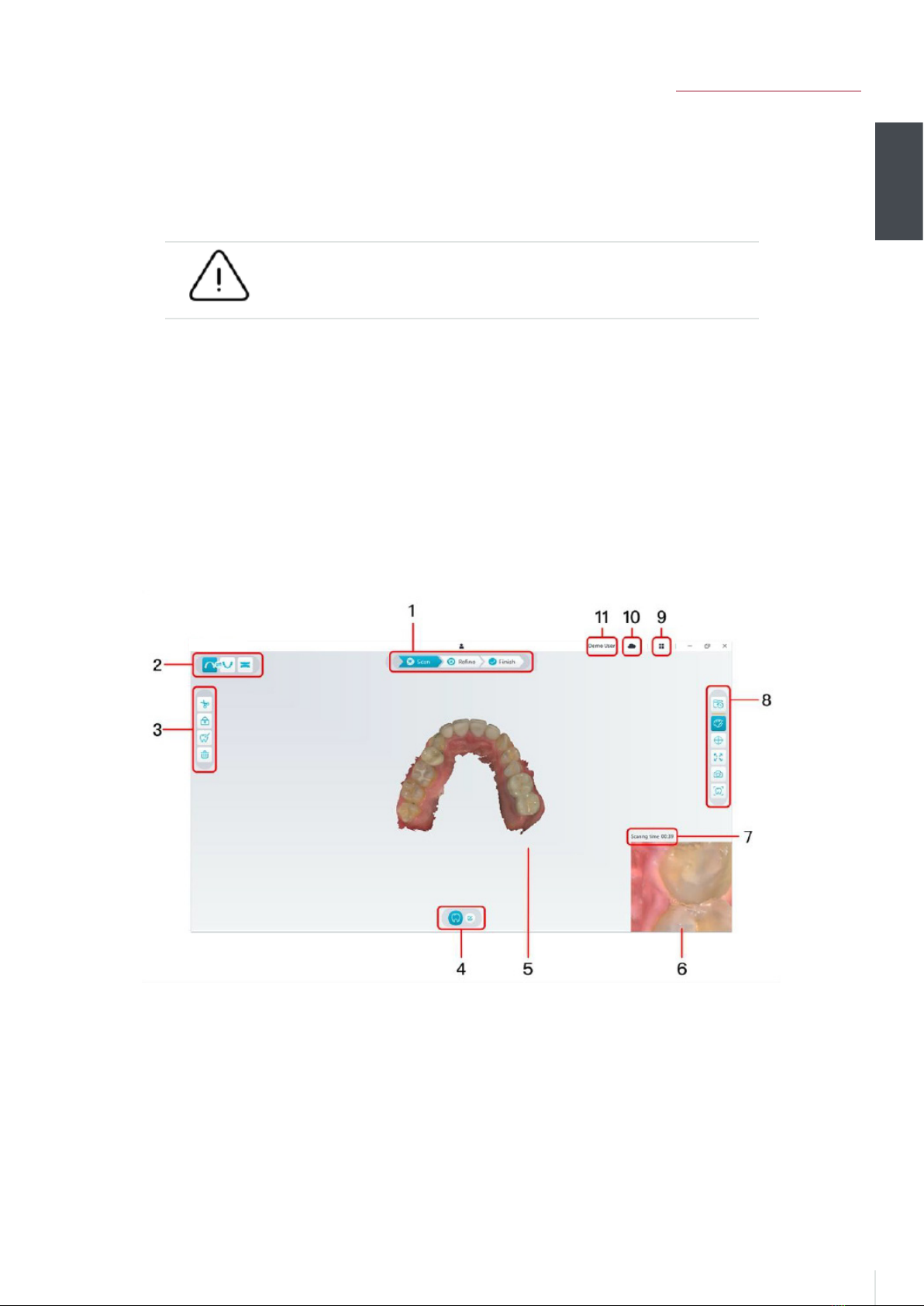
NeoPro interface overview 7
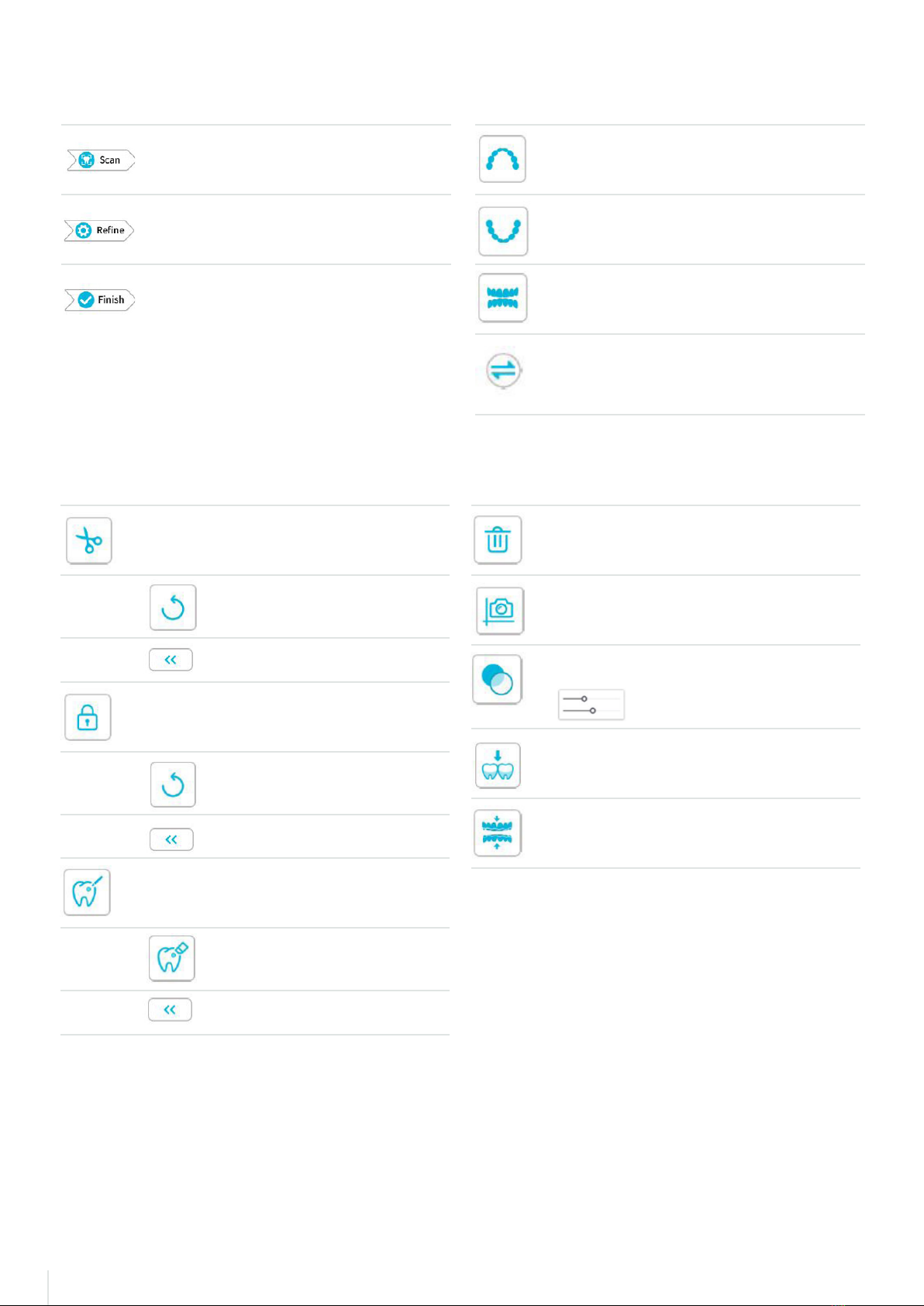
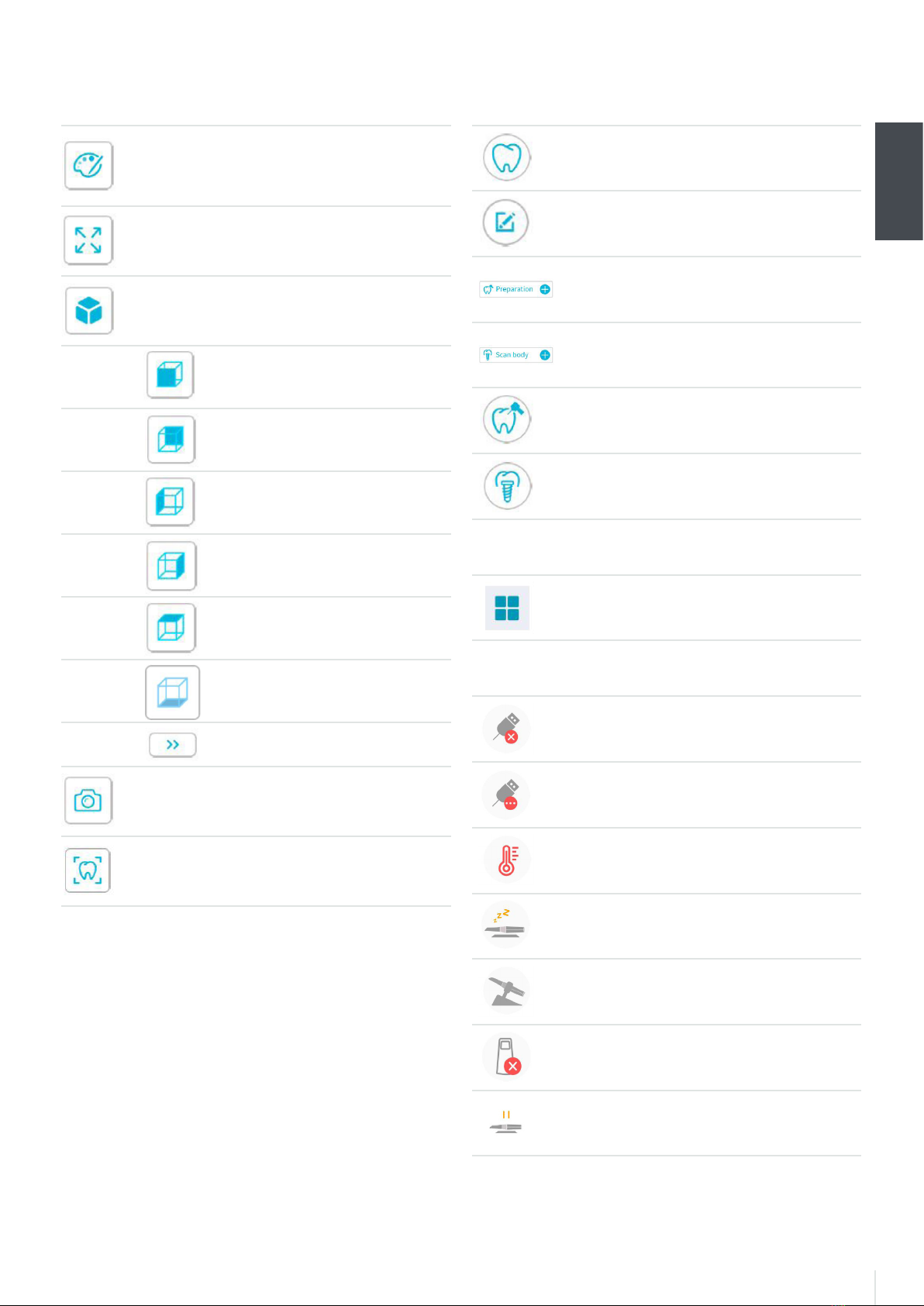
Toolbar overview 7
Toolbar overview - continued 9
Option menu overview 10
Import/Export Scan Data overview 10
Scan History dialog overview 10
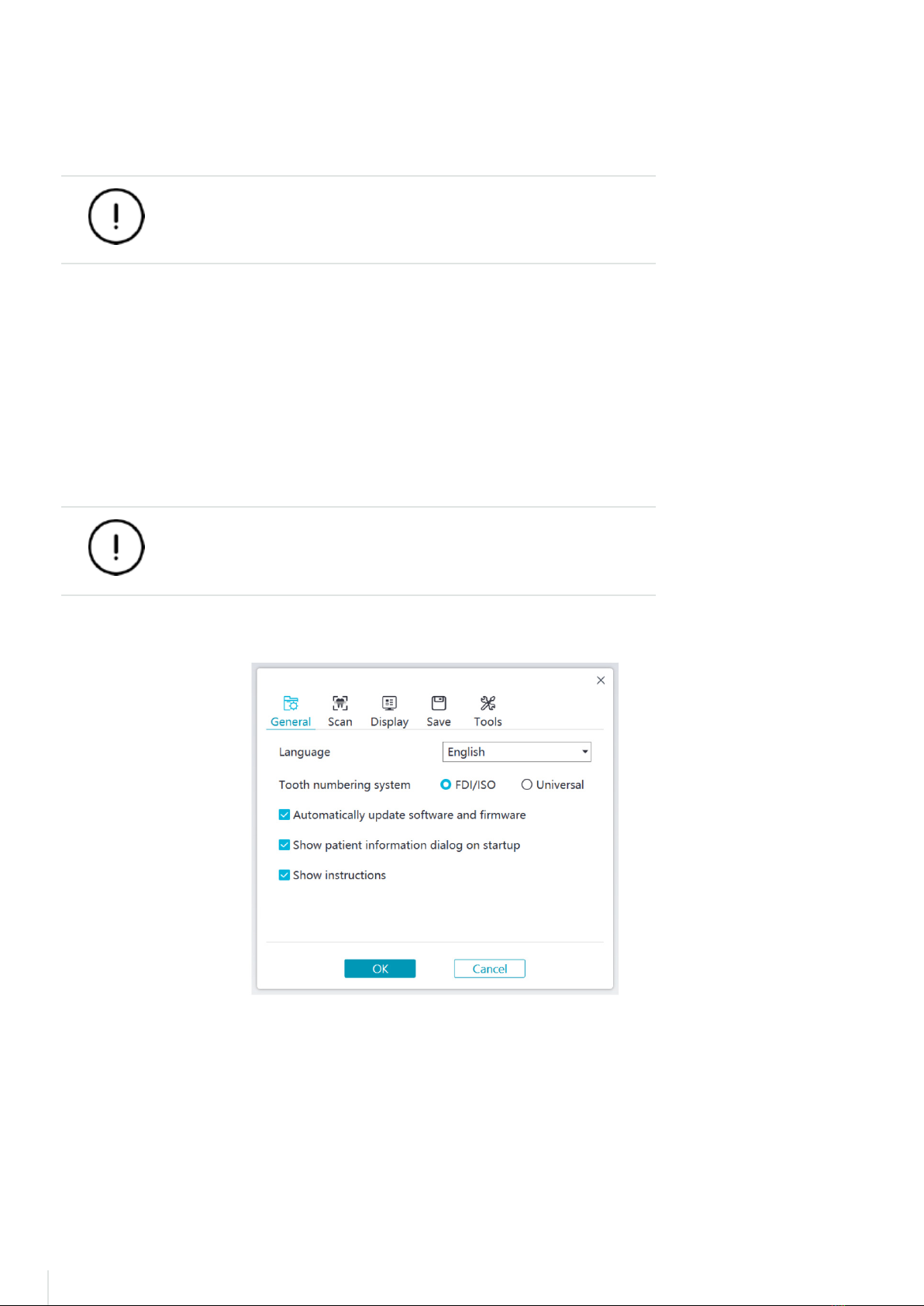
Preference dialog overview 10
About dialog overview 12
4. Setting up the scanner 13
Setting up the scanner 13
Using the scanner holder 14
Installing the desktop holder 14
Installing the wall mount holder 15
5. Getting started 16
Accessing the NeoPro user interface 16
Audio prompts 17
Preparing the teeth 17
Preparing the scanner 17
Starting scanning 18
Scanning approach 18
Scanning protocol 18
6. Acquiring a 3D model using the common scan workflow 19
Scanning the upper and lower jaw 19
Scanning the buccal bite registration 21
Refining and checking the 3D model 22
Completing and saving the 3D model 23
7. Acquiring a 3D model using the scan body workflow 23
Scanning the upper and lower jaw 24
Scanning the buccal bite registration 25
Marking the implant areas 26
Installing and scanning the scan body 27
Refining and checking the 3D model 28
Completing and saving the 3D model 29
8. Acquiring a 3D model using the preparation workflow 30
Import the scanned data before preparing 30
Scan the preparation areas 31
Refining and checking the 3D model 33
Completing and Saving the 3D Model 34
9. Maintenance 35
Cleaning, disinfecting, sterilizing 35
10. Troubleshooting 36
NeoScan 1000 troubleshooting instructions 36