
Motorola m25 Manuel utilisateur
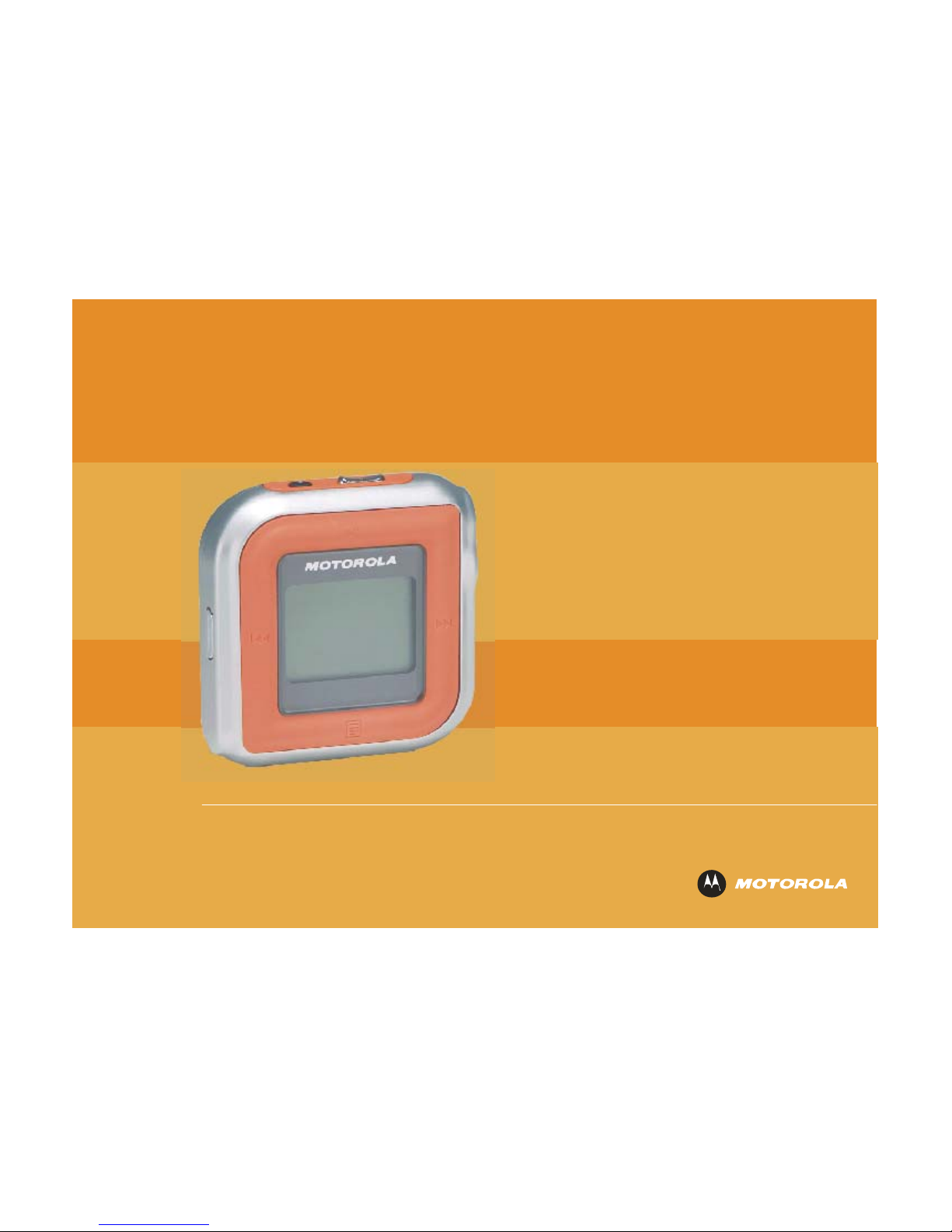
User Guide
m25
DIGITAL PLAYERAUDIO

m25 DIGITAL AUDIO PLAYER 2
Copyright/Trademarks
Copyright © 2004 Motorola, Inc.
All rights reserved. No part of this publication may be reproduced in any form or by any means or used to make
any derivative work (such as translation, transformation or adaptation) without written permission from Motorola,
Inc.
Motorola reserves the right to revise this publication and to make changes in content from time to time without
obligation on the part of Motorola to provide notification of such revision or change. Motorola provides this guide
without warranty of any kind, either implied or expressed, including but not limited to, the implied warranties of
merchantability and fitness for a particular purpose. Motorola may make improvements or changes in the
product(s) described in this manual at any time.
MOTOROLA, and the stylized M logo are registered in the US Patent & Trademark Office. Microsoft, Windows Me,
and Windows XP are either registered trademarks or trademarks of Microsoft Corporation in the United States and/or other countries. All other
product or service names are the property of their respective owners.
Gracenote is a registered trademark of CDDB, Inc.
Macintosh, Quicktime, and iTunes are registered trademarks of Apple Computer, Inc.
Dolby is a registered trademark of Dolby Laboratories Licensing Corporation.
AT&T is a registered trademark of AT&T Corporation.
Fraunhofer is a registered trademark of Fraunhofer-Gesellschaft zur Forderung der Angewandten Forschung.
Sony is a registered trademark of Sony Electronics, Inc.
Nokia is a registered trademark of Nokia Corporation.
FCC & Industry Canada Compliance
Federal Communications Commission (FCC)
This device complies with Part 15 of the FCC Rules. Operation is subject to the following two conditions:
(1) This device may not cause harmful interference, and
(2) This device must accept any interference received, including interference that may cause undesired operation.

m25 DIGITAL AUDIO PLAYER 3
This equipment has been tested and found to comply with the limits for a Class B digital device, pursuant to Part 15 of the FCC Rules. These
limits are designed to provide reasonable protection against harmful interference in a residential installation. This equipment generates, uses
and can radiate radio frequency energy and, if not installed and used in accordance with the instructions, may cause harmful interference to
radio communications. However, there is no guarantee that interference will not occur in a particular installation. If this equipment does cause
harmful interference to radio or television reception, which can be determined by turning the equipment off and on, the user is encouraged to try
to correct the interference by one or more of the following measures:
Reorient or relocate the receiving antenna.
Increase the separation between the equipment and receiver.
Connect the equipment into an outlet on a circuit different from that to which the receiver is connected.
Consult the dealer or an experienced radio/TV technician for help.
Changes or modification not expressly approved by the party responsible for compliance could void the user’s authority to operate the
equipment.
Declaration of Conformity
According to 47 CFR, Parts 2 and 15 for Class B Personal Computers and Peripherals; and/or CPU Boards and Power Supplies used with Class
B Personal Computers, Motorola, Inc., (Motorola, Inc., Broadband Communications Sector, 101 Tournament Drive, Horsham, PA 19044, 1-877-
466-8646, declares under sole responsibility that the product identifies with 47 CFR Part 2 and 15 of the FCC Rules as a Class B digital device.
Each product marketed is identical to the representative unit tested and founded to be compliant with the standards. Records maintained
continue to reflect the equipment being produced can be expected to be within the variation accepted, due to quantity production and testing on
a statistical basis as required by 47 CFR 2.909. Operation is subject to the following condition: This device must accept any interference
received, including interference that may cause undesired operation. The above named party is responsible for ensuring that the equipment
complies with the standards of 47 CFR, Paragraphs 15.107 to 15.109.
Industry Canada
This Class B digital apparatus complies with Canadian ICES-003.
Cet appareil numérique de la classe B est conforme à la norme NMB-003 du Canada.

m25 DIGITAL AUDIO PLAYER 4
Contents
Contents 4
Package Contents 5
Welcome 6
Tour of the m25 8
LCD Overview 11
Basic Setup 14
Software Setup 16
Basic Operations 22
Play Music 28
Advanced Features 35
Frequently Asked Questions 52
Glossary 55
Appendix A – The MP3 Format 58
Appendix B – Menu Tree 60
Limited Warranty and Software License 61
Index 69

m25 DIGITAL AUDIO PLAYER 5
Package Contents
• m25 Digital Audio Player
• Installation CD
• Earphones
• AC Adapter/Charger
• Belt Clip
• Mini USB Cable

m25 DIGITAL AUDIO PLAYER 6
Welcome
Congratulations on your purchase of the Motorola® m25 Digital Audio Player (Model DAP025). The m25 is a portable
player that provides many hours of MP3 and WMA playback. The m25 features a lighted LCD, a memory expansion
slot, a stopwatch, and an FM radio tuner. It has a 256-megabyte (MB) internal memory and can accept external MMC
or SD memory cards of up to 1 gigabyte (GB) in a slot in the battery compartment. The player can be controlled either
by a small joystick on the side called the Thumbstick or by four pressure-sensitive symbols on the bezel of the LCD for
all the basic functions.
Included with the m25 is the Motorola Digital Music Center for Windows® PCs. This easy-to-use and powerful
software will allow you to extract music tracks from CDs, organize them in a variety of ways, and quickly download
them to the m25 using a high-speed USB 2.0 connection. (Your computer must support USB 2.0 for the fastest
transfer times; the m25 and software will also work with the older USB 1.0 format.) Help files are included in your
Motorola Digital Music Center installation that guide you step-by-step through the functions of the software and your
player. Just click on the icon to choose the topic for which you need information.
And, with Windows® 2000 and Windows XP™, the player’s internal memory and any installed memory card will show
up on Windows Explorer as removable drives that you can easily use like any other drive.
The m25 also supports Apple iTunes® software (a free download from www.apple.com), and the firmware in the
player accepts updates from both the PC and Macintosh® computers.

m25 DIGITAL AUDIO PLAYER 7
The m25 supports the following digital audio formats:
• MP3 with ID3 tags
• WMA with ID3 tags
• Audible®files
• Microsoft’s DRM (Digital Rights Management) coding
It can play most VBR (Variable Bit Rate) files, although not all LCD features may be available for those tracks. The
total number of songs that can be stored on the m25 will depend on the way in which they are encoded and the bitrate
used; see the FAQ section of this manual for more information.
Learning More
The capabilities of the m25, as well as the power of the software and the ways in which you can work with music files
in general, are considerable. You will enjoy experimenting with the software and music files as you get to know how to
get the most from your m25 Digital Audio Player. Refer to the Quick Start Guide for the basics on how to set up and
start using the m25.

m25 DIGITAL AUDIO PLAYER 8
Tour of the m25
Main View

m25 DIGITAL AUDIO PLAYER 9
Side View
Bottom View

m25 DIGITAL AUDIO PLAYER 10
Inside View
Autres manuels pour m25
2
Table des matières
Autres manuels Motorola Lecteur MP3

Motorola
Motorola i870 Manuel utilisateur

Motorola
Motorola m500 Manuel utilisateur

Motorola
Motorola MOTOROKR Z6m Manuel utilisateur

Motorola
Motorola m25 Manuel utilisateur

Motorola
Motorola i870 Manuel utilisateur

Motorola
Motorola m25 Manuel utilisateur

Motorola
Motorola m250 Manuel utilisateur

Motorola
Motorola S705 - Soundpilot Mode d'emploi
Manuels Lecteur MP3 populaires d'autres marques

Blaupunkt
Blaupunkt Compact Drive MP3 Manuel utilisateur

Memorex
Memorex MMP9008 - 8GB USB 2.0 Manuel utilisateur

Meizu Electronic Technology
Meizu Electronic Technology E5 Manuel utilisateur

Naxa
Naxa NMV-173NX Manuel utilisateur

Philips
Philips PSA250 Manuel utilisateur

Zipy
Zipy go! Waving Manuel utilisateur


