
Miweba HY02TP Manuel utilisateur

HY02TP WIFI Plug In Thermostat User Manual
Many thanks for your selection of our products and services, and also for your trust and
support to us.
HY02 Series is suitable for temperature control of electric floor heating system.
Feature
Built-in sensor or external sensor, much
safer and comfortable.
0.5°C accuracy keeps temperature
within the level you set.
Children lock to prevent misoperation
by children
weekly programming mode includes:
5+2, 6+1, 7 days three modes, and can
be DIY programming.
The classic holiday mode allows you to
enjoy a comfortable temperature during
your holiday.
Temporary manual mode: In the
automatic mode, set the temperature,
the thermostat will run for a period
according to the set temperature, and
then return to the automatic mode
Product Specifications
Power:230Vac 50/60HZ
Probe Sensor:NTC(10k)1%
Current:16A/250V
Working environmental
temperature:0~70°C/
Range of temperature
adjustment:5~35℃
Display accuracy:±0.5℃
Size:
Description of icons and buttons (Fig.1)
Search for " Smart RM " Download the Wifi
App with the following icon.
Turn on the thermostat, press and hold the
key combination “ ” and “ ” Activate
WIFI distribution network icon
The App advanced password is 123456

Auto mode;run preset program
Manual mode
Temporary manual mode
Holiday mode, Holiday days and
temperature can be set to run in
countdown mode
Heating, icon disappears means
stop heating
Clock
WIFI connection, flashing EZ
distribution mode
Wifi status: Disconnection
Cloud icon: flashing AP
distribution network mode
Children lock
Key Function
:ON/OFF Turn on/off key
Short press SET to switch automatic
mode and manual mode
Turn on thermostat, long press SET
for 3-5 seconds to enter into
programmable setting
Turn off thermostat, long press SET
for 3-5 seconds to enter into advanced
setting
Confirm key: use it with SET key
Only short press it to set time.
Press and hold for 3-5 seconds to enter the
holiday mode setting. Press or
change OFF to ON, and press to confirm
the holiday mode turned on.
+ :Press and hold for pairing Wifi
:Decrease key, Long press to lock
/unlock
Increase key
In the Auto mode, press or
enter into temporary manual mode
Programming mode
5+2 (factory default), 6+1 and 7 models 6 times period setting for user choose. In the advanced
options choose model of you need, under power on state, long press for 3-5 seconds enter
into programming mode setting, then short press choose: hour,minute, time period, and
press and to adjust data, finished setting, about 10 seconds will automatic save and exit.
Wake up
Out door
Back home
Out door
Back home
Sleep
6:00
20℃
8:00
15℃
11:30
15℃
13:30
15℃
17:00
15℃
22:00
15℃
The optimum comfort temperature is 18℃-22℃.
Advanced options
Under turn off state, long press 3-5 seconds to access advanced setting.
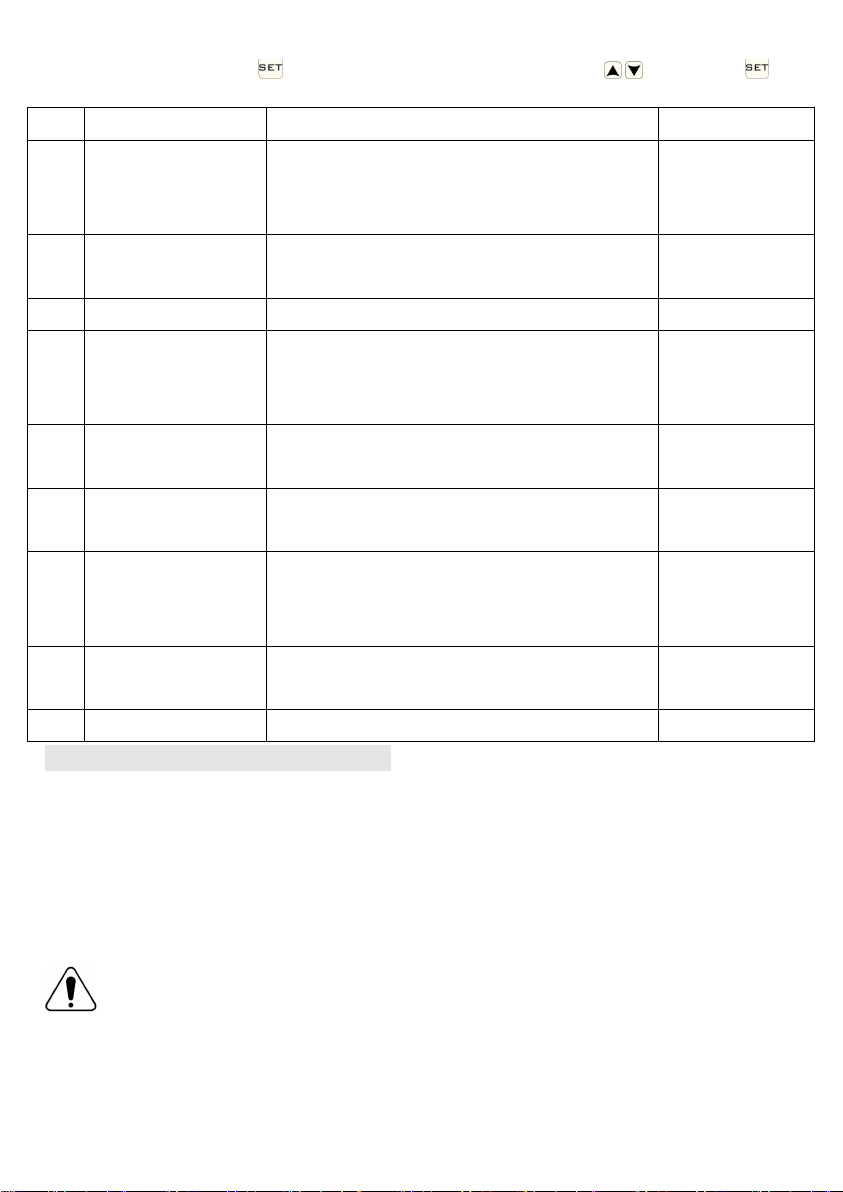
From A1 to AC, short press to choose the option, and adjust data by , , short press to
switch next option.Remain about 5 seconds after setting finished will quit setting..
NO
Setting Options
Data Setting Function
Factory Default
A1
Measure
Temperature
Calibration
-9-+9℃
0.5℃ Accuracy
Calibration
A2
Start temperature
difference setting
0.5-2.5℃
1℃
A3
Children lock setting
0:half lock 1:full lock
0
A4
Limit value of low
temperature for
external sensor
1. 1-10℃
2. Exceed 10℃, screen display【--】,Low
temperature protection was canceled.
5℃
A5
Setting temperature
minimum limit
1-10℃
5℃
A6
Setting temperature
maximum limit
20-70℃
35℃
A7
Power on memory
0:Power on memory function
1:Shutdown power after power off
2:Shutdown power after power on
0:Power on
memory function
A8
Run programming
selection
0:(5+2)/1:(6+1)/2:(7days)
0:(5+2)
A9
Reset factory setting
Display A o, press OK key till whole icon show
Wiring and installation instructions
1. Read these instructions carefully. Failure to follow these instructions can result in damage to
the product or a hazardous situation.
2. Confirm the maximum load given in the instructions and product, to ensure the product is right
for your application.
3. The installer must be a trained and experienced service technician.
4. After the installation completed, follow the steps in these instructions.
Warning
Live work can cause a short circuit or damage the device
Disconnect power supply before installation
Manuels Thermostat populaires d'autres marques

EWELLY
EWELLY EW-181 Manuel utilisateur

Prolon
Prolon T1100 Instructions d'installation

Computherm
Computherm Q20 Manuel utilisateur

Heatmiser
Heatmiser neoStat Manuel utilisateur

Aube Technologies
Aube Technologies TH111GFCI-NP 240 VCA Manuel utilisateur

Mars
Mars HEAT CONTROLLER IR Wireless Thermostat Manuel utilisateur


