2
Table of Contents
Welcome.........................................................................................................................……..3
Getting Started……………………………………………………………………………………4~12
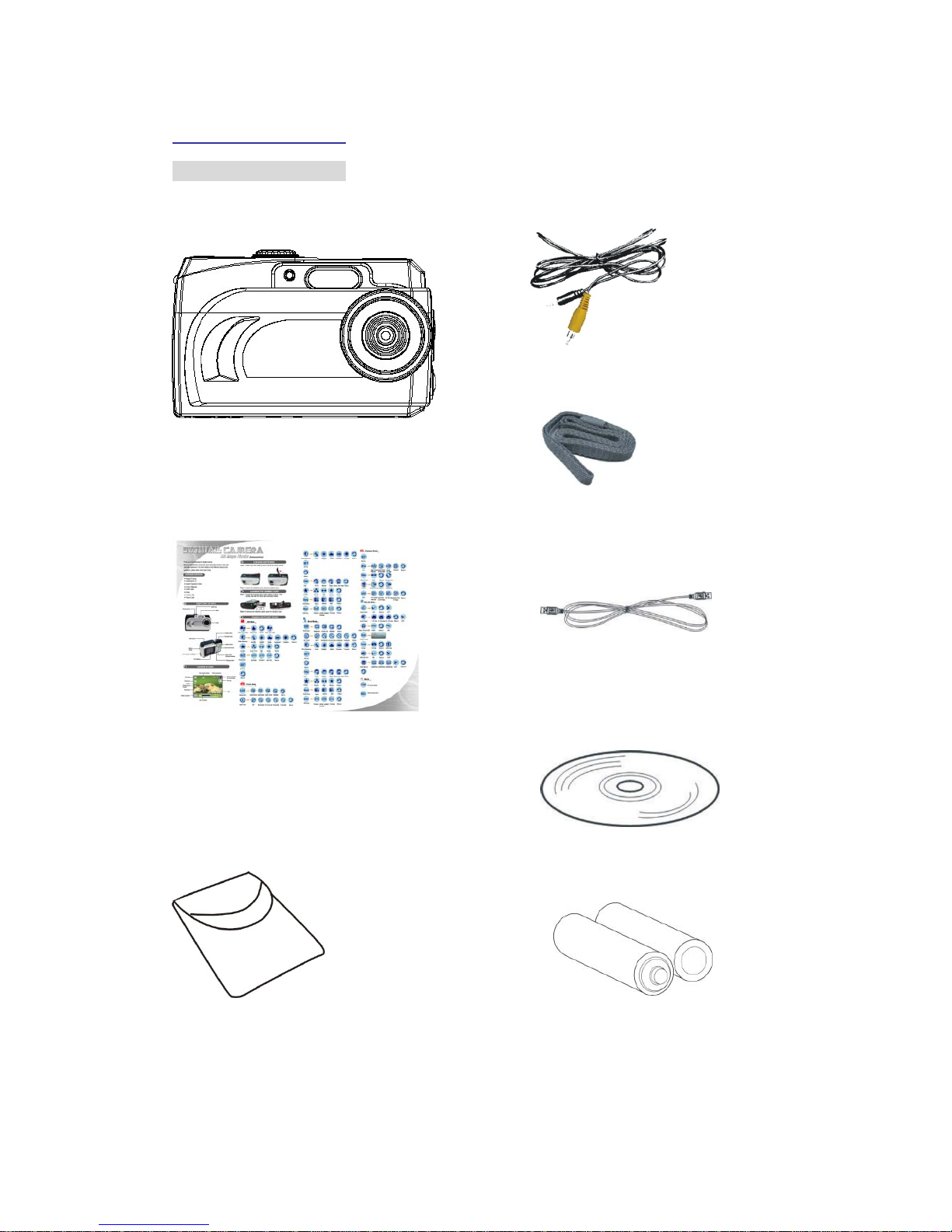
-Contents of Package................................................……….............…….............. 4
-System Requirements................................................……….............……......….. 5
-Feature...................................................................…............................…......….. 6
-LCD Display Icons...................................................................….......................... 6
-Shooting Mode...................................................................…..............……………7
-Camera Setting Icons...........…............................................................................. 8~12
Power Up……………………………………………………………………………………………. 13
-Battery Installation..................................................................…......................... 13
-Turning the Power ON/OFF.......…...................................................................…13
-Sleep Mode..................................................................…............................…….13
Set Up Mode…………………………………………………………………………………… 14~18
-Startup Screen………………………………………………………………………… 14
-Video Format..................................................................…............................…..14
-Sharpness...................................................................….....................................14
-Specifying Image Size and Quality.............................…..................................... 14~15
-Selecting the Focus Mode..................................….............................…………..15
-Using Different Metering Options...................................…..................................15
-Using the Flash...................................….............................................................16
-Exposure Compensation (EV Shift) ...…............................................................. 17
-Adjusting White Balance..................…................................................................17
-Using the Self-Timer.................…........................................................................17
-Quick View................…....................................................................................... 17
-Deleting Pictures, Video and Audio..................................................................... 18
Taking Pictures.................................................................................................….......…….. 19
Taking Video or Audio..................................................................................….......….……. 20
Playing Back Pictures, Video and Audio.......................................................….......…….. 20
DPOF Print.....................................................….......….….................................................... 21
Install Camera Drivers and ArcSoft Programs……………………………………………22~26
-Install Camera Driver.......................................................................................... 22
-ArcSoft PhotoImpression 4.0.......................................……………………….….. 23
-ArcSoft PhotoBase 3.0..........................................………………………............. 24
-ArcSoft VideoImpression 1.6...........................……………………….....……....... 25
-QuickTime Player.....……………………….....……...............………………………26
Uninstall Application Programs……………………………………………………………….... 27
Download Photos………………………………………………………………………………28~31
-Using a Memory Card to Transfer Images to a Computer..................………….. 28
-Transferring Record Photos/ Video to Computer Using Camera……………….. 29
-Downloading Photos Using PhotoImpression4.0……..…………………………... 30
-Photo and Sharing Management Using PhotoBase 3.0………………….....….... 31
Video Playback…………………………………………………………………………………32~33
-Video Playback Using VideoImpression 1.6……………………………………..... 32
-Playing Movie Clips Using QuickTime Player …………………………………….. 33
Appendix…………………………………………………………………………………………34~35
-Troubleshooting………………………………………………………………………. 34
-Specifications………………………………...…………………………………….…. 35