5
EDL-4S Quick Start Guide with MDAS-X
SEt
Ch1
Good
Ch2
Good
Ch3
Good
Ch4
Good
Ch
h4
Ch1 °C
°C
Gz
DAY
D
A
Y
229
Ch2
226
Ch4
OO2
OOOO
Starting the Logger
1. On the logger, click the Settings 13 button until Set 14 appears on the
screen.
2. Click the Start 15 button to enter the menu.
3. Hold down the Start 15 button for 4+ seconds to start the
recording.
Good 16 will appear on all sensors that are correctly
configured.
Rec 17 will flash on the upper left-hand
corner, and the time will count up once the
logger has started.
If there are errors with the sensors, Error
will appear on the LCD, and the logger will
not start.
Alternative Method: Use the Start
Recording Now (EDL-4S only) option in
the software to start the logger.
Note: A full list of the hardware keys on the
logger face and how to navigate them will
be included at the end of this document.
Reading the
Logger
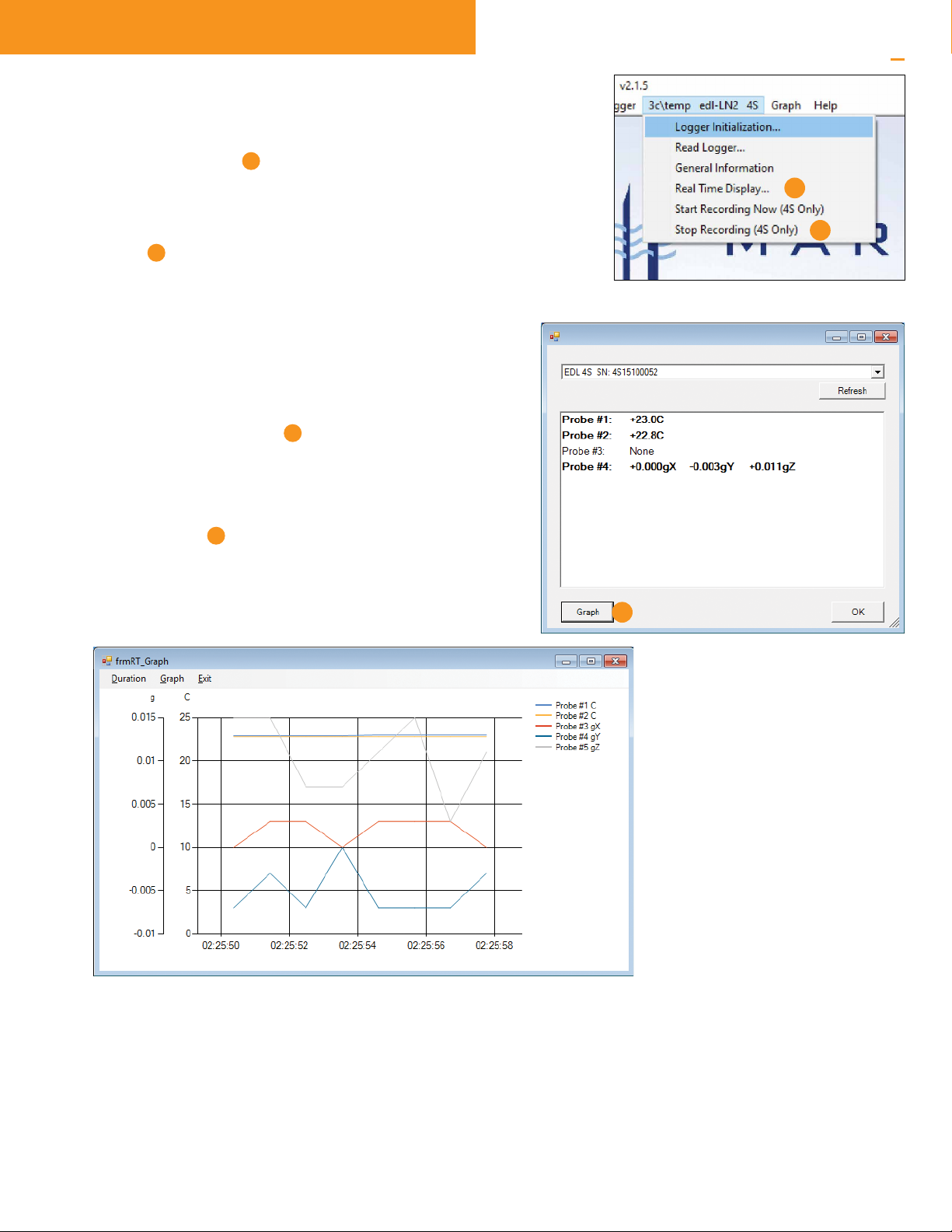
1. In the software, go to the menu item 3c\temp edl-LN2 4s 18 , and
choose Read Logger.
2. Wait for the progress bar 19 to reach 100%, and then click OK
20
.
3. Choose the location on the PC or server to store the downloaded data
file.
4. Click the Save 21
button.
5. A graph of the data will
be displayed.
18
19
21
15
16
17
13
14