
LG BBDB-FF02E Manuel utilisateur

.
BBDB-FF02E User Manual
Ver.1.0
FHD/FHD 2Ch. Dashcam
Inside your life !

1... BBDB-FF02E Dashcam A/S Manual
Revision Date Description of Changes Drafter
1.0 Aug.09, 2016 Initial release JH Hong
Record of Revision

2... BBDB-FF02E Dashcam A/S Manual
I. Product Summary
1. Product SPEC 4
2. Name of parts 5
3. Basic function 7

3... BBDB-FF02E Dashcam A/S Manual
Specifications
Resolution/
Number of frames
Front : FHD
Rear : FHD
1920 x 1080(30 fps)
1920 x 1080(30 fps)
Camera
Image sensor Front : 1/2.8” 2.0MP CMOS
Rear : 1/2.7” 2.0MP CMOS
Angle of view Front : 136° / Rear : 120° (Diagonal)
Display
LCD 3.5” TFT LCD with TSP (480 x 320)
Status LED Power/Record(Red/Blue), Security(White)
Video / Audio
Video/Audio codec Video : H.264, Audio : PCM
MIC Internal(Condenser MIC)
Speaker Internal(8 ohm, 1W)
Others
SD memory Micro SD 32GB(~64GB)
Operating voltage DC +12 ~ +24V
Operation temperature -20 ~ +70℃
Standby current Max. 100uA
Shock sensor 3 axis G-sensor
GPS External GPS(Option)
Chapter Ⅰ | Product Summary 1. Specifications

4... BBDB-FF02E Dashcam A/S Manual
Name Function
1. External GPS antenna
connection terminal Connects to external GPS antenna.
2. Rear camera
connection terminal Connects to rear camera.
3. Power cable
connection terminal Connects to power cable.
4. Stand fixation screw Fixates the product by tightening set screw
so that the product doesn’t shake.
5. Stand Used to attach the product to car’s front windshield.
6. Security LED LED flickers in different interval depending on
driving/parking/event.
7. Lens Video signal from product’s front is entered here.
8. Speaker You can listen to voice guide.
9. Force record button Push to record in need of forced recording.
10. Power button Push when the device is powered on to shut the power off.
11. Micro SD card slot Insert micro SD card.
12. LCD screen Check dashcam setting and play video.
13. LED status Displays operation status.
14. Embedded microphone This microphone records sound.
③
⑤
⑦
⑥
⑧
⑨
⑩
⑪
①
④
⑬
⑭⑫
2. Name of parts
Chapter Ⅰ | Product Summary
②

5... BBDB-FF02E Dashcam A/S Manual
Name Function
1. Stand Attaches rear camera to the vehicle.
2. Camera lens Video signal from rear camera is entered here.
3. LED Provided for parking status and supplemental effect.
4. Main body connection
terminal It’s a MINI USB port that connects to the main body.
5. Mirror Switch Mirror switch changes left/right of rear camera. Connect to main
body after setting it, or set it when the main body is turned off.
Chapter Ⅰ | Product Summary
②
③
④
①
⑤
2. Name of parts

6... BBDB-FF02E Dashcam A/S Manual
Operation Condition LED Status Comment
Red Green
Bootup
Bootup Light Light Each lights up then shuts off
immediately
Incorrect
SD card recognition Flicker OFF Red LED flicker
Incorrect camera
recognition OFF Flicker Green LED flicker
Constant
mode
Constant OFF Light
Records in 80MB interval during
driving
(1CH ~80 sec, 2CH ~40 sec)
Event Flicker Light
Records in 40MB interval during
impact
(1CH ~40 sec, 2CH ~20 sec)
Manual
recording Button Flicker Light Records in 40MB interval when
manual recording button is pressed
Parking
recording
Event
(Motion/Impact) OFF OFF Records in 40MB interval when
motion is detected while parked
Rear camera Left/right reverse - User can select using rear camera
left/right button
▶ Basic Function
※ LCD automatically shuts off during parking mode.
※ Use left/right button of rear camera while power is shut off.
▶ High Temperature Cut off
High temperature cut off is operated when the temperature inside the
car is increased in order to prevent device malfunction and protect
dashcam. Once the system shuts off due to high temperature, it needs
to be rebooted for operation.
Situation Condition
Constant
mode
LCD Shutoff
When the temperature inside your car is raised above LCD
cutoff standard temperature, the device will display
“LCD will shut off to protect the device against high
temperature” and shut off LCD screen.
(Device will not turn on even if you touch LCD screen.)
Device will become operational once temperature is
dropped below standard temperature.
System Shutoff When the temperature inside your car is raised above
system cutoff standard temperature, the device will
display “system will shut off to protect the device against
high temperature” and shut off the system.
The device must be rebooted to operate.
Parking
recording System Shutoff
▶ Security LED Operation Status
Situation Security LED Status Comment
Constant
mode
Constant Front White LED flicker Left/right motion flicker
Event Front White LED OFF -
Parking
recording
Recording Front White LED flicker Left/right motion flicker
Event Front White LED complete flicker 1 sec interval
Chapter Ⅰ | Product Summary 3. Basic function

7... BBDB-FF02E Dashcam A/S Manual
3. Basic function
▶ MAIN MENU
1) Initial screen
This screen is displayed on LCD after bootup.
① ②
③ ④ ⑤
No Function Operation Status
① MENU This MAIN MENU allows you to play video and change
settings.
② GPS Indicates GPS connection status.
(Activated when connected to GPS)
③ Time/Date Displays time and date of the product.
④ Car Speed Displays speed of driving car.
(Activated when connected to GPS)
⑤ Voltage Displays voltage input to the product.
2) Operation status display screen
Chapter Ⅰ | Product Summary
8... BBDB-FF02E Dashcam A/S Manual
▶ MAIN MENU
3) Change channel
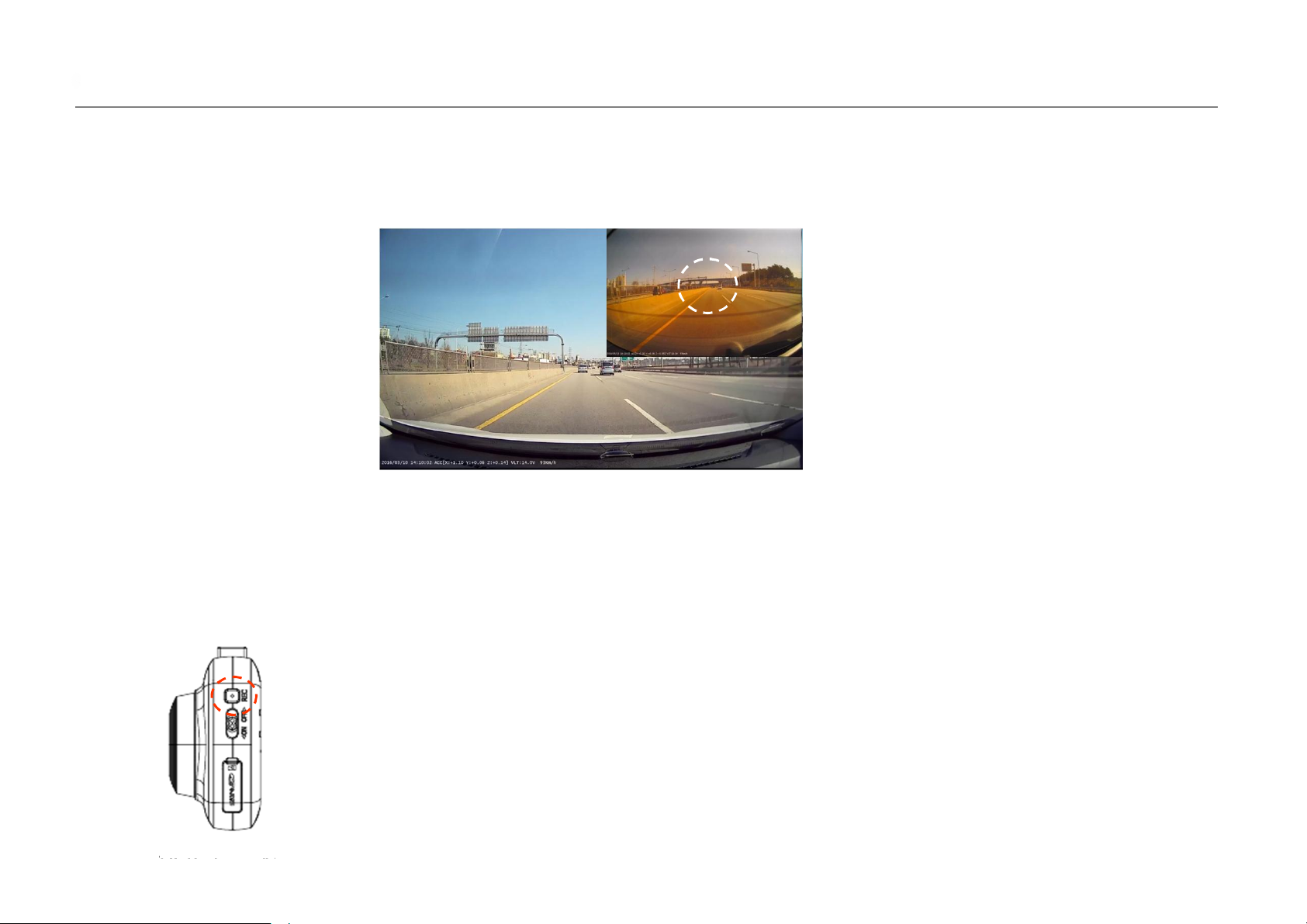
Touch the upper right corner of the screen to change the screen being displayed.
How to change channel – Touch the upper right portion of displayed screen to change screen.
Front (full screen)+Rear (upper right 1/4) àRear (full screen) àFront (full screen) à
Front (full screen) + Rear (upper right 1/4)
※ Touch areas other than upper right screen to turn LCD ON/OFF.
Touch
4) Manual recording
When you press manual recording button, the recording will take place in the same manner as
event occurrence, LED status will flicker red LED, and make “ding dong” sound.
Even during operation of motion event or impact event, manual recording takes priority.
(Not supported during parking mode.)
Chapter Ⅰ | Product Summary 3. Basic function

9... BBDB-FF02E Dashcam A/S Manual
▶ MAIN MENU
No Function Operation Status
① Front Video Only displays front video on LCD screen.
②Front/Rear
Video Displays both front/rear video on LCD screen.
③ Rear Video Displays rear video on LCD screen at the same time.
④ LCD OFF Turns OFF the LCD screen.
⑤ ADAS Allows you to turn ADAS function ON/OFF and change the
setting.
⑥ MENU Allows you to see recorded video and change setting for
many items.
1) Select channel
You can select screen displayed on LCD, ADAS, and
MENU.
2) Operation status display screen
Chapter Ⅰ | Product Summary
① ② ③
④⑤⑥
3. Basic function
Table des matières
Autres manuels LG Caméra embarquée


