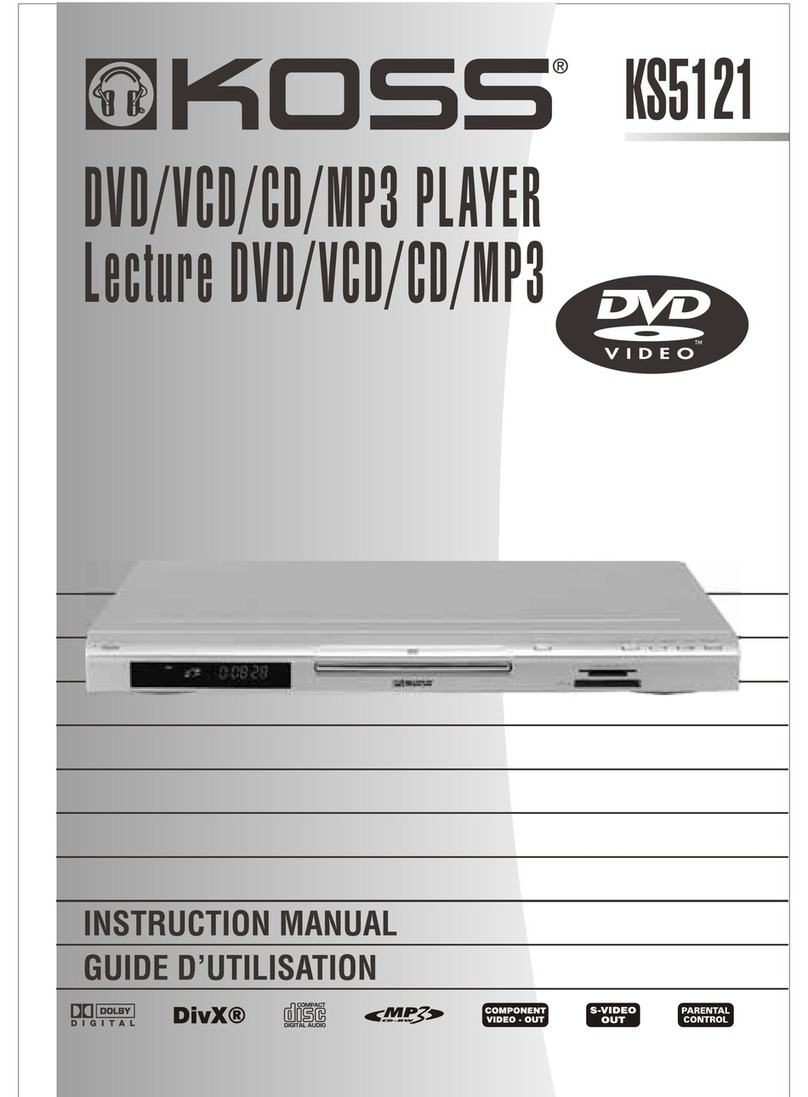
Koss DVP2161 Manuel utilisateur


25
WARNING
W RNING: TO REDUCE THE RISK OF FIRE OR ELECTRIC SHOCK, DO NOT EXPOSE THIS PPLI NCE
TO R IN OR MOISTURE. D NGEROUS HIGH VOLT GES RE PRESENT INSIDE THE
ENCLOSURE. DO NOT OPEN THE C BINET. REFER SERVICING TO QU LIFIED PERSON-
NEL ONLY.
ATTENTION: TO PREVENT ELECTRIC SHOCK, MATCH WIDE BLADE OF PLUG TO WIDE SLOT, FULLY
INSERT.
LASER: This Digital Video Disc Receiver employs a Laser System.
To ensure proper use of this product, please read this owners manual carefully and retain for future
reference. Should the unit require maintenance, contact an authorized service location - see
service procedure.
Use of controls, adjustments or the performance of procedures other than those specified may
result in hazardous radiation exposure.
To prevent direct exposure to laser beam, do not try to open the enclosure.
Visible and invisible laser radiation when open and interlocks defeated.
DO NOT ST RE INTO BE M
To reduce the risk of electric shock, do not remove cover (or back).
No user serviceable parts inside. Refer servicing to qualified service personnel.
CAUTION
The lightning flash with arrowhead symbol, with in an equilateral
triangle, is intended to alert user to the presence of uninsulated
"dangerous voltage" within the product enclosure that may be
of sufficient magnitude to constitute a risk of electric shock to
persons.
The exclamation point within an equilateral triangle is intended
to alert the user to the presence of important operating and
maintenance (servicing) instruction in the literature accompanying
the appliance.
INVISIBLE LASER RADIATION WHEN OPEN AND
INTERLOCK FAILED OR DEFEATED.
AVOID DIRECT EXPOSURE TO LASER BEAM.
WARNING :
To reduce the risk of fire or electric shock, do not expose this appliance
to rain or moisture.
CAUTION :
Use of controls or adjustments or performance of procedures other than
those specified may result in hazardous radiation exposure.
RISK OF ELECTRIC SHOCK. DO NOT OPEN
CAUTION
LASER
Type Semiconductor laser Ga I s
Wave length 650 nm/780nm
Output Power 5 mW
Beam divergence 60 degree

1
TABLE OF CONTENTS
INTRODUCTIONS ..................................................................................................................... 2
PACKAGE CONTENTS .............................................................................................................. 3
PARTS AND CONTROLS ............................................................................................................ 4
FRONT SIDE .............................................................................................................. 4
RIGHT SIDE ............................................................................................................... 5
REAR SIDE................................................................................................................ 5
REMOTE CONTROL .................................................................................................. 6-8
LCDDISPLAY ...................................................................................................................... 9
AUDIO/VIDEO CONNECTIONS .................................................................................................. 10
CONNECT AC OR DC ADAPTER INTO THE DC 12V SOCKET .......................................... 10
A/V(RCA)CABLE CONNECTION (3RCA CABLE INCLUDED) ........................................... 10
COMPONENT VIDEO OR "S"VIDEO CABLE CONNECTION (CABLE NOT INCLUDED) ..................... 11
FOR CONNECTION TO DOLBY DIGITAL 5.1RECEIVER ........................................................ 12
USINGTHE EARPHONES ............................................................................................. 13
USINGTHE REMOTE CONTROL ............................................................................................... 14
BASIC OPERATIONS .............................................................................................................. 15
PLAYBACK ................................................................................................................ 15
REPEAT PLAYBACK ..................................................................................................... 16
ZOOM FUNCTION ...................................................................................................... 16
LOCATING ATITLE,CHAPTER OR TRACK ......................................................................... 16
MP3PLAYBACK ....................................................................................................... 17
BROWSE /VIEW JPEGFILES ..................................................................................... 18
PARENTIAL CONTROL ............................................................................................18-20
CHANGING SETUPVALUES ..................................................................................................... 21
PROBLEMS ? (DVD PLAYER)................................................................................................ 22
ELECTRICAL SPECIFICATION ................................................................................................... 22
CONTENTS .......................................................................................................................... 23
SPECIFICATIONS ................................................................................................................... 24

2
INTRODUCTIONS
This DVD video player can play discs with the following marks:
DVDs (8cm / 12cm disc)
udio CDs (8cm / 12cm disc)
Video CDs (8cm / 12cm disc)
MP3 udio CDs (8cm / 12cm disc)
This DVD video player will play region 1 discs or region 1 on an all-
region disc only. Region 1 is the area for the U.S. and Canada. This
player can connect with a TV compatible with the NTSC or P L/3.58
PACK
When shipping the DVD video player, the original shipping carton and packing
comes in handy. For maximum protection, repack the unit as it was originally
packed at the factory.
fter unpacking, first check the contents of your DVD player package, as listed
below:
1. Operating manual (this manual)
2. DVD Video Player
3. Remote control unit with separately packed batteries
4. C/DC power adapter
5. udio and Video cables
6. Warranty Certificate system

3
PACKAGE CONTENTS

4
PARTS AND CONTROLS
Front Side
1. Open button
2. Disc compartment cover
3. Clear window
4. LCD unit
5. REPE T button
6. " -B" button
7. P USE button
8. F ST FORW RD button
9. STOP button
10. F ST B CKW RD button
11. PL Y button
12. Remote control sensor

5
PARTS AND CONTROLS
Right Side
1. Volume control wheel
2. Earphone jack
3. Power On/Off switch
Rear Side
1. DC IN 12V jack
2. Optical digital out jack
3. S-Video out jack
4. Video out jack (Yellow)
5. R channel audio out jack (Red)
6. L channel audio out jack (White)
7. Component Video Out jacks ( CR/CB/Y )

6
PARTS AND CONTROLS
Remote Control

7
PARTS AND CONTROLS
The instructions in this page describe the functions on the Remote
Control.
1. POWER Control the DC power ON/OFF.
2. NTSC/P L NTSC, and P L TV mode selection.
3. PBC ON/OFF Playback control for VCD 2.0 format.
4. OSD On screen display control menu.
5. - B Replaying point to point B when
select.
6. REPE T Replaying 1 track or all track of disc..
7. GOTO Jump to select chapter/time.
8. SHUFFLE Random programmed tracks playing
order.
9. PROGR M Programming the tracks playing order.
10. NUMBER BUTTONS (0~9, +10) Number keys.
VCD mode:
PBC OFF>+10>3, To choose No.13
track.
CD mode:
+10>+10>7, To choose No.27 track.
11. ZOOM Enlarge the picture on screen.
12. SETUP System setup key.
13. Direction keys (UP/DOWN/LEFT
RIGHT/ Enter)
14. MUTE Shut off all audio output.
15. RETURN Return to main menu. (VCD)
16. VOL + Control volume output - Enhance.
17. SUBTITLE Selecting subtitles.
18. TITLE Locating a specific title.
19. MENU Return to root menu. (DVD)
20. VOL Control volume output - Reduce.
21. UDIO Language/ udio track selection;
VCD: stereo, right or left.
DVD: selecting a language.
22. VOC L Right/Left sound track selection while
playing VCD.

8
PARTS AND CONTROLS
23. NGLE Selecting the camera angle.
24. NEXT Jump to next track.
25. PL Y Start playback.
26. PREV Jump to previous track.
27. F.F. Fast forward key. It can choose:
VCD: 2x,4x forward speed
DVD: 2x, 4x, 8x forward speed
28. STOP Stop the playing function.
29. F.B. Fast backward key. It can choose:
VCD: 2x, 4x backward speed.
DVD: 2x, 4x, 8x backward speed.
30. S.F. Play video disc forward in slow motion.
31. P USE Only plays one picture when push
button.
32. S.B. Play video disc backward in slow
motion.
33. STEP forward Only plays one picture forward when
push button.
34. STEP BWD Only plays one picture backward when
push button.
Ce manuel convient aux modèles suivants
4
Table des matières
Autres manuels Koss Lecteur DVD