
Juxta VJ77 Manuel utilisateur

User’s
Manual Model VJ77
PC-based Parameters Setting Tool
(with Model L4506HA Dedicated Adapter)
IM 77J01J77-01E
IM 77J01J77-01E
9th Edition


User Registration Request
Thank you for purchasing YOKOGAWA products.
Please register to the following Partner Portal Member Site.
You can use various services such as confirmation of purchased product information,
download of related materials, and newsletter.
https://partner.yokogawa.com/global/


i
IM 77J01J77-01E
IM 77J01J77-01E 9th Edition: Jan. 2021 (YK)
All Rights Reserved Copyright © 1999, Yokogawa Electric Corporation
Introduction
This instruction manual describes the functions and operation of the Model VJ77 PC-
based Parameters Setting Tool (R3.01 or later).
ConguationofThisManual
This manual consists of 11 chapters.
Chapter 1 VJ77 PC-based Parameters Setting Tool
Gives an overview of VJ77 and describes its functions and the operating environment.
Chapter 2 Setup
Describes how to setup the hardware and software required to use VJ77.
Chapter 3 Basic Operation
Describes the basic operation and main windows of VJ77.
Chapter 4 Setting Parameters
Describes how to set parameters of JUXTA or YS80 instruments.
Chapter 5 Setting a Program
Describes how to set a program for JUXTA computing units.
Chapter 6 Uploading and Downloading
Describes how to upload parameter or program data inside JUXTA instruments from VJ77
and how to download the data to JUXTA or YS80 instruments.
Chapter 7 Saving Data
Describes how to save parameter or program data on a disk.
Chapter 8 Printing Data
Describes how to print parameter or program data.
Chapter 9 Monitoring Input/Output Values
Describes how to monitor the I/O values of JUXTA or YS80 instruments and how to view the
result of self-diagnosis.
Chapter 10 Input and output adjustment
Describes how to adjust JUXTA or YS80 instruments’ input/output, how to correct the wiring
resistance, and others.
Chapter 11 Trouble shooting
Describes how to solve problems when any trouble has occurred while using VJ77.

ii
IM 77J01J77-01E
Intended Readers
This manual is intended for people familiar with the functions of JUXTA signal conditioners
or YS80 series rack insturuments and capable of working with Windows, such as
instrumentation and control engineers and personnel in charge of maintaining instruments
and control equipment.
Related Documents
Instruction manuals for individual JUXTA signal conditioners
These manuals provide information about the procedure of installation and wiring of signal
conditioners and parameter lists.
Instruction manuals for individual YS80 series rack instruments
These manuals provide information about the procedure of installation and wiring of signal
conditioners and parameter lists.
Trademark
All the brands or names of Yokogawa Electric’s products used in this manual are either
trademarks or registered trademarks of Yokogawa Electric Corporation.
Windows is a registered trademark of Microsoft Corporation, USA.
Authorised Representative in the EEA
Yokogawa Europe BV. (Address: Euroweg 2 , 3825 HD Amersfoort, The Netherlands) is the
Authorised Representative of Yokogawa Electric Corporation for this Product in the EEA.
You can download the latest manuals from the following website:
To view the User’s Manuals, use Adobe Acrobat Reader of Adobe Systems Incorporated.
http://www.yokogawa.com/ns/juxta/vj77/download/
• Manuals
Model VJ77 PC-based Parameters Setting Tool (IM 77J01J77-01E)
Model VJ77 PC-based Parameter Setting Tool
Downloading the Software and Manual (IM 77J01J77-11Z1)
• GeneralSpecications
Model VJ77 PC-based Parameters Setting Tool (GS 77J01J77-01E)

iii
IM 77J01J77-01E
Visual Inspection and Cross-check of Accessories
On receiving the product, visually inspect it for any damage.
CheckingModelandSuxCodes
Makesurethatthemodelandsuxcodesofthedeliveredproductareasspeciedinyour
order.
Model Suxcode Description
VJ77 PC-based parameters setting tool
-E10 For use with PC/AT compatible personal computers (English
version)
Checking the Standard Accessories
Make sure that the delivered package contains all of the following items.
Dedicated adapter (Model: L4506HA) 1 unit
MicroUSB(USB2.0) cable (Part no.: A1590WL) 1 cable
JUXTA communication cable with 3-pin connectors (Part no.: F9182ED) 1 cable
JUXTA communication cable with 5-pin connectors (Part no.: F9182EE) 1 cable
Modular jack conversion adapter (Part no.: E9786WH) 1 unit
Model VJ77 PC-based Parameters Setting Tool
Downloading the Software and Manual
1 copy
JUXTA communication
cable (3-pin connectors)
MicroUSB (USB2.0)
cable
Dedicated adapter
(Model: L4506HA)
JUXTA communication
cable (5-pin connectors)
Modular-jack
conversion adapter

iv
IM 77J01J77-01E
Documentation Conventions
Documentation Conventions
The following conventions are used throughout this manual:
The names of named dialog boxes, windows,
and views are written in title cap and refer to
the exact titles.
Parameter Setting Menu dialog box
Gantt view
The names of unnamed windows, dialog
boxes, and views are written in all lowercase
letters.
document window
print preview
Commands (including buttons) in a dialog
box or window and menu commands are
written in boldface.
Click OK.
Click Options.
From the File menu, choose Exit.
Characters to be typed by the user via
keyboard are written in monotype font.
Type JUXTA in the Model box.
Item Usage
IMPORTANT
Indicates that operating the hardware or software in a particular manner may damage it or
result in a system failure.
NOTE
Draws attention to information that is essential for understanding the operation and/or
features of the product.
TIP
Gives additional information to complement the present topic.
See Also
Gives reference locations for further information on the topic.
Illustrations in This Document
(1) Illustrationsandgurespresentingthisproductoritsfunctionsinthismanualmaynot
beexactlythesameastheactualproductorfunctionssoastosimplifyunderstanding.
(2) Figuresandillustrationsrepresentingthedisplaysmaydierfromtheactualdisplaysin
regardtothepositionand/ordisplaycharacters(uppercaseorlowercase,forexample),
butnottoanextentthatimpairsacorrectunderstandingofthefunctionsandtheproper
setting operation.
v
IM 77J01J77-01E
Notice
Regarding This User’s Manual
(1) This manual should be passed on to the end user. Keep this manual in a safe place.
(2) Read this manual carefully to gain a thorough understanding of how to operate this
product before you start using it.
(3) This manual is intended to describe the functions of this product. Yokogawa Electric
Corporation (hereinafter simply referred to as Yokogawa) does not guarantee that
these functions are suited to the particular purpose of the user.
(4) Under absolutely no circumstances may the contents of this manual, in part or in
whole, be transcribed or copied without permission.
(5) The contents of this manual are subject to change without prior notice.
(6) Everyeorthasbeenmadetoensureaccuracyinthepreparationofthismanual.
Should any errors or omissions come to your attention however, please contact your
nearestYokogawarepresentativeoroursalesoce.
Regarding Protection, Safety, and Prohibition Against Unauthorized
Modication
(1) In order to protect the product and the system controlled by it against damage and
ensure its safe use, make sure that all of the instructions and precautions relating
to safety contained in this document are strictly adhered to. Yokogawa does not
guarantee safety if the product is not handled according to these instructions.
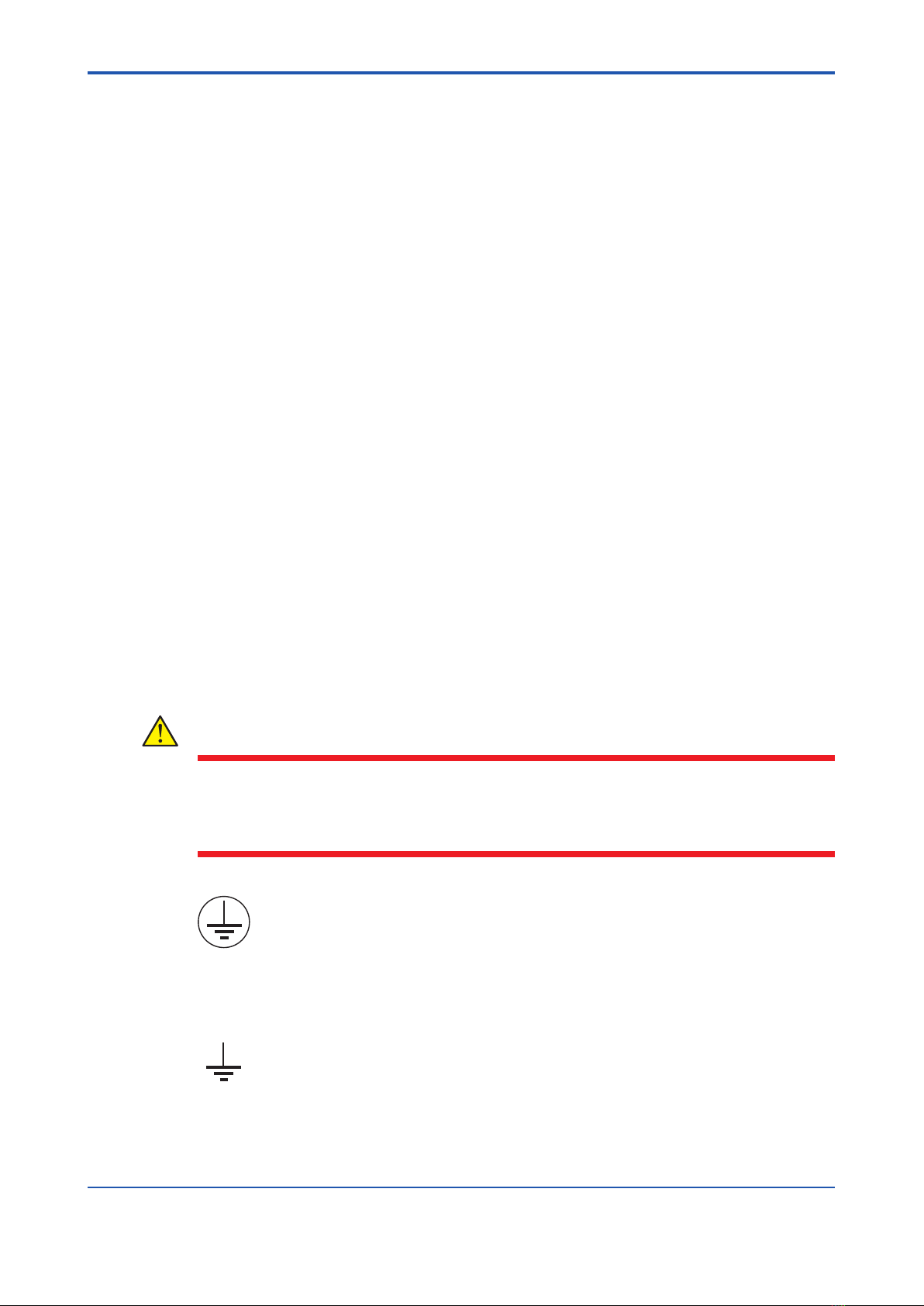
(2) The following safety symbols are used in this manual.
Symbols used on the product and in this manual
CAUTION
Thissymbolontheproductindicatesthattheoperatormustrefertoanexplanation
in the user’s manual to avoid the risk of injury or death of personnel or damage to the
instrument.Themanualdescribeshowtheoperatorshouldexercisespecialcareto
avoid electrical shock or other dangers that may result in injury or the loss of life.
Protective ground terminal:
This symbol indicates that the terminal must be connected to ground prior to operating
the equipment.
Function ground terminal:
This symbol indicates that the terminal must be connected to ground prior to operating
the equipment.

vi
IM 77J01J77-01E
ExemptionfromResponsibility
(1) Yokogawadoesnotmakeanywarrantiesregardingtheproductexceptthose
mentioned in the WARRANTY that is provided separately.
(2) Yokogawa assumes no liability to any party for any loss or damage, direct or indirect,
caused by the use or any unpredictable defect of the product.
(3) Be sure to use the spare parts approved by Yokogawa when replacing parts or
consumables.
(4) Modicationoftheproductisstrictlyprohibited.
(5) Thissoftwaremaybeusedwithonespeciedcomputeronly.Youmustpurchase
another copy of the software for use on each additional computer.
(6) Copying the software for purposes other than backup is strictly prohibited.
(7) Reverse engineering such as the disassembly or recompilation of software is strictly
prohibited.
(8) NoportionofthesoftwaresuppliedbyYokogawamaybetransferred,exchanged,
leased, or sublet for use by any third party without the prior permission of Yokogawa.
Table des matières


