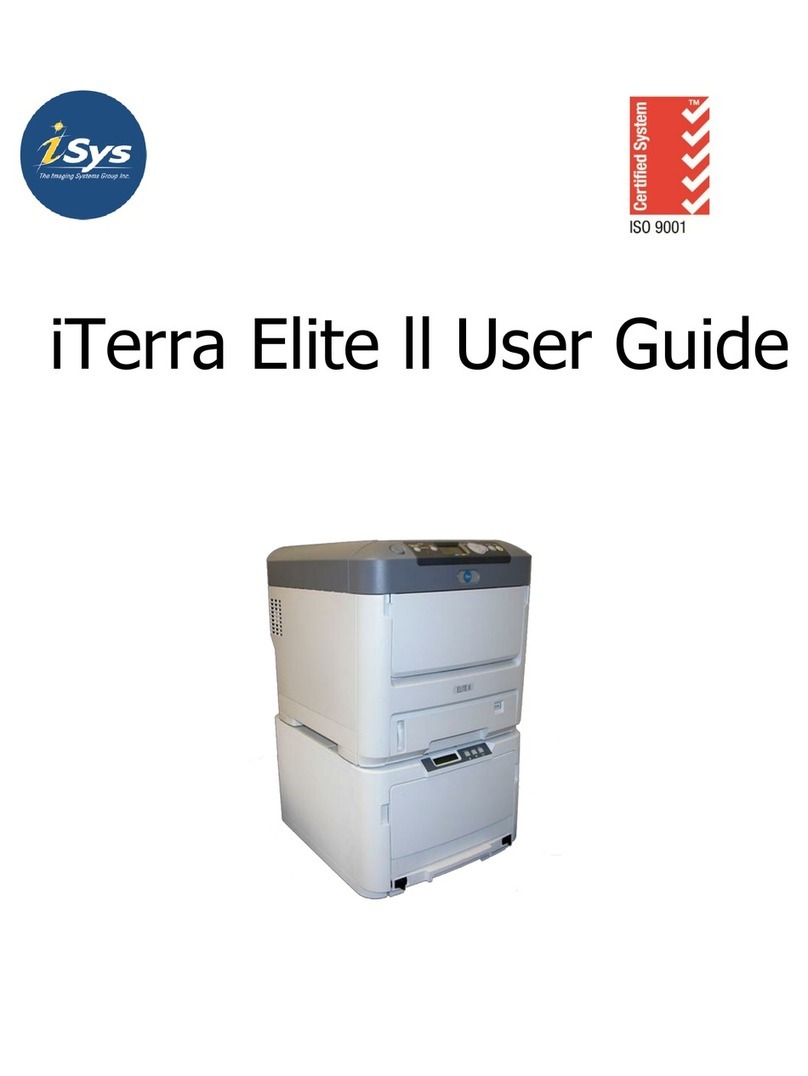
iSys iTerra Elite Manuel utilisateur
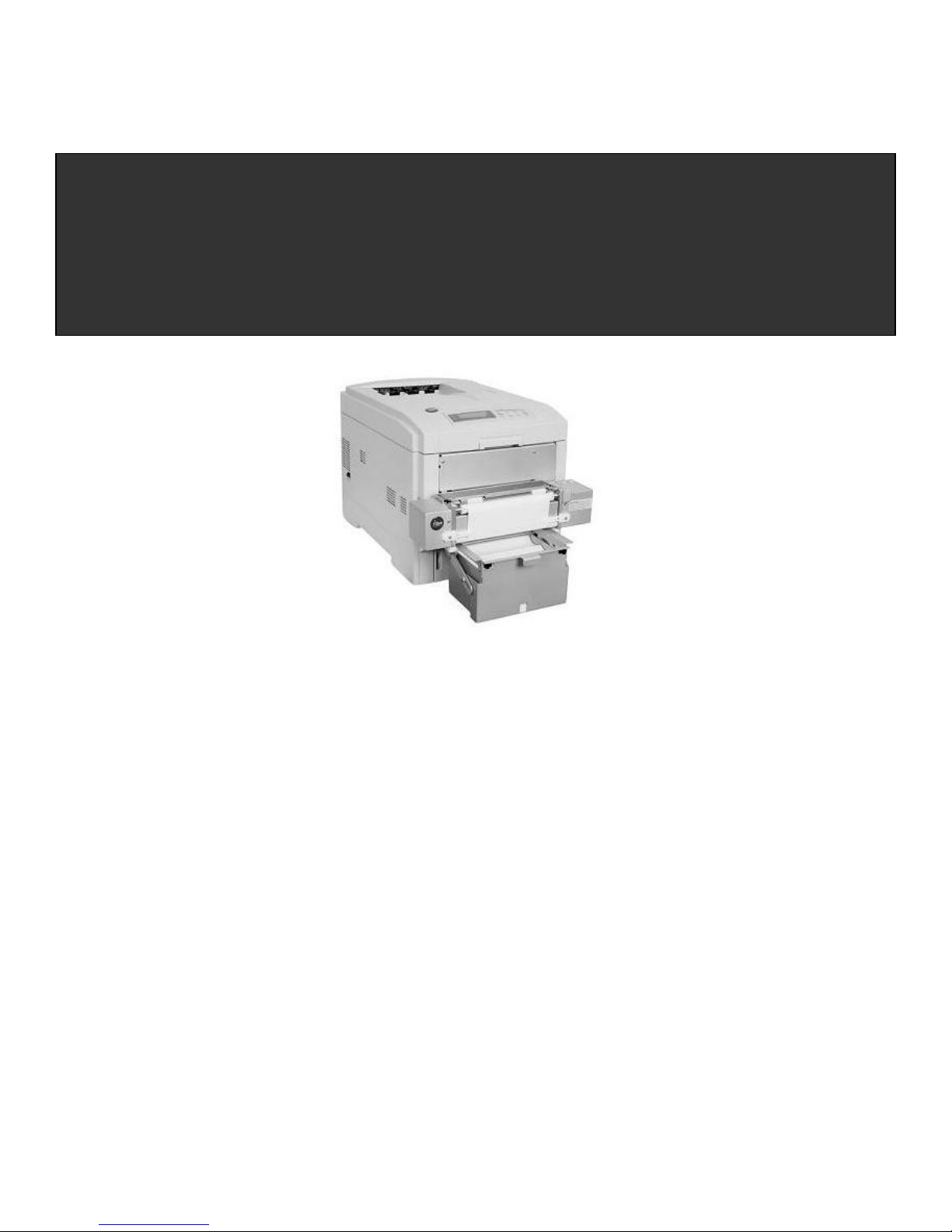
iTerra Elite Quick Start Guide © iSys-The Imaging Systems Group Inc. Rev1.2-030708
iTerra Elite
Quick Start Guide
iSys-The Imaging Systems Group Inc.

_________________________________________________________________________________________________________________________
PAGE 2 --- iTerra Elite Quick Start Guide © 2008 iSys-The Imaging Systems Group Inc.
TABLE OF CONTENTS
1. INSTALLATION
I. INSTALLING CONSUMABLES AND PRINT MEDIA ................................................... 4
II. INSTALLING ACCESSORIES................................................................................... 11
III. CONNECT TO POWER ........................................................................................... 16
IV. LOADING CONTINUOUS FORM FEED PRINT MEDIA ......................................... 17
V. PRINT MEDIA PROPERTIES................................................................................... 21
2. ORDERING CONSUMABLE SUPPLIES
I. HOW TO ORDER QUALIFIED MEDIA AND CONSUMABLES ................................. 22
3. INTERFACE SETUP AND INSTALLATION
I. INTERFACES ............................................................................................................. 23
II. LOCAL INSTALLATION ............................................................................................ 24
III. NETWORK INSTALLATION..................................................................................... 25
IV. PRINT DRIVER INSTALLATION ............................................................................. 26
V. NETWORK CARD IP ADDRESS-CHECKING AND SETTING ................................ 37
VI. WEB BROWSER TO PRINTER (Advanced Users and Administrators) ................. 38
VII. WINDOWS 2000 & XP PRINT DRIVER PROPERTIES ......................................... 39
VIII. GENERAL TAB ......................................................................................................39
VIX. SHARING TAB....................................................................................................... 40
X. PORTS TAB .............................................................................................................. 40
XI. ADVANCED TAB ..................................................................................................... 41
XII. COLOR MANAGEMENT TAB................................................................................. 41
XIII. SECURITY TAB ..................................................................................................... 42
XIV. DEVICE OPTION TAB........................................................................................... 42
4. OPERATION – CONTINUOUS PAPER MODE
I. PRINTER CONTROL PANEL OVERVIEW................................................................ 43
II. FEEDER OPERATING INSTRUCTIONS.................................................................. 45

_________________________________________________________________________________________________________________________
PAGE 3 --- iTerra Elite Quick Start Guide © 2008 iSys-The Imaging Systems Group Inc.
III. EXIT SPEEDS AND PRINT CONTROLS................................................................. 47
IV. OUTPUT VIA BACK .................................................................................................50
V. OUTPUT VIA TOP (Using optional top stacker) ....................................................... 51
VI. OUTPUT PROBLEMS.............................................................................................. 53
5. PRINT DRIVER PREFERENCES
I. CHANGING THE iSys CLP825 PRINTING PREFERENCES.................................... 56
II. THE SET UP TAB...................................................................................................... 57
III. THE JOB OPTIONS TAB ......................................................................................... 65
IV. COLOR TAB............................................................................................................. 80
V. COLOUR MATCHING............................................................................................... 82
6. TROUBLESHOOTING
I. ERROR CODES ......................................................................................................... 86
II. CONTROL PANEL MESSAGES ............................................................................... 94
III. PAPER JAMS ........................................................................................................... 97
7. FAQs AND SOLUTIONS FOR COMMON PROBLEMS
I. PAPER FEED PROBLEMS ...................................................................................... 103
II. PROBLEMS PRINTING FROM WINDOWS............................................................ 104
III. PROBLEMS WITH POOR QUALITY PRINTING ................................................... 108
8. QAN MANAGEMENT
QAN MANAGEMENT PROGRAM .............................................................................. 116
9. JOB MANAGEMENT
JOB MANAGEMENT ................................................................................................... 118
10. SERVICE AND SUPPORT
SERVICE AND SUPPORT .......................................................................................... 119

_________________________________________________________________________________________________________________________
PAGE 4 --- iTerra Elite Quick Start Guide © 2008 iSys-The Imaging Systems Group Inc.
1. INSTALLATION
Follow the steps below to properly install the printer consumables and accessories.
I. INSTALLING CONSUMABLES AND PRINT MEDIA
Removing Protective Shipping Materials
1) Remove the two strips of shipping tape from the rear door paper exit.
2) Pull up the release latch and open the cover.
3) Remove the cardboard v-shaped shipping restraint from behind the LED heads.
Preparing the Image Drums

_________________________________________________________________________________________________________________________
PAGE 5 --- iTerra Elite Quick Start Guide © 2008 iSys-The Imaging Systems Group Inc.
1) Lift out the four image drums and place them on a flat surface.
2) Remove the protective sheet. Push the tab in the direction of the arrow and remove the orange blanking plate
from each drum.
3) Place the drums back into the printer.

_________________________________________________________________________________________________________________________
PAGE 6 --- iTerra Elite Quick Start Guide © 2008 iSys-The Imaging Systems Group Inc.
4) If it is ever necessary to remove the entire drum tray, simply do so by holding the blue handles on either side of
the tray and pull upwards.
CAUTION: Ensure the drums are in their correct color position.

_________________________________________________________________________________________________________________________
PAGE 7 --- iTerra Elite Quick Start Guide © 2008 iSys-The Imaging Systems Group Inc.
Installing Toner Cartridges
1) Remove plastic bag from black toner cartridge and lightly shake it back and forth to loosen settled toner.
2) Hold the cartridge in a horizontal position and remove protective tape.
3) Hold the cartridge in the vertical position, with the port on the left and the blue lock lever on the right.
4) Lower the left end of the cartridge into the image drum, closest to the front of the printer and matched to the black
drum, so that the tube on the drum slides into the port on the toner cartridge.

_________________________________________________________________________________________________________________________
PAGE 8 --- iTerra Elite Quick Start Guide © 2008 iSys-The Imaging Systems Group Inc.
5) Press the cartridge toward the left slightly, and then lower the right end, aligning the white tab with the groove in
the drum.
6) Push the lock lever toward the back of the printer until it stops.
NOTE: After installing a new toner cartridge, the message TONER LOW or CHANGE TONER may appear on the
display after the printer is turned on. If this message does not disappear after a few pages have been
printed, reinstall the appropriate toner cartridge.

_________________________________________________________________________________________________________________________
PAGE 9 --- iTerra Elite Quick Start Guide © 2008 iSys-The Imaging Systems Group Inc.
7) Close the cover.
CAUTION: Repeat the process for each toner cartridge, being careful to match the toner color to the drum.

_________________________________________________________________________________________________________________________
PAGE 10 --- iTerra Elite Quick Start Guide © 2008 iSys-The Imaging Systems Group Inc.
Loading Cut Sheet Print Media
1) Pull the paper tray out of the printer and adjust the paper guides and rear paper stopper for the paper size you are
using (see iTerra Elite Print Media Specifications).
2) Fan the paper (max. 530 sheets 20-lb. paper) and load it. Keep it below the “MAX” mark.
3) If necessary, lift out the paper media indicator and reinsert it with the proper paper size showing.
4) Push the tray back in. The paper gauge indicates the amount of paper inserted or remaining in the tray.
Table des matières
Autres manuels iSys Imprimante