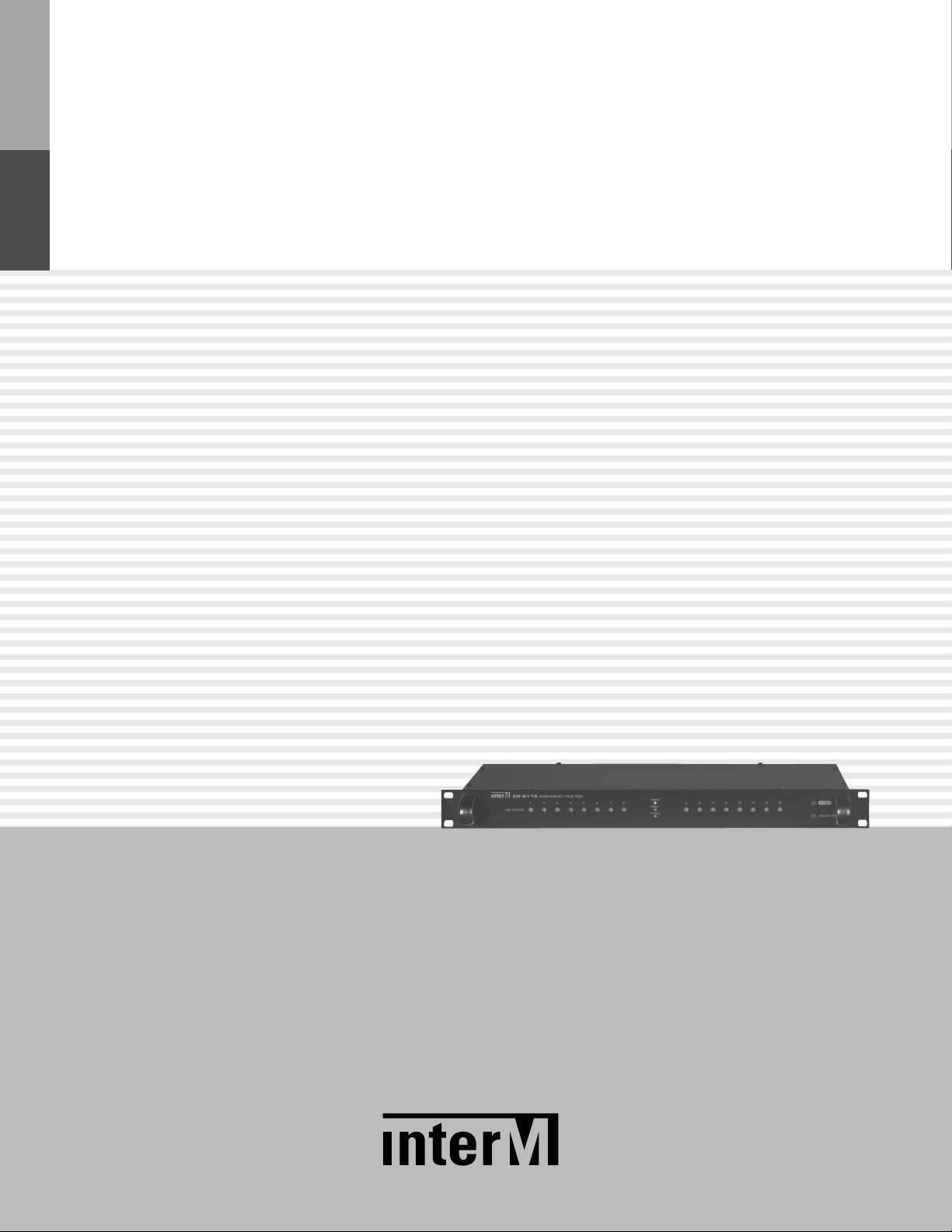
Inter-m ER-6116 Manuel utilisateur

Operation Manual
Emergency Router
ER-6116
* Rack mount products in the Western Hemisphere(North America, South America, and the Caribbean)
do not have handles installed due to customer preference.

EMERGENCY ROUTER
Welcome
Welcome
A personal welcome to you from the management and employees of Inter-M
All of the co-workers here at Inter-M are dedicated to providing excellent products with inherently good value,
and we are delighted you have purchased one of our products.
We sincerely trust this product will provide years of satisfactory service, but if anything is not to your complete
satisfaction, we will endeavor to make things right.
Welcome to Inter-M, and thank you for becoming part of our worldwide extended family!
RISK OF ELECTRIC SHOCK
DO NOT OPEN
CAUTION
CAUTION: TO REDUCE THE RISK OF ELECTRIC SHOCK.
DO NOT REMOVE COVER (OR BACK).
NO USER-SERVICEABLE PARTS INSIDE.
REFER SERVICING TO QUALIFIED SERVICE PERSONNEL.
WARNING
To prevent fire or shock hazard, do not
expose the unit to rain or moisture.
*WARNING FOR YOUR PROTECTION PLEASE READ THE FOLLOWING-WATER AND MOISTURE: Unit should not be used near water(e.g.
near a bathtub, washbowl, kitchen sink, laundry tub, in a wet basement, or near a swimming pool, etc). Care should be taken so than objects do
not fall and liquids are not spilled into the enclosure through openings.
*CLASS 2 WIRING (Adjacent to speaker terminal): The speaker output of this apparatus can exceed 10 Watts and could be a shock injury.
Connection to speakers should be performed by a skilled person.
*Do not install this equipment in a confined space such as a book case or similar unit.
*This apparatus shall not be exposed to dripping or splashing and no objects filled with liquids, such vases, shall be placed on the apparatus.
*This apparatus shall be connected to a mains socket outlet with a protective earthing connection.
*
It has heed to be easy to disconnect the device. To disconnect the device from power, separate AC input cable from inlet or unplug the AC Cord.
*
The socket-outlet shall be installed near the equipment and shall be easily accessible.
CAUTION
*These servicing instructions are for use by qualified service personnel only. To reduce the risk of electric shock, do not perform any servicing
other than that contained in the operating instructions unless you are qualified to do so.
NOTE
*This equipment has been tested and found to comply with the limits for a Class A digital device, pursuant to Part 15 of the FCC Rules. These limits are
designed to provide reasonable protection against harmful interference when the equipment is operated in a commercial environment. This equipment
generates, uses, and can radiate radio frequency energy and, if not installed and used in accordance with the instruction manual, may cause harmful
interference to radio communications. Operation of this equipment in a residential area is likely to cause harmful interference in which case the user will
be required to correct the interference at his own expense.
This symbol is intended to alert the user to the
presence of uninsulated “dangerous voltage” within
the product’s enclosure that may be of sufficient
magnitude to constitute a risk of electric shock to
persons.
This symbol is intended to alert the user to the
presence of important operation and maintenance
(servicing) instructions in the literature accompanying
the appliance.
Caution: To prevent electric shock do not use this (polarized) plug with
an extension cord, receptacle or other outlet unless the
blades can be fully inserted to prevent blade exposure.
Attentions: Pour prévenir les chocs électriques ne pas utiliser cette
fiche polarisée avec un prolongateur, une prise de courant
on une autre sortie de courant, sauf si les lames peuvent
étre insérées à fond sans en laisser aucune partie à
découvert.

EMERGENCY ROUTER
1
ER-6116
Contents
Contents
Unpacking .......................................................................................................................................2
Installation
Environment....................................................................................................................................2
Important Safety Instructions.............................................................................................................2
Features ...........................................................................................................................................3
Equipment Setting and Checking.................................................................................................4
Front Panel ......................................................................................................................................6
Rear Panel .......................................................................................................................................7
Applications ....................................................................................................................................9
Block Diagram ..............................................................................................................................10
Specifications ................................................................................................................................11
Service............................................................................................................................................12
Procedures....................................................................................................................................12
Schematic.....................................................................................................................................12
Parts List .......................................................................................................................................12
Warranty .......................................................................................................................................12
"We, Inter-M to apply the appropriate set of E4 & Class A for Electromagnetic Environment Condition."

EMERGENCY ROUTER
2ER-6116
Installation
Unpacking
Unpacking
Although your ER-6116 is neither complicated nor difficult to operate, we recommend you take a few minutes to
read this brief manual and familiarize yourself with the important information regarding product features, setup
and operation.
As with most electronic devices, we strongly recommend you to retain the original packaging. In the unlikely
event the product must be returned for servicing, the original packaging (or reasonable equivalent) is required.
Installation
Environment
Never place this product in an environment which could alter its performance or reduce its service life. Such
environments usually include high levels of heat, dust, moisture, and vibration.
IMPORTANT SAFETY INSTRUCTIONS
1. Read these instructions.
2. Keep these instructions.
3. Heed all warnings.
4. Follow all instructions.
5. Do not use this apparatus near water.
6. Clean only with dry cloth.
7. Do not block any ventilation openings. Install in accordance with the manufacturer’s instructions.
8. Do not install near any heat sources such as radiators, heat registers, stoves, or other apparatus (including
amplifiers) that produce heat.
9. Do not defeat the safety purpose of the polarized or grounding-type plug. A polarized plug has two blades
with one wider than the other. A grounding type plug has two blades and a third grounding prong. The wide
blade or the third prong are provided for your safety. If the provided plug does not fit into your outlet, consult
an electrician for replacement of the obsolete outlet.
10. Protect the power cord from being walked on or pinched particularly at plugs, convenience receptacles, and
the point where they exit from the apparatus.
11. Only use attachments/accessories specified by the manufacturer.
12. Use only with the cart, stand, tripod, bracket, or table specified by the manufacturer, or sold with the apparatus.
When a cart is used, use caution when moving the cart/apparatus combination to avoid injury from tip-over.
13. Unplug this apparatus during lightning storms or when unused for long periods of time.
14. Refer all servicing to qualified service personnel. Servicing is required when the
apparatus has been damaged in any way, such as power-supply cord or plug is
damaged, liquid has been spilled or objects have fallen into the apparatus, the
apparatus has been exposed to rain or moisture, does not operate normally, or has
been dropped.
S3125A
S3125A

EMERGENCY ROUTER
3
ER-6116
Features
Features
Features
- AUTOMATIC EM SCENARIO BROADCAST
• The automatic evacuation broadcasting function to assist fast and safe evacuations from fire. It uses the
optimized scenario which is pre-set depending on fire locations to minimize casualties by providing the first
priority zone to be evacuated, evacuation directions for each zone, and ways to evacuate from the initial fire
location based on time interval.
• As a critical component in the emergency system, it can prevent delayed responses due to possible lack of an
operator or through unskilled operation.
- BYPASS FUNCTION
Allows for conversion to basic evacuation broadcast or operator control.
- PC BACKUP
Scenario data written to PC is saved in built-in memory; no problems will occur as a result of a PC failure.
- 99 MESSAGES CAPACITY
PV-6232 (VOICE FILE) enables use of 99 messages.
- SYSTEM EXPANSION
Through RS-485 communication, it can be expanded to maximum 10 systems.

EMERGENCY ROUTER
4ER-6116
Equipment Setting and Checking
1. Address Switch Setting
- Set the equipment numbers for each deciding condition using the rear panel DIP switch.
- If the equipment number is not set-up or is incorrect, all Zone Indicator LEDs will blink.
- If the number is already in-use, the system will not function properly.
- Please check the equipment number set-up status.
The table below shows the setting methods; the ON switch setting/number will be the equipment number.
2. TERMINATION Switch (LOAD/OPEN) Setting
1) For the system linked by using RS-485 communication interface, it is necessary to set the termination
switch (LOAD/OPEN) on the rear panel to stabilize data transfer.
2) Set the termination switch to LOAD only for the first and last-numbered equipment units. All others must be
set to OPEN.
※ Caution: Communication error may occur if setting is performed incorrectly.
3. Adding sound sources to VIOCE FILE (PV-6232)
1) Only available as MP3 file
2) General Scenario Sound Source
A) 1~99 track can be used as the scenario sound source among sound sources saved in PV-6232.
B) To save the sound source in PV-6232
- Add 001~099 in front of file name to be used as the sound source in PC to properly archive/indicate
each track’s number.
Equipment 1
S/W: LOAD
OUT
Equipment 2
S/W: OPEN
IN OUT
Equipment 3
S/W: OPEN
IN OUT
Equipment N
S/W: LOAD
IN
DIP Switch 1 2 3 4 5 6 7 8 9 10
1 ON
2 ON
Address 3 ON
10 ON

EMERGENCY ROUTER
5
ER-6116
- PC recognizes it as a removable disc if PV-6232 is connected with USB cable.
- Open the movable disc and copy the entire sound source file.
3) Default Emergency Sound Source
A) If scenario function is not used or bypass function is selected, default emergency sound source will be
used.
B) Connect PV-6232 to PC to create folders as below. Copy the file used as the default emergency sound
source to ‘IMSND’ folder; name it ‘EMORG.mp3‘.
※ Caution: if folder structure and file name is different, sound source will not transmit when emergency
broadcasting.

EMERGENCY ROUTER
6ER-6116
Front Panel
Front Panel
1. FIRE SENSOR STATUS LED
It is the status LED for fire contact point input of rear panel.
If contact point is in, it will be ON and when in bypass operation, it will blink.
2. STATUS LED
- POWER LED: displays the power status.
- FAULT LED: displays the communication status; it will be ON in case of error.
- BYPASS LED: it will be ON when in BYPASS operation.
3. BYPASS BUTTON
If this button is pushed during an EM scenario caused by a fire contact point input, scenario operation will
be stopped and a basic message will be transmitted only to zones where contact point is input.
4. BUZZER OFF BUTTON
Buzzer will be generated in case of communication error. It is used to turn off buzzer notifications.
1
2
3
4

EMERGENCY ROUTER
7
ER-6116
Rear Panel
Rear Panel
1. LINK IN/OUT TERMINAL (RS-485)
Connects LINK IN terminal to preceding unit, and connects LINK OUT terminal to subsequent unit.
※ Same for all IN/OUT terminals.
2. TERMINATION SWITCH (LOAD/OPEN)
Switch being set for stable data receive/transmit of LINK IN/OUT.
Refer to Equipment Setting and Checking (page 4) for detailed setting methods.
Caution: Communication error may occur if setting is performed incorrectly.
3. RS-232 TERMINAL
1) It can be used when playing the EM scenario message by connecting to PV-6232(VOICE FILE).
PIN NO. Functions
1 RS-422 Data - A
2 RS-422 Data - B
3 RS-422 Data - Z
4 NA
5 GND
6 RS-485 Data - Y
7 NA
8 NA
႞Ⴎၴ"
ધხဴ TEL : 1588 7074
ႜગၮഎ" DC 24V, 100mA
႞ዜᆼ"EMERGENCY
කస" ER 6116
ROUTER
IN OUT VOICEFILE
TERM.
LINK
LOAD OPEN
ADDRESS
12345678910
FIRE SENSOR 12345678COM
COM
9 10111213141516
DC 24V
COMNO NC
RELAY
OUTPUT
567
123 4

EMERGENCY ROUTER
8ER-6116
2) PIN OUT Specifications
4. ADDRESS SWITCH (1~10)
Used to set the equipment number.
5. FIRE SENSOR INPUT TERMINAL
It is the fire contact point input terminal and uses the EM scenario function and ZONE MACRO function in
PC. It is set to transmit the emergency broadcasts to multiple zones. (Refer to System Operation Manual.)
6. RELAY CONTACT POINT OUTPUT TERMINAL
Used when operating other peripherals in case of fire.
- NO: Normal Open operation. Normally, it is operated as OPEN, and in case of fire, it is operated as
CLOSE.
- NC: Normal Close Operation. Normally, it is operated as CLOSE, and in case of fire, it is operated as
OPEN.
Statuses of contact point output are as follows. (Opposite operations for each other)
7. DC INPUT TERMINAL
- Power input terminal. Check polarity before connecting DC 24V.
- When connecting to PD (Power Distributor), connect to unswitched terminal.
Pin No. 1 2 3 4 5 6~9
Purpose Not Used Receive Transmit Not Used Ground Not Used
System Mode RELAY OUTPUT
NO NC
STANDBY OPEN CLOSE
FIRE Contact Point CLOSE OPEN
Table des matières
Manuels Routeur réseau populaires d'autres marques

NETGEAR
NETGEAR FS526T - Switch Manuel utilisateur

Korenix
Korenix JetNet 5710G Series Manuel utilisateur

Automated Logic
Automated Logic ZN551 Manuel du propriétaire

Cisco
Cisco ASR 1000 Series Manuel de l'opérateur

EnGenius
EnGenius ESR-9710 Manuel utilisateur

Cisco
Cisco 805 Series Instructions d'utilisation et de sécurité