
Intab Tinytag Connect Manuel utilisateur

Tinytag connect
User Manual


Contents
2

Introducon
This guide explains how to set up and run a Tinytag Connect system.
It covers the installation of a system, an overview of how it works and then specific information on the
different types of logger the system supports (radio and LAN connected products).
All users are advised to run the latest version of the Tinytag Explorer software. The latest version of the
software can be downloaded from:
www.tinytag.info/support
2


1.1 What you need
To use a Tinytag Connect system you will require the following:
• AcopyoftheTinytagExplorerConnectsoftwareCD
• ATinytagConnectactivationcode(thiscanbefoundinsidethefrontcoverofthismanual)
• ATinytagConnectdevice(Radioreceiver,loggersand/orLANlogger)
• Associatedprobesandcables
• Associatedpowersupplies(ifrequired)
You will also need a computer to run the system; it is recommended that the software be run on a server
if possible.
For further information on system configurations, please see the System Information section of this
document.

1.2 Software Installation & Setup
For information on system Requirements refer to the Appendix.
Warning! To install Tinytag Explorer, you will need to have Windows Administrator Access
rights on the server or computer you are using.
• PlacetheTinytagExplorerCDintotheCDdriveofyourPC.TheTinytagExplorerInstaller
will run automatically after a few seconds and present you with a Welcome screen. If Tinytag
ExplorerInstallerdoesnotrunautomatically,openWindowsExplorer,navigatetoyourCD
drive and double-click tinytag.msi.
• ClickNexttostarttheinstallation.
• Reviewthesoftware’slicenceagreementandifyouacceptthetermsclickIaccepttheterms
intheLicenceAgreement,thenNext.
• Youwillthenbeaskedwhereyouwanttoinstallthesoftware(werecommendyouuse
the default installation path) and whether you would like a shortcut for the software to be
createdonyourdesktop.Onceyouhavemadeyourchoices,clickNext,thenInstall.
• Thesoftwarewilltheninstallautomatically(youmaybepromptedbyWindowstoconfirm
youragreementtotheinstallation).WhenyouseetheInstallationCompletescreen,click
Finish.
• Oncetheinstallationiscomplete,youwillbeaskedtorestartyourcomputer.ClickYestodo
this.
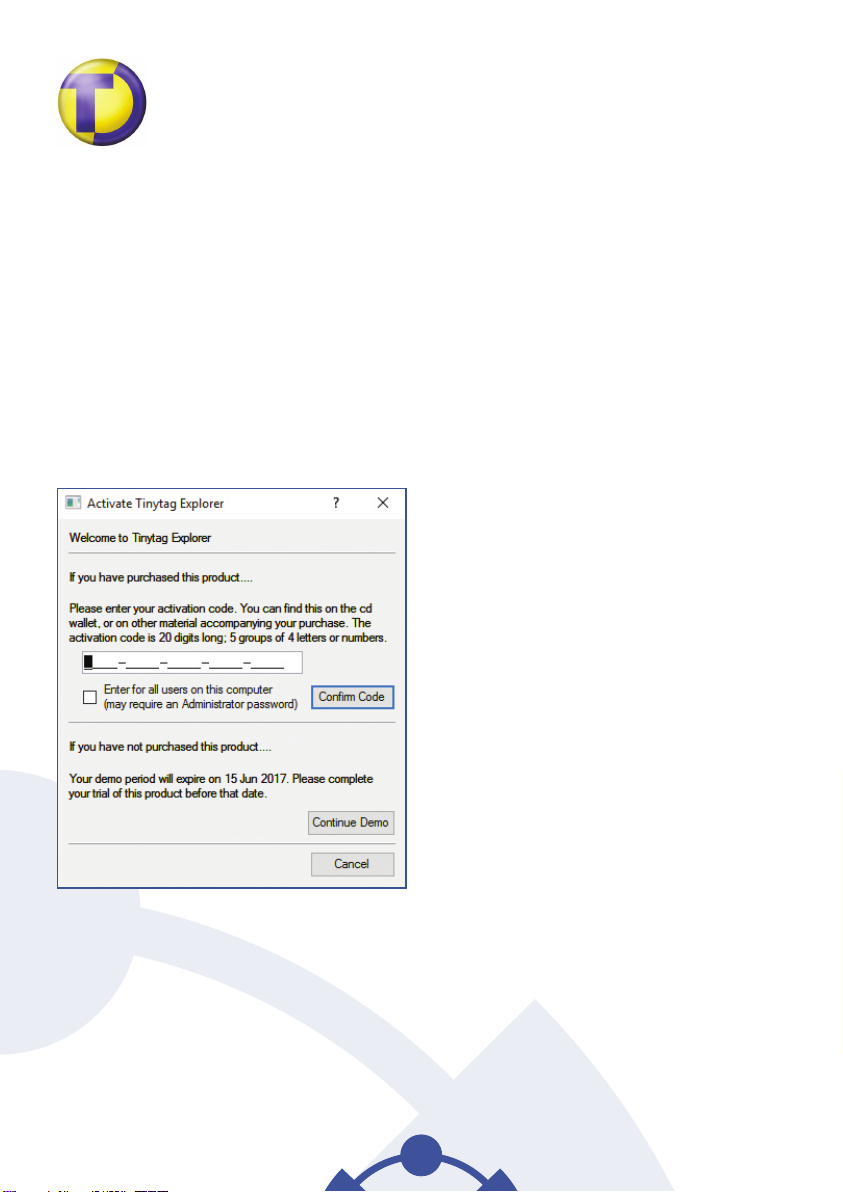
StartingTinytagExplorerConnect
To start Tinytag Explorer, click on the desktop icon for the software:
6
contact your supplier
for the current user account.


Table des matières
Autres manuels Intab Enregistreur de données


