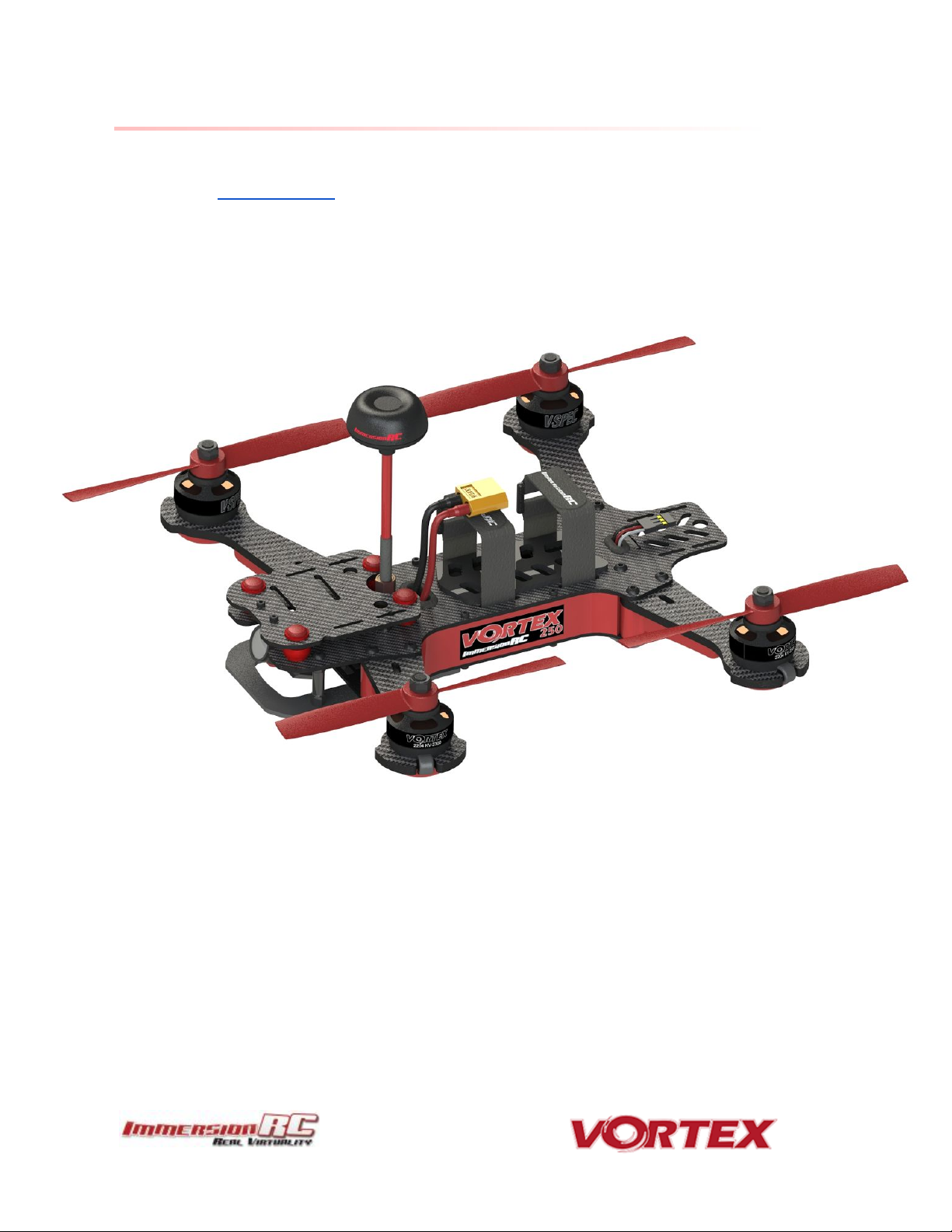
ImmersionRC vortex 250 pro Manuel utilisateur

250 Pro Instruction manual
International edition
Rev 1.0 - April 2016
‘Living Manual’

Table of Contents
Table of Contents
Living Manual
Thank You!
Getting Started, ARF Version
The Anatomy of a Vortex
Connectors and Switches
Connector Part Numbers and Sources
Arm Assembly
Camera Mounting Plate
Flight Camera
GoPro Camera Mount
Lost Model Alarm
The On Screen Display (OSD)
The Welcome Screen
The Main Menu
The LED Setup Menu
The Flight Controller Menus
The Video Tx Menu
Flight Controller
R/C Transmitter Control Modes
Flight Modes
Betaflight / Cleanflight / Baseflight / Multiwii / Open-Source
Cleanflight Configurator Connection
2

Flight Controller Stick Commands
Overview
RotorSENSE
Pro-Tuning
R/C (Uplink) Receiver Selection
CPPM
SBus, or Spektrum
Notes on Receiver Selection
Receiver Auto-Detection
Version 1: OSD Firmware prior to ???.???
Spektrum™ Radios
FrSky Taranis Radio
Futaba S-Bus Radios
Version 2: OSD Firmware from ???.??? onwards
Gaming (Beta)
The Birth of a Gaming Mode - The History
How Does It Work?
Enabling Gaming Mode
Race Guidelines - Flying with Friends
Diagnostics - Motor Test
BlackBox - Logging and Tuning
Firmware Upgrades
OSD Firmware Upgrades
Upgrade procedure
Upgrade procedure for bricked OSD
Flight Controller Firmware Upgrades
3

Appendix A: EzUHF Configuration
Appendix B: The Wizard - What else does it setup?
Appendix C: Video Tx - Staying Legal
ITU Region 2: Americas, Greenland, eastern Pacific Islands
ITU Region 1: Europe, Africa, Middle East, Iraq, Soviet Union
Appendix D: LED Board - Status report
Looking after your Vortex
Snow and Water
The Sun
Dirt
Jealous Friends
Specifications
Spare parts and Upgrades
Support
Frequently Asked Questions
Q. I have taken my 250 Pro apart, and this ‘Spring Thing’ popped out, where does it
go?
Q. How do I calibrate my 250 Pro ESCs?
Q. Can I fly in the rain?
Q. I dunked my 250 Pro in the ocean/lake/pond, what do I do?
Q. Do I really need to de-solder wires to install a pimp kit?
Q. What is the deal with the new LED board?
Q. My motors are ‘stuttering’, and the quad falls out of the sky under full throttle
Q. My R/C Receiver isn’t auto-detected by the wizard
Q. I don’t like the stock camera, and would like to upgrade it
Q. The bell on one of my motors worked loose
4

Q. My vortex beeps continuously
Q. My vortex is playing Crazy Train song
Q. My vortex emits 2 long beeps followed by a short beep on startup (--·)
Q. When I fly, all I see is the ground
Q. My Vortex flips instead of taking off
Q. I updated to the latest BetaFlight x.y.z and my quad is no longer tuned
Regulatory notice
Directions on safety
Warranty
Social Networks
Like Us
5

Living Manual
Note that this manual is a ‘living manual’.
Instead of downloading a static PDF file, the manual is an online document which reflects
edits, additions, and corrections as they happen.
The Living Manual also allows readers to add their comments, which editors can use to refine
the documentation.
Confused by part of the manual? Wishing for a better explanation for part of the setup? Leave
a note and the editors will listen.
Thank You!
The team that designed the Vortex would like to thank you for purchasing this product.
Many hours of development, and testing time went into the Vortex 250 Pro, we truly hope that
this is reflected in your experience with the product.
The Vortex 285 was a tough lead to follow, but we believe that the Vortex 250 Pro raises the
bar in just about every axis, which hopefully will enable even more pilots to enter the exciting
world of FPV racing.
We would love to hear your feedback on the product, whether good or bad, at
6

WARNING
Congratulations on your purchase of one of the hobby’s first ARF pure-bred racing
quadcopters. A product designed by FPV Racers, for FPV Racers.
Do not expect it to fly like a DJI Phantom™ . It does not have a return-to-home feature, no
GPS, and it does not have stabilization features that will allow your girlfriend to fly it.
Take it easy if you are new to the world of FPV racing, try to avoid slamming the quad into the
first wall before you have mastered slaloming through the trees on the way to the wall.
Acro mode is something that should be learned as soon as possible, flying any other mode is
a bit like driving a Lamborghini around a parking-lot in reverse… not exactly what you bought
the Lambo for.
Please carefully read the recommendations in this getting started guide, as far as
equipment/battery selection, and how to run the Vortex 250 Pro Wizard.
REMOVE PROPS
Mini-quad props can do some serious damage when coming in contact with human skin.
Unless you are ready to fly, when you are working on a quad with the battery connected, it is
highly recommended to REMOVE ALL PROPS.
When setting up mini-quads, there is always a remote chance that a configuration change can
spin up motors unexpectedly.
ImmersionRC accepts no responsibility, or liability, for any injury, or damage, to persons or
property, caused by the use of the Vortex.
INSTALL ANTENNA
The Video Transmitter included in the Vortex may be damaged permanently if run without the
supplied SpiroNET Antenna.
Please take care to install this antenna before every flight, and when powering up the Vortex
for even a short time period.
ImmersionRC accepts no responsibility for damage caused to the Vortex by operating without a
suitable Tx antenna installed.
7

The Anatomy of a Vortex
Connectors and Switches
1) USB connector, used to configure the flight controller and upgrade the Vortex
firmware.
Note that to use the USB connector, a battery must be connected also. The Vortex
cannot be powered through the USB connector.
Please be careful not to put too much strain on this connector. It is a lightweight
surface-mount part, and if the quad is dragged around by the USB cord it may not
survive.
2) LED board button, used to change Video Tx band, to restart the wizard and also to put
a spektrum receiver in bind mode.
Press and release after 1st beep to change video band, release after 2nd beep to
restart the wizard, release after 3rd beep to put a spektrum rx in bind mode, finally
release after 4th beep to cancel operation.
9

Note: To bind a Spektrum Rx using the rear button, the vortex must be placed in
SPEKTRUM 1024/2048 mode, and not AUTO mode, using the Vortex Configurator on a
PC or Mac.
3) Fusion FC/OSD button, used to enter firmware update mode in the case of a ‘bricked’
OSD. Note that this button is not required in normal use with the bootloader and
firmware shipped with the 250 Pro. .
See the
Firmware Upgrades
chapter for more details.
4) Socketed Video Tx Module
Either a 350mW, or 25mW 5.8GHz Custom NexWaveRF module, depending upon the
target market. Note that 25mW is the maximum power level allowed for license-free
use in the EU.
Note that the module is restrained using a stainless-steel spring. Take care when
removing the two mounting screws on the top plate, since the spring may be
10
Table des matières
Autres manuels ImmersionRC Drone