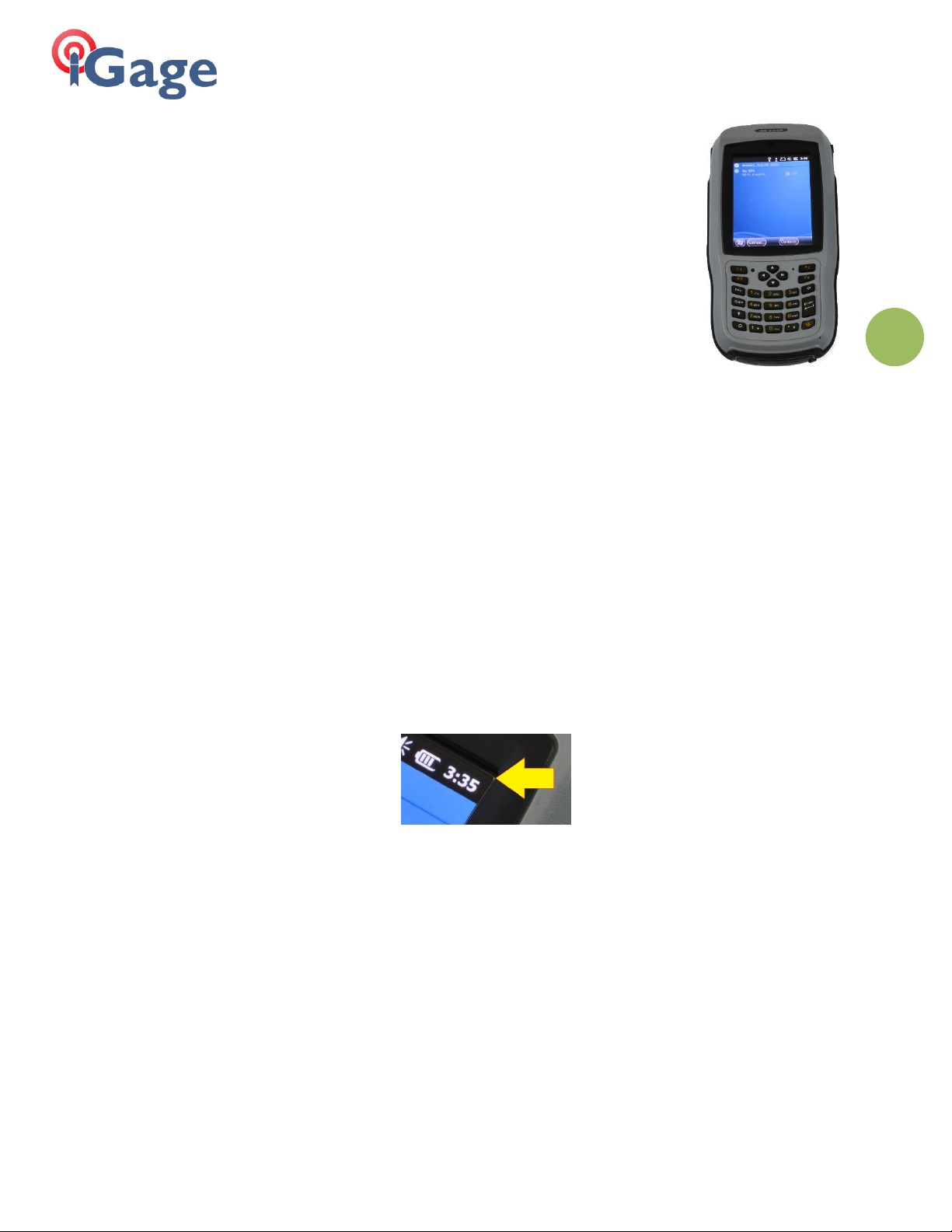
iGage Mapping Corporation 1545 South 1100 East STE 1 Salt Lake City UT 84015 +1 801 412-0011 f +1-801-412-0022 www.igage.com
Power Key
To turn on: Push and HOLD the power key for 5-seconds. This long press is a feature to keep the
collector from accidently turning on during transport.
To turn off: Push and HOLD the power button for 3-seconds, then answer YES.
Clicking ON/OFF key while on is set (by default) to turn the screen OFF and leave the data collector
ON. You can modify the default so the power key puts the collector in standby.
Warnings
DO NOT sit on the data collector while it is plugged into the charger or USB port while on the seat of
your vehicle. It will break the internal connectors and is NOT covered by our warranty.
DO NOT leave the data collector inside a vehicle in the summer. Temperatures higher than 160°F will
permanently reduce battery capacity and battery life.
Data Collector LCD screens and especially Lithium-Ion batteries are like puppies: in the summer if you
leave them in your vehicle with the windows rolled up, you will kill them.
Battery Use, Safety and Disposal
Lithium-Ion Batteri for T18 / LT35 data collectors
The battery is a Lithium-Ion type cell.
WARNING - Do not damage the rechargeable Lithium-ion battery. A damaged battery can cause an
explosion or fire, and can result in personal injury and property damage.
To prevent injury or damage:
Do not use or charge the battery if it appears to be discolored, warped, the case is
bulging, or leaking battery fluid.
Do not expose the battery to fire, high temperature, or direct sunlight.
Do not immerse the battery in water.
Do not store the battery inside a vehicle during hot weather.
Do not drop or puncture the battery.
Do not open the battery or short-circuit its contacts.
Do not charge the batteries in chargers other than the supplied charger or a direct
replacement.
Do not charge similar batteries in the supplied charger, even if they fit well.