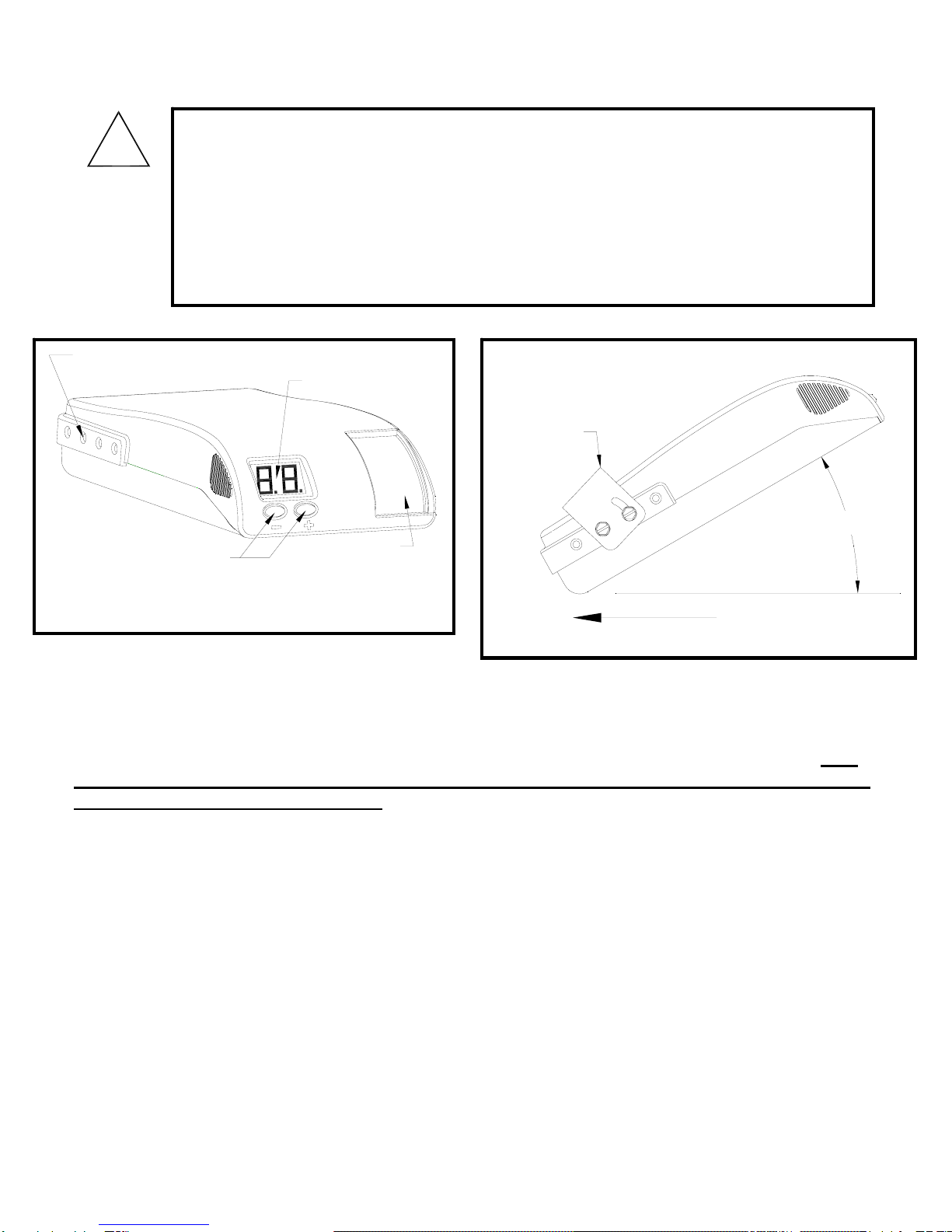
Definitions of Options
Option Available Selections Change procedure
P : % of available power being
sent to trailer brakes (PH for
hydraulic actuators)
E : Voltage (DC) being sent to
trailer brakes (EH for hydraulic
actuators)
Display Mode
(P is the
default mode.
This mode
should be
used unless
PH mode is
required.)
C : Current (DC) being applied
to trailer brakes
•
•
•
•
•
Press “+” button until the display flashes and release
Display mode will flash (P, E, C, PH, or EH)
Press “+” button to cycle through optional display modes
When desired display mode is displayed, press “–“ button until
flashing stops and release
The new display mode is now set
Note: PH or EH modes do not check for trailer connection and will
not display “OC”
Minimum
Power
(Automatic
Braking
only)
(10% is the
factory default
setting.)
5, 10, 15, 20, or 25
•
•
•
•
•
•
•
Press “-” button until the display flashes and release
Minimum power will flash either 5, or 10, or 15, or 20, or 25
Press “-” button to cycle through optional settings
When desired percentage is displayed, press “+“ button until
flashing stops and release
The new Minimum Power is now set
The newly selected value will be displayed for several seconds
After several seconds, the display will revert back to showing
the display mode (P, E, C, PH, or EH)
Maximum
Power (Gain)
(50% is the
factory default
setting.)
5% increments from the set
Minimum Power setting to
100%. 100% is displayed as
“99.”
•
•
•
•
Press “+” or “-“ button and release
The current power setting will be displayed
To raise the displayed power setting, press “+” button and
release
To lower the displayed power setting, press “-“ button and
release. When no change is made for several seconds, the
displayed power setting will be stored as the current Maximum
Power. The display will revert back to showing the display
mode (P, E, C, PH, or EH) and stores the last selected power
setting
The following is a list of potential trouble codes. Refer to the installation guide for complete explanation of the codes
Display Code Possible Cause
SC Short Circuit This indicates a direct short to ground in the blue wire (output)
circuit.
CL Current Limit
Indicates that the brake controller is providing more than its
maximum rated power.
OC Open Circuit
Indicates that there is no trailer connection detected or trailer has
Electric/Hydraulic brakes.
HF Hazard Flash Will display while hazard flashers are on.
bF Voltage on blue wire Blue wire connected to wrong place, short in wiring / connector,
faulty or disconnected breakaway switch.
Brake Controller Item # 81790
Quick Reference