Section 6 Operation
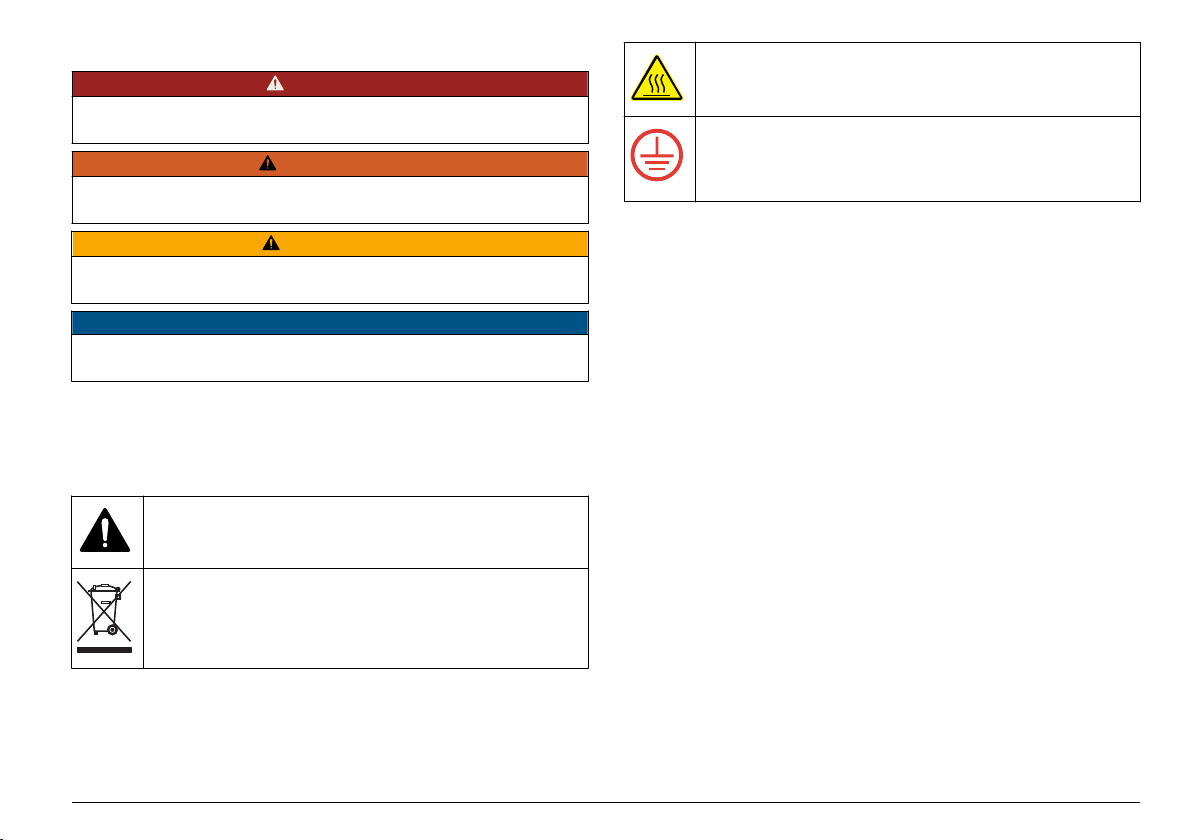
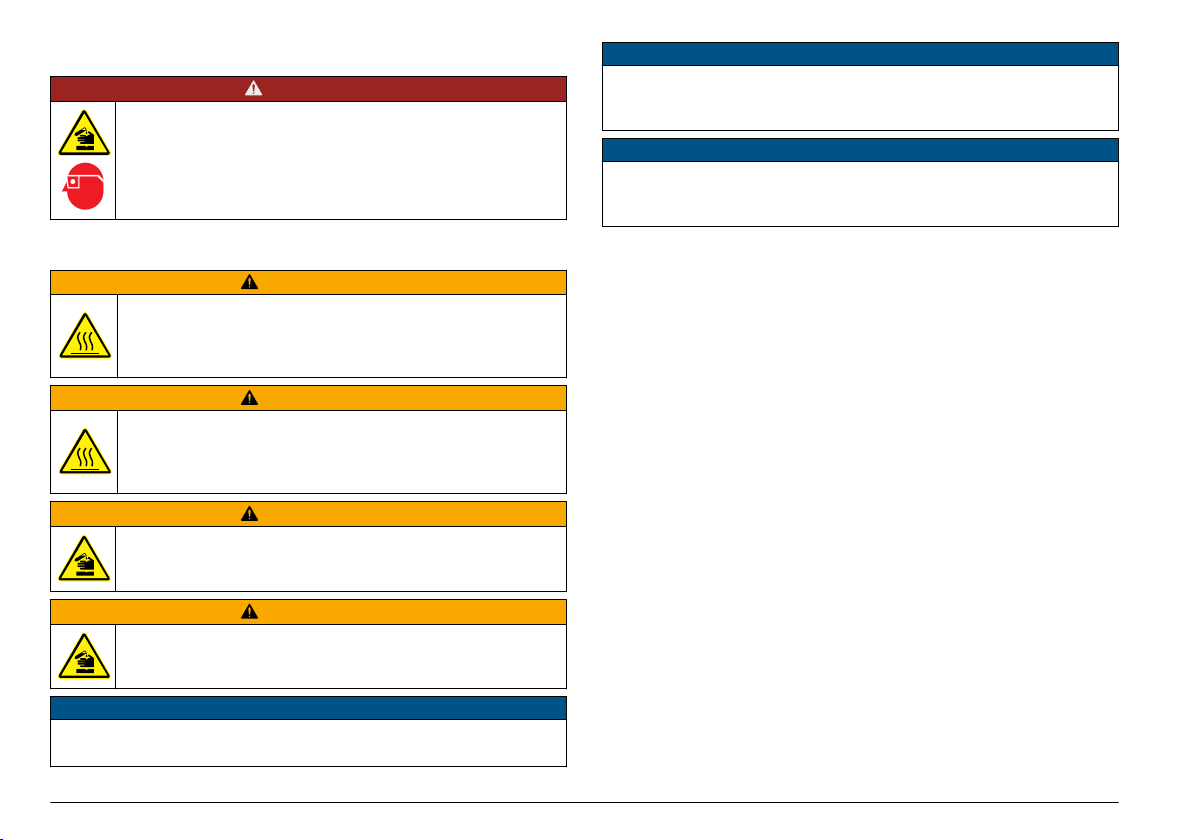
DANGER
Chemical exposure hazard. Obey laboratory safety
procedures and wear all of the personal protective equipment
appropriate to the chemicals that are handled. Refer to the
current safety data sheets (MSDS/SDS) for safety protocols.
6.1 Routine operation
CAUTION
Burn Hazard. Do not put a finger in an opening in the heating
block. Close the protective cover before increasing the
temperature of the heating block, and always keep the
protective cover closed during operation.
CAUTION
Burn Hazard. Sample cells are hot. Wear thermal insulating
material (e.g., gloves or finger cots). Do not remove a sample
cell that is greater than 80 °C. Do not put a sample cell that is
greater than 80 °C in a colorimeter.
CAUTION
Chemical Hazard. If a sample cell breaks, do not let the liquid
touch skin. Use a fume hood as necessary to remove
chemical fumes.
CAUTION
Chemical exposure hazard. Dispose of chemicals and wastes
in accordance with local, regional and national regulations.
NOTICE
To prevent sample cell and instrument damage, keep the openings in
the heating block dry. Dry the outside of sample cells fully.
NOTICE
To prevent instrument damage, immediately disconnect power if an
accidental spill occurs or a sample cell breaks, then clean the
instrument. Refer to Clean the instrument on page 12.
NOTICE
Do not cover the ventilation slits in the protective cover. The instrument
and sample cells may become too hot and decrease the accuracy of
measurement.
1. Prepare the test sample cells as specified in the analysis procedure.
2. Close the sample cells with the cap.
3. Dry the outside of the sample cells fully.
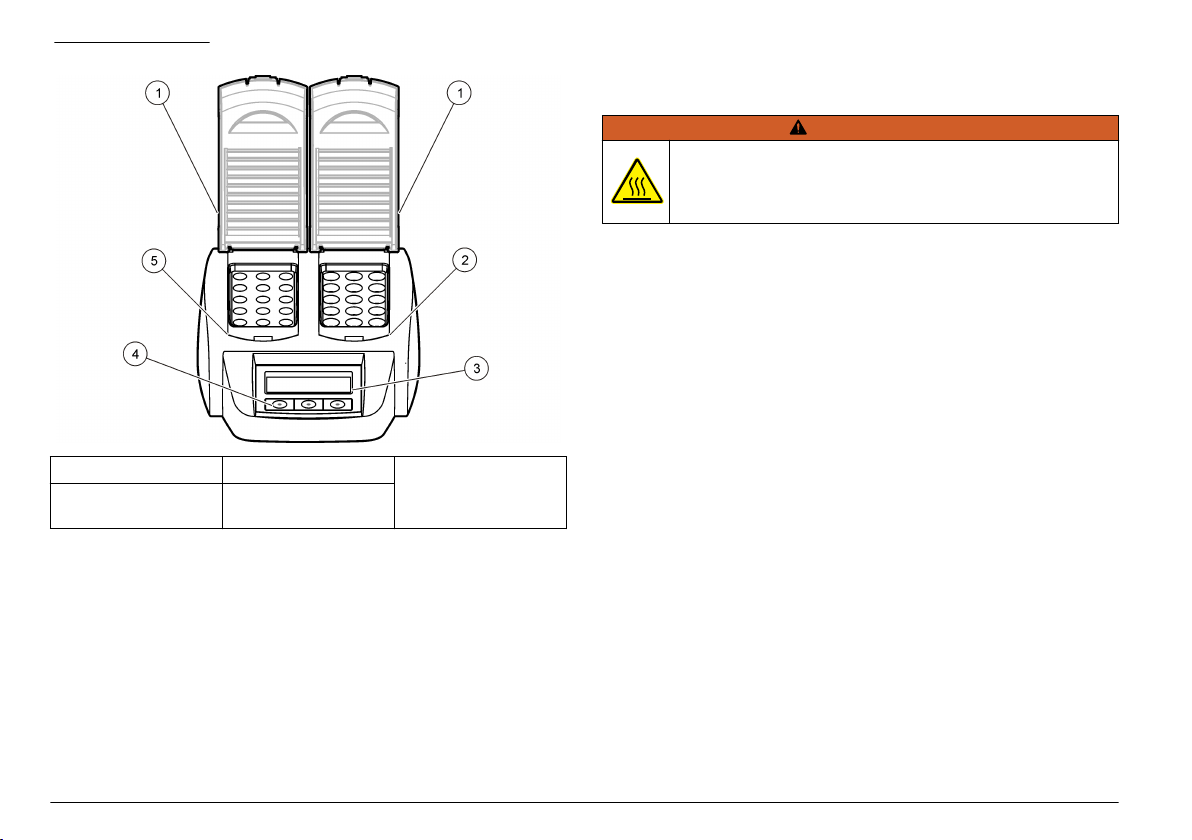
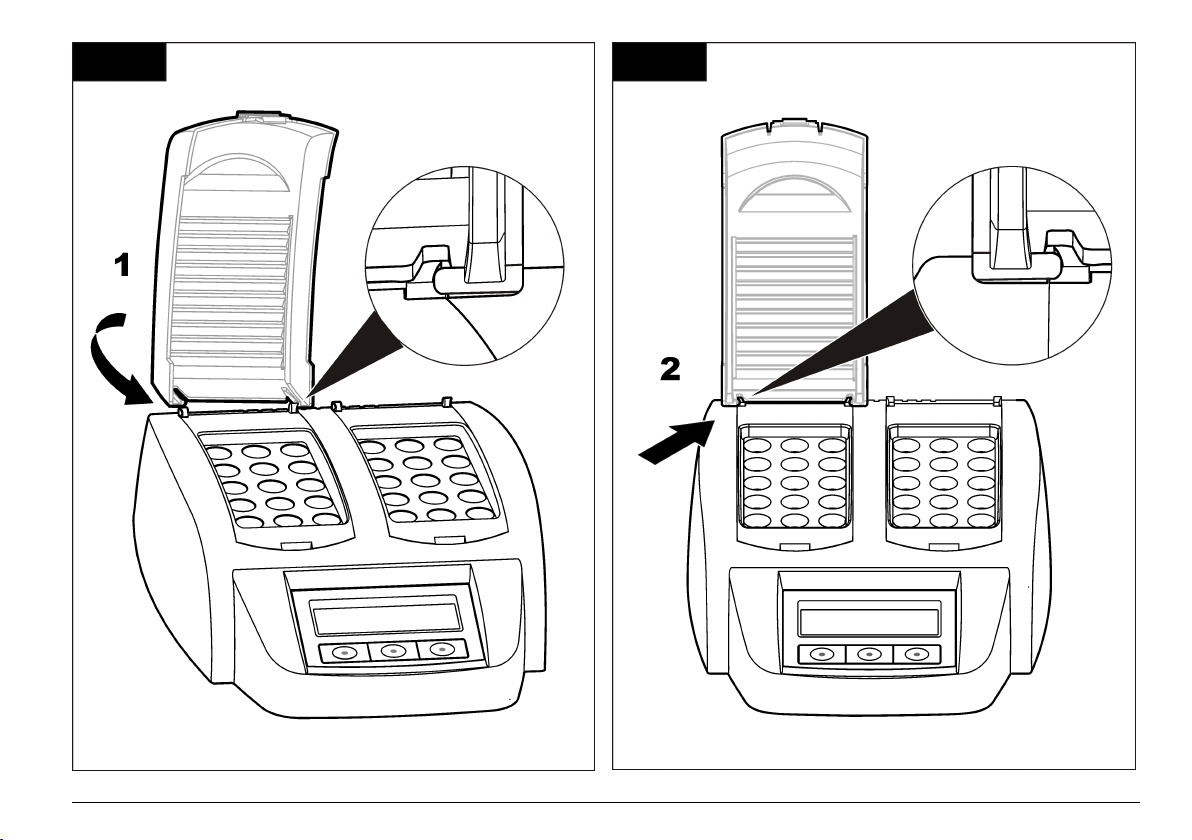
4. Turn the instrument on and open the protective cover. The last
temperature program(s) selected is shown on the display.
5. If using 16 mm tubes with a heating block with 20 mm openings, put
reducing adapters in the openings.
6. LT 200: Put the test sample cells in the correct heating block and
close the protective cover.
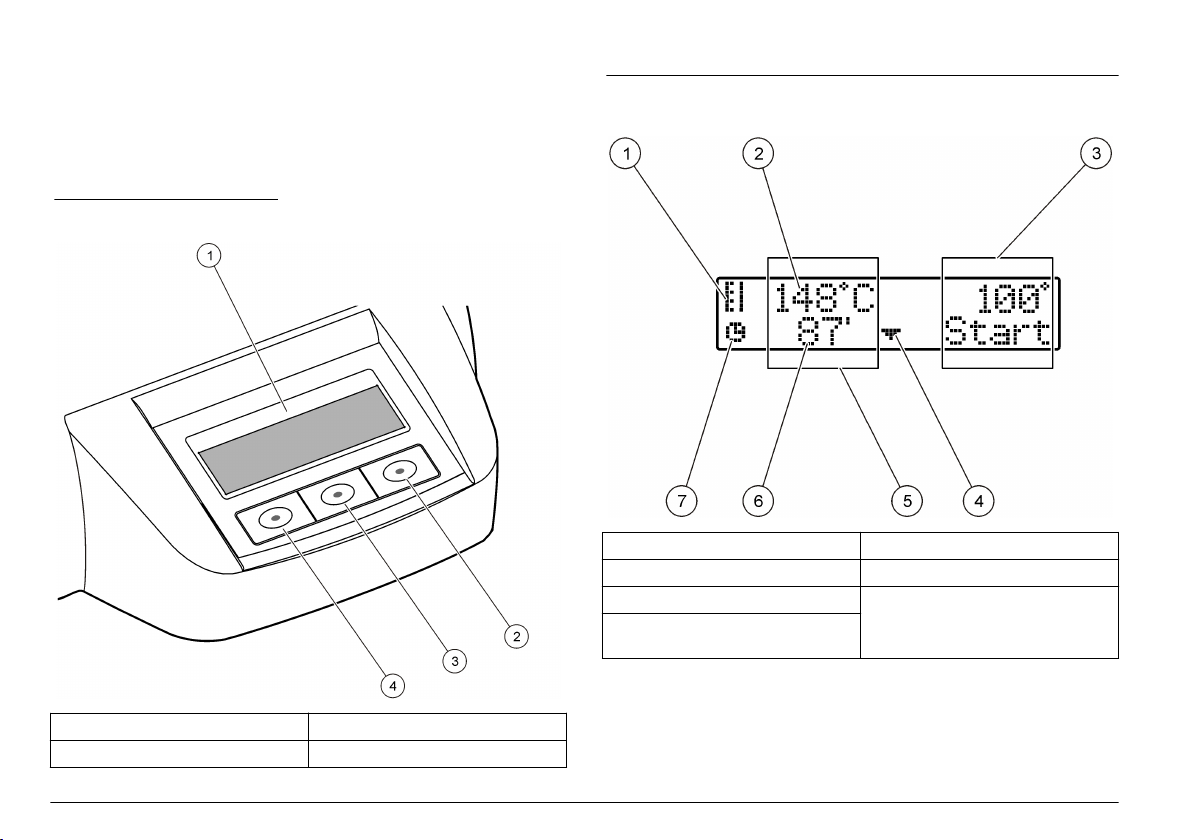
7. Select the correct temperature program (and digestion period if
applicable) using the keys, then push Start. Refer to Stored
programs on page 11. The temperature program is selected
independently for each heating block when there are two heating
blocks.
Note: To stop a program, push the key below the program two times.
LT 200: The digestion program starts. The temperature of the
heating block increases to the selected temperature, then the time
automatically counts down to zero (0). When the digestion program
is completed, three beeps are heard and the heater turns off.
DRB 200: The temperature of the heating block increases to the
selected temperature.
8. DRB 200: When the heating block is at the selected temperature
(two beeps are heard), put the test sample cells in the correct
heating block and close the protective cover. Push Start to start the
digestion program.
10 English