
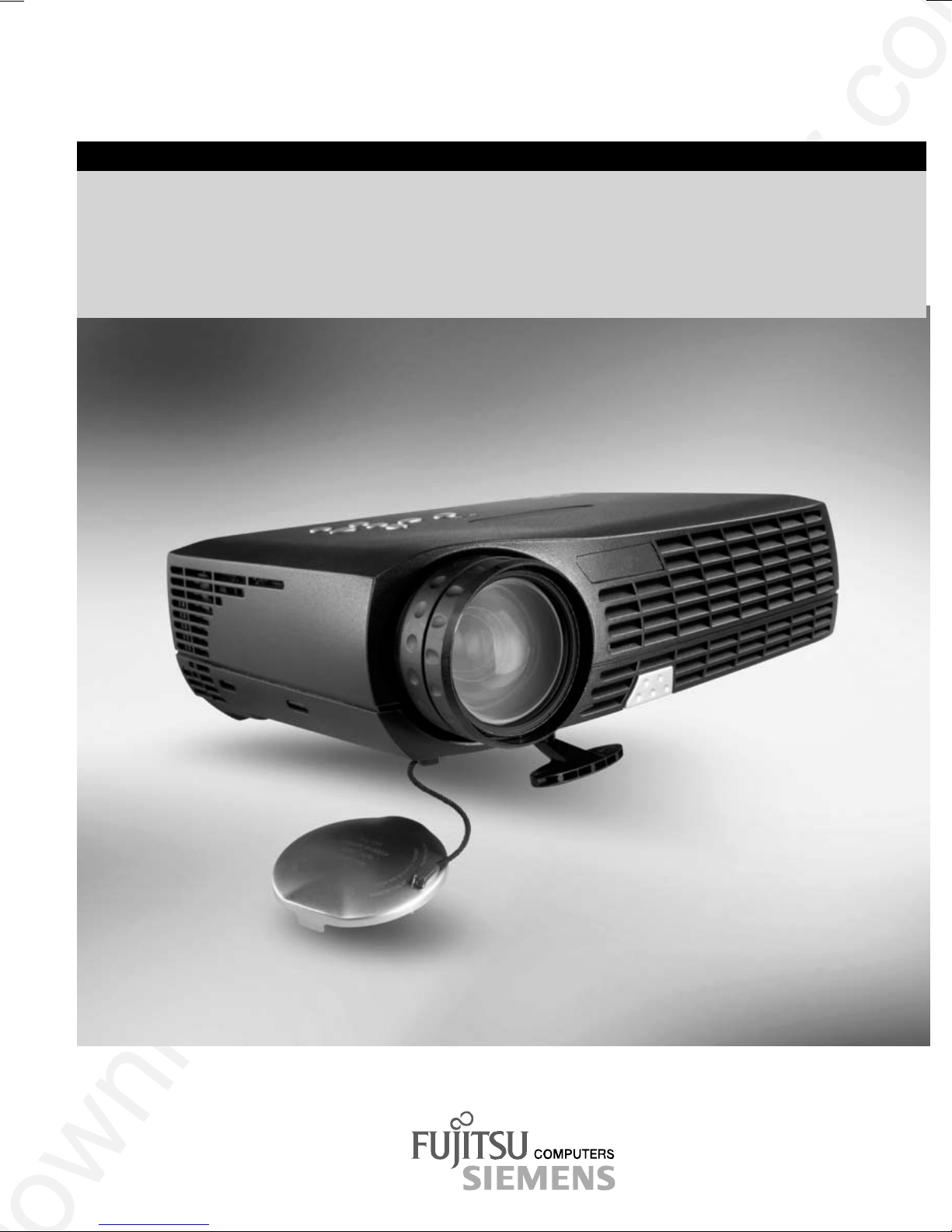
Fujitsu Siemens Computers XP60 Manuel utilisateur

PLEASE READ
This manual is provided as a free service
by Projector.com.
We are in no way responsible for the
contents of the manual. We do not guarantee
its accuracy and we do not make any claim
of copyright. The copyright remains the
property of their respective owners.
ABOUT PROJECTOR.COM
Projector.com (http://www.projector.com) is
your review and buying guide resource for
DLP and LCD video projectors.
Visit the site to read the latest projector
news and reviews, read and comment on
projector specifications, download user
manuals and much more.
Downloaded from Projector.com
PROJECTOR
Betriebsanleitung / Operating Manual
XP60
Deutsch - English

Downloaded from Projector.com
Sie haben ...
... technische Fragen oder Probleme?
Wenden Sie sich bitte an
unseren Help Desk (siehe Garantieheft).
Aktuelle Informationen zu unseren Produkten, Tipps, Updates usw. finden Sie im Internet:
http://www.fujitsu-siemens.com
Are there ...
... any technical problems or other
questions you need clarified?
Please contact
our Help Desk (see Warranty booklet).
The latest information on our products, tips, updates, etc., can be found on the Internet under:
http://www.fujitsu-siemens.com

Downloaded from Projector.com

Downloaded from Projector.com
Dieses Handbuch wurde auf Recycling-Papier gedruckt.
This manual has been printed on recycled paper.
Ce manuel est imprimé sur du papier recyclé.
Este manual ha sido impreso sobre papel reciclado.
Questo manuale è stato stampato su carta da riciclaggio.
Denna handbok är tryckt på recyclingpapper.
Dit handboek werd op recycling-papier gedrukt.
Herausgegeben von/Published by
Fujitsu Siemens Computers GmbH
Bestell-Nr./Order No.: A26361-K865-Z100-1-5E19
Printed in Norway
AG 0602 06/02
A26361-K865-Z100-1-5E19
XP60 BETRIEBSANLEITUNG
OPERATING MANUAL

Downloaded from Projector.com
XP60
Projektor
Projector
Betriebsanleitung
Operating Manual
Deutsch
English
Ausgabe Juni 2002
June 2002 edition

Downloaded from Projector.com
VESA, DDC und DPMS sind eingetragene Warenzeichen der Video Electronics Standards
Association.
Copyright Fujitsu Siemens Computers GmbH 2002
Alle Rechte vorbehalten, insbesondere (auch auszugsweise) die der Übersetzung, des
Nachdrucks, der Wiedergabe durch Kopieren oder ähnliche Verfahren.
Zuwiderhandlungen verpflichten zu Schadenersatz.
Alle Rechte vorbehalten, insbesondere für den Fall der Patenterteilung oder GM-Eintragung.
Liefermöglichkeiten und technische Änderungen vorbehalten.
Dieses Handbuch wurde erstellt von
cognitas. Gesellschaft für Technik-Dokumentation mbH
www.cognitas.de
VESA, DDC and DPMS are registered trademarks of Video Electronics Standards
Association.
Copyright Fujitsu Siemens Computers GmbH 2002
All rights, including rights of translation, reproduction by printing, copying or similar methods,
even of parts are reserved.
Offenders will be liable for damages.
All rights, including rights created by patent grant or registration of a utility model or design,
are reserved.
Delivery subject to availability. Right of technical modification reserved.
This manual was produced by
cognitas. Gesellschaft für Technik-Dokumentation mbH
www.cognitas.de

Downloaded from Projector.com
A26361-K865-Z100-1-5E19 English
Contents
Introduction........................................................................................................................................1
Notational conventions ..............................................................................................................2
Important notes..................................................................................................................................2
Safety........................................................................................................................................2
Cleaning notes...........................................................................................................................3
Transport notes .........................................................................................................................3
Manufacturer’s notes .................................................................................................................4
FCC Class A Compliance Statement.........................................................................................4
Important note on power cable...................................................................................................5
Disposal and recycling...............................................................................................................5
Preparing for use...............................................................................................................................6
Unpacking and checking the delivery.........................................................................................6
Preparing remove control...........................................................................................................7
Setting up the projector..............................................................................................................8
Connecting the projector to a computer.....................................................................................8
Connecting the projector to the mains voltage.........................................................................10
Operating the projector....................................................................................................................10
Switching the projector on and off............................................................................................11
Changing projector settings .....................................................................................................13
Changing the OSD settings .....................................................................................................14
Notes on ergonomic colour adjustment....................................................................................23
Technical data.................................................................................................................................23
VESA-DDC-compatible DVI interface ......................................................................................25
Preset resolutions....................................................................................................................25
DVI M1-D/A projector connection.............................................................................................26
Trouble shooting..............................................................................................................................27
Alarm indicator on the projector operator panel........................................................................27
The remote control does not work............................................................................................27
Problems with the projected picture.........................................................................................27
Replacing the projector lamp...........................................................................................................29

Downloaded from Projector.com

Downloaded from Projector.com
A26361-K865-Z100-1-5E19 English - 1
Introduction
Your new projector XP60 possesses a whole range of useful features and functions, e.g.:
•DLP technology (Digital Light Processing)
•minimal space requirements thanks to small casing
•easy to transport thanks to its low weight
•quiet operation
•high degree of brightness and good contrast
•Automatic Room Light Sensing – ARLS
•high resolution (1024x768); other resolutions (640x480 through 1280x1024) are converted to
1024x768
•presentation of up to 16.7 million colours (in conjunction with an appropriate graphics card)
•automatic scanning of all horizontal frequencies from 15 kHz to 100 kHz and all refresh rates
(vertical frequencies) from 43,5 Hz to 130 Hz (all absolutely flicker-free)
•freely adjustable colour alignment for matching the screen colours to the colours of various
input and output devices
•convenient operation via integrated OSD (On-Screen-Display) menu
•Ability to control the computer from the projector's remote control (requires USB port on the
computer)
•VESA-DDC compatibility
•plug&play capability
•power management for reducing power consumption when the connected computer is not in
use
This Operating Manual contains important information you require to start up and run your projector.
A graphics card (screen controller) with VGA or DVI interface is required to control the projector.
The projector processes the data supplied to it by the graphics card. The screen controller/the
associated driver software is responsible for setting the modes (resolution and refresh rate).
The projector can also be controlled by various video signal sources via the integrated video
interfaces.
When you operate the computer with an analogue signal source for the first time, you should adjust
the projected image for the video card and set it to your requirements (see section "Changing the
OSD settings").
Target group
You don't need to be an "expert" to perform the operations described here. Do, however, read the
chapter "Important notes" in the Operating Manual of the computer and in this Operating Manual.
In the event of any problems occurring, please contact your sales outlet or our customer service
centre.
Further information
Details of how you set the resolution and refresh rate are provided in the documentation on your
screen controller/the associated driver software.
Table des matières
Autres manuels Fujitsu Siemens Computers Projecteur

Manuels Projecteur populaires d'autres marques


Panasonic
Panasonic PTL735NTU - LCD PROJECTOR-NETWORK IB Manuel utilisateur

NEC
NEC NP600S EDU Manuel utilisateur

BenQ
BenQ SH753P Manuel utilisateur

Eiki
Eiki EK-623U series Manuel utilisateur

Epson
Epson PowerLite Pro Cinema 6020UB Manuel utilisateur

Epson
Epson PowerLite Home Cinema 705HD Manuel utilisateur


