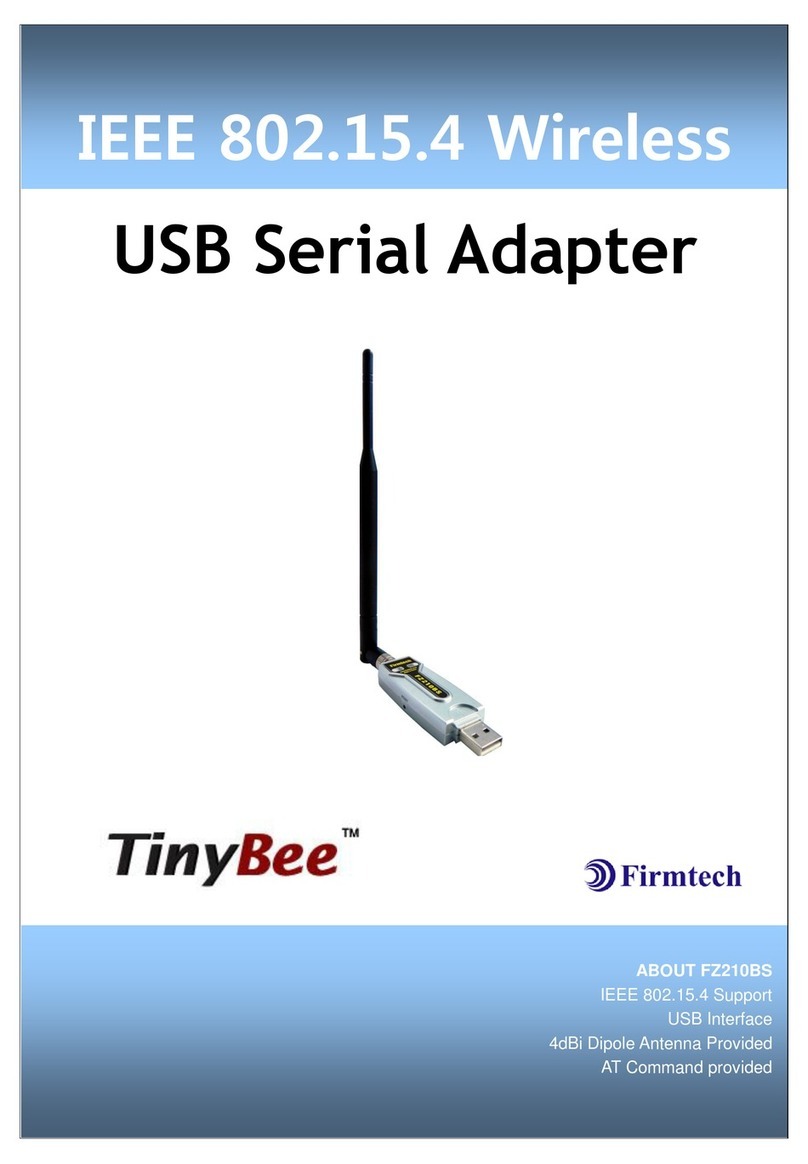
Firmtech FB200AS-F Manuel utilisateur

FB200AS-F User Guide Version 1.0
Revision History
Page 2 / 27
Revision History
Revision
Date
Change Descriptions
Ver 1.0
02-09-2009
- Write a draft

FB200AS-F User Guide Version 1.0
(C) Copyright FIRMTECH Co., Ltd. 2005
Page 3 / 27
(C) Copyright FIRMTECH Co., Ltd. 2005
All rights reserved
The products and operation descriptions contained herein shall be protected by
copyright law.
Any part or whole of products or operation description shall not be copied, reproduced,
translated, nor transformed into readable form by electronic device or machines, without
prior consent in writing by FIRMTECH Co., Ltd.
There might be some misprinting or technical faults in the products and operation
description which are subject to change without prior notice.

FB200AS-F User Guide Version 1.0
List of Content
Page 4 / 27
List of Content
1 What is Bluetooth? ............................................................................................................................................................5
1.1 Features of Bluetooth..........................................................................................................................................5
1.2 Operation of Bluetooth ......................................................................................................................................5
2 Products Overview.............................................................................................................................................................6
3 PRODUCT COMPONENTS ..............................................................................................................................................7
3.1 Basic Components of FB200AS-F..................................................................................................................7
4 Product Appearance .........................................................................................................................................................8
5 Features of Dip Switch.....................................................................................................................................................9
5.1 Dip Switch 1 (FUNCTION Switch) .................................................................................................................9
5.2 Dip Switch 2 (Baud Rate Switch)................................................................................................................ 10
5.3 Initial Set Value of Dip Switch ..................................................................................................................... 10
6 Power Indicator LED / Status LED .......................................................................................................................... 11
7 Performance of Product .............................................................................................................................................. 12
8 Current Consumption.................................................................................................................................................... 13
9 Initial Set Value of Products ...................................................................................................................................... 14
10 Connecting the wireless section of Bluetooth .............................................................................................. 15
10.1 Connecting with Connection WIZARD ................................................................................................. 15
10.2 How to connect with Dip Switch Set-up............................................................................................. 18
11 How to complete PC Configuration? ................................................................................................................. 19
11.1 PC Configuration using BTConfig tool ................................................................................................. 19
11.2 PC Configuration using Serial Communication (Hyper Terminal) Program ..................... 22
12 Approval Information................................................................................................................................................. 27
12.1 KCC........................................................................................................................................................................... 27
12.2 FCC compliance Information...................................................................................................................... 27
12.3 CE.............................................................................................................................................................................. 27
12.4 TELEC ...................................................................................................................................................................... 27
12.5 SIG............................................................................................................................................................................ 27

FB200AS-F User Guide Version 1.0
1What is Bluetooth?
Page 5 / 27
1 What is Bluetooth?
1.1 Features of Bluetooth
Objectives of Bluetooth : To Realize Wireless Communication for Short Distance with Low Power
Consumption, High Reliability, and Low Cost.
Frequency in Use: To Use ISM(Industrial, Scientific, Medical) Band which does not require any
permission to use.
-2.400 –2.4835 GHz, 79 channels
-2.465 –2.4835 GHz, 23 channels (in France)
Transmission Rate : 1Mbps ~ 3Mbps
Transmission Output : 1mW (10m, Class2), 100mW (100m Class1)
Network Configuration : Configured with Master and Slave relation. A Bluetooth unit shall allow
simultaneous connections up to 7 devices (in case of ACL).
Reliability : To Guarantee stable wireless communication even under severe noisy environment
through adopting the technique of FHSS (Frequency Hopping Spread Spectrum).
1.2 Operation of Bluetooth
<Feature 1-1 Bluetooth Operation>
Bluetooth operates based on the connection between “Master”and “Slave”.
Masters are simply supposed to do “Inquiry”and “Page”. Slaves are supposed to do “Inquiry Scan”
and “Page Scan”.
If a Master finds a Slave and so “inquiry”is successful, a Slave responds to the Master with its
information.
Interconnection between the Master and the Slave is achieved only if the information from the
Slave is corresponded with the Master, and the Slave sends data to the Master.

FB200AS-F User Guide Version 1.0
2Products Overview
Page 6 / 27
2 Products Overview
FB200AS-F has been developed to replace the previous RS232 Cable system with wireless communication
system to use.
Major Features of FB200AS-F
1. Bluetooth Specification 2.0 Support
2. Bluetooth Piconets(Point to Multipoint) are configurable up to (max. 1:7).
3. Easy to control communication speed by using DIP Switch. (2400 bps –230400bps)
4. Support AT Command, and capable to control FB200AS-F by using AT Command.
5. Easy to connect to use with Bluetooth PDA, Bluetooth USB Dongle, etc.
6. Stable Data Transmission / Receipt
7. Simply support the function of Bluetooth Firmware Update
※We request the new users of FB200AS-F to read the information on this description carefully before
they start to use the products.

FB200AS-F User Guide Version 1.0
3PRODUCT COMPONENTS
Page 7 / 27
3 PRODUCT COMPONENTS
3.1 Basic Components of FB200AS-F
MODEL
PICTURE
Q’TY (EA)
FB200AS-F
(USB Serial Adapter)
1
FCA004DA
(4.966dBi Dipole Antenna)
1
CD
(Operation Manual and Test Program)
1
<Table 3-1 Basic Components of FB200AS-F>
※If you find any of above components is defective, or not included in the package, please contact the
seller you purchased.

FB200AS-F User Guide Version 1.0
4Product Appearance
Page 8 / 27
4 Product Appearance
<Figure 4-1 Details and Dimension of FB200AS-F>

FB200AS-F User Guide Version 1.0
5Features of Dip Switch
Page 9 / 27
5 Features of Dip Switch
<Figure 5-1 FB200AS-F Dip Switch View>
<Figure 5-2 Features of Dip Switch>
5.1 Dip Switch 1 (FUNCTION Switch)
SW
FEATURES
ON
OFF
BASIC SET
1
None
-
-
OFF
2
None
-
-
OFF
3
ROLE
OFF
MASTER
SLAVE
4
Environment Setting
(PC Configuration Select)
OFF
PC Configuration Mode
Operation Mode
<Table 5-1 Features of FUNCTION Switch>
Note :
If you push a Reset Switch when a Dip Switch is turned ON in a PC Configuration Mode, the
products return to the status of FATORY RESET.

FB200AS-F User Guide Version 1.0
5Features of Dip Switch
Page 10 / 27
5.2 Dip Switch 2 (Baud Rate Switch)
2400bps
4800bps
9600bps
19200bps
38400bps
57600bps
115200bps
230400bps
<Figure 5-3 Transmission Rate>
5.3 Initial Set Value of Dip Switch
TYPE
Function Switch
Baud Rate Switch
FB200AS-F
<Table 5-2 Initial Set Value of Dip Switch>
If the initial value is not consistent with <Figure 5-3>, please contact the seller you purchased the product.
Note :
If the CONNECTION MODE of PC Configuration is MODE4 (AT command MODE), it shall operate
based on the Baud rate and at the value of Role established in PC configuration, regardless of
setting of Baud rate and Role of Dip Switch.
Table des matières
Autres manuels Firmtech Adaptateur

Firmtech
Firmtech TinyBee FZ100BS Manuel utilisateur

Firmtech
Firmtech FB100AS-F Manuel utilisateur

Firmtech
Firmtech FZ200BS Manuel utilisateur

Firmtech
Firmtech FB100AS Manuel utilisateur

Firmtech
Firmtech FB100AS Manuel utilisateur

Firmtech
Firmtech BM2001 Manuel utilisateur

Firmtech
Firmtech FBS100BC-SPP Manuel utilisateur

Firmtech
Firmtech TinyBee FZ210BS Manuel utilisateur

Firmtech
Firmtech FB200AS Manuel utilisateur

Firmtech
Firmtech FB200AS Manuel utilisateur