30/05/2010
1
Contents
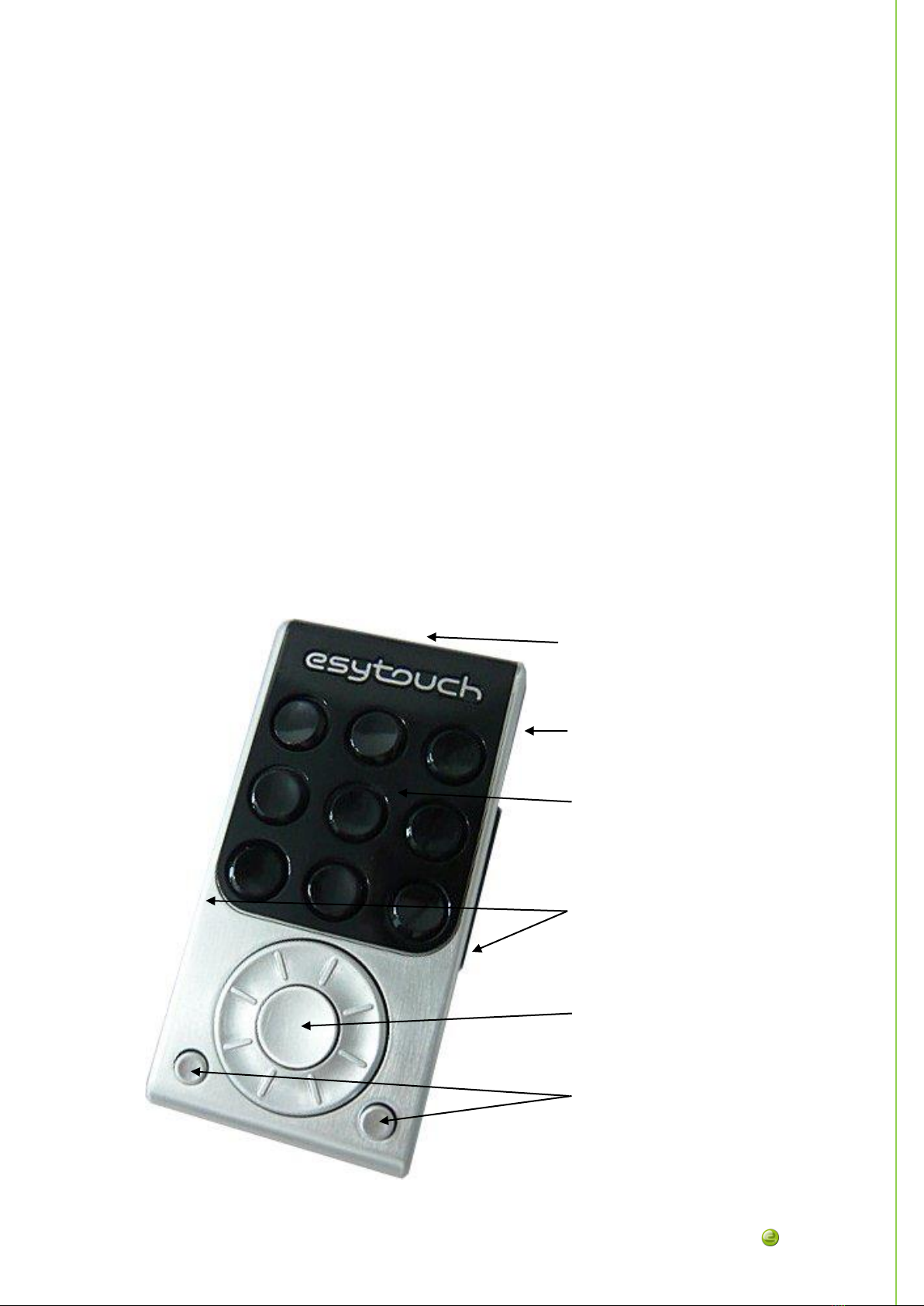
Hardware description ..................................................................................................... 2
Main parts ...................................................................................................................... 2
Keyboard......................................................................................................................... 3
Keys.................................................................................................................................. 3
Start up............................................................................................................................... 3
First connection ............................................................................................................ 3
Onward connections..................................................................................................... 3
How to customize your Esytouch.................................................................................. 4
Software utility description........................................................................................ 4
Softfware utility menu .................................................................................................... 4
File Menu ........................................................................................................................ 4
file>new (Ctrl+N) ....................................................................................................... 4
file>open (Ctrl+O)...................................................................................................... 4
file>save (Ctrl+S) ....................................................................................................... 4
file>save AS................................................................................................................. 5
file>close...................................................................................................................... 5
Tools Menu ..................................................................................................................... 5
tools>upload to EsyTouch........................................................................................ 5
tools>download from esytouch............................................................................... 5
tools>clean-up assignement .................................................................................... 5
tools>update firmware ............................................................................................. 5
tools>test ..................................................................................................................... 5
Help Menu ...................................................................................................................... 5
help>keyboard ........................................................................................................... 5
help>eurobraille ........................................................................................................ 5
help>manual............................................................................................................... 6
help>about .................................................................................................................. 6
Connect software utility and Esytouch ....................................................................... 6