/ STOP KEYagain to execute the INTERVAL20/10 function again; When LCD in
showing the end screen, press RESET KEY, LCD CONSOLE enters standby mode,
the buzzer sounds for 0.5 seconds; if you do not press any button or end the exercise
for 4 minutes in the exercise end screen, the LCD CONSOLE enters the standby
mode and the buzzer sounds for 0.5 seconds.
G.
During the exercise, press START / STOP KEY,the exercise is paused, the LCD
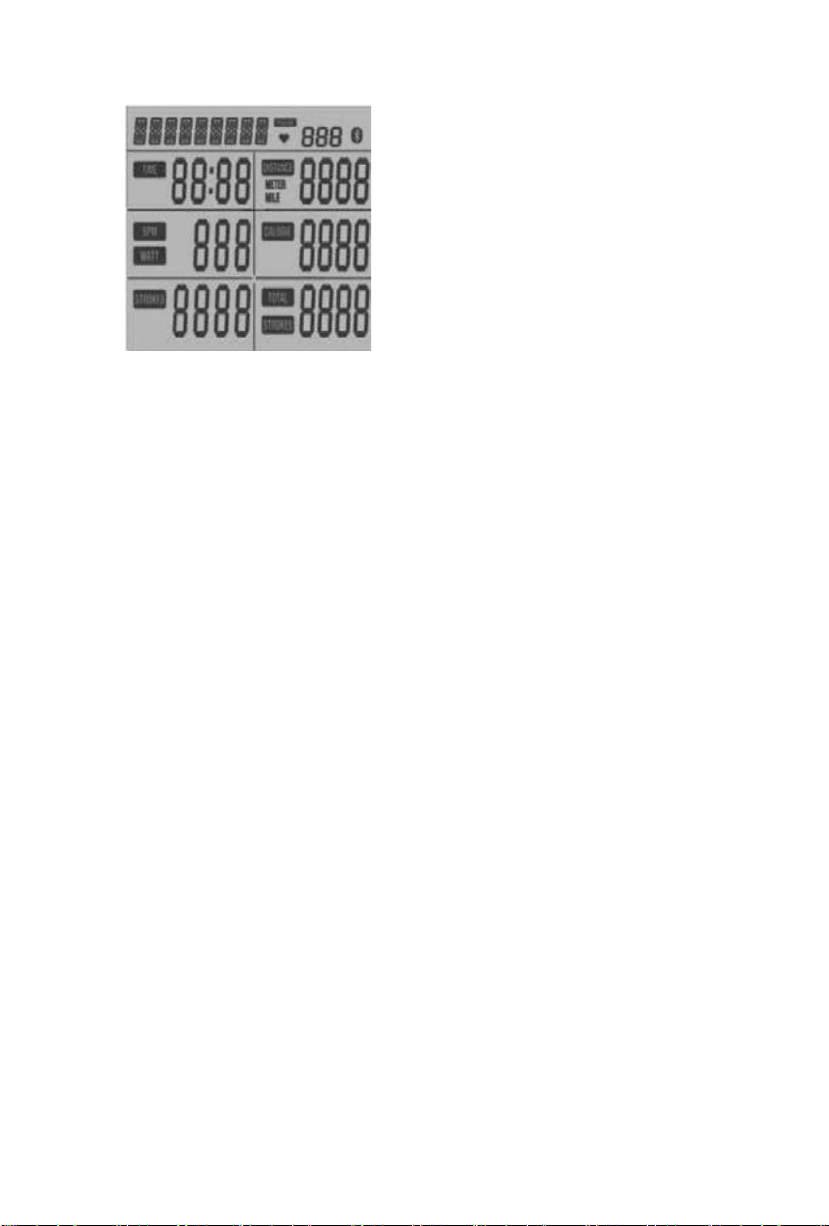
showsSTOPblinking,TIME,DISTANCE,CALORIES,PULSE,TOTALSTROKES,
TROKES shows the current exercise value, PULSE shows the instant heartbeat value,
press again START / STOP KEY,LCD CONSOLE Continue to display the motion
picture. If you press RESET KEY, LCD CONSOLE enters the standby screen. If you
do not press any button or stop the exercise for 4 minutes in STOP state, LCD
CONSOLEentersthestandbyscreen.
H.When the WORK function is executed, 4 minutes since no button pressed, no RPM
signal, heartbeat signal is input, the buzzer sounds for 0.5 seconds, then enters
standbymode,theLCD CONOLEentersASLEEPmode.
6.5.3INTERVAL CUSTOM
A.
In the LCD display INTERVALflashing screen, press MODE KEY, and then press
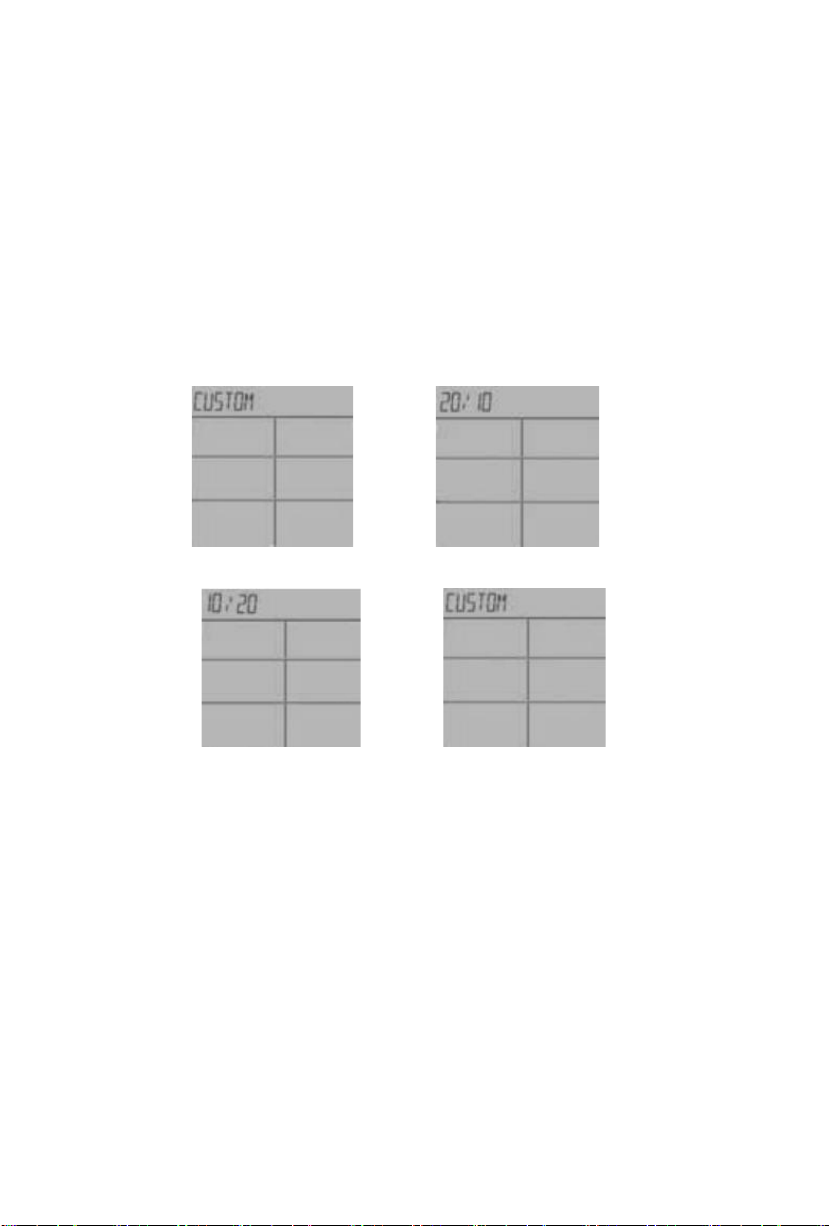
UPKEYto switch the CUSTOM motion function, the LCD display CUSTOM flashes,
press MODE KEYto enter the CUSTOM setting function.
B.
The LCD displays “SET ROUND”, the TIME window display 01flashes, press UP
to set ROUND, the setting range of ROUND is 01 ~ 99, can be set cyclically, the
buzzer will sound for 0.5 seconds after pressing MODE KEY, and enter the next
Optionsetting.
C.
LCD display “SET WORK”, TIME window display 0:05 flashes, press SET toset
WORKTIME, WORKTIME setting range is 0: 05 ~ 10: 00, can be set in a cycle,
buzzer will sound 0.5 after pressing MODE KEY Seconds and go to the next option
setting.
D.
LCD display “SET REST”, TIME window display 0:05 blinks, press SET to set
RESTTIME, REST TIME setting range is 0: 05 ~ 100: 00, can be set in a cycle, press
START/ STOP KEYThe buzzer sounds for 0.5 seconds to enter the sports interface.
E.
The LCD screen displays "READY" blinking, theTIMEwindow displays a
countdown of 3 seconds, and the buzzer sounds for 0.5 seconds per second.
3 seconds after F.READY,the buzzer sounds for 0.5 seconds, the LCD displays
"WORK01 / XX",TIME starts counting down according to theWORK setting time,
TIME,DISTANCE,CALORIES,PULSE, SPM,WATT,TOTALSTROKESand
STOKES start from the calculated valueCount display,SPM, WATTdisplayswitch
every 5seconds.
G.LCD display "REST01 / XX", buzzer sounds for 0.5 seconds per second, TIME
starts to count down according to REST setting time,TIME, DISTANCE, CALORIES,
PULSE, SPM, WATT,TOTAL STROKES and STOKES start counting display
according to the calculated value , SPM, WATTdisplay switch every 5 seconds, the
last3 secondsLCD display "READY" flashes.
H.
Steps C and D continue to repeat the cycle. Each cycle count increases by 1 until
the LCD displays “WORKXX / XX” movement,enter the end screen, and thebuzzer