For iPhone users, if the keyboard does not pop up automacally,
long-press the D buon to show the keyboard on the screen.
To CALIBRATE the joysck cursor to the center of the screen,
short press the D buon once.
7. POWER
GlassOuse will enter Power Saving mode when not operated for
more than 15 seconds by going into standby. Here the all
indicator lights will go off. Aer 3 minutes of Standby, if no
acon is performed, it will go into Sleep mode. To awaken the
device, press any buon.
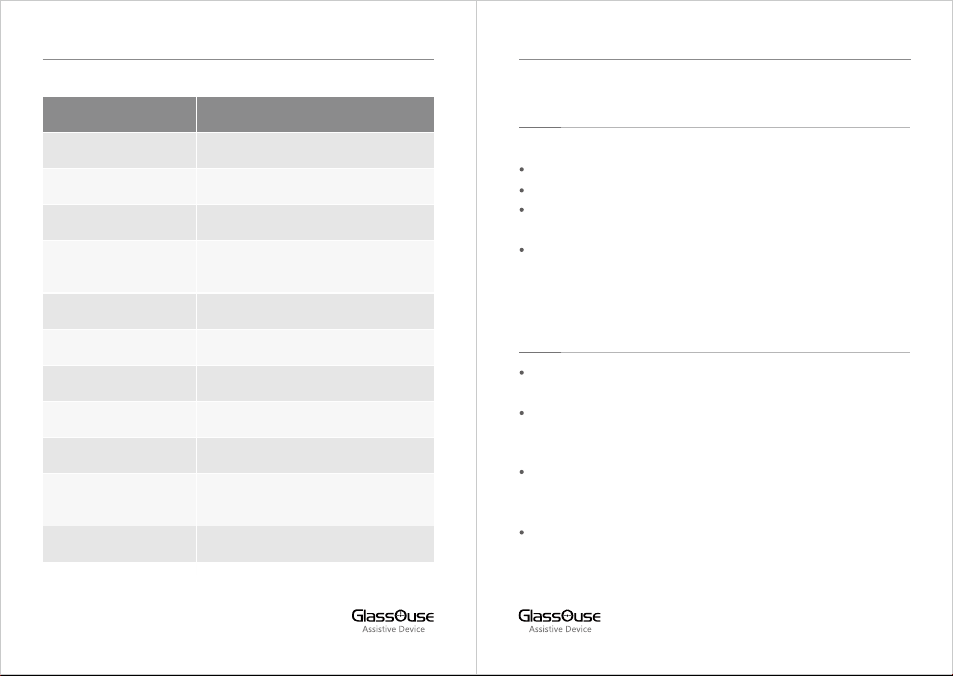
Low Baery Indicator – Power LED will become RED and flash
quickly.
Charging - Power LED will be Red and flash slowly.
Fully Charged – Power LED will be a constant RED.
8. GLASSOUSE APP
Connect GlassOuse to your device on which the app is installed.
Login using your credenals or “Create Account”.
Select “Find GlassOuse” and select the Bluetooth name of
GlassOuse connected.
8.1 External Switch Sengs
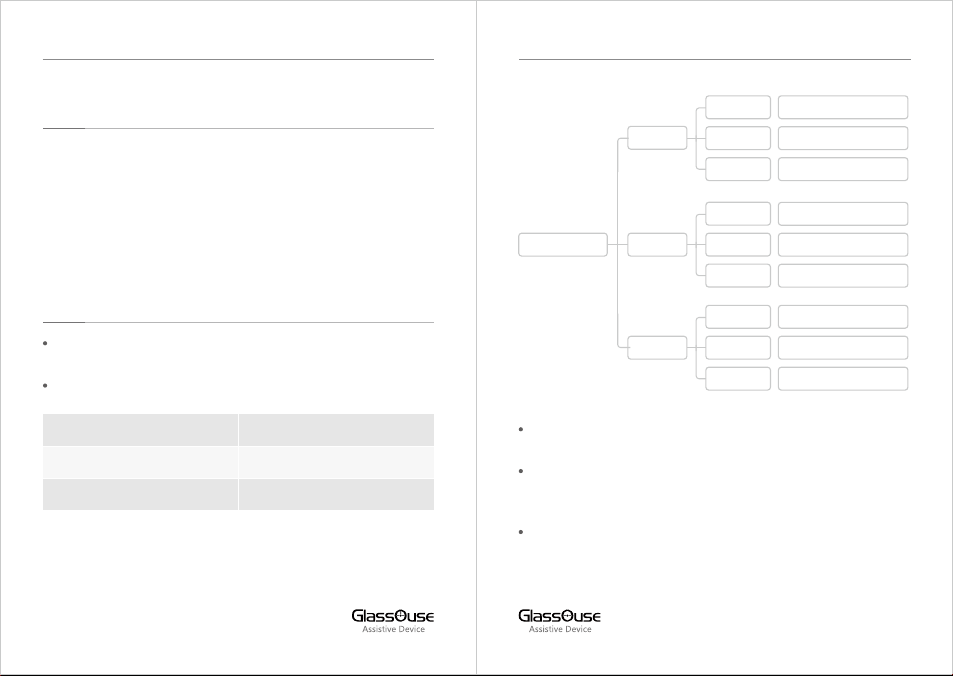
Assign the funcons of each connected switch via GlassOuse.
Open Sengs. Then select Switch Sengs.
Select PORT > Switch 1 or Switch 2, whichever switch command
you want to change.
Inside, you can change Mouse, Keyboard, and Joysck
commands and set them as desired.
8.2 Changing Sensivity
You can adjust the sensivity of the mouse, keyboard, or joysck:
Inside the app, open Sengs.
Click on Sensivity Sengs.
Select the Device for which you want to adjust the sensivity.
Adjust the sensivity for Mouse, Keyboard, and Joysck.
{NOTE: For mouse, you can adjust the X-Y axis separately}
8.3 Energy Saving Mode
Save GlassOuse baery by switching ON this opon and using it for
longer on one single charge.
8.4 Reset to Factory Seng
You can reset the device to default factory seng by selecng this
opon.
09 10
GLASSOUSE PRO USER MANUAL GLASSOUSE PRO USER MANUAL