T9000 — MODEL 124 Operation Guide
©2008 ENERNET Corporation • www.enernetcorp.com • 315-449-0839 Pub No. 12401-051707 / Page 8 of 17
CHANGING TEMPERTATURE WHILE RUNNING A PROGRAM
You can always change the temperature up or down while a
program is running. However, when the program moves to the
next period, the program set point temperature for that period will
take effect. For instance, assume the current program period is
Evening, with a programmed temperature of 70°, and the next
period, Night, is programmed for 65°, scheduled to start at 11:00
PM. If during the Evening time period you desired the space to be
warmer, you could press the UP button to raise the temperature
set point. The thermostat will hold that temperature until the next
program period, at which point the temperature will adjust to the
programmed temperature set point for that period. In this case the
Night period is set for 11:00 PM and 65°.
INSTALLING AND REMOVING NODES
A T9000 thermostat and Remote Control Node will not operate as
a system until they are linked together through the installation
process. The linking process binds one or more control nodes to a
thermostat so that they will communicate with each other as a
control system. Up to eight nodes can be linked to a single
thermostat. Until linked, a control node will not operate. Once
linked, a control node will only respond to its specific thermostat.
The thermostat and RCN that have been linked will not interfere
with or be affected by any other thermostat or RCN in adjacent
rooms, apartments, or neighboring homes. Linking information is
stored in non-volatile memory — It is not necessary to re-link the
thermostat and RCN if the thermostat batteries are removed or
after a power outage.
Installing Nodes
If multiple installation teams are installing and linking thermostats at
the same time, coordinate the activity to avoid the possibility of
installers simultaneously attempting to perform the linking process.
Because this is an RF system, installers in nearby rooms/areas
where it is possible RF overlap could exist run the risk of interfering
with each other. Installation and linking activity going on around a
system already installed will not interfere with it.
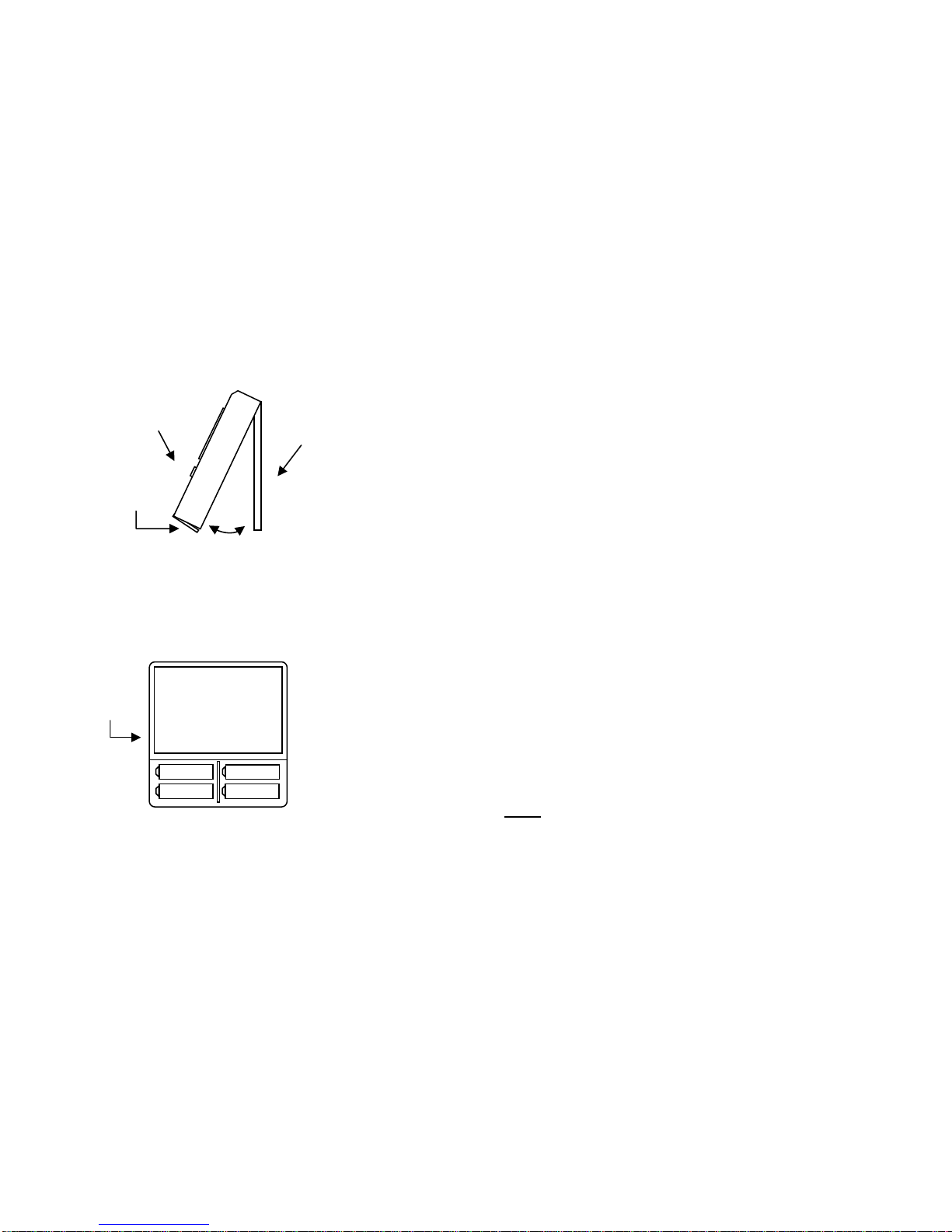
Refer to Figure 8 for inside thermostat button and jumper locations
and functions.
Step 1
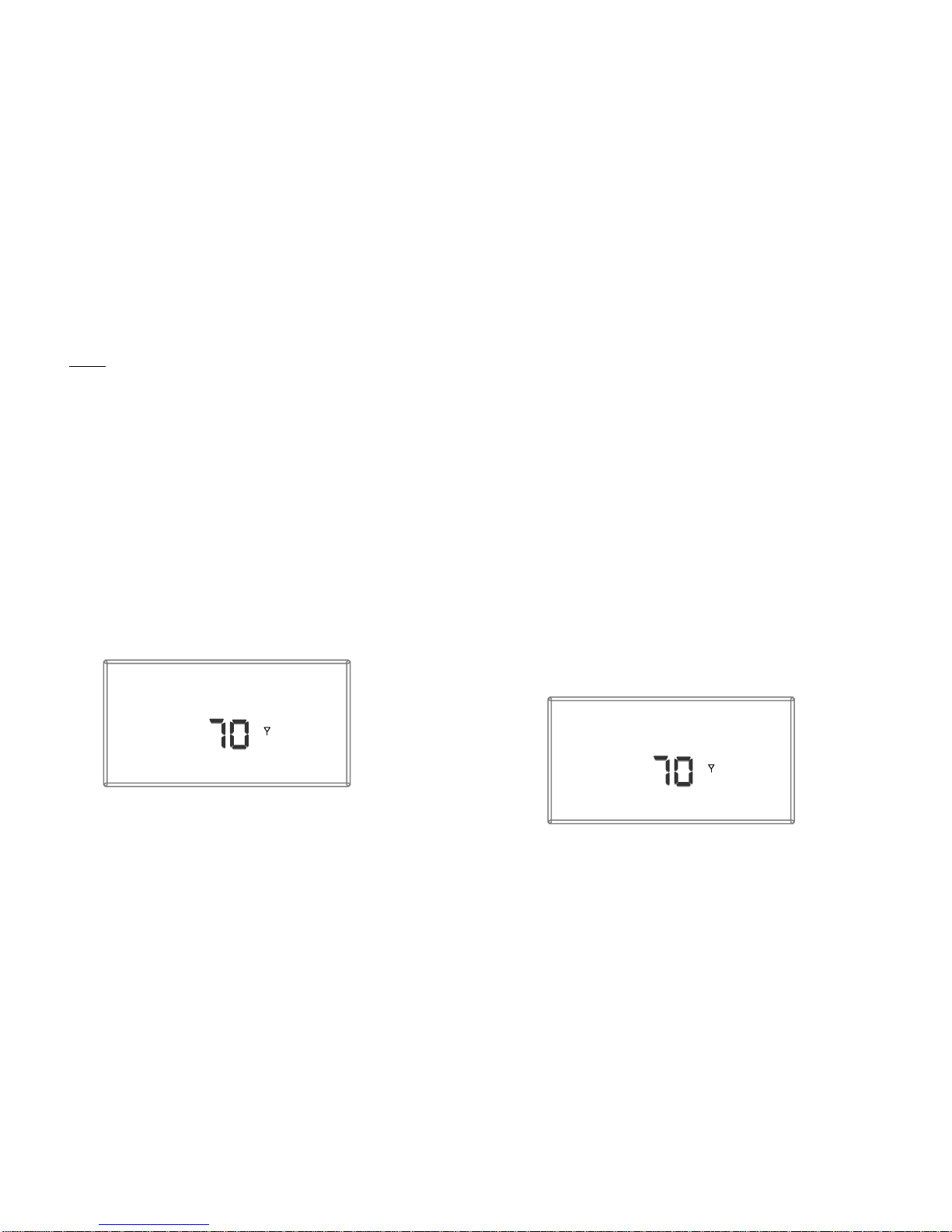
Press the SW4-INSTALL button inside the thermostat. The
display will change to the Install Session screen shown in Figure
9, with the ‘Install’ Icon blinking.
The display always blinks the item that is active and can be
changed.