
EMGA Ebro TFX Series Manuel utilisateur
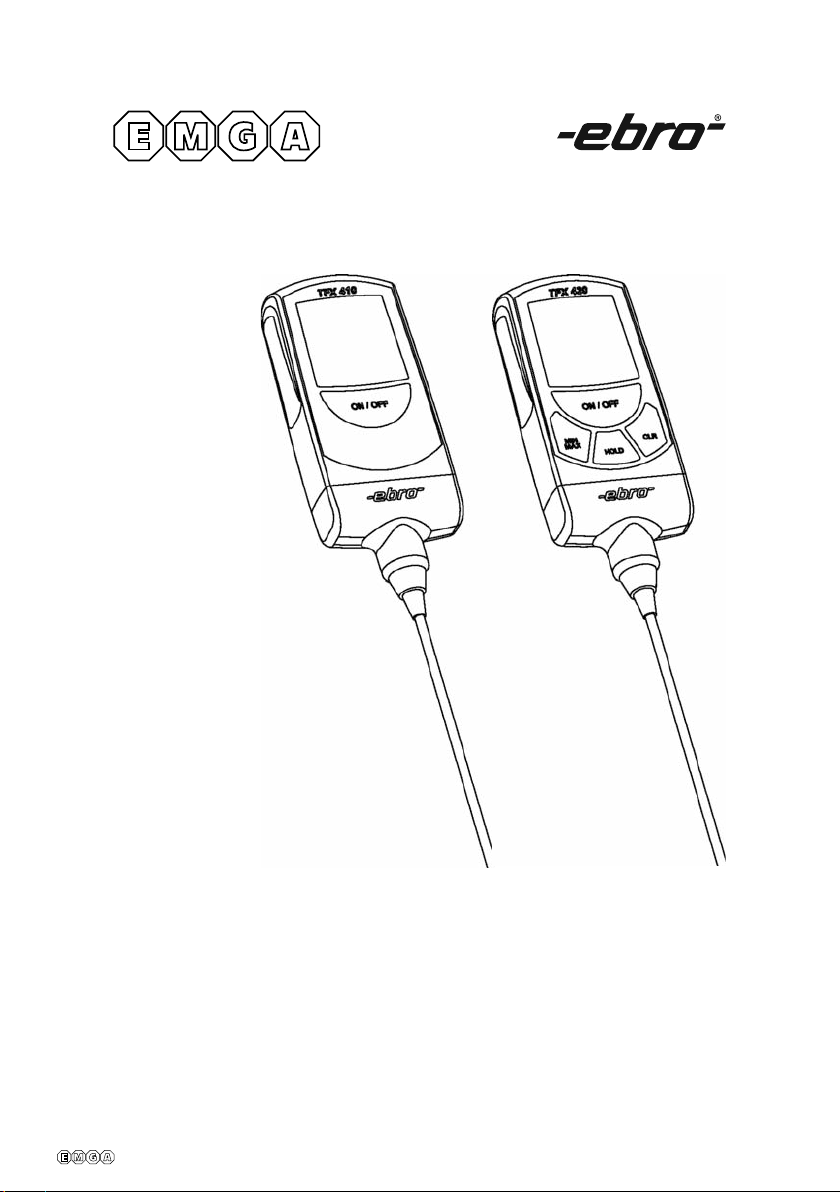
926.001 DIGITAL THERMOMETER - MANUAL
926001 en ma 2013
Thermometer
TFX Serie
926001 en ma 2013
TFX Serie
2
English
Dear customer,
Congratulations on the purchase of an
ebro product.
We hope than you can make use of this
product for a long time and that it helps
you with your work.
Information that are useful and impor-
tant for understanding the function are
highlighted in the instructions text.
Standards:
cate
rms that this product ful
lls CE guidelines.
ed by NSF
(exept TFX 430)
ed by UL
This product fullls the guidelines in
accordance with EN 13485.
Suitability:
S (Storage), T (Transport)
Location:
A (Food storage and distribution sy-
stems) and E (Transportable thermo-
meter)
cation:
1 for measurement of the air tempera-
ture and 0.5 for the measurement of the
internal product temperature.
Measurement range:
- TFX 410 -50 ... +300°C
- TFX 420 -50 ... +400°C
- TFX 430 -100 ... +500°C
In accordance with EN 13485, this device is subject to
regular (yearly) inspections as per EN 13486.
926001 en ma 2013
TFX Serie
English
Table of contents
1 Introduction ...............................................
1.1 General.....................................................
1.2 Safety instructions ...............................
1.3 Precautions.............................................
2 Scope of Delivery......................................
3 Description ................................................
3.1 General....................................................
3.2 User menu..............................................
guration options......................
3.2.2 Menu operation..................................
4 Operation .................................................. 1
4.1 Switching on thermometer ............1
4.2 Display.....................................................1
4.3 Measuring temperature....................1
4.4 Measurement memory......................2
4.4.1 Retrieving memory contents.........2
4.4.2 Storing current value........................2
4.4.3 Deleting measurement memory..2
5 Changing sensor.....................................
6 What do I do if..........................................
7 Calibration servicing .............................
8 Servicing and waste disposal.............
8.1 Cleaning..................................................
8.2 Waste disposal......................................
8.3 Replacing the battery ........................1
9 Appendix.............................................
I Accessories ............................................
II Technical information........................
CE Declararion
926001 en ma 2013
English
1 Introduction
1.1 General
Please read these operating instructions
carefully before using your new precision
thermometer.
These instructions guide you through
working with the thermometer with clear
and simple directions.
Any information which is useful or
relevant in the understanding of the
functionality is headlined as such in the
instructions.
To ensure safe operation of the thermo-
meter, follow all those safety instructions
as indicated by the symbol.
1.2 Safety notes
tNever expose the device to high tem
peratures (> 60°C / 140°F)!
tUnder no circumstances measure live components
with this device and external sensors
tDo not use the device in explosion endangered
areas!
tThe instrument should only be operated within the
ed in the Technical data.
tThe instrument should only be opened if expressly
described in the instruction manual for maintenance
purposes.
tForce should never be applied.
tPlease dispose exhausted batte-
ries according environment regulations.
tDo not put into trash-bin.
tYou can return the instrument directly to us at the
end of its service life. We shall recycle it according rules.
Warranty 2 years
TFX Serie
4

926001 en ma 2013
TFX Serie
English
2 Extent of supply
Check contents of the packing for com-
pleteness and integrity.
If you discover any damage or have any
reason for complaint, please contact
your distributor or:
ebro Electronic GmbH
Peringerstr. 10
85055 Ingolstadt
Tel.: (0841) 9 54 78–0
Fax: (0841) 9 54 78 80
E-mail: info@ebro.de
Internet: http://www.ebro.de
Parts list:
Thermometer with:
tSensor
cate
tInstruction manual
tFor accessories see appendix I
1.3 Cautions
The thermometer TFX should be protec-
ted from the following:
zElectro Static Discharge
z“Thermal shock”
caused by large or abrupt ambient
temperature changes — allow 30 mi-
nutes for unit to stabilize before use
when exposed to “thermal shock”.
zDo not leave the unit on or near
objects of high temperature.

926001 en ma 2013
TFX Serie
Serie 410
Serie 420 / 430
English
3 Description
3.1 General
Powered by a replaceable lithium batte-
ry, the precision thermometer is a handy,
watertight temperature measurement
device for a whole range of measure-
ment and control applications in the
laboratory and in industry.
A micro-processor controls the electro-
nics, guaranteeing maximum measu-
rement precision and linearity over the
entire measurement range.
You may attach a range of ebro sensors
to the thermometer TFX 410-1 and TFX
430, selecting the one most suitable for
your technical measurement application.
With the TFX 410 the probe is rmly
attached.
Serie 410:
1.................Display (LCD)
2.................Key ON/OFF
3.................Key required only for the user
menu
4.................Key required only for the user
menu
5.................Key required only for the user
menu
6.................Probe
Serie 420 / 430:
1.................Display (LCD)
2.................Key ON/OFF
3.................Key MIN/MAX / User menu
4.................Key HOLD / User menu
5.................Key CLR / User menu
6.................Probe
1
2
3
4
5
1
2
3
6
4
5
6
926001 en ma 2013
TFX Serie
English
.2 User menu
Follow this procedure to enter congu-
ration mode:
.
2 Press ON/OFF key (2) and keep
depressed. The segment test is dis-
played for approx. 1 second.
3 Release the ON/OFF key (2) as soon
as device model„TFX“ is displayed.
Then keep the lower key depressed
until „USER“, followed by „MENU“ is
displayed.
The device now enters the “USER
MENU”.
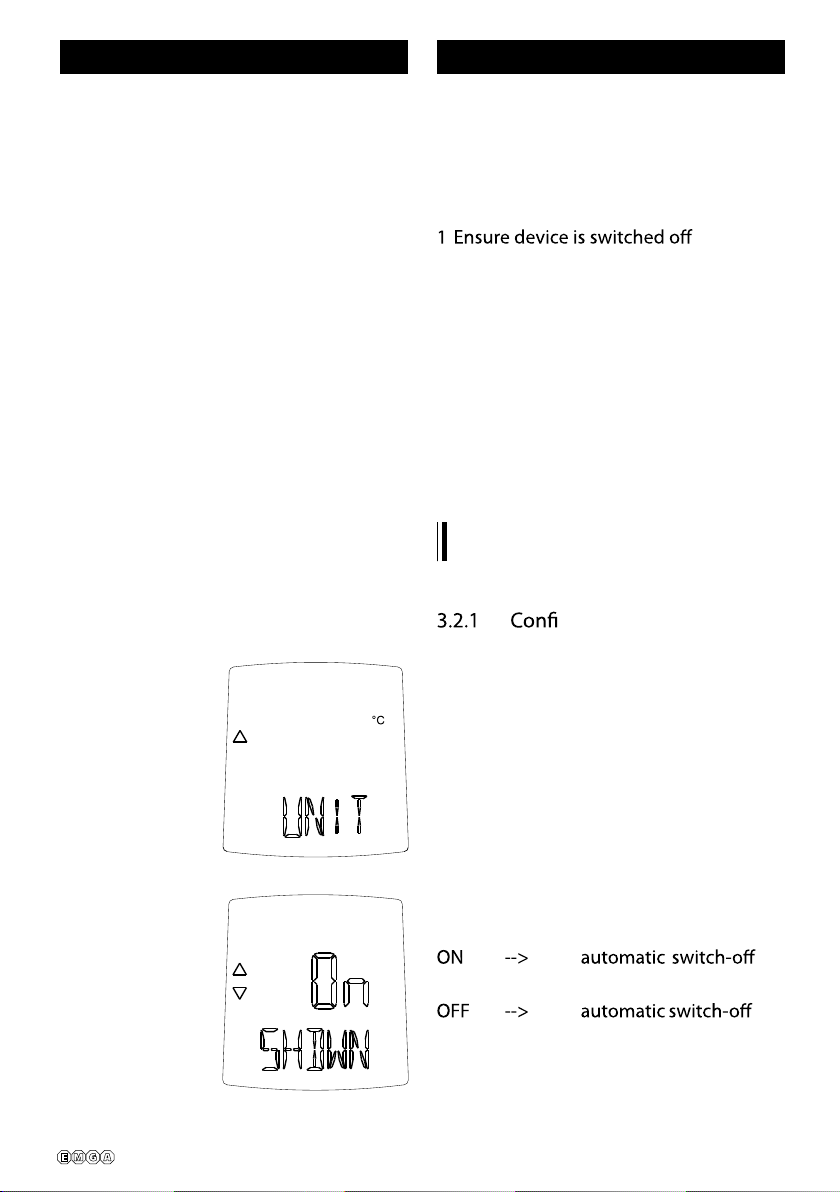
guration options
UNIT: active temperature unit,
switchable between °C and °F
SHDWN:a u t o m a tic switch-o
after 2 hours operation.
activated
deactivated
926001 en ma 2013
TFX Serie
English
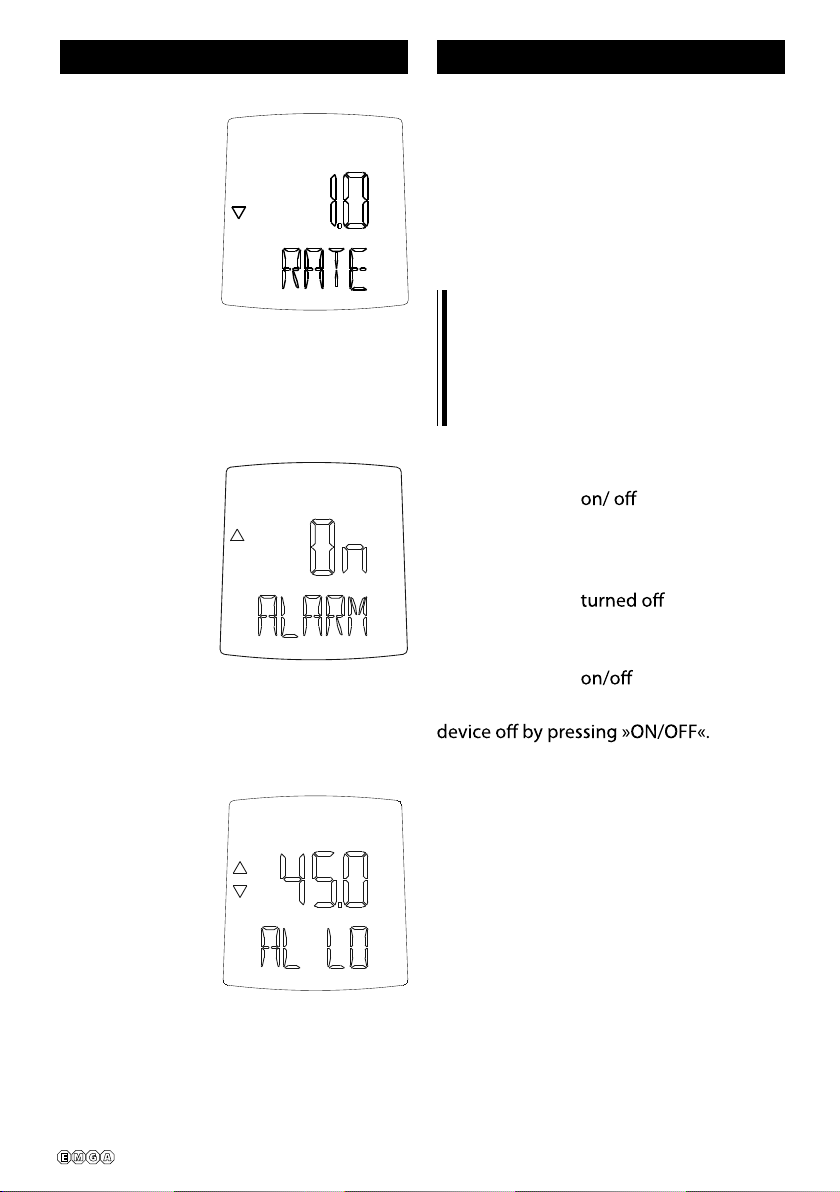
RATE: Measurement frequency in
seconds, adjustable from 1
second up to 15 seconds.
The value displayed is the pre-
set measurement frequency in
seconds.
Activate automatic switch-o to
extend battery life. Deactivate the
automatic switch-o if prolonged
measurements are required with the
model TFX 420 / 430.
ALARM T u r n a l a r m f u n c t i o n
ON = Alarm function
turned on
OFF = Alarm function
Press centre key =
Turn alarm function
- To leave the «User menu» turn the
AL LO Lower limit value of
desired range
Press centre key =
unblock
Press left/right keys =
increase/decrease
lower limit value
Press centre key =
store lower limit value
and block changes
°C
Serie 430
Serie 430
926001 en ma 2013
TFX Serie
Serie 430
Serie 430
English
3.2.2 Menu operation
- Select the next menu option
with the right key (4).
- Select the previous menu option
with the left key (3).
- Carry out and store the current
menu option with the down key
(5).
- Exit the menu with the ON/OFF
key (2). The device switches
.
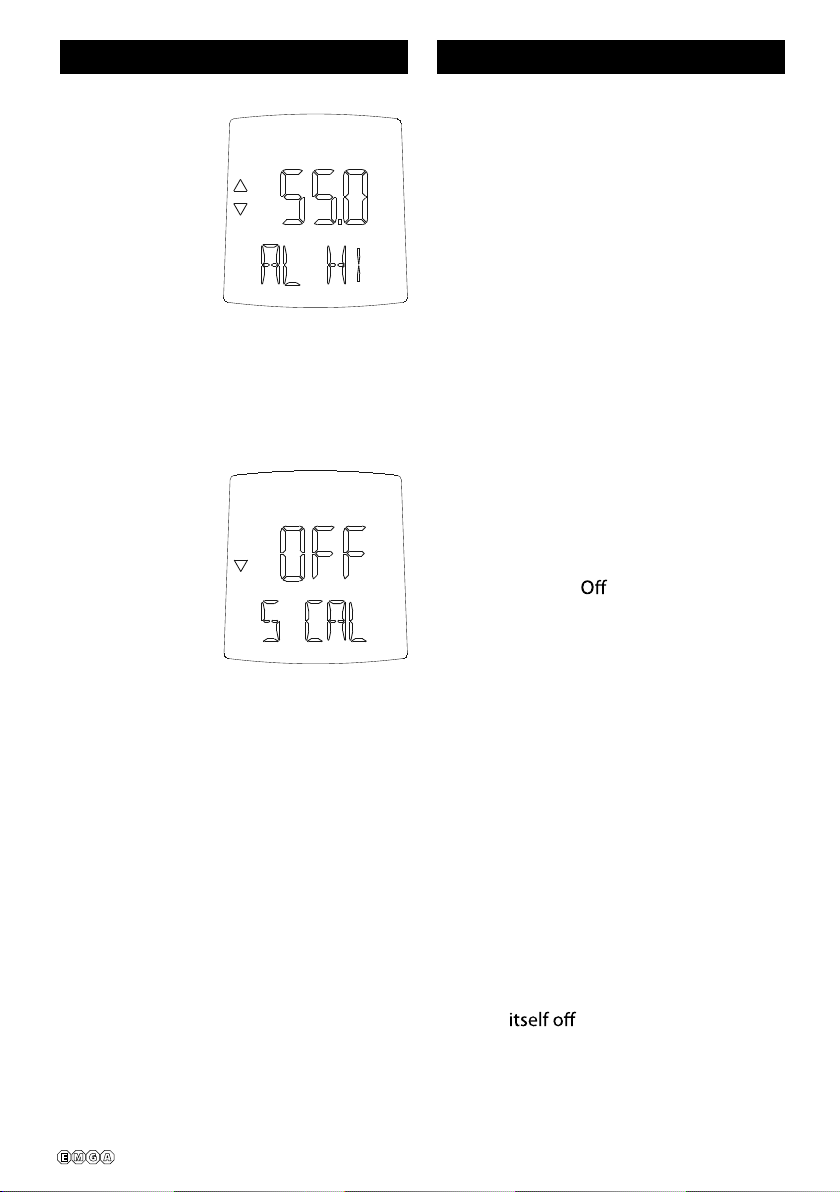
AL HI Upper limit value of
desired range
Press centre key =
unblock
Press left/right keys =
increase/decrease up
per limit value
Press centre key =
store upper limit value
and block changes
SCAL Activation/Deactivati-
on of the special ad-
justment
ON = Activated
= Deactivated
Press centre key =
ON/OFF of special ad-
justment
°C

926001 en ma 2013
TFX Serie
1
Serie 410
Serie 420 / 430
English
4 Operation
4.1 Swi tching on thermome-
ter
To switch the thermometer on, keep
key »ON/OFF« (2) pressed for approx.
1 second.
The device performs a system test
rst, displaying all segments used by
this thermometer model for approx. 1
second.
After the automatic test, the thermome-
ter switches to measuring mode and the
rst measurement reading is displayed
in °C. The thermometer is now ready for
use.
If an error message is displayed,
please refer to chapter 6 „What do I
do if ...“.
4.2 Display
All necessary information is displayed
on an LCD (Liquid Crystal Display).
The individual symbols have the following
meanings:
1 = Display for current measured
values
2 = Battery status indicator
3 = Trend display positive
4 = Minus sign (negative measured
values)
5 = Trend display negative
6 = Stored measurement and text
display
1
1
2
2
3
3
4
4
5
5
6
Ce manuel convient aux modèles suivants
1
Table des matières
Autres manuels EMGA Thermomètre


