
Embassy HOME EL1 Manuel utilisateur
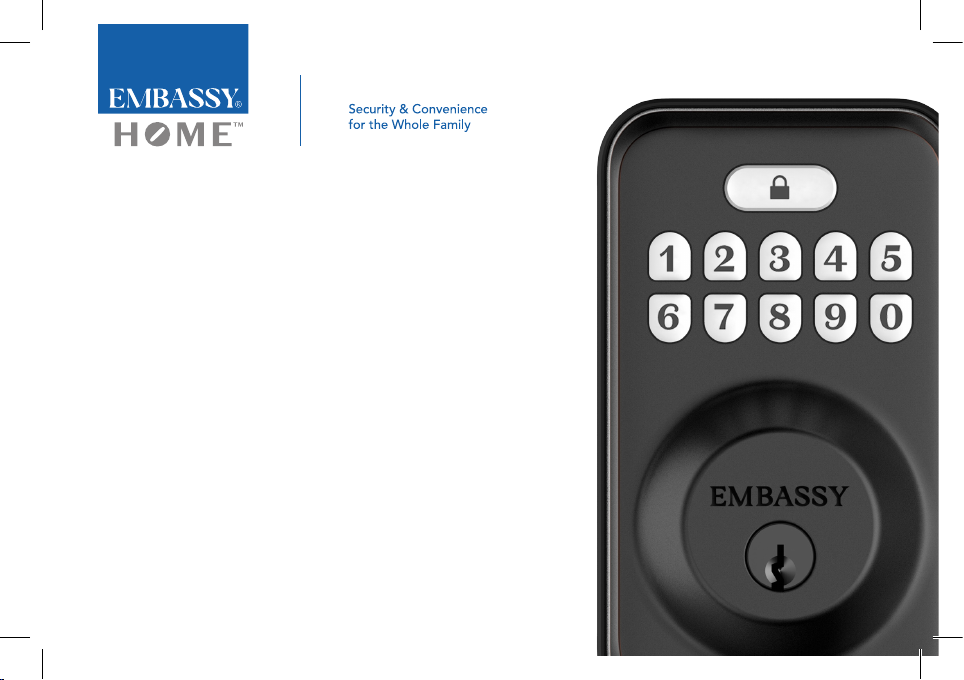
Everything you need to know to install, program, and use
your EMBASSY®HOME™Electronic Door Lock EL1
User’s Manual

Tools You’ll Need
Phillips screwdriver (#2)
4 AA batteries (included)
Pointed object
(such as a paper clip)
Documentation
More for the EL1 at
EmbassyHardware.com/EL1
Tips for Use with Kids
& Recording Codes
Warranty
(requires registration)
Register Your Lock
Installation Video
User Manual as PDF
User Manual
Additional Tools Required
for New Door Installations
2⅛" (54mm) Hole saw
1" (25mm) Hole saw
⅛" (2.5mm) Drill bit
Chisel
Hammer
Template for
Boring (included)

3
User's Manual
Tools You’ll Need
Phillips screwdriver (#2)
4 AA batteries (included)
Pointed object
(such as a paper clip)
Documentation
More for the EL1 at
EmbassyHardware.com/EL1
Tips for Use with Kids
& Recording Codes
Warranty
(requires registration)
Register Your Lock
Installation Video
User Manual as PDF
User Manual
Additional Tools Required
for New Door Installations
2⅛" (54mm) Hole saw
1" (25mm) Hole saw
⅛" (2.5mm) Drill bit
Chisel
Hammer
Template for
Boring (included)
Read This First
xFailure to follow these instructions could
result in damage to the product and will
void the manufacturer’s warranty.
xAccurate alignment during your door prep is critical
for proper functioning and security of this product.
This will ensure smooth functioning and prevent both
performance degradation and reduced security.
Do not install the 4 AA batteries until the lock
is completely installed on your door.
IMPORTANT

Table of Contents
Installation Guide............................................................................................................................................................................................3
Parts Identication.............................................................................................................................................................................4
Specications.....................................................................................................................................................................................5
Door Preparation for Installation ....................................................................................................................................................6
Door Preparation for Installation ....................................................................................................................................................7
Installing your Embassy EL1 Electronic Door Lock ............................................................................................................... 8-13
How to Use Your EMBASSY®HOME™Electronic Door Lock...........................................................................................................14-15
How to Reset to Factory Default Settings.................................................................................................................................................16
Codes Overview ...........................................................................................................................................................................................17
Features List ...................................................................................................................................................................................................18
Master Code ....................................................................................................................................................................................18
Programming Mode.......................................................................................................................................................................18
Auto Lock Mode..............................................................................................................................................................................18
Manual Lock Mode.........................................................................................................................................................................19
Wrong Entry Limit ...........................................................................................................................................................................19
Vacation Mode ................................................................................................................................................................................19
One-Time User Code .....................................................................................................................................................................20

Code Concealment .......................................................................................................................................................................20
Silent Mode......................................................................................................................................................................................20
Splash Proof .....................................................................................................................................................................................20
Low Battery Indicator......................................................................................................................................................................20
Antimicrobial Coating ....................................................................................................................................................................21
Reset to Factory Default.................................................................................................................................................................21
Programming Instructions...........................................................................................................................................................................22
How to Enter Programming Mode...............................................................................................................................................22
How to Change the Master Code ................................................................................................................................................23
How to Delete a User Code ..........................................................................................................................................................23
How to Add a User Code...............................................................................................................................................................23
How to Mute or Unmute Keypad Beeping.................................................................................................................................23
How to Set Auto Lock or Manual Lock Mode.............................................................................................................................24
How to Set Vacation Mode............................................................................................................................................................24
How to Set a One-Time Code.......................................................................................................................................................24
How to Customize the Timing of Auto Lock...............................................................................................................................24
Free ‘Lost Key’ Service .................................................................................................................................................................................25
Customer Support........................................................................................................................................................................................25

3
EMBASSY® HOME™ EL1
EL1 Electronic
Door Lock
Installation Guide
A Manual Override Key
B Cylinder
C Push Buttons
D Locking & Unlocking Button
E Exterior Assembly
F Door
G Tailpiece
H Wiring Cable
I Bolt
J 7/8" (23mm) Latch Screws
K 1-1/2" (38mm) Strike Plate Screws
L Door Frame Strike Plate
M Interior Mounting Plate
N 2-3/8" (60mm)
Through Bolt Mounting Screws
O Interior Assembly
P Battery Cover
Q Interior Assembly
Screws
R OPTIONAL Round Faceplate

4
Installation Guide
M
N
Q
A
C
B
I
H
G
J
K
L
D
E
F
O
P
R
Parts Identification

5
EMBASSY® HOME™ EL1
Specifications
reset
button
thumbturn
interior
assembly
screw
battery
cover
Exterior
Assembly
Interior
Assembly
Deadbolt
Item Specications
Exterior Assembly (H) 5-1/8" (130mm) x (W) 3" (76mm) x (D) 1-3/16"(30mm)
Interior Assembly (H) 5-9/16" (142mm) x (W) 2-3/4" (70mm) x (D) 1-3/4" (44mm)
Batteries (included) AA Alkaline battery x4 (Operation voltage: 4.6~4.0V)
Lasts up to one year (10 unlock/lock cycles per day)
cylinder
keypad

6
Installation Guide
With Flat Screwdriver,
pry off faceplate Twist off
faceplate Install Round Face Plate rst
(part R) and then install Collar
Door Preparation
for Installation
For doors which have
pre-existing deadbolt installed.
21 3
1"
(25mm)
DOOR
EDGE
AEnsure that bore is 2-1/8" (54mm) wide.
B Conrm which face plate shape
is required for your door.
C (Optional) If necessary, change
faceplate to Round Faceplate (part R).
C
No change
needed
2-1/8
(54mm)"
DOOR
EDGE
B
A

7
EMBASSY® HOME™ EL1
Door Preparation for Installation
For doors which have pre-existing deadbolt installed.
DAdjusting the Deadbolt
Backset for your door.
The deadbolt ships with backset
preset for 2-3/8" (60mm) position.
If the centerpoint in your door
bore is 2-3/8" away from the edge
of the door (see drawing A) then
you are ready to install the bolt.
If the centerpoint in your door bore
is 2-3/4" away from the edge of the
door (See drawing B) you can adjust
the deadbolt by turning the boltcase
and pulling it out to extend to the
2-3/4" (70mm) backset position.
(See pictures 1 and 2)
φ2-3/8"
(60mm)
φ2-3/8"
(60mm)
φ2-3/4"
(70mm)
A
B
21
φ2-3/4"
(70mm)
Table des matières


