Eizo CID1300P Manuel utilisateur

Instructions for Use
CID1300P
Panel PC with Touchscreen and Software
Important
Please read the safety information and all information delivered
with the product carefully to familiarize yourself with safe and
effective usage.

EIZO GmbH
Carl-Benz-Straße 3
76761 Rülzheim
Germany
1086250-002
02/2023 Technical data subject to change.
Copyright © EIZO GmbH 2023.
All rights reserved.
Legal information
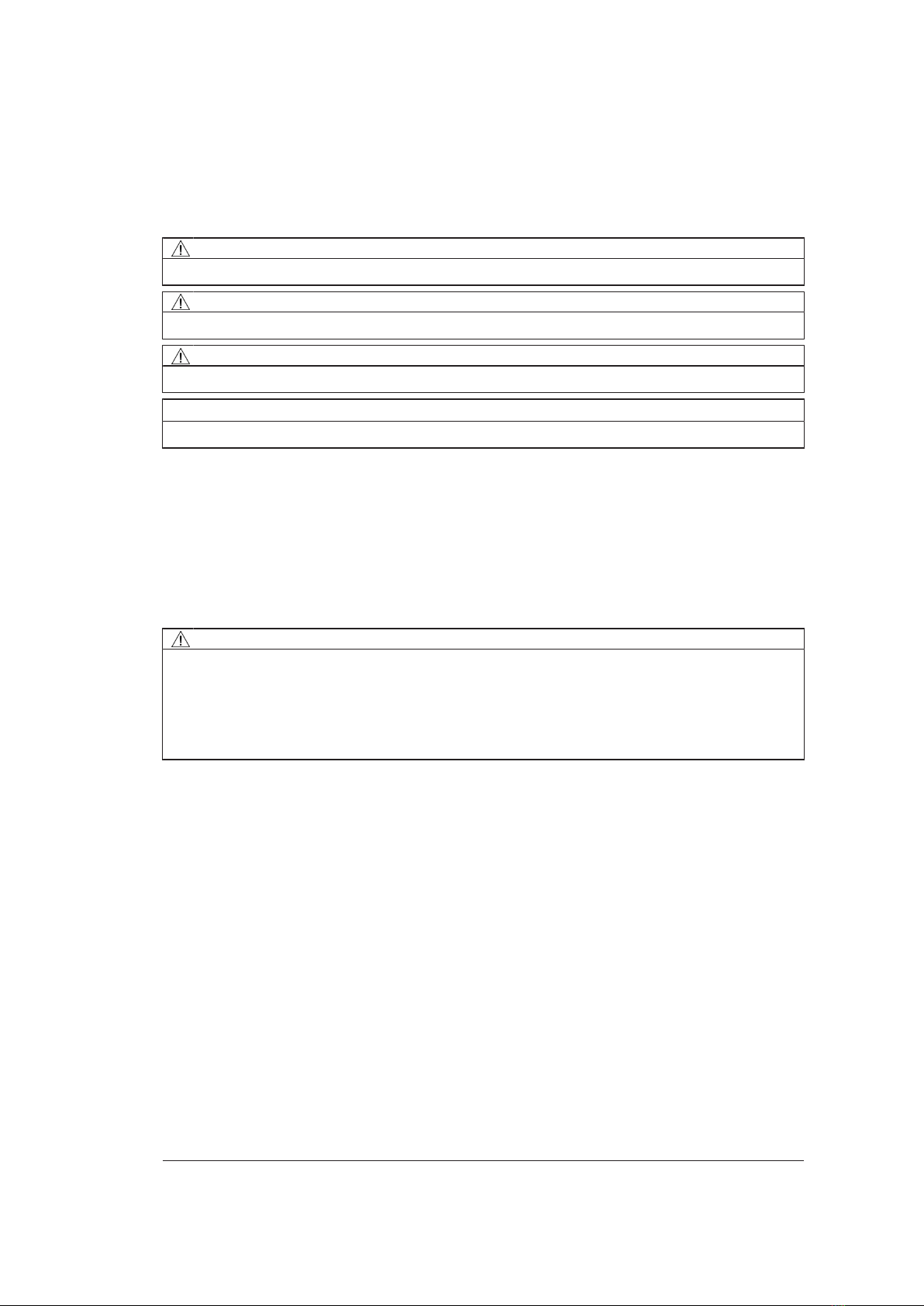
Warning notice system
This manual contains notices you have to observe in order to ensure your personal safety, as well as to
prevent damage to property. The notices referring to your personal safety are highlighted in the manual
by a safety alert symbol, notices referring only to property damage have no safety alert symbol. These
notices shown below are graded according to the degree of danger.
DANGER
indicates that death or severe personal injury will result if proper precautions are not taken.
WARNING
indicates that death or severe personal injury may result if proper precautions are not taken.
CAUTION
indicates that minor personal injury can result if proper precautions are not taken.
NOTICE
indicates that material damage can result if proper precautions are not taken.
If more than one degree of danger is present, the warning notice representing the highest degree of
danger will be used. A notice warning of injury to persons with a safety alert symbol may also include a
warning relating to property damage.
Qualified personnel
The product/system described in this documentation may be operated only by personnel qualified for
the specific task in accordance with the relevant documentation, in particular its warning notices and
safety instructions. Qualified personnel are those who, based on their training and experience, are ca-
pable of identifying risks and avoiding potential hazards when working with these products/systems.
Use of EIZO products
WARNING
EIZO products may only be used for the applications described in the catalog and in the relevant tech-
nical documentation. If products and components from other manufacturers are used, these must be
recommended or approved by EIZO. Proper transport, storage, installation, assembly, commissioning,
operation and maintenance are required to ensure that the products operate safely and without any
problems. The permissible ambient conditions must be complied with. The information in the relevant
documentation must be observed.
Trademarks
All names identified by ® are registered trademarks of their respective owners. Please refer to the
trademarks listed in the appendix. The remaining trademarks in this publication may be trademarks
whose use by third parties for their own purposes could violate the rights of the owner.
Disclaimer of liability
We have reviewed the contents of this publication to ensure consistency with the hardware and soft-
ware described. Since variance cannot be precluded entirely, we cannot guarantee full consistency.
However, the information in this publication is reviewed regularly and any necessary corrections are in-
cluded in subsequent editions.

Table of contents
CID1300P
Instructions for Use, 02/2023 3
Table of contents
Legal information ............................................................................................................. 2
1 Introduction....................................................................................................................... 5
1.1 Contents of this document ........................................................................................5
1.2 Intended use .............................................................................................................5
2 Safety information ............................................................................................................ 6
2.1 General safety instructions .......................................................................................6
2.2 Product-specific safety instructions ..........................................................................9
3 Description...................................................................................................................... 10
3.1 Scope of delivery ....................................................................................................10
3.2 Features..................................................................................................................11
4 Setup and installation .................................................................................................... 12
4.1 Installation site ........................................................................................................12
4.2 Installation in a VESA holder ..................................................................................13
5 Connecting...................................................................................................................... 14
5.1 Safety information for connection ...........................................................................14
5.2 Device connectors ..................................................................................................15
5.3 Connecting to the IT network..................................................................................16
5.4 Connecting the keyboard........................................................................................16
5.5 Connecting the power supply and switching on......................................................17
6 Commissioning............................................................................................................... 18
6.1 Introduction .............................................................................................................18
6.2 Setup procedure .....................................................................................................18
6.3 Changing the network settings of the CID 1300P...................................................20
6.4 Entering the target address for access via the “Web Based Interface” ..................20
6.5 Entering the IP address for access via “LMM Control” ...........................................22
6.6 Changing the application for access to the LMM....................................................23
6.7 Logging on as admin ..............................................................................................23
7 Operation......................................................................................................................... 24
7.1 Switching on / off ....................................................................................................24
7.2 Touchscreen ...........................................................................................................24
8 Cleaning and disinfecting.............................................................................................. 26
8.1 Recommended cleaning agents and disinfectants .................................................26
9 Troubleshooting ............................................................................................................. 27
10 Technical specifications ................................................................................................ 28
10.1 Dimension drawing .................................................................................................28

Table of contents
4
CID1300P
Instructions for Use, 02/2023
10.2 Panel PC.................................................................................................................28
10.3 Components ...........................................................................................................28
10.4 Power supply ..........................................................................................................29
10.5 Inputs / outputs .......................................................................................................29
10.6 Certificates, approvals, and standards ...................................................................29
10.7 Electromagnetic compatibility (EN60601-1-2) ........................................................30
11 Appendix ......................................................................................................................... 31
11.1 Guidelines and manufacturer's declaration – electromagnetic emissions ..............31
11.2 Warranty .................................................................................................................31
11.3 Repairs ...................................................................................................................31
11.4 Environmental protection ........................................................................................31
11.5 Additional devices...................................................................................................31
11.6 Contact ...................................................................................................................31
11.7 Manufacturer's information .....................................................................................31
11.8 Trademarks.............................................................................................................32
Index ................................................................................................................................ 33

Introduction
1.1 Contents of this document
CID1300P
Instructions for Use, 02/2023 5
1 Introduction
1.1 Contents of this document
Note
This documentation is available in electronic format only. It can be found on the CD-ROM
provided and can be downloaded from www.eizo-or.com.
This document explains the functionality and the intended use of the Panel PC CID1300P.
To ensure clarity, it does not contain all detailed information on this product.
You are additionally advised that the contents of this document are neither part of a previ-
ous or existing agreement, commitment, or legal relationship, nor does it modify such.
1.2 Intended use
The CID1300P is a panel PC with touchscreen and appropriate software, and is used as an
interface to select and switch among various predefined layouts in the EIZO video manage-
ment system, which are then displayed on the corresponding monitors.
The Large Monitor Manager (LMM) system for example is an EIZO video management sys-
tem.
The CID1300P is intended for use by health care professionals in the patient vicinity in the
OR or other sterile, medical environment. It is not however intended for direct contact with a
patient.
The CID1300P is intended to be installed on a suitable VESA mount.
The CID1300P is not delivered with medical application software and is therefore not in-
tended for diagnostic usage or patient monitoring.

Safety information
2.1 General safety instructions
6
CID1300P
Instructions for Use, 02/2023
2 Safety information
2.1 General safety instructions
Correct and safe operation of EIZO devices requires professional transport, storage, instal-
lation, and connection, as well as careful operation and servicing.
The devices may only be used for applications for which they are intended.
For safety reasons, the following precautions must be observed:
DANGER
Please observe all warning information on the device and in the instructions for use
There is a danger to life if warnings are not observed. Severe personal injury or damage to property
may occur.
Observe the safety requirements of EN 60601–1 (IEC 60601–1)
To prevent injury to patients and users, design the electrical system in accordance with the safety re-
quirements of EN60601‑1 (IEC60601‑1) for “Safety requirements for medical electrical systems”.
Connecting the protective ground conductor
If the device is connected to the line power, the device must be connected to a protective ground
conductor. This is the only way to ensure that the contact leakage current in a first fault event does
not exceed 500µA.
The interruption of the device's protective conductor is considered a first fault event in accordance
with EN 60601- 1.
Use the following measures to ensure that the leakage currents remain below the specified limits:
• Switch-disconnectors for signal input unit or signal output unit
• Use of a safety isolating transformer
• Use of the additional protective ground terminal
Mounting of the monitor: The monitor's suspension arm must have its own protective ground conduc-
tor. This protective ground conductor guarantees, together with the protective ground conductor of
the monitor, that the housing leakage current always remains less than 500µA, even in the event of
a single fault condition (i.e. when the first fault event occurs).
No unauthorized opening of the device / no unauthorized service or maintenance work
The device may only be opened by qualified personnel. Likewise, service or maintenance work may
only be carried out by qualified personnel. There is a risk of electric shock.
No liability is accepted for death and injury to persons or damage to property resulting from work car-
ried out by non-qualified personnel.
Do not touch components in the device
If the device is connected to the line power, components in the device are subjected to high voltages.
Touching the components may be fatal.
No contact between device and patients
The device is not suitable for direct contact with a patient. The device and patient must never be
touched simultaneously. Otherwise there is a danger to life and limb.

Safety information
2.1 General safety instructions
CID1300P
Instructions for Use, 02/2023 7
DANGER
Please observe all warning information on the device and in the instructions for use
There is a danger to life if warnings are not observed. Severe personal injury or damage to property
may occur.
Never use defective power cables
If a damaged or unsuitable power cable is used, it could result in a fire or electric shock. Only use
power cables with PE contacts approved by the manufacturer.
Disconnect the power cable correctly
When disconnecting the power cable, always do so by holding the plug. Ensure that your hands are
dry. There is a risk of electric shock.
Do not insert any objects into the housing
Objects inserted into the housing may result in an electric shock or damage to the device.
Do not place any objects on top of the device
If you place objects on top of the device, this can lead to overheating and fire.
Avoid penetration of liquid
Liquids seeping into the device may result in electric shock or device failure.
CAUTION
Extensive damage to property may result if the device is not connected correctly
That is why you should observe the warning information:
Connection must be carried out by specialists
Please ensure that all steps are taken to avoid injuries or incorrect diagnoses.
• Only use the video cables specified by the manufacturer for the connection.
• Only use power cables with PE contacts.
• Only use power outlets with PE contacts.
• Do not connect too many devices to a power outlet or extension cable.
• Observe the information provided by the respective manufacturer.
• If required by the application or local regulations, QA software must be used for quality control
and documentation.
Connection in the USA and Canada
Molded power plugs must comply with the requirements for “hospital grade attachments” CSA Std.
C22.2 No.21 and UL498.
Connection in China
Only use power cables approved for China. These power cables are identified by the labels “CCC” or
“CQC”.
Observe the country-specific regulations
Observe all regulations of the country in which the device is used.

Safety information
2.1 General safety instructions
8
CID1300P
Instructions for Use, 02/2023
CAUTION
Extensive damage to property may result if the device is not connected correctly
That is why you should observe the warning information:
• Desktop installation:
Place the device on a solid and level surface. The installation surface must be suitable for the
weight of the device.
• For attaching to a wall or ceiling mount:
The mount unit must be suitable for the weight of the device.
• For installation in a rack:
Observe the installation sequence, and provide ventilation for the device.
Provide adequate air circulation
When installing the device, ensure that there is adequate air circulation for operation. The permissi-
ble ambient temperature range must not be violated. Otherwise, the device could be destroyed by
overheating.
Avoid sources of heat
Do not install the device in the vicinity of sources of heat, such as radiators, heating appliances or
other devices that can generate or emit heat.
Do not subject the device to jolting or shocks
The device contains sensitive electronic components that could be damaged by jolting or shocks.
Only switch on a cold device following adaptation to room temperature
If the device is brought into a room with a higher or rising temperature, condensed water will form in
and on the device. Do not switch on the device until the condensed water has evaporated. Other-
wise, the device could be damaged.

Safety information
2.2 Product-specific safety instructions
CID1300P
Instructions for Use, 02/2023 9
CAUTION
Extensive damage to property may result if the device is not connected correctly
That is why you should observe the warning information:
Transportation only in original packaging
Use the original packaging for transportation, and transport in the correct shipping position. Be sure
in particular to protect the monitor LCD modules from shocks.
Care of device / cleaning agents
• Remove water drops immediately; extended contact with water discolors the surface.
• Only clean the surfaces using the cleaning agents referred to in the instructions for use provided
by the manufacturer.
• Monitor: The screen is extremely sensitive to mechanical damage. Absolutely avoid scratches,
shocks, etc.
What to do if the device is faulty
If the following conditions exist, the device must be disconnected from the line power and checked
by qualified personnel:
• Damage to the plug or power cable.
• After liquid seeps into the device.
• If the device has been exposed to moisture.
• If the device does not function or if a fault cannot be eliminated using the Instructions for Use.
• If the device has been dropped and/or the housing damaged.
• If the device smells of burning or makes peculiar noises.
Be aware of the monitors aging
Note that monitors can fail as a result of aging, and that image properties such as brightness, con-
trast, and color value can change.
2.2 Product-specific safety instructions
NOTICE
Network security
The CID1300P has been secured with a BIOS password, blocked network ports, and other
security measures. Nevertheless, the CID1300P is based on standard computer and net-
work technology.
• Make sure the network environment is secure.
• Follow the information in 60601-1, Chap. 16, ME Systems.
Note
Follow the safety information in the instructions for use on the CD from the device manu-
facturer.

Description
3.1 Scope of delivery
10
CID1300P
Instructions for Use, 02/2023
3 Description
3.1 Scope of delivery
The CID1300P is a panel PC with touchscreen and tailored application software. The scope
of delivery consists of the device and supplementary items.
Device
Product Order number Description
Panel PC CID1300P 6GF65500AE180AA4 Panel PC with touchscreen and application
software, version ADLINK MLC-133-AL
Supplementary items
• Power supply unit
• Documentation and software CD
Note
Further information on the ADLINK MLC-133-AL is available in the instructions for use pro-
vided by the panel PC manufacturer on the supplied documentation CD.
Table des matières
Autres manuels Eizo Écran tactile
Manuels Écran tactile populaires d'autres marques

IBASE Technology
IBASE Technology ASTUT-152-RE1S Manuel utilisateur

YASKAWA
YASKAWA TP 610C Manuel utilisateur

B&R
B&R Power Panel C Series Manuel utilisateur

Beijer Electronics
Beijer Electronics X2 control Manuel utilisateur

AXIOMTEK
AXIOMTEK GOT321W-521 Manuel utilisateur

TRIDONIC.ATCO
TRIDONIC.ATCO x-touchBOX Manuel utilisateur