2
Index
1. Design ecom-DP.................................................................................................3
2. Initialisation .........................................................................................................3
2.1. Power supply ..............................................................................................4
2.2. Accumulator charging.................................................................................4
2.3. Setting clock................................................................................................4
3. Numerical indication............................................................................................5
3.1. Zeroing the internal pressure sensor..........................................................6
3.2. Freezing of measurement value.................................................................6
3.3. Minimal / Maximal measurement values ....................................................7
3.4. Measurement values printout .....................................................................7
3.5. Contrast adjustment and lighting................................................................7
4. Check programs..................................................................................................8
4.1. Setup...........................................................................................................8
4.2. Pressure check...........................................................................................9
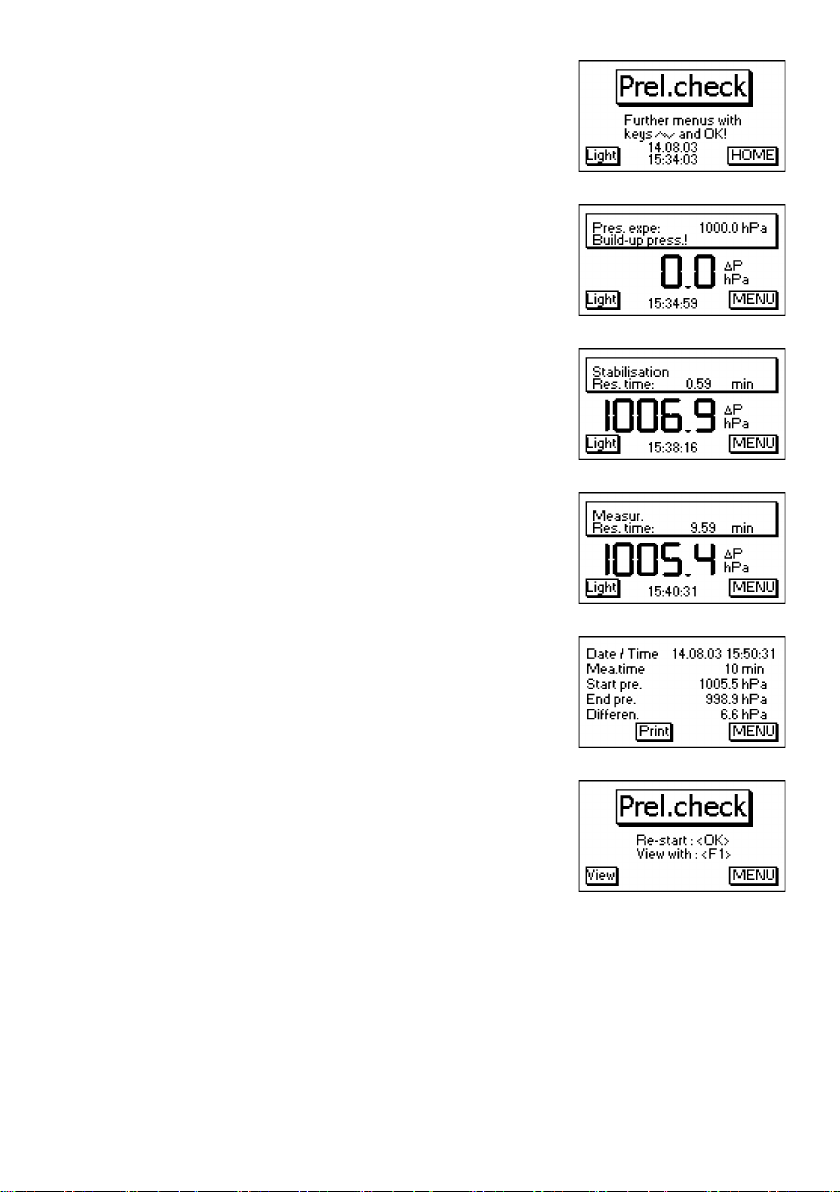
4.3. Preliminary check .......................................................................................9
4.4. Main Check...............................................................................................11
4.5. Usability Check.........................................................................................12
5. Clock set ...........................................................................................................14
6. Internal instrument settings...............................................................................15
6.1. Key beep on/off switch..............................................................................15
6.2. Pressure Auto -> 0 by start.......................................................................16
6.3. Choose printer (ecom-P) ..........................................................................16
6.4. Battery loading..........................................................................................16
6.5. Display damping .......................................................................................16
6.6. Pressure unit.............................................................................................17
6.7. Auto OFF function.....................................................................................18
6.8. Contrast ....................................................................................................18
6.9. Light..........................................................................................................18
7. Sensor setup.....................................................................................................19
8. View service information...................................................................................19
9. Data logger program „ecom-DP Logger“ ..........................................................20
10. Technical Data ecom-DP................................................................................21
11. Maintenance tip...............................................................................................22