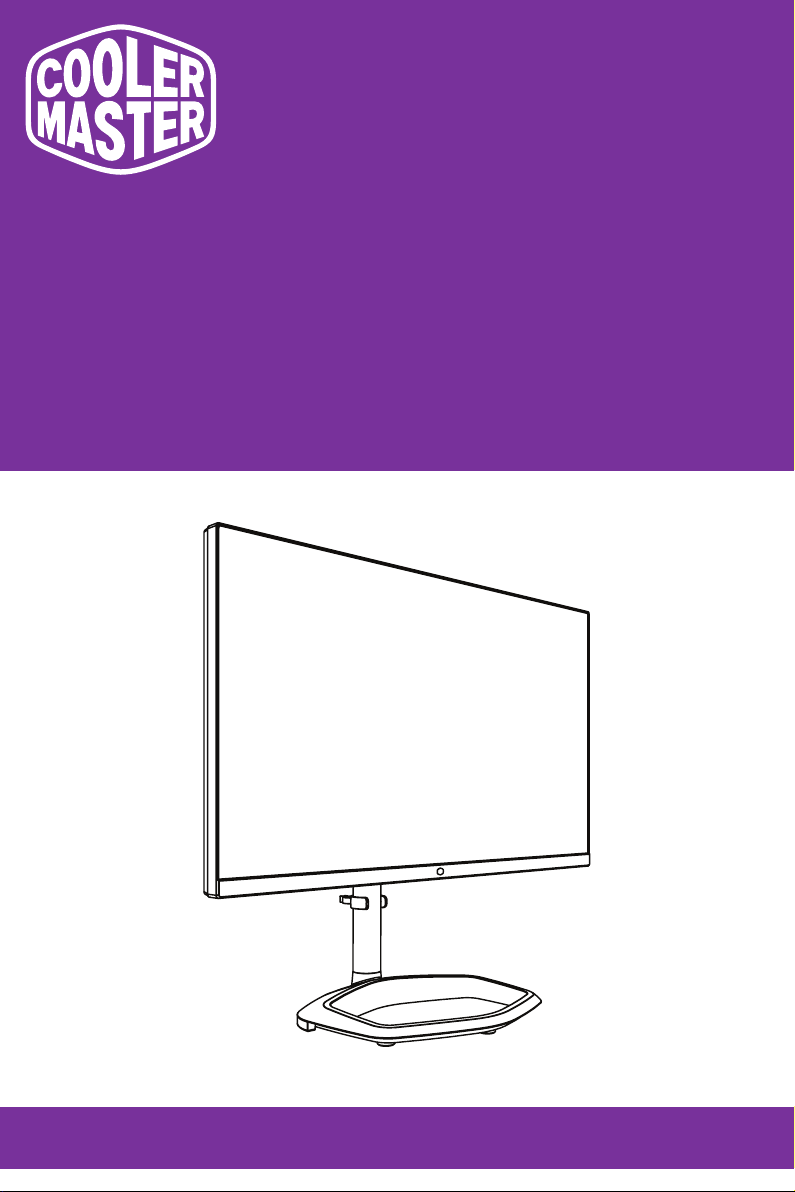
Cooler Master GP2711 Manuel utilisateur

GP2711
Cooler Master 27" Gaming Monitor
User Manual

Table of Contents
Requirements and Safety Notice .........................................................................1
Important Safety Instructions ..............................................................................3
Correct Posture to Use the Product......................................................................3
Low Blue Light ......................................................................................................4
Flicker Free...........................................................................................................4
Package Contents .................................................................................................5
Installing the Monitor Arm/Base ..........................................................................6
Adjusting the Monitor ...........................................................................................8
Wall Mount Installation Instructions....................................................................9
External Control Buttons......................................................................................10
Main Menu..............................................................................................................11
[Input]....................................................................................................................11
[Picture Setting] ....................................................................................................11
[Color Adjustment] ................................................................................................12
[Gaming Setup].....................................................................................................13
[Advanced Settings]..............................................................................................14
[System]................................................................................................................15
Updating the Monitor Firmware ...........................................................................16
Specifications........................................................................................................17
Supported Timing..................................................................................................18
[PC Timing] ...........................................................................................................18
[Video Timing].......................................................................................................19
Product Outline Dimensions................................................................................20

1
Requirements and Safety Notice
FCC Safety Notice
This product has been tested and determined to be meeting the limits for a Class B digital device and in compliance
with Part 15 of the FCC Regulations. These requirements are set to reasonably protect the home installation
environment from hazardous interference. This product will generate, use and emit radio frequency energy. Failure
to install and use it as instructed may cause hazardous interference to radio communication. However, we cannot
guarantee zero interference for certain installation methods. If this product has caused hazardous interference to
radio or TV reception (turn on or turn off this product to for confirmation), the user may try to make adjustment with
the following methods:
• Re-adjust the angle and position of the reception antenna.
• Increase the distance between the device and receiver.
• Do not use the power sockets of the device and receiver together.
• If assistance is needed, contact the distributor or a professional radio/TV technician.
CE Compliance Statement
Cooler Master Technology Inc. hereby declares that the monitor conforms to the following key standards and other
related provisions:
EMC Directive 2014/30/EU, Low Voltage Directive 2014/35/EU, RoHS Directive 2011/65/EU and Directive
2009/125/EC establishing a framework for the setting of eco-design requirements for energy-related products.
Note:
To prevent damage of the monitor, do not lift the monitor from the support base.
Note: Shielded cable
To comply with the EMC requirements, a shielded cable must be used for connection between this product and any
other computer device.
Note:
The monitor is exclusively used in the video and image display of information acquired from electronic devices.
Note: Peripherals
Only a peripheral device (I/O device, terminal, printer, etc.) that has been certified and met the Class B limits can be
sold together with this product. If this product is used together with any other uncertified peripheral device, it may
cause interference to radio and TV reception.
Warning
Any change or modification not approved by the original manufacturer may lead to the user losing the right to
operate this product. Such authorization is given by the Federal Communications Commission.
Requirements for Use
This product meets the limits under Part 15 of the FCC Regulations. When operating this product, please meet the
following two requirements: (1) This product may not generate hazardous interference; and (2) This product must
accept any interference signal received, including interference that is likely to lead to unexpected operation.
The following local Manufacturer/Importer is responsible for this declaration.
Product Name: LCD Monitor
Model No: GP2711
Company Name: North America - CMI USA, Inc.
Address: 1 N Indian Hill Blvd Suite 200, Claremont, CA 91711, USA
Contact Person: Cooler Master Representative
Phone No: +1-888-624-5099
Note: Canadian users
This Class B digital device complies with Canadian ICES-003 specifications.
Remarque à I’intention des utilisateurs canadiens
Cet appareil numérique de la classe B est conforme à la norme NMB-003 du Canada
Disposal of Waste Equipment by Home Users in EU
If this symbol appears on a product and its package, it indicates that the product cannot be disposed of together
with other household waste. You have to deliver the waste equipment to a designated recycling center for recycling
of waste electrical and electronic equipment. Proper sorting and recycling of resources during the disposal of waste
equipment is helpful for protecting natural resources and ensuring that resource recycling can protect human health
and environment. For detailed information about recycling centers where waste equipment is disposed of, contact the
local municipal office, cleaning service or the store where the purchased product is found.

2
限
限
用
用
物
物
質
質
含
含
有
有
情
情
況
況
標
標
示
示
聲
聲
明
明
書
書
ഢԵ
Ⱥ
ຬрZW
Ȼ
Ϸ
Ⱥ
ຬрZW
Ȼ
߯ࡰҔނ፦ϐԭϩК֖ໆຬрԭϩК֖ໆ୷ྗǶ
ഢԵ
Ⱥ
Ʉ
Ȼ
߯ࡰ၀Ҕނ፦ϐԭϩК֖ໆ҂ຬрԭϩК֖ໆ୷ྗǶ
ഢԵ
Ⱥ
í
Ȼ
߯ࡰ၀Ҕނ፦ࣁ௨ନҞǶ
GLSKHQ\OHWKHUV
3%'(
3RO\EURPLQDWHG
ӭྜྷΒ⾸
3%%
ELSKHQ\OV
3RO\EURPLQDWHG
ӭྜྷᖄ
FKURPLXP
+H[DYDOHQW
Ϥሽሐ
&DGPLXP
ᙿ
&G
0HUFXU\
+J
/HDG
ႉ
3E
Ҕނ፦ϷځϯᏢ಄ဦ
5HVWULFWHGVXEVWDQFHVDQGLWVFKHPLFDOV\PEROV
ൂϡ8QLW
ЍࢎѦෘ
ӑڇႝၡ݈
࣒ዟ݈
ɄɄ
Ʉ
Ʉ
Ʉ
Ʉ
Ʉ
Ʉ
Ʉ
Ʉ
Ʉ
Ʉ
Ʉ
Ʉ
Ʉ
Ʉ
Ʉ
Ʉ
Ʉ
Ʉ
Ʉ
Ʉ
Ʉ
Ʉ
Ʉ
Ʉ
ɡ
ɡ
ɡ
ɡ
&U
1RWH:³([FHHGLQJZW´DQG³H[FHHGLQJZW´LQGLFDWHWKDWWKHSHUFHQWDJHFRQWHQWRIWKHUHVWULFWHGVXEVWDQFHH[FHHGVWKH
UHIHUHQFHSHUFHQWDJHYDOXHRISUHVHQFHFRQGLWLRQ
1RWH:³Ʉ´LQGLFDWHVWKDWWKHSHUFHQWDJHFRQWHQWRIWKHUHVWULFWHGVXEVWDQFHGRHVQRWH[FHHGWKHSHUFHQWDJHRIUHIHUHQFHYDOXHRISUHVHQFH
1RWH:7KH³í´LQGLFDWHVWKDWWKHUHVWULFWHGVXEVWDQFHFRUUHVSRQGVWRWKHH[HPSWLRQ
ഢӜᆀǺనᡉҢᏔ
(TXLSPHQWQDPH
ࠠဦȐࠠԄȑǺ*3
7\SHGHVLJQDWLRQ7\SH
ႝᢑႝጕೱ
ௗጕ
ႝྍഢѦௗ
ႝྍٮᔈᏔ
注意!使用過度恐傷害視力
使用30分鐘請休息10分鐘;2歲以下幼兒不看螢幕,2歲以上每天看螢幕不要超過1小時。

3
Important Safety Instructions
Please read the following instructions carefully.
1. To clean the LCD monitor screen:
Turn off the LCD monitor and unplug the power cord.

Spray a non-solvent cleaning solution onto a rag and clean the screen
gently.
2. Do not place the LCD monitor near a window. Exposing the monitor to
rain, moisture or sunlight can severely damage it.
3. Do not apply pressure to the LCD screen. Excessive pressure may
cause permanent damage to the display.
4. Do not remove the cover or attempt to service this unit yourself.
An authorized technician should perform servicing of any nature
5. Store the LCD monitor in a room with a temperature of -20° to 60°C
(-4° to 140°F). Storing the LCD monitor outside this range may result in
permanent damage.
6. Immediately unplug your monitor and call an authorized technician if
any of the following circumstances occur:
• Monitor to PC signal cable is frayed or damaged.
• Liquid spills onto the LCD monitor or the monitor is exposed to rain.
• The LCD monitor or case is damaged.
Correct Posture to Use the Product
Use the product in the correct posture as follows:
• Straighten your back.
• Allow a distance of 45 to 50 cm between your eyes and the screen,
and look slightly downward at the screen.
• Keep your eyes directly in front of the screen.
• Adjust the angle so light does not reflect on the screen.
• Keep your forearms perpendicular to your upper arms and level with
the back of your hands.
• Keep your elbows at about a right angle.
• Adjust the height of the product so you can keep your knees bent at
90 degrees or more, your heels attached to the floor, and your arms
lower than your heart.
• Do eye exercises or blink frequently to relieve eye fatigue.
• Use the product at the recommended resolution and frequency. ‒‒

4
Failure to do so may cause your eyesight to deteriorate.
• Looking at the screen too close for an extended period of time can
deteriorate your eyesight.
• Rest your eyes for more than 5 minutes or look at distant objects for
every 1 hour of product use.
Low Blue Light
This display features Low Blue Light capabilities which help reduces the
blue light emissions. It is compliant with TÜV Rheinland’s low blue light
certification requirements.
The wavelength of the blue light that is between 400 nm and 500 nm will
be reduced, which can provide optimal image quality while helping relax
eye strain.
This monitor conforms to the TÜV Rheinland low blue light (hardware
solution) certification by default.
Flicker Free
Flicker Free technology reduces screen flickering for a more comfortable
viewing experience.

5
Package Contents
ABC
Monitor Support stand Support base
D E F
Cable clip Power adapter HDMI cable
G H I
DP cable USB-A to USB-B cable Power cord (Optional)

6
Installing the Monitor Arm/Base
1 2
3 4
5 6
7

7
8
DC IN AUDIOUSB-AUSB-A HDMI 2HDMI 1DPTYPE CTYPE B
NOTE: Please do not use a USB extension cord for the USB-A port.
9

8
Adjusting the Monitor
zFor the best results, it is recommended to look directly at the front of the monitor and
make any adjustments as necessary.
zEnsure that the monitor is mounted upright on the stand base.
zWhen adjusting the monitor viewing angles, avoid touching the screen and hold the stand
in order to prevent it from falling over.
-5° 20°
110mm
90°
-90°
15°
-15°
Screen Tilt -5° – 20°
Screen Swivel -15° – 15°
Height Adjustable 0 – 110 mm
Pivot -90° – 90°
Table des matières
Autres manuels Cooler Master Moniteur

Cooler Master
Cooler Master GM27-FQS ARGB Manuel utilisateur

Cooler Master
Cooler Master GM27-CQS Manuel utilisateur

Cooler Master
Cooler Master GM238-FFS Manuel utilisateur

Cooler Master
Cooler Master Tempest GP27U Manuel utilisateur

Cooler Master
Cooler Master GM34-CWQ ARGB Manuel utilisateur

Cooler Master
Cooler Master GM27-CFX Manuel utilisateur

Cooler Master
Cooler Master GM32-FQ Manuel utilisateur

Cooler Master
Cooler Master GA271 Manuel utilisateur

Cooler Master
Cooler Master GM34-CW Manuel utilisateur

Cooler Master
Cooler Master GM2711S Manuel utilisateur