Contents
Chapter 1: Introduction . . . . . . . . . . . . . . . . . . . . . . . 1
About this manual . . . . . . . . . . . . . . . . . . . . . . . . . . . . . . . . . . . . 1
About your Travan tape drive . . . . . . . . . . . . . . . . . . . . . . . . . . . . 1
Items you many need for the installation. . . . . . . . . . . . . . . . . . . . . 2
ATAPI drives . . . . . . . . . . . . . . . . . . . . . . . . . . . . . . . . . . . . . . . . . 2
SCSI drives . . . . . . . . . . . . . . . . . . . . . . . . . . . . . . . . . . . . . . . . . . 2
Important precautions . . . . . . . . . . . . . . . . . . . . . . . . . . . . . . . . . 2
Chapter 2: Installing an ATAPI Drive . . . . . . . . . . . . . . 3
Examine your computer . . . . . . . . . . . . . . . . . . . . . . . . . . . . . . . . 3
Set the master/slave jumpers . . . . . . . . . . . . . . . . . . . . . . . . . . . . 4
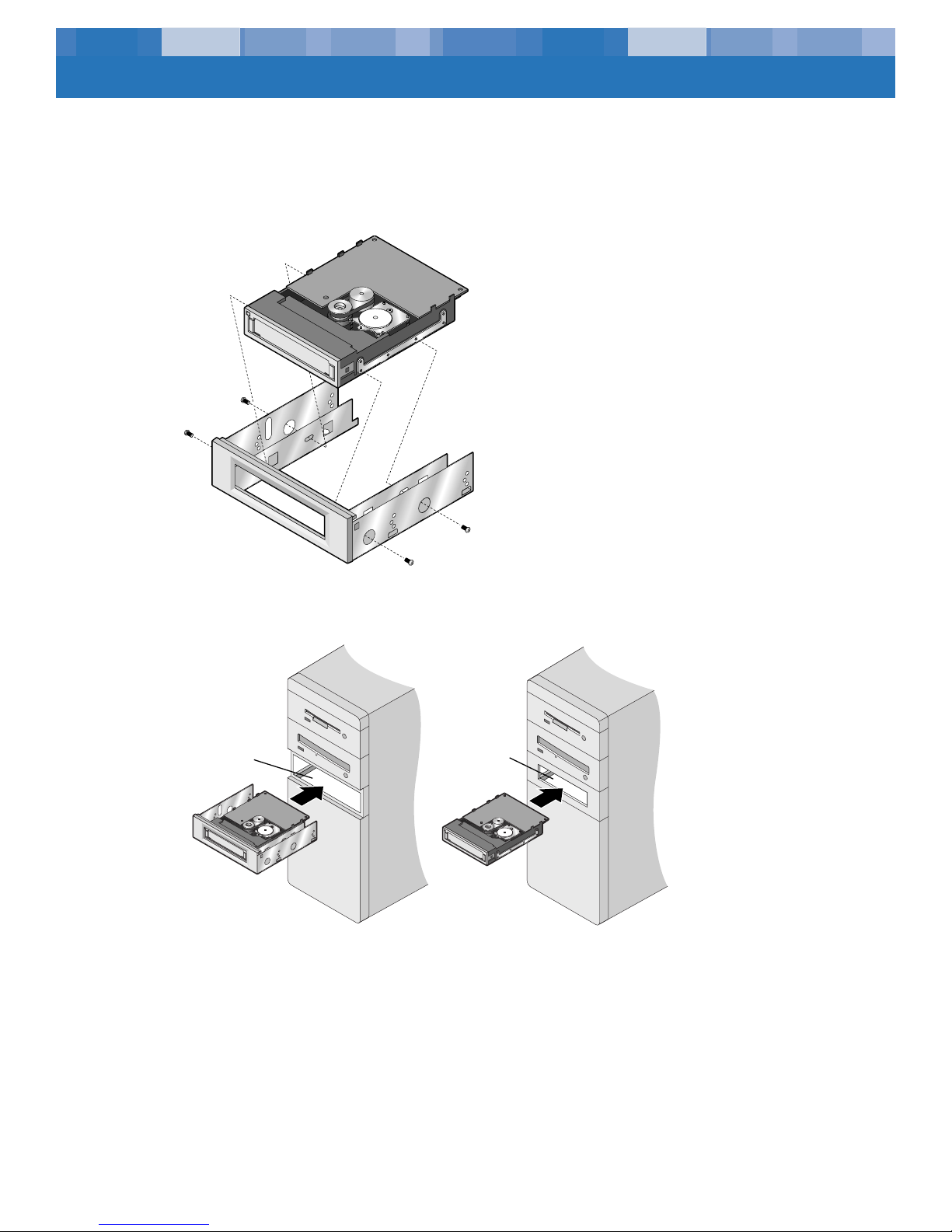
Attach or remove mounting brackets . . . . . . . . . . . . . . . . . . . . . . . 5
Mount the drive . . . . . . . . . . . . . . . . . . . . . . . . . . . . . . . . . . . . . 5
Attach your tape drive to the secondary IDE port . . . . . . . . . . . . . . 6
Connect the power cable . . . . . . . . . . . . . . . . . . . . . . . . . . . . . . . 7
Check all cables in your computer system . . . . . . . . . . . . . . . . . . . 7
Reinstall your computer cover . . . . . . . . . . . . . . . . . . . . . . . . . . . . 7
Chapter 3: Installing a SCSI Drive . . . . . . . . . . . . . . . . 8
Set the drive’s SCSI ID number . . . . . . . . . . . . . . . . . . . . . . . . . . . 8
Check SCSI termination . . . . . . . . . . . . . . . . . . . . . . . . . . . . . . . . 9
Check additional SCSI options (optional) . . . . . . . . . . . . . . . . . . . 10
Attach or remove mounting brackets . . . . . . . . . . . . . . . . . . . . . . 11
Mount the drive . . . . . . . . . . . . . . . . . . . . . . . . . . . . . . . . . . . . 11
Connect the drive to your SCSI host adapter . . . . . . . . . . . . . . . . 12
Connect the power cable . . . . . . . . . . . . . . . . . . . . . . . . . . . . . . 12
Check all cables in your computer system . . . . . . . . . . . . . . . . . . 13
Reinstall your computer cover . . . . . . . . . . . . . . . . . . . . . . . . . . . 13
Chapter 4: Operation and Maintenance . . . . . . . . . . 14
Loading and unloading cartridges. . . . . . . . . . . . . . . . . . . . . . . . 14
Handling Travan cartridges . . . . . . . . . . . . . . . . . . . . . . . . . . . . 15
Retensioning tapes . . . . . . . . . . . . . . . . . . . . . . . . . . . . . . . . . . 15
Cleaning the tape drive mechanism. . . . . . . . . . . . . . . . . . . . . . . 15
Setting the write-protect switch . . . . . . . . . . . . . . . . . . . . . . . . . . 16
Recommended tape cartridges . . . . . . . . . . . . . . . . . . . . . . . . . . 16