
C-Pen 800C Manuel utilisateur

USER’S GUIDE
English

First edition (January 2001).
This manual is published by CTechnologiesAB, without any warranty. Improvements
and changes to this manual necessitated by typographical errors, inaccuracies of
current information, or improvements to programs and/or equipment, may be made by
C Technologies AB at any time and without notice. Such changes will, however, be
incorporated into new editions of this manual including those on our web site
www.cpen.com.
All rights reserved
Copyright © C Technologies AB, 2001
Printed in Sweden and in the USA.
PLEASE NOTE!
For instructions in other languages please consult our webpage
http://www.cpen.com.
OBSERVERA!
Manualer på andra språk finner du på vår webbplats
http://www.cpen.com.
BITTE BEACHTEN!
Wenn Sie eineAnleitung in einer anderen Sprache beziehen
möchten, besuchen Sie bitte unsereWeb-Seite
http://www.cpen.com.
REMARQUE!
Pour obtenir des instructions en d’autres langues, veuillez
consulter notre page web http://www.cpen.com.
NOTA!
Para instrucciones en otros idiomas por favor consulte nuestra
página web http://www.cpen.com.

Contents
INTRODUCTION TO C-PEN .............................................. 5
C-Pen Models................................................................................ 5
Your Personal Digital Assistant ...................................................... 8
Optimal Reading Conditions ........................................................ 10
User Documentation and Support .............................................. 12
Care and Safety ......................................................................... 12
PRESENTATION OF C-PEN ............................................. 14
Parts of C-Pen............................................................................. 14
Display Objects ............................................................................ 18
GETTING STARTED ....................................................... 21
Turning C-Pen On and Off .......................................................... 21
Battery ........................................................................................ 21
Navigating and Selecting ............................................................25
READING AND SAVING TEXT ...................................... 28
Reading Text ............................................................................... 28
Saving Text.................................................................................. 32
EDITING TEXT ............................................................... 33
Entering Edit Mode ..................................................................... 33
Edit Menu ................................................................................... 33
C Write ........................................................................................ 38
C Write Prototypes ..................................................................... 42
APPLICATIONS .............................................................. 46
Notes ........................................................................................... 48
C Address .................................................................................... 52
C Calendar .................................................................................. 58
C Dictionary ................................................................................. 72
C Message .................................................................................. 81
Settings ...................................................................................... 89
Info .............................................................................................. 97
Storage ...................................................................................... 98
C Beam ..................................................................................... 100
C Direct ..................................................................................... 103
C Write ...................................................................................... 105

4
USING C-PEN WITH YOUR PC ..................................... 106
Installing C-Win Software ......................................................... 106
Connecting C-Pen to a PC by IR ...............................................107
Connecting C-Pen to a PC by Cable ......................................... 108
Getting Help ..............................................................................109
C-Pen Viewer............................................................................ 109
Copy and paste in the PC environment .................................... 110
Installing and Removing Applications ........................................ 111
Transferring Files .......................................................................112
C Address .................................................................................. 113
C Direct ..................................................................................... 114
C-Pen Edit .................................................................................114
Closing the Connection .............................................................114
TECHNICAL SPECIFICATIONS ...................................... 115
WARRANTY ................................................................. 116
LIMITED WORLDWIDE WARRANTY ........................................... 118
Warranty Information ...............................................................118
DECLARATION OF CONFORMITY ................................ 121
UL STATEMENT ........................................................... 122
C DICTIONARY COPYRIGHT NOTICE........................... 123
INDEX .......................................................................... 125

5
INTRODUCTION TO C-PEN
Congratulations - you have just bought a photographic
memory!C-Pen isa MobileInformation Collectorthatreads,
remembers,processesandtransfersprintedtextto yourWin-
dows-equipped PC and PDA products. C-Pen is in essence
an electronic highlighter that saves the text you are mark-
ing. Carry it with you wherever you go!
Make it a habit to take your portable text collector with
you, and you are always ready to read and save text from
books, papers, brochures or business cards.You can easily
record price-lists, timetables, wine tips or witty quotes.You
don’t have to tear out pages any more.
With the portable dictionary you can translate and look up
words immediately without carrying around a printed
dictionary!
Your saved text files can later be transferred to your PC. It is
also possible to use C-Pen to read text directly into a Win-
dows application in your PC.
C-Pen Models
In order to accommodate different needs, several C-Pen
models are available. They all have the basic features
C Read, C Write and Notes. Some models are equipped
with additional applications such as C Dictionary, C Cal-
endar, Storage and C Message. The set of applications
depends on the model. On the following pages you will
find a short description of the different C-Pen models and
their applications. For more information on C-Pen, please
refer to our webpage: www.cpen.com.

6
C-Pen 600C
C-Pen 600C combines the reading function with transla-
tion ability, making it the perfect companion when travel-
ling or studying.
C-Pen 600C includes:
• C Read • C Direct • CAddress
• C Write • Notes • Info
• C Beam • C Dictionary • Storage
C-Pen 600C also offers communication by cable as well as
by IR.
It is powered by two alkaline AAA batteries (1.5 V type,
LR03). See further important instructions, Battery, p.21.
C-Pen 600C has a Trigg button, that you press while read-
ing, and an ESC button. It is possible to exchange the func-
tions between these two buttons.
For more information on C-Pen 600C, please refer to our
webpage:www.cpen.com.

7
C-Pen 800C
C-Pen 800C has several additional features which make it a
superior tool for use in your work and studies and when
travelling.
C-Pen 800C includes:
•C Read • C Direct • CAddress
• C Write • Notes • Info
• C Beam • C Dictionary • Storage
• C Calendar • C Message
Communication is available by cable as well as by IR.
C-Pen800C ispoweredbyarechargeable battery.The charg-
ing adapter is included in the C-Pen package.
The cable is used for both communication and for charg-
ing.
When reading with a C-Pen 800C you normally use the
automatic trigger. The ESC button can, if you wish, be
exchanged to a Trigg button, a manual trigger.
C-Pen 800C also has a time, a sound and an alarm function.
For more information on C-Pen 800C, please refer to our
webpage:www.cpen.com.

8
Your Personal Digital Assistant
To see which of the below mentioned applications your
C-Pen model has, see C-Pen models, p. 6-7.
Powerful features
• CRead
Reads in text - the basic function of C-Pen. Move C-Pen
over the text, and the text will be captured by the pen,
where it can be saved as a file for later processing.
• C Write
Allows you to enter characters by writing with C-Pen as
if it were an ordinary pen. This is useful when editing
text, entering file names, looking up words in C Dictio-
nary or searching for a contact in CAddress.
•CAddress
Stores and looks up contact information such as ad-
dresses,phonenumbers and e-mail addresses. CAddress
can be synchronized with Microsoft® Outlook and sup-
ports the vCard standard.
• CDirect
Enables you to transfer the scanned text directly from
C-Pen into your PC. The text will be placed at the cursor
position in any Windows program.
• C Beam
Transfers notes, contacts, calendar events and files be-
tween C-Pen and PDAs. C Beam supports the standard
infrared protocol IrOBEX and complies with both the
vCard and vCalendar standards. All devices and appli-

9
cations using the IrOBEX protocol to its full extent are
fully compatible with C-Pen.
• C Calendar
Works like a normal calendar with the advantage of dis-
playing the information in many different ways once
you have the information in your C-Pen.You can choose
to view a whole month, a single week or a day and you
can either read or write event/task information into your
C-Pen.
• C Dictionary
Enables your C-Pen to translate and/or look up words.
C Dictionary is very easy to use, simply slide your C-
Pen over the word you require translated and within less
than a second the result is displayed. Several language
software packages are available.
• C Message
Sends text messages in combination with a mobile
phone. With C Fax you can send fax messages, while
C SMS is used when you want to send text messages,
SMS, to a mobile phone or an e-mail to an e-mail ac-
count.You can either send complete files from Notes or
write a short message with CWrite into C Messageand
then send it. C Message requires a mobile phone that is
equipped with an IR eye and a fax modem and that is
using the GSM system.
• Storage
Storage area in C-Pen, which can be used as a floppy
disc for files.

10
Optimal Reading Conditions
C-Pen uses Optical Character Recognition (OCR) to read
text. OCR is the process of turning an image of characters
into computer-readable text.
As C-Pen moves over the text, its internal light source illu-
minates the characters and a camera takes pictures of the
text. During OCR, C-Pen analyzes the pictures taken by its
camera and translates them into text characters.
The OCR quality will depend on the reading conditions.
The letters most commonly confused using OCR are:
e →cl→It→c
r+n →mi→lc→o
The following conditions affect the quality of character
recognition:
•Theprint quality ofthe text
High-quality printed text naturally gives maximum
OCR accuracy. With lower-quality print, e.g. faxes,
OCR accuracy may be poorer. You can calibrate the
C-Pen to optimize its performance under difficult
conditions; see Calibration, p. 91.
Pleasenote that C-Pen only recognizes machine-printed
characters such as laser-printed or typewritten text.
C-Pen does not recognize handwritten text.
•Positionand movement ofC-Pen
It is important how you hold and move C-Pen over the
printed text. Please see Reading and saving text, p. 28
or read the Quick Start folder to learn how to use
!
Ce manuel convient aux modèles suivants
1
Table des matières
Autres manuels C-Pen Scanner
C-Pen
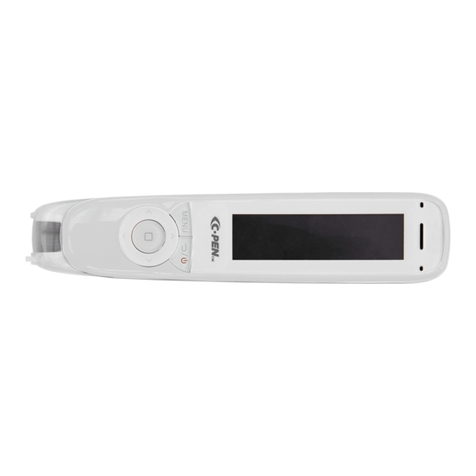
C-Pen ReaderPen Manuel utilisateur
C-Pen
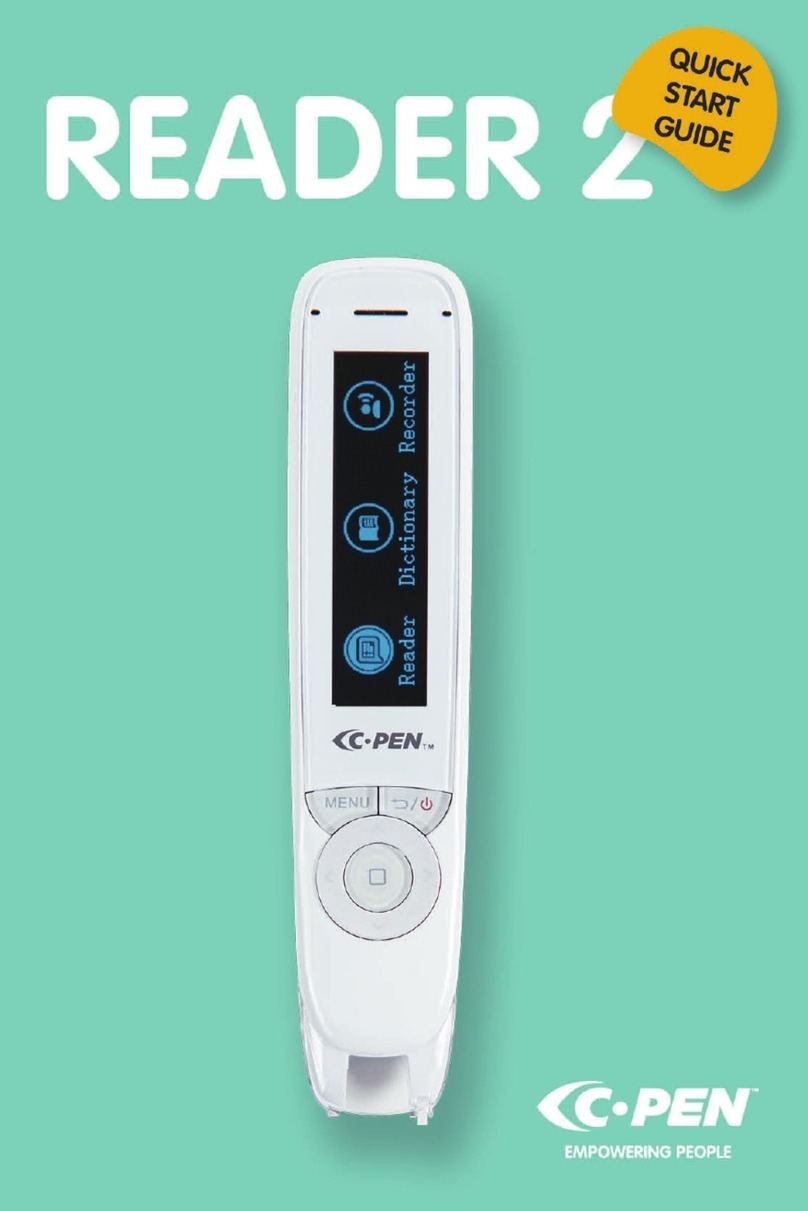
C-Pen READER 2 Manuel utilisateur

C-Pen
C-Pen TS1 Manuel utilisateur

C-Pen
C-Pen EXAMREADER Manuel utilisateur

C-Pen
C-Pen ReaderPen Secure Manuel utilisateur

C-Pen
C-Pen EXAMREADER Manuel utilisateur

C-Pen
C-Pen 3.5 Manuel utilisateur

C-Pen
C-Pen FBA_7350085370028 Manuel utilisateur

C-Pen
C-Pen ReaderPen Manuel utilisateur

C-Pen
C-Pen C900W Manuel utilisateur


