BKS-ST-180C_Product Manual
BooCax 2/ 28 boocax.com
Contents
1. Introduction to Spray Robot ............................................................................................... 3
2. Product specification.......................................................................................................... 5
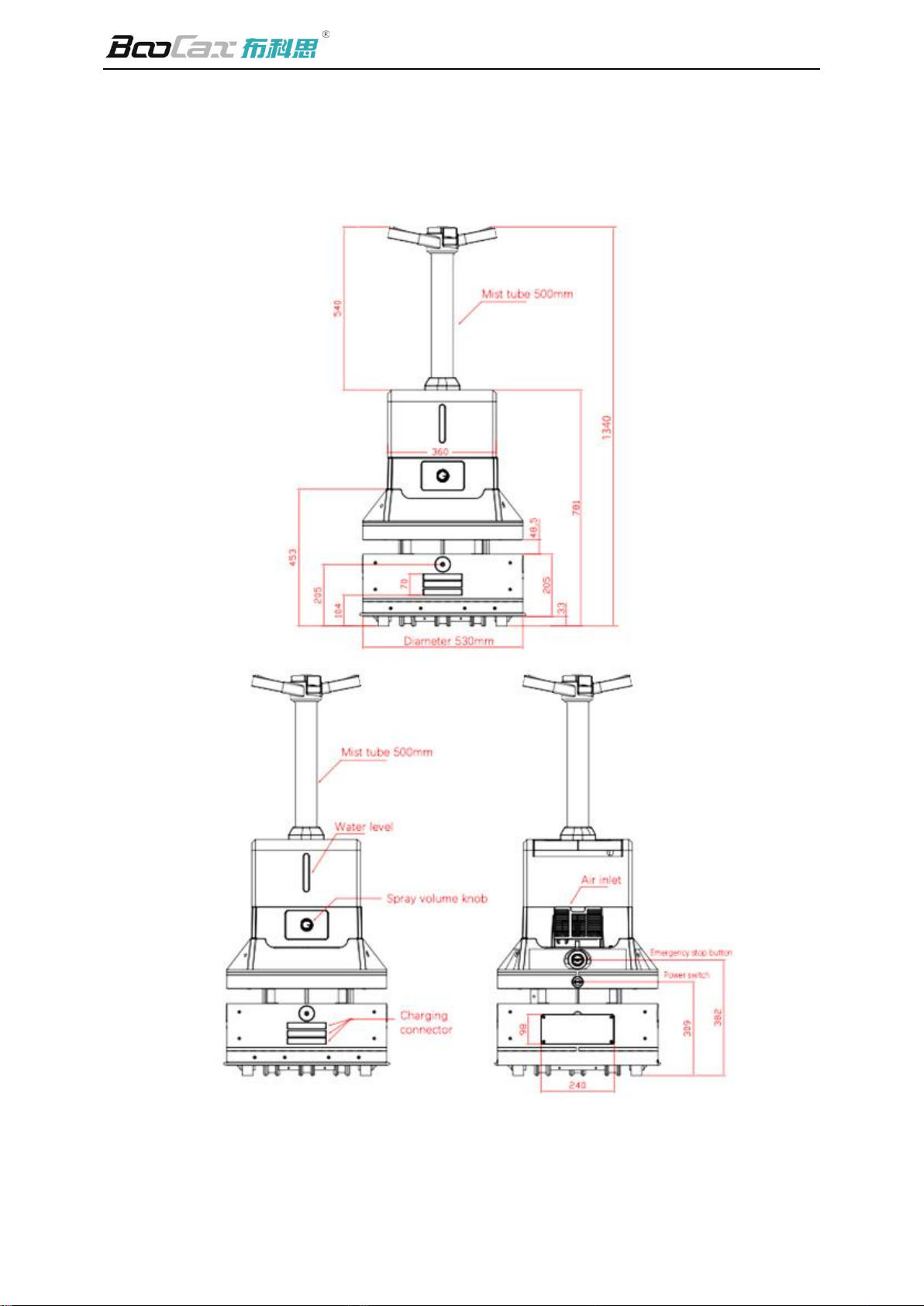
3. Appearance size................................................................................................................... 6
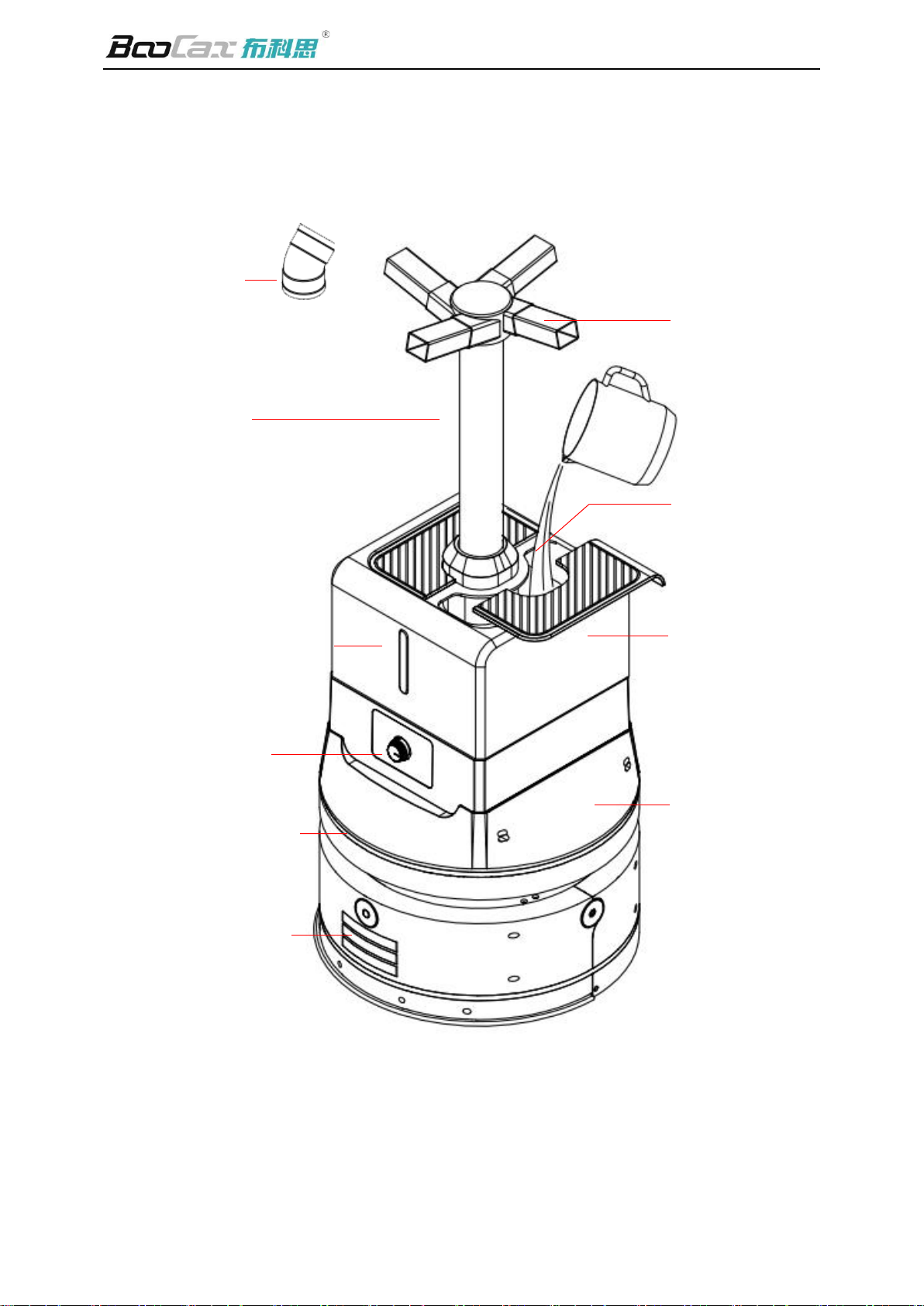
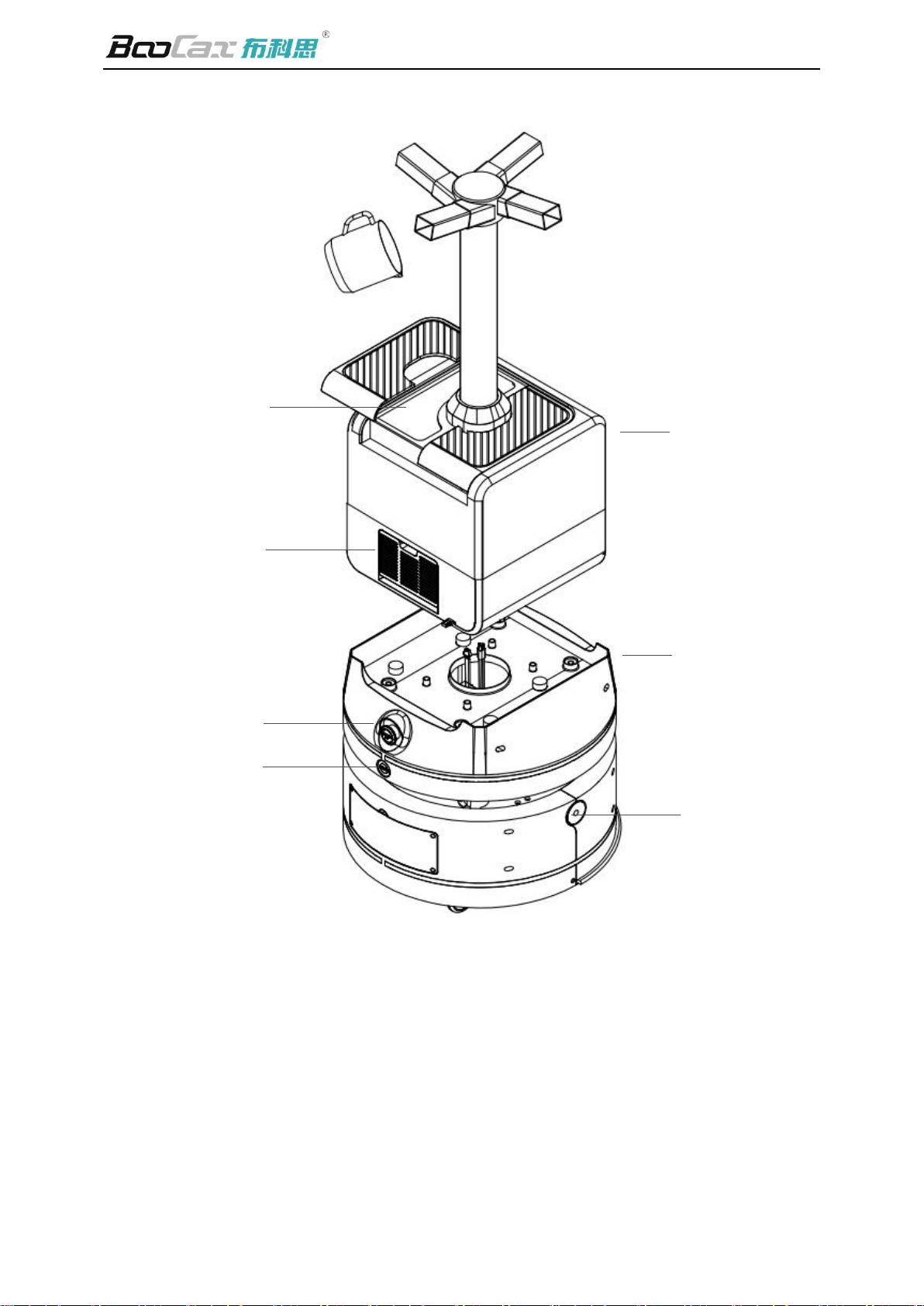
4. Function module.................................................................................................................. 7
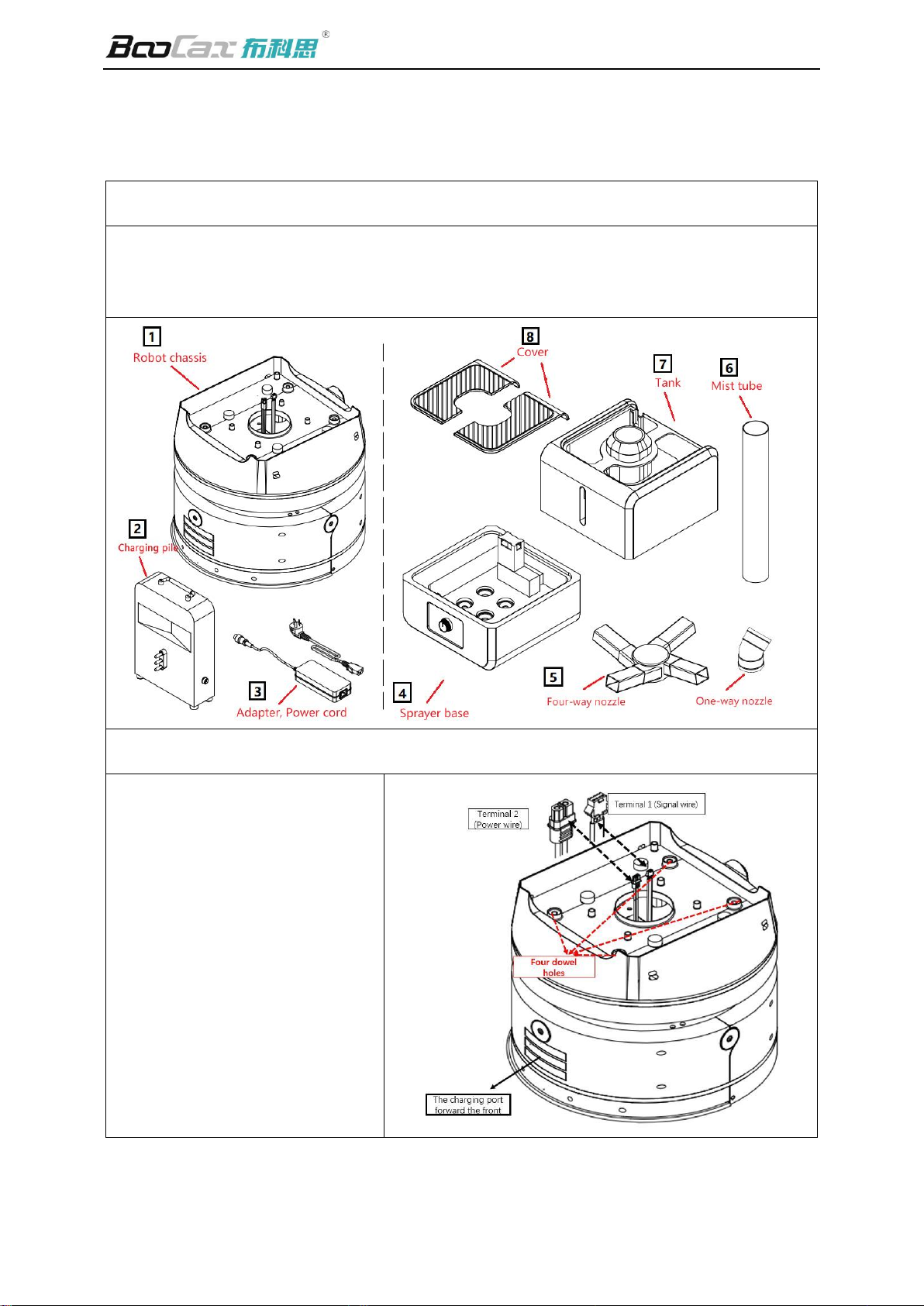
5. Assembly................................................................................................................................. 9
6. Preparation before use.....................................................................................................12
6.1. Install the charging pile...................................................................................................................... 12
6.2. Clean up barriers.................................................................................................................................. 13
6.3. QR code deployment ......................................................................................................................... 13
6.4. Download mobile App....................................................................................................................... 15
6.5. Turn on, connect the robot .............................................................................................................. 15
6.6. Build the spraying map...................................................................................................................... 17
6.7. Deploy route setting........................................................................................................................... 18
6.8. Area setting............................................................................................................................................ 21
6.9. Scheduled setting................................................................................................................................... 22
6.10. Other settings ..................................................................................................................................... 22
7. Start to work .......................................................................................................................23
7.1. Add liquid............................................................................................................................................... 23
7.2. Start spraying ........................................................................................................................................ 24
Attachment: update instructions..............................................................................................25