- 8 -
Set Up Procedure
Before installing the telemetry it is important to verify that the
gain setting of the transmitter is suitable for the expected sensor
load. (The BT9000 transmitter is factory set for a gain of 2000
(Gain Level = 4) which will accommodate most torque
applications.) To determine the appropriate gain setting for a
given application refer to the calculations in Appendix C.
Instructions for changing the transmitter gain setting are in
Appendix E. For instructions about changing the RF channel see
Appendix D.
1. Attach sensor or strain gage(s) to shaft or device being
measured. Be sure shaft and/or sensor is unstrained when
attaching as this is the zero load reference.
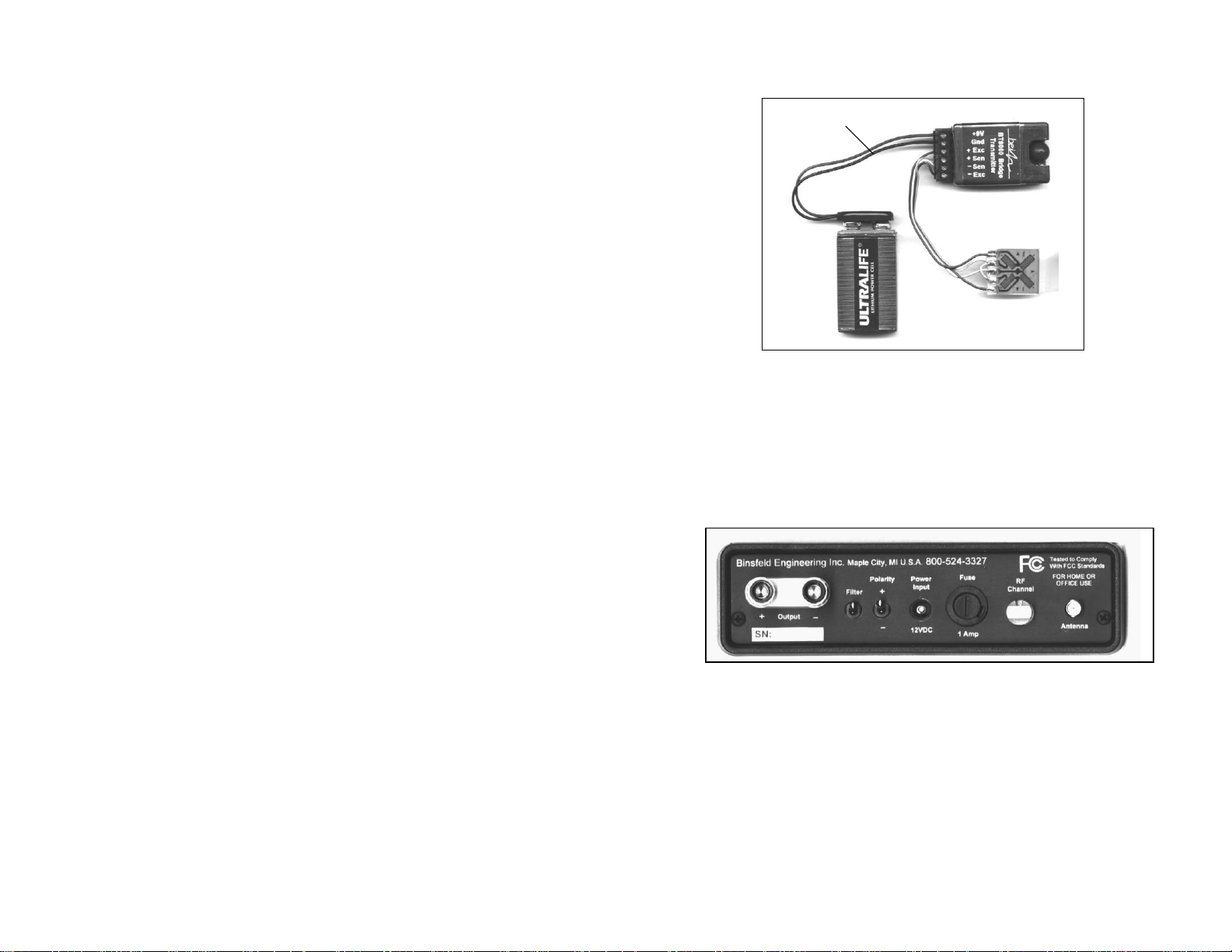
2. Secure transmitter and 9 volt battery to shaft or device being
measured using fiberglass strapping tape. Alternatively,
hose clamps, machined collars or other methods or devices
may be used but care should be taken to avoid excessive
compression on the transmitter and battery. CAUTION:
Make sure all components are securely fastened to rotating
equipment. Avoid injury by standing clear of attached items
which may come off during machine operation if improperly
secured!
3. Solder an appropriate length of 4-conductor ribbon cable or
suitable leads to gage or sensor. (Note: Keep ribbon cable
as short as practical (6-8 inches typical). Long cable runs
may pick up unwanted electrical noise.)
4. Connect other end of ribbon cable leads to appropriate
screw terminals on BT9000 transmitter. Secure battery
connector to appropriate screw terminals on BT9000, and
attach to 9 volt battery.