Installation Instructions for 45HG/HBV & 45HZ Electronic Stand-Alone Mortise Locks
BEST ACCESS SYSTEMS
a Division of Stanley Security Solutions, Inc.
Installing the trim
6
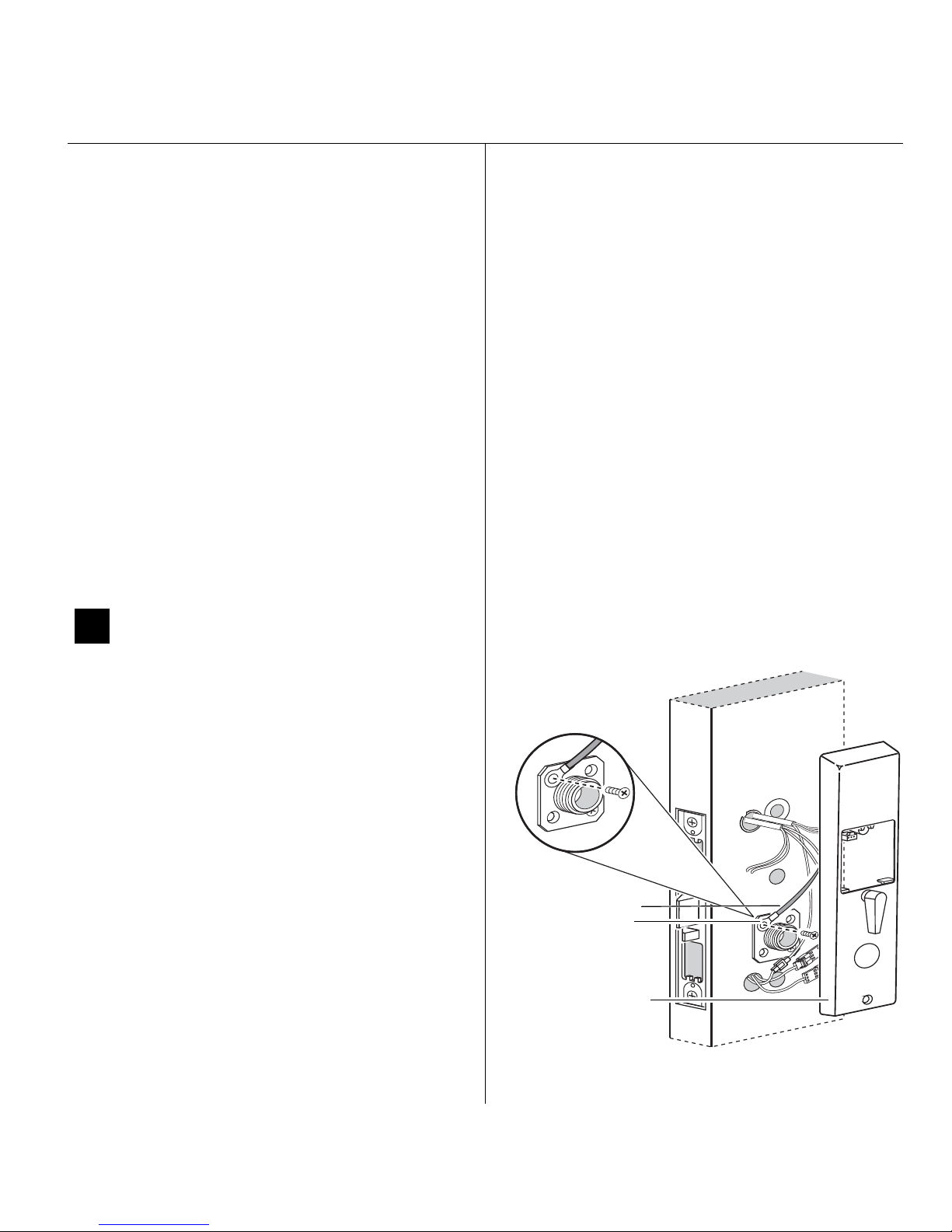
11 Route wire harnesses and position
outside escutcheon
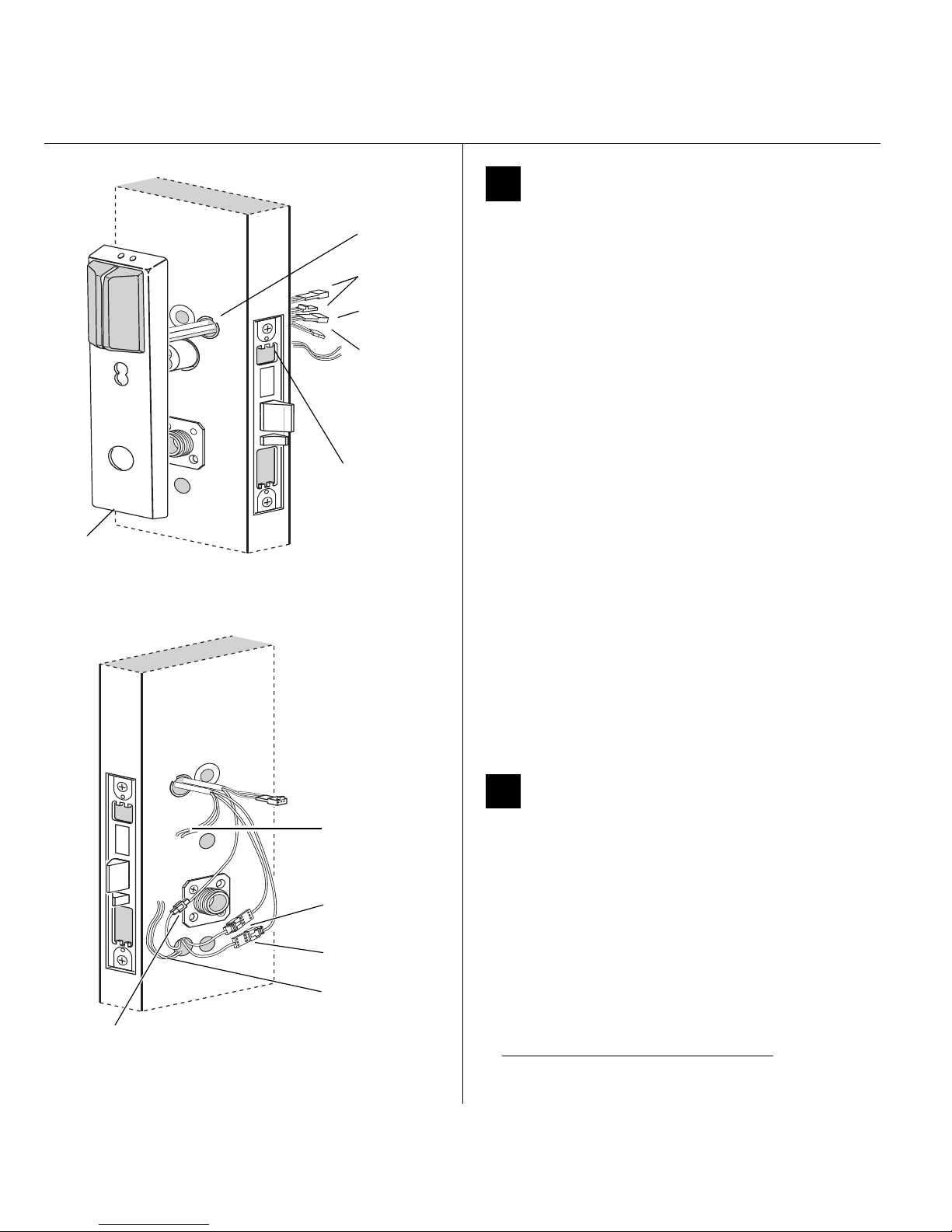
1 From the outside of the door, feed the motor
connector, battery connector, and sensor connectors
through the harness hole.
Note: NV function locks do not have a sensor harness.
Caution: When routing the connectors, make sure
the harnesses are not routed across any sharp
edges or over any surface that could damage their
sleeving or wire insulation.
2 For DV and TV functions locks only, perform these
steps:
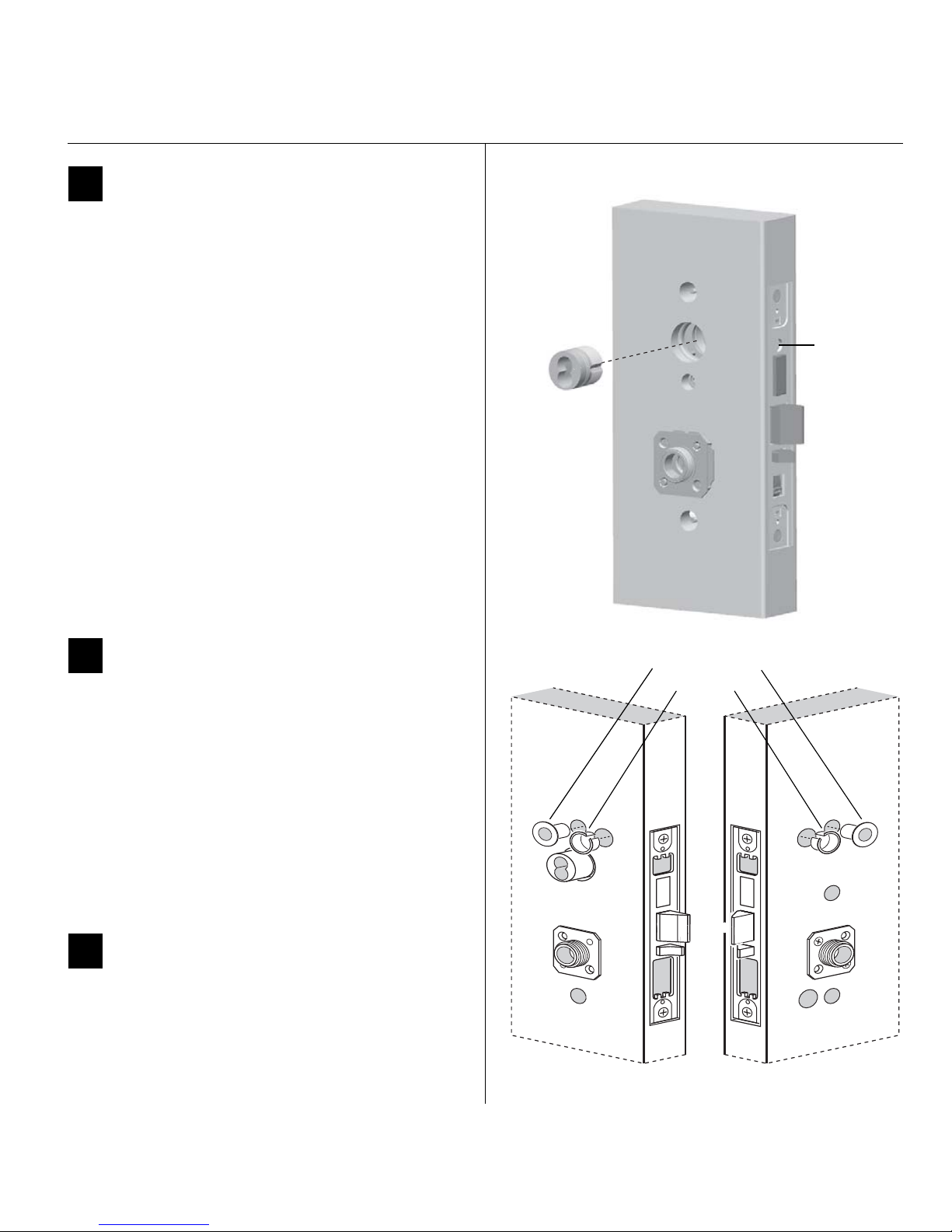
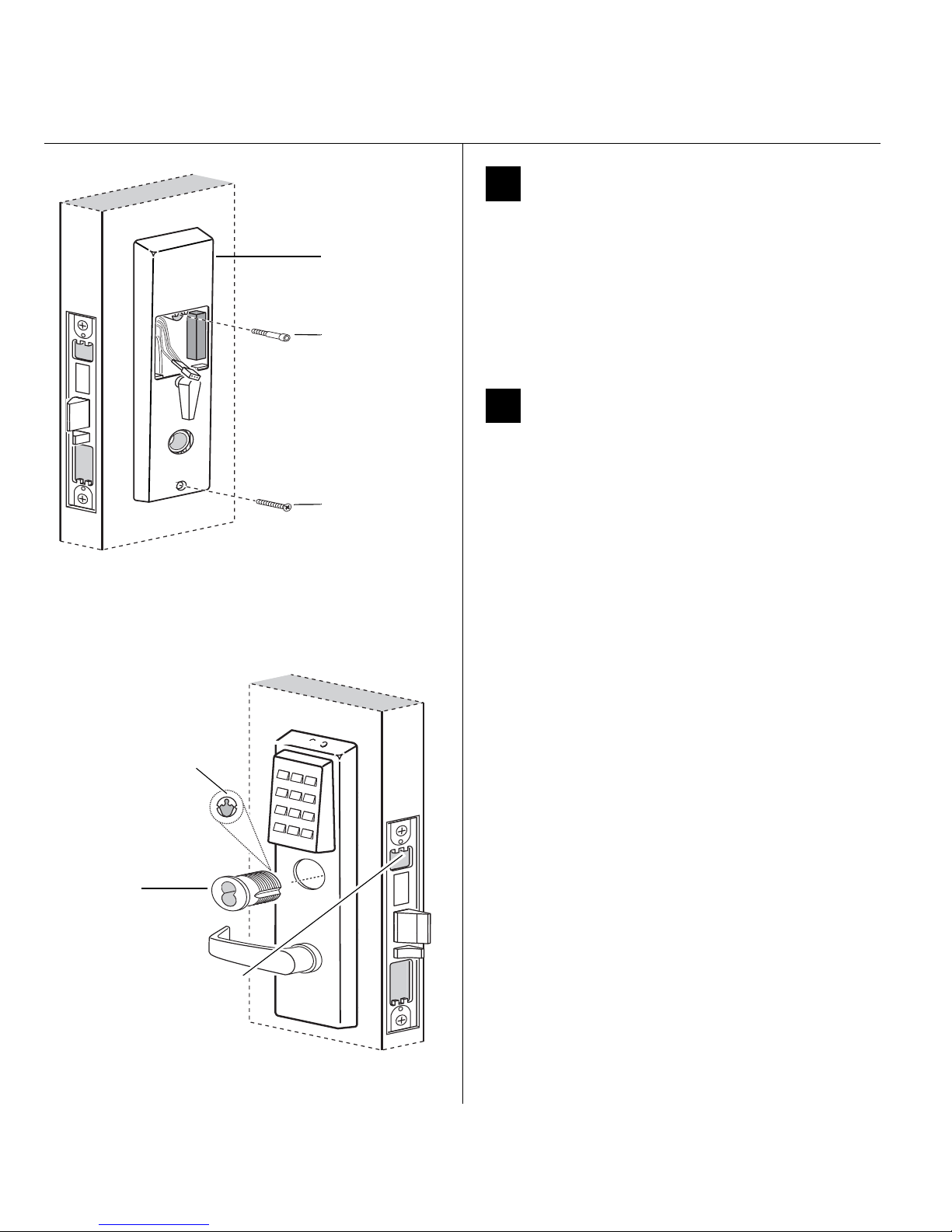
a Firmly press the outside escutcheon in position on
the door. The core should be flush with the outer
surface of the escutcheon.
b If necessary, adjust the cylinder depth plus or
minus one turn so that the core is flush with the
outer surface of the escutcheon.
c Secure the cylinder in the mortise case with the
cylinder clamp screw.
3 Rest the outside escutcheon on the door by inserting
the trim studs into the trim holes.
Note: You can temporarily install the outside lever to
hold the outside escutcheon in place. See Figure 18 on
page 9.
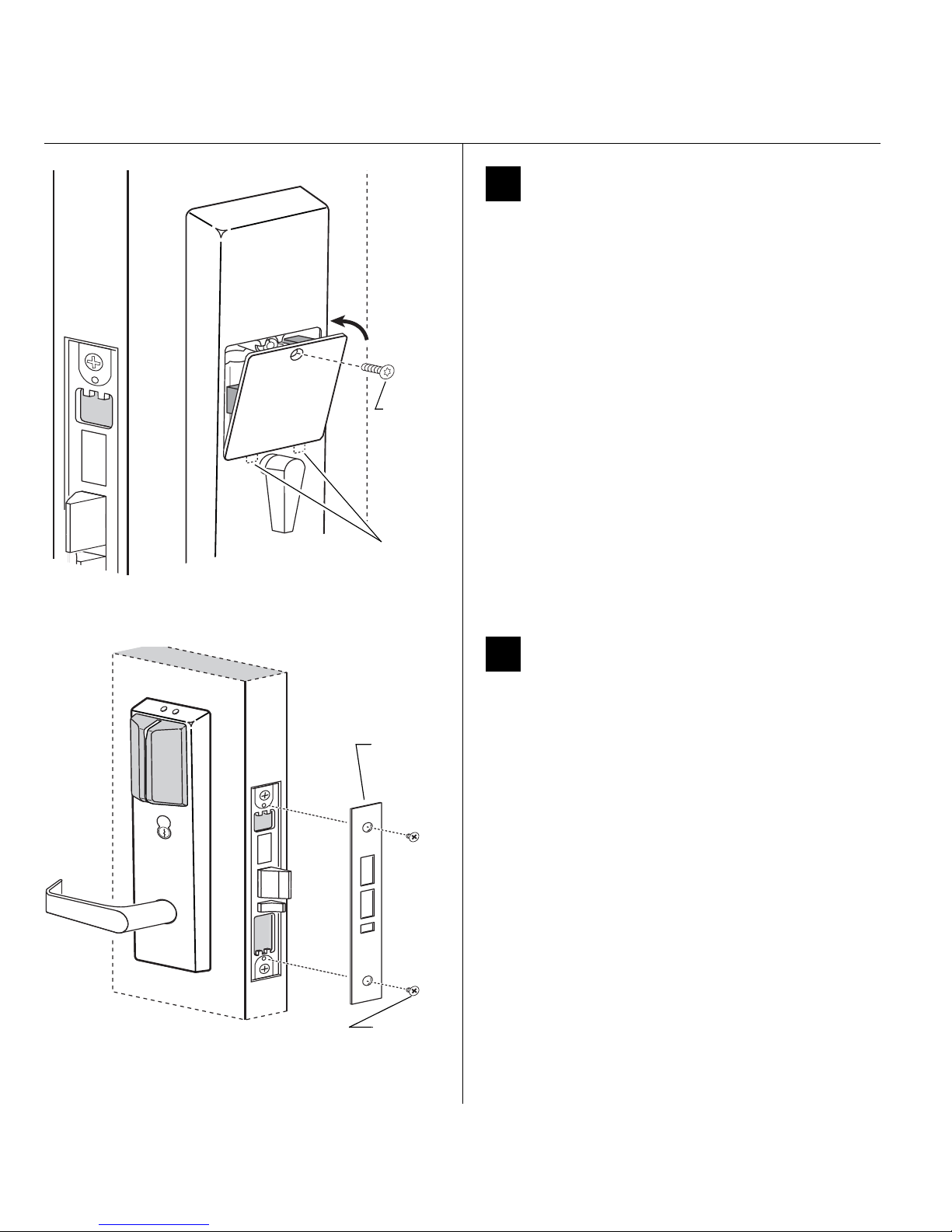
12 Make motor and sensor connections
1 From the inside of the door, make the motor
connection, the key override sensor connection
(B.A.S.I.S. DV and TV functions)†, and the deadbolt
sensor connection (TV and LV functions).
Note: It is physically possible to connect the key override
sensor connector from the mortise case to the battery
connector from the wire harness. To avoid this mistake,
connect only the connectors with matching wire colors.
† Key override sensing is optional for 45HG and
standard for 45HBV.
Figure 11 Feeding the wire harness connectors through
the harness hole (B.A.S.I.S. Lock shown)
Motor
connector
Outside
escutcheon Outside of door
Sensor
connectors
Battery
connector
Cylinderclamp
screw (inside
mortise case)
Harness
hole
Figure 12 Making the motor connection and
sensor connections
Motor
connection
Key override
sensor connection
Inside of door
Deadbolt sensor
connection
Remote unlock
(Keypad EZ only)
Remote unlock
wires from switch Continued