
Aruba MSR2000 Manuel utilisateur

0510881-01
Aruba Networks
MSR2000 Installation Guide

MSR2000 Installation Guide 1
Copyright by Aruba Networks, USA. All rights reserved.
Statement of Conditions
In the interest of improving internal design, operation function, and/or reliability, Aruba Networks
reserves the right to make changes to products described in this document without notice. Aruba
Networks does not assume any liability that may occur due to the use or application of the product(s)
described herein.
DISCLAIMER: LIMITATION OF LIABILITY
1.Before installation, it’s strongly recommended and requested that users pay particular attention to
the safety warnings in the sequentially detailed operation procedures within the manual. If there’s any
uncertainty or incapability of solving problems, contact the company’s customer support center. Please
DO NOT incur any risk or try to verify situations by yourself. Otherwise, any consequence caused by
the attempt shall be completely due to the user himself.
2.Please periodically check whether the installed MSR2000 is damaged, worn-out or poses any
danger. Any actual proof, sign or phenomenon of the afore-mentioned situations should be brought to
the attention of the company at point of sale. Please DO NOT attempt to repair the product or replace
any component. Otherwise, for any consequence arising out of or relating to the users’ attempt repair
the product, including but not limited to damages, disuse, short circuit, fire, bodily injury, etc., the
company shall not be liable.
3. Users shall purchase or use the company’s MSR2000 voluntarily. Users shall understand on their
own initiative and abide voluntarily by policies, regulations or laws of their respective nation or local
territories. The consequence arising out of or relating to any violation of the local laws or regulations by
the user, shall be solely imputed to the user himself, and the company shall not be liable.
4. The company disclaims any and all warranties and guarantees, express, implied or otherwise,
arising, with respect to the MSR2000 products or services, including but not limited to the warranty of
merchandisability, the warranty of fitness for a particular purpose, and any warranty of non-

MSR2000 Installation Guide 2
infringement of the intellectual property rights of any third party. Liability of the company for loss is
limited to the total amount paid to the company by the customer during the previous calendar year.
The company will have no obligation or liability, whether arising in contract (including Warranty), tort
(including active, passive or imputed negligence, strict liability or product liability) or otherwise for any
special, incidental, consequential or indirect damages including but not limited to loss of use, loss of
data, business interruption, loss of revenue, loss of business or other financial loss arising out of or in
connection with any of the products or other goods or services furnished by the company under this
manual, even if advised of the possibility of such damages.
5.It shall never be understood that the manual expresses or implies to any customer or any third
party authorize or transfer any rights. The company reserves fully the final interpretation of the
MSR2000 and this manual.
Safety and Regulatory Compliance
Aruba Networks provides a multi-language document that contains country-specific restrictions and
additional safety and regulatory information for all Aruba access points. This document can be viewed
or downloaded from the following location: www.arubanetworks.com/safety_addendum
Safety Warnings
The MSR2000 must be installed by trained professional installation technicians. All warnings below
must be read and understood before installation.
General Safety Warnings
You can be killed or injured if performing antenna installation near electrical power lines.
Carefully read and follow all instructions in this guide. Please be sure there are no high voltage
and electronic fields nearby.
Working Aloft Warning

MSR2000 Installation Guide 3
When working on tower or roof, individuals must wear safety belts. Tools must be tied to
the individual using them. Workers below must wear safety helmets.
Lightning Activity Warning
Make sure not to connect or disconnect cables during periods of lightning activity.
A surge protective device should be installed to prevent potential damage from very high surges,
for instance, the peak surges caused by lightning.
Explosive Device Proximity Warning
Do not operate wireless network devices close to explosive merchandise or in explosive
environments if devices are not certified for operation in such an environment, for example, in the
vicinity of a gas station.
Antenna Placement Warning
Do not install any antenna near overhead power lines or other electric light, or where the
antenna can come into contact with such circuits.
Antenna Selection Warning
Please use DC grounding antenna with lightning protection to prevent surge and static
electricity.
Grounding Warning

MSR2000 Installation Guide 4
Please always remember to protect your MSR2000 system by installation of grounding
lines. The ground connection must be complete before connecting power to the MSR2000
enclosure. The requirement of grounding is to make sure the resistance must be less than 5 ohm
between the ground termination point to grounding tier.
Power Installation Warning
The installation of the power switch must be performed by a trained professional technician.
The power switch is not supplied with the MSR2000. The power cord must be assembled by a
professional installer, and the final assembly must comply with related requirements.
Solar Irradiation and High Temperature Protection
Pay attention to level of sunlight, which can increase the working temperature of MSR2000
to higher than specifications allow.
A solar shield is provided in the Aruba standard package and should be installed to protect any
outdoor MSR2000. The Aruba Warrantee policy does not cover those outdoor products for which
Solar shields are not installed. Please contact Aruba technical support engineers for detailed
information.
RF Device Protection
Before powering up the MSR2000, the RF port must be connected to an antenna or a valid
load (not included in the standard accessories for MSR2000). Otherwise, the RF module may be
burned out. Aruba will not take any responsibility for such damage. For RF module with power
less than 100mW, in test environment, it is allowed worked without load but should be within 30
minutes.
Protection on unused RF module

MSR2000 Installation Guide 5
The unused RF interface must be closed via configuration command and its protective cap must
be wrapped up by waterproof PVC tape to prevent from falling off. Otherwise, the RF module may
be damaged. Aruba will not take any responsibility for such damage.
FCC Certificate
Changes or modifications not expressly approved by the party responsible for compliance could void
the user's authority to operate the equipment.
REMINDER
This device complies with Part 15 of the FCC Rules. Operation is subject to the following two
conditions: (1) this device may not cause harmful interference, and (2) this device must accept any
interference received, including interference that may cause undesired operation.
NOTICE
This equipment has been tested and found to comply with the limits for a Class B digital device,
pursuant to part 15 of the FCC Rules. These limits are designed to provide reasonable protection
against harmful interference in a residential installation. This equipment generates uses and can
radiate radio frequency energy and, if not installed and used in accordance with the instructions, may
cause harmful interference to radio communications. However, there is no guarantee that interference
will not occur in a particular installation. If this equipment does cause harmful interference to radio or
television reception, which can be determined by turning the equipment off and on, the user is
encouraged to try to correct the interference by one or more of the following measures:
—Reorient or relocate the receiving antenna.
—Increase the separation between the equipment and receiver.
—Connect the equipment into an outlet on a circuit different from that to which the receiver is
connected.
—Consult the dealer or an experienced radio/TV technician for help.
RF Radiation Exposure Statement
This equipment complies with FCC RF radiation exposure limits. This equipment should be installed
and operated with a minimum distance of 13.78 inches (35 cm) between the radiator and your body for
MSR2000 Installation Guide 6
2.4 GHz and 5 GHz operations. This transmitter must not be co-located or operating in conjunction
with any other antenna or transmitter. When operated in the 5.15 to 5.25 GHz frequency range, this
device is restricted to indoor use to reduce the potential for harmful interference with co-channel
Mobile Satellite Systems.
IC notice
To reduce potential radio interference to other users, the antenna type and its gain should be so
chosen that the equivalent isotropic radiated power (EIRP) is not more than that permitted for
successful communication.
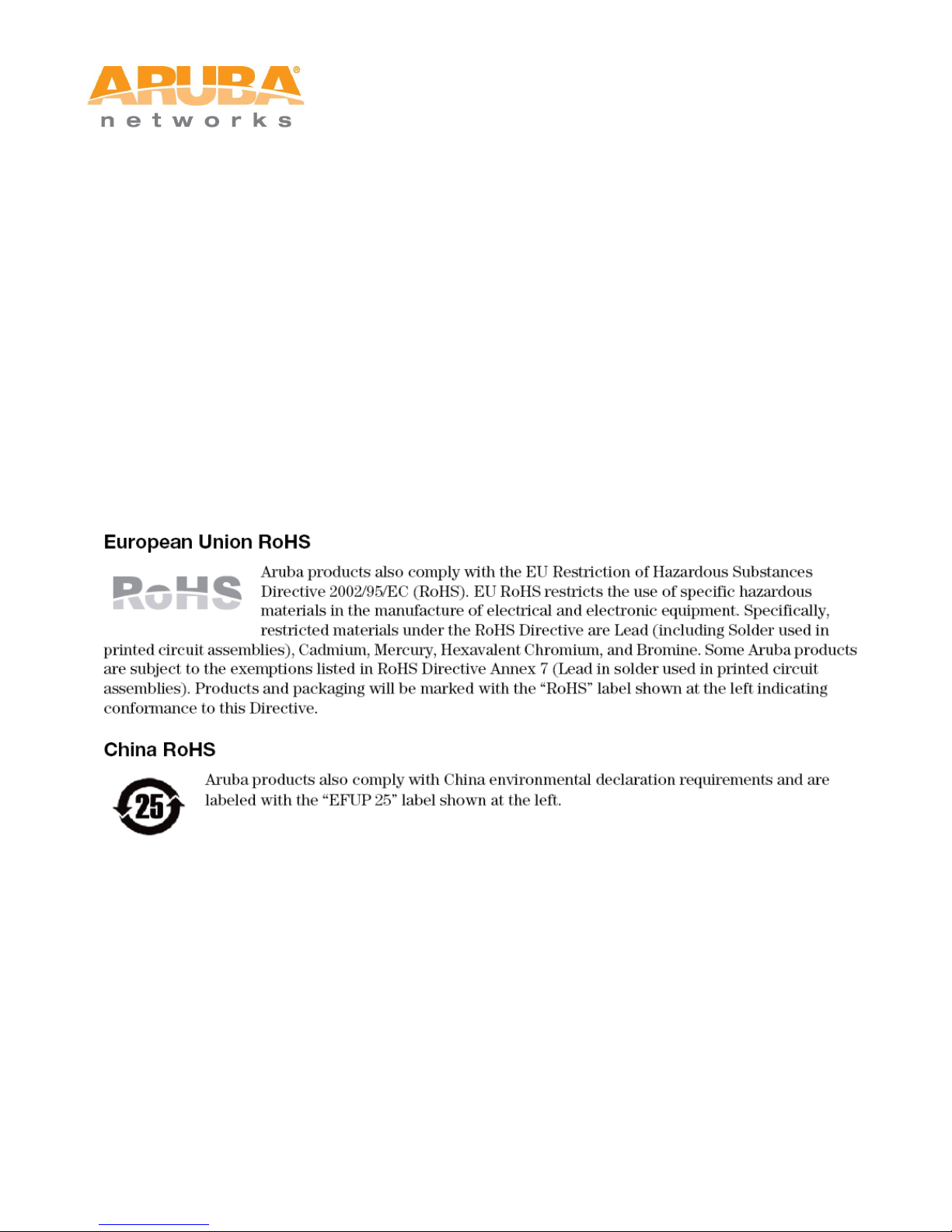
RoHS for MSR2K23N0

MSR2000 Installation Guide 7

MSR2000 Installation Guide 8
Table of Contents
1PRODUCT OVERVIEW .................................................................................................................................9
1.1 INTERFACES .......................................................................................................................................9
1.2 LED STATUS INDICATORS.................................................................................................................10
2INSTALLATION PREPARATIONS .............................................................................................................11
2.1 PREPARING INSTALLATION TOOLS......................................................................................................11
2.2 EXAMINING THE INSTALLATION SITE...................................................................................................11
3MSR2000 INSTALLATION ..........................................................................................................................12
3.1 INSTALLING MSR2000 ON A POLE .....................................................................................................13
3.2 INSTALLING MSR2000 ON A WALL.....................................................................................................16
3.3 GROUNDING THE MSR2000..............................................................................................................17
3.4 CONNECTING THE RF CABLE .............................................................................................................18
3.5 CONNECTING THE ETHERNET CABLE..................................................................................................18
3.6 FIXING THE SOLAR SHIELD ON MSR2000...........................................................................................20
4INSTALLING AN OUTDOOR ANTENNA....................................................................................................21
4.1 INSTALLING A DIRECTIONAL OUTDOOR ANTENNAL................................................................................21
4.2 INSTALLING AN OMNI OUTDOOR ANTENNA...........................................................................................21
5NOTE............................................................................................................................................................23

MSR2000 Installation Guide 9
1 Product Overview
The MSR2000 family will include three models supporting POE, AC and DC power supply respectively.
Currently the model supporting POE is available as MSR2K23N0.
Note
In this guide, for general instruction that apply to all models, ‘MSR2000’ will be used; otherwise,
‘MSR2K23N0’ will be used.
1.1 Interfaces
Figure 1-1 Interfaces on MSR2K23N0
1
Antenna interface (Radio 1)
5
Antenna interface (Radio 0)
2
USB console interface
6
Antenna interface (Radio 1)
3
Reserved or Power interface
7
Ethernet interface (POE)
4
Antenna interface (Radio 0)
8
Grounding hole
Autres manuels pour MSR2000
2
Table des matières
Autres manuels Aruba Routeur réseau

Aruba
Aruba AirMesh MSR4000 Manuel utilisateur

Aruba
Aruba MSR4K43N0 Manuel utilisateur

Aruba
Aruba MST2HP Manuel utilisateur

Aruba
Aruba MSR1200 Manuel utilisateur

Aruba
Aruba S2500 Manuel utilisateur

Aruba
Aruba 7010 Series Manuel utilisateur

Aruba
Aruba MSR2000 Manuel utilisateur

Aruba
Aruba 650 SERIES Manuel utilisateur
Manuels Routeur réseau populaires d'autres marques


NETGEAR
NETGEAR FS526T - Switch Manuel utilisateur

Korenix
Korenix JetNet 5710G Series Manuel utilisateur

Automated Logic
Automated Logic ZN551 Manuel du propriétaire

Cisco
Cisco ASR 1000 Series Manuel de l'opérateur

EnGenius
EnGenius ESR-9710 Manuel utilisateur

Cisco
Cisco 805 Series Instructions d'utilisation et de sécurité