
ALDI 15113902 Manuel utilisateur
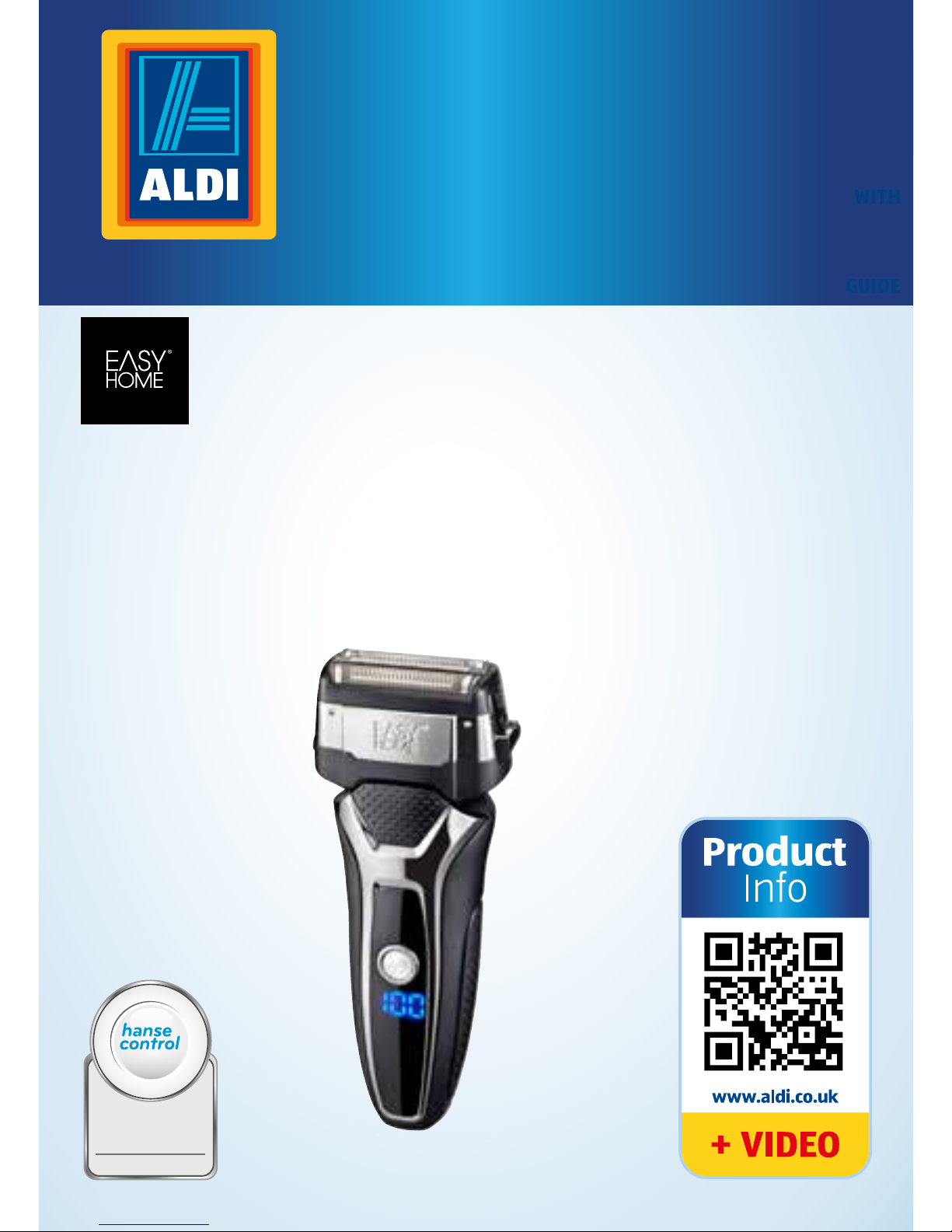
MEN’S SHAVER
BATTERY⁄MAINS
User Manual
Spend a little Live a lot.
ID: #05007
m
y
h
a
n
s
e
c
o
n
t
r
o
l
.
c
o
m
M
A
N
U
A
L
D
E
V
E
L
O
P
E
D
I
N
G
E
R
M
A
N
Y
User-friendly
Manual

QR codes take you where you want to go
quickly and easily
Whether you require product information, spare parts or accesso-
ries, details on warranties or aftersales services, or if you want to
watch a product demonstration video, our QR codes will take you
there in no time at all.
What is a QR code?
A QR code (QR = Quick Response) is a type of matrix that can be read
with a smartphone camera and that contains a link to a website or
contact details, for example.
Advantage:You do not need to manually enter a website address or
contact details.
This is how it works
To scan the QR code, all you need is a smartphone with QR code rea-
der software and an internet connection.* This type of software can
be downloaded for free from your app store.
Try it out now
Just scan the QR code with your smartphone and
find out more about the Aldi product you have
purchased.*
Your Aldi Service Portal
All details mentioned above can also be found in
the Aldi Service Portal at www.aldi.co.uk.
* Depending on your tarif plan you may be charged for the connection.

Dok./Rev.-Nr. 93139_20150723
Overview .......................................................................... 4
Use..................................................................................... 5
Scope of delivery/device parts ....................................... 6
General information ........................................................ 7
Reading and storing the instruction manual.................7
Explanation of symbols ......................................................7
Safety...............................................................................10
Proper use...........................................................................10
Safety notes ........................................................................10
First use ...........................................................................16
Checking the shaver and product contents .................16
Charging the shaver for the first time............................16
Displaying the status......................................................... 17
Charging the rechargeable battery...............................18
Handling..........................................................................18
Dry shave.............................................................................18
Wet shave ............................................................................19
Using the 3-day beard trimmer function ..................... 20
Using the trimmer.............................................................. 21
Using the turbo function..................................................22
Using the travel guard ..................................................... 23
Cleaning and care .......................................................... 24
Daily cleaning after a dry shave..................................... 24
Daily cleaning after a wet shave .................................... 25
Weekly cleaning.................................................................27
User maintenance for the shaving foils........................ 29
Replacing wearable parts............................................... 29
Technical data ................................................................ 30
Declaration of conformity ............................................. 32
Disposal .......................................................................... 32
Disposing of the packaging.............................................32
Disposing of the shaving foil unit and shaver blades .32
Disposing of old devices.................................................. 33
Warranty Card ................................................................ 35
Warranty conditions ...................................................... 36
Contents

A
B C
D
6
90
15
16
17
18
90
4
8
9
1
2
3
5
7
11
6
10
19
4GB IRE
13
14
12

F
H
J
L
E
G
I
K
90
90
20
5
GB IRE

6
Scope of delivery/device partS
1Protective cap with
3-day beard
trimming function
2Shaving foil unit
3Shaver blades, 2x
4Small release button, 2x
5Electronic On/Off switch
(with built-in travel lock
and turbo function)
6Female plug
7Battery capacitance in %
8Large release button
9
Shaver head (shaver head
frame with shaving foil
unit consisting of two
shaving foils and an inte-
grated trimmer)
10 Cleaning brush
GB IRE
11 Storage bag
12 Mains cord
13 AC adapter plug
14 5 V plug
15 Turbo symbol
16 Mains symbol
17 Lock symbol
18
Tap symbol
19 Trimmer
20 Shaver head frame

AFTER SALES SUPPORT
www.aquarius-service.com
GB
IRE 00800 36463600
General information
GBIRE
7
General information
Reading and storing the instruction
manual
This instruction manual accompanies this men’s
shaver battery/mains. It contains important in-
formation on start-up and handling.
For improved readability, the men’s shaver battery/
mains will be referred to only as the “shaver” below.
Before using the shaver, read the instruction manual
carefully. This particularly applies for the safety notes.
Non-observance of this instruction manual may cause
damage to the shaver.
The instruction manual is based on the standards and
rules in force in the European Union. When abroad, you
must also observe country-specific guidelines and laws.
Store the instruction manual for future use. If you pass
the shaver on to third parties, please be absolutely sure
to include this instruction manual.
Explanation of symbols
The following symbols and signal words are used in this
instruction manual, on the shaver or on the packaging.
WARNING!
WARNING! This signal word designates a hazard with
moderate degree of risk which may lead to death or se-
vere injury if not avoided.

AFTER SALES SUPPORT
www.aquarius-service.com
GB
IRE 00800 36463600
General information
GB
8
IRE
CAUTION!
CAUTION! This signal word designates a hazard with low
risk that, if not avoided, may result in minor or moderate
injury.
NOTICE!
NOTICE! This signal word warns against potential dam-
ages to property.
This symbol provides you with useful
additional information on use.
Declaration of conformity (see chapter
“Declaration of conformity”): Products
marked with this symbol meet all applicable
Community regulations for the European
Economic Area.
This symbol identifies voltage and the cur-
rent rating for direct current.
This symbol identifies electrical devices
that belong to the protection class II (mains
adapter).

AFTER SALES SUPPORT
www.aquarius-service.com
GB
IRE 00800 36463600
General information
GBIRE
9
This symbol identifies electrical devices
that belong to the protection class III
(shaver).
This symbol indicates the polarity of the
current on the 5V plug.
Devices marked with this symbol are only
suitable for household use (dry indoor
rooms).
This symbol identifies intrinsically safe
transformers (with a fuse and thermo
protection).
The shaver is suitable for being cleaned
under running water.
ATTENTION: The handheld part must be dis-
connected from the connection line before
being cleaned with water.

AFTER SALES SUPPORT
www.aquarius-service.com
GB
IRE 00800 36463600
Safety
GB
10
IRE
Safety
Proper use
The shaver is designed exclusively for dry and wet
shaving of the face, but also for trimming beards. The
shaver is only suitable for private use and not suitable
for commercial purposes. The shaver may only be used
in indoor spaces.
Only use the shaver as described in this instruction
manual. Any other use is considered improper and may
result in damage to property.
The manufacturer or vendor accepts no liability for
damage caused by improper or incorrect use.
Safety notes
WARNING!
Risk of electric shock!
A faulty electrical installation, excessive
mains voltage or incorrect operation may
result in electric shocks.
− Only connect the shaver if the mains
voltage of the socket corresponds to the
nameplate specification of the mains
adapter.
Table des matières
Autres manuels ALDI Rasoir électrique


