
AGAiT EClean EC03 Manuel utilisateur

CLEAN/STOP
POWER
HOME
Robotic Vacuum Cleaner
EC03
User’s Manual

EN-2
EClean EC03 User’s Manual
Contents
Safety Instructions ............................................... 4
Safety Notice .................................................................................4
Battery and Recharging Instructions ..............................................5
Notes on UV light............................................................................5
Introduction .......................................................... 6
Features ........................................................................................6
Package Contents .........................................................................6
Product Overview ...........................................................................7
Control Panel..................................................................................8
LED Indicators................................................................................8
Getting Started ..................................................... 9
Installing the Side Brush.................................................................9
Installing the Battery ......................................................................9
Charging the Battery.....................................................................10
Charging with Recharging Dock .............................................10
Charging with Power Adapter ..................................................10
Installing the Memory Card........................................................... 11
Using the Remote Control .................................. 11
Installing the Batteries .................................................................. 11
Using the Keypad ......................................................................... 11
Starting Operation ........................................................................12
Stopping Operation.......................................................................12
Scheduling Cleaning Time............................................................12
Remote Operation............................................... 13
Initial Setup via EClean Web Management..................................13
Wireless Connection Conguration .........................................14
Email Settings..........................................................................15
Cloud Storage Settings............................................................15
User and Password Settings ...................................................16
Video Control and Quality Settings..........................................17
Cleaning Schedule Setup ........................................................18
Using RemoteClean Application...................................................19
Installing RemoteClean Application .........................................19
Connecting to Your Smartphone..............................................19

EN-3
EClean EC03 User’s Manual
Operate the Device.......................................................................21
Viewing the Motion Detect Screenshot.........................................22
Viewing the Recorded Videos ......................................................23
Specications ..................................................... 24
Appendix ............................................................. 25
Maintenance.................................................................................25
Cleaning Brushes ....................................................................25
Cleaning Dust Bin ....................................................................26
Cleaning Intake Filter...............................................................26
Troubleshooting............................................................................27
General ....................................................................................27
Error Indicators ........................................................................28
Product Warranty..........................................................................29
Customer Copy.............................................................................31

EN-4
EClean EC03 User’s Manual
Safety Instructions
Please read the safety notice in the User’s Manual before operating EClean and keep this manual handy for your future reference. Observe
the basic safety rules to prevent any occurrence of electric shock and personal injury.
Safety Notice
• To reduce the risk of electric shock, do not disassemble the
product. Do not sit on the product or place any object upon it
under any circumstance.
• Please pay special attention to prevent children, the elderly or pets
from any danger.
• Keep away from re or other volatile ammable liquid when using
the product.
• Do not cleanse the product with water, or use it on moist surfaces
to avoid malfunction of electrical wire or component.
• Do not expose the product to direct sunlight, otherwise machine
operation may be interfered.
• To avoid eye damage, do not look straight into the Ultraviolet light
(UV light) when it’s on.
• To avoid malfunction, please ensure the air outlet is not blocked
by foreign objects while using the product. To avoid trapping the
product, please clear the cleaning zone and remove items, such
as clothes, wires and plastic bags, before cleaning.
• To avoid danger, please remove the Venetian blinds, curtains, bed
sheets or carpet tassels from the cleaning ground.
• The product is for domestic use only and not intended for factory
or any business-related use. If the product is damaged due to
misuse, the warranty shall be avoided. If the product is sent
for repair, the fees for labor and parts shall be assessed at our
discretion.
• The ideal operating temperature range is 0°C to 45°C. Subject
the product to temperatures outside of this range may cause
malfunction.
• If you have any problem using the product, please contact our
dealers.

EN-5
EClean EC03 User’s Manual
Battery and Recharging Instructions
• Only use factory-installed battery and adapter
(model:CWN20C20).
• The battery is rechargeable. Please use the voltage and current
specied on the packing. If you are not sure of the voltage and
current of your house, please contact your local power company or
a licensed electrician.
• Charging adaptor is for indoors only.
• Do not recharge the battery if the cable or plug of the battery is
damaged.
• Never touch the charger, plug or cable with damp hands.
• If the product requires cleaning, unplug the adaptor, switch off the
unit and take out the battery.
• Please take out the battery pack before disposing of the unit.
• Please switch off the product before taking out the battery.
• Please recycle and dispose the waste battery properly.
Notes on UV light
This device is equipped with Ultraviolet (UV) light to sanitize oor
surface while cleaning.
• EClean will turn on the UV light while cleaning, and it will
automatically turn off once you pick up the main unit.
• EClean will turn off the UV light once cleaning operation is
discontinued.

EN-6
EClean EC03 User’s Manual
Introduction
Congratulations on purchases the EClean EC03 Robotic Vacuum
Cleaner. The device is equipped with a high sensitive wide-angle
lens, and embedded the cloud intelligent remote management
system that redenes your imagination of cleaning robot.
Features
• High denition 135° wide-angle lens for broad and vivid video
quality.
• Negative ions generator that effectively help to freshen and purify
the air quality by eliminating most tiny oating particles.
• Equipped with Ultraviolet (UV) light to sanitize oor surface while
cleaning.
• Supports weekly cleaning schedule setting.
• Support Cloud service for video upload and download.
• Free downloadable RemoteClean application for remote operation
and video playback on iOS and Android devices.
Package Contents
The package contains the following items. If any one of the items is
missing, please contact our dealers.
CLEAN/STOP
POWER
HOME
EClean Recharging Dock Power Adapter Battery
Dust Bin Filter (2 pcs) Side Brush (2 pcs) RJ45 Cable
Enter
PowerHomeStop
Spot Clean Max
Plan ClockArea
User’s Manual
Quick Start Guide
Micro SD card
(4GB)
Remote Control &
AAA Battery (2 pcs)
User’s Manual Quick Start Guide

EN-7
EClean EC03 User’s Manual
Product Overview
CLEAN/STOP
POWER
HOME
micro-SD
Plane cover
Bumper
Control Panel
Push button
Wheel
Cliff sensor
DC IN jack
Cliff sensor
Wheel
Intake lterIntake lter
Cliff sensor
Omni wheel
Side brush
Side brush
Charging connector
UV light
Dust suction entrance
Roll brush
Memory card slot
cover
Ethernet port
cover

EN-8
EClean EC03 User’s Manual
Control Panel LED Indicators
Icon Color Descriptions
(Camera)
Blue (Solid) Camera is turned on.
Blue (Flashing) Motion is detected.
Green (Solid) IR LED is activated.
(Battery)
Red (Flashing) Low battery
Green (Flashing) Start cleaning
(Schedule)
Green (Flashing) Battery charging
Green (Solid) Charging complete
Green (Solid) Power on
Green (Flashing) Start scheduled cleaning
(Error)
Blue (Solid) Soft touch (press one of the
remote control buttons).
Red (Solid) EClean detects a cliff ahead.
Red (Flashing) An error occurs when EClean
is operating. EClean will stop
operating.
CLEAN/STOP
POWER
HOME
HOME button
Press to return to the
recharging dock.
POWER button
Press to turn the
device on/off.
CLEAN/STOP button
Press to start/stop
cleaning.
Camera LED indicators
IR LEDIR LED

EN-9
EClean EC03 User’s Manual
Getting Started
Installing the Side Brush
1. Place EClean side down on a stable surface.
2. Push the brushes directly onto the holders as shown in the
illustration below.
Installing the Battery
1. Push the PUSH button to open the plane cover.
2. Use your ngertip to release the battery latch.
Then, remove the battery cover.
3. Install the battery into the battery compartment.
4. Close the battery and plane covers.
CLEAN/STOP
POWER
HOME
CLEAN/STOP
POWER
HOME
CLEAN/STOP
POWER
HOME

EN-10
EClean EC03 User’s Manual
Charging the Battery
If the battery LED is ashing red, use either the recharging dock or
adapter for recharging. Approximate charging time is 3 hours.
Note:
Actual charging time depends on current battery capacity and
charging conditions.
Charging with Recharging Dock
1. Connect one end of the power adapter to the DC-IN jack of the
recharging dock.
2. Plug the other end of the power
adapter into an electrical outlet.
Note:
• When the scheduled cleaning time ends, EClean will also
automatically return to the recharging dock.
• Do not place objects near the recharging dock to avoid obstructing
EClean returning to the recharging dock.
Charging with Power Adapter
1. Connect one end of the power adapter to the DC-IN jack of the
device.
2. Plug the other end of the power adapter into an electrical outlet.
1
22
CLEAN/STOP
POWER
HOME
3. Press the HOME button.
EClean will automatically return to the recharging dock. If EClean
is properly connected to the recharging dock, it will beep three
times and EClean will start charging.
Autres manuels pour EClean EC03
1
Table des matières
Autres manuels AGAiT Aspirateur

AGAiT
AGAiT EC-01 EClean Manuel utilisateur

AGAiT
AGAiT EC-01 EClean Manuel utilisateur
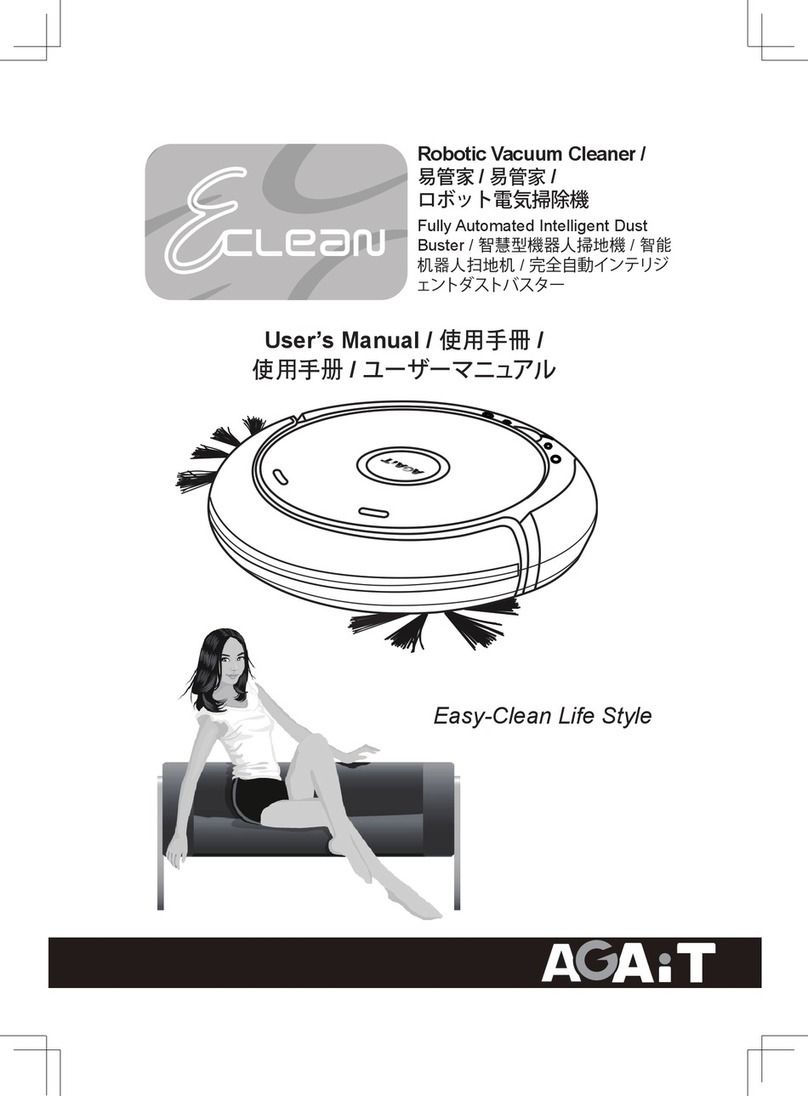
AGAiT
AGAiT Eclean Manuel utilisateur

AGAiT
AGAiT Eclean Manuel utilisateur

AGAiT
AGAiT Eclean Manuel utilisateur

AGAiT
AGAiT E-CLEAN MINI Manuel utilisateur

AGAiT
AGAiT E-CLEAN 02 Manuel utilisateur

AGAiT
AGAiT EC02 Manuel utilisateur

AGAiT
AGAiT Eclean Manuel utilisateur

AGAiT
AGAiT Eclean Manuel utilisateur


