OM120AOperating instructions:
ControlKey's:(Allkey'sarerubber keypads)
1. On\Off
2. Backlight
3. WavelengthSelect ג(850nm,1300nm,13l0nm,l490nmand l550nm)
4. dB\dBm\W
5. Zeroreference (for allspecifiedwavelengths)
BacklightKeyallowstheuser theoptiontoturnthedisplaybacklightonor off.
TheWavelengthselectkey ג
allowstheusertoselectbetweenthecalibratedwavelengthsof theOM120A.
Allwavelengthsarecalibratedto±0.2dBoftheNISTstandard.
ThedB\dBm\Wselectkeyallowstheusertoselectbetweenabsolutepower,whichismeasuredindBm,
orrelativepowerthatismeasuredisdB.dBm\W isreferencedto1milliwattand bothareafunctionofthe
logscale.
TheZeroreferencekeywheninthe dBmmode allowstheuserstotoggletheresolution between0.0ldB
and 0.ldB
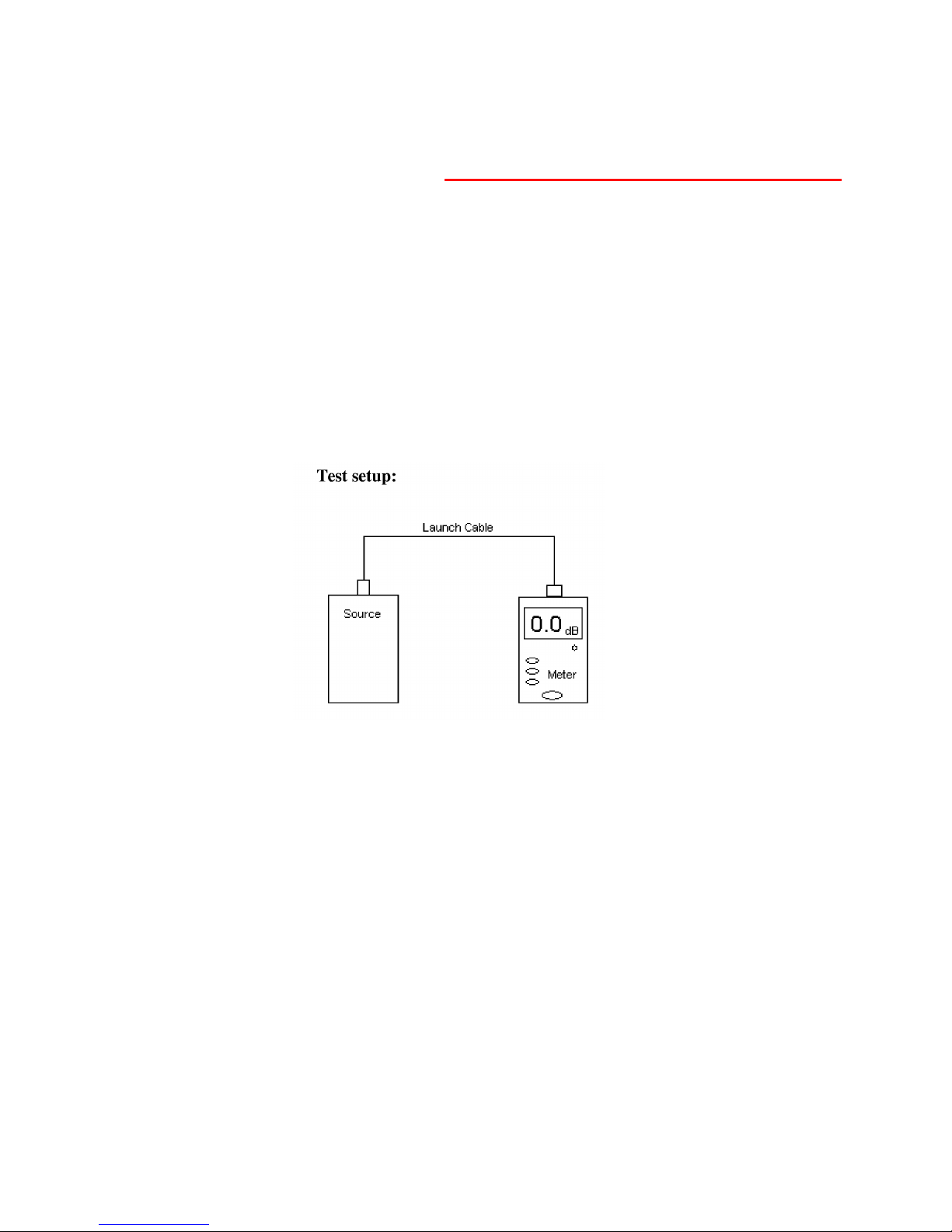
TheZeroreferencekeywheninthe dBmode allowstheusertosettheinputlaunchpowertoarelative
dBzeroreference valueforeasycalculationofloss and attenuationofafiberOpticcable.Forinstance,if
alaunchcableoutputpowervalueis-25.6dBmandatestcableisinsertedbetweenthelaunchcableand
themeterwithareadingof-27.1dBm,theuserhastosubtract-27.1dBmfrom-25.6dBmtogetaresult
of-1.5dB.Assimpleasthistestsoundsitcansometimesgetconfusingtotheuserduetothefactthat
theyarenotsureiftheirresultshouldbeapositivevalueoranegativevaluealsomiscalculationcanbean
issue.Thezeroreference functioneliminatestheseproblems.Theusersimplysetstheirreferencevalue
(whichinthiscaseis-25.6dBm)to0.0dBtheninsertsthetestcabletogetalossreading of-1.5dB.
*EASY*.
Differentreferencescanbestoredforallfourwavelengths.Thestoredreferencevaluewillbemaintained
until anewreferenceisstored.
Thescreenalsodisplaysthevaluethattheuserhasreferencedtooatthebottomleftcornerofthescreen.
ThisreadingisthedBm(absolute)valueoftheusersdBzeroreference value.
*
TheOM120Aalsooffersan autopowerdown feature. Thisfunctioncanbeenabledordisablewhenthe
unitispoweredup bypressingthe גkey.Whenenabledtheunitwillshutdownafter 15 minutesofno key
activity.Theunitwill signaltheuserthatitisabouttoshutdownbycountingdownthelastminuteinthe
righttopcornerofthescreen.