
Z-World PK2300 Manuel utilisateur
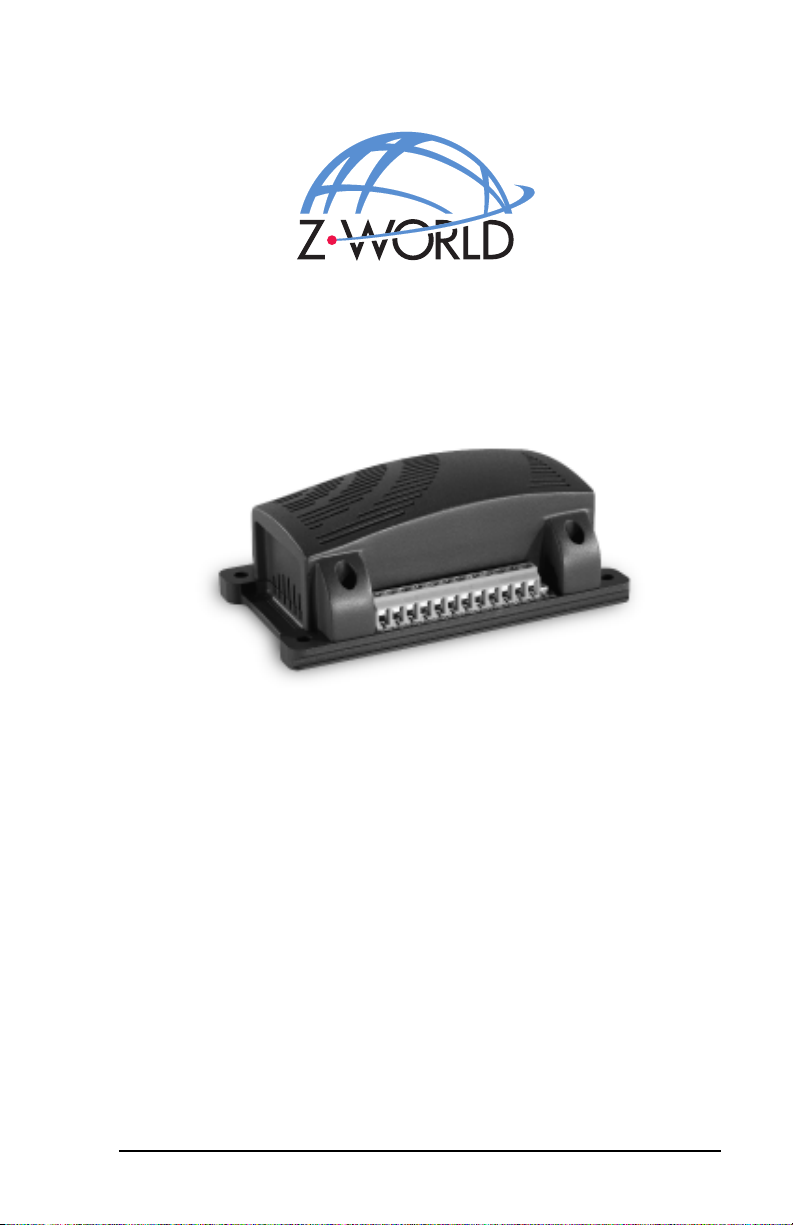
Users Manual
Revision E
PK2300
C-Programmable Controller

PK2300 Users Manual
Part Number 019-0040
Revision E
Last revised on March 2, 2000 Printed in U.S.A.
Copyright
© 1999 Z-World, Inc. All rights reserved.
Z-World reserves the right to make changes and improvements to its
products without providing notice.
Trademarks
Dynamic C®is a registered trademark of Z-World, Inc.
Windows® is a registered trademark of Microsoft Corporation
PLCBusis a trademark of Z-World, Inc.
Notice to Users
When a system failure may cause serious consequences, protecting life and
property against such consequences with a backup system or safety device
is essential. The buyer agrees that protection against consequences
resulting from system failure is the buyers responsibility.
This device is not approved for life-support or medical systems.
All Z-World products are 100 percent functionally tested. Additional
testing may include visual quality control inspections or mechanical
defects analyzer inspections. Specifications are based on characterization
of tested sample units rather than testing over temperature and voltage of
each unit. Z-World may qualify components to operate within a range of
parameters that is different from the manufacturers recommended range.
This strategy is believed to be more economical and effective. Additional
testing or burn-in of an individual unit is available by special arrangement.
Company Address
Z-World, Inc.
2900 Spafford Street
Davis, California 95616-6800
USA
Telephone:
Facsimile:
Web Site:
E-Mail:
(530) 757-3737
(530) 753-5141
http://www.zworld.com
zworld@zworld.com

Table of Contents siiiPK2300
TABLE OF CONTENTS
About This Manual vii
Chapter 1: Overview 11
PK2300 Overview ...............................................................................12
Features ................................................................................................14
Flexibility and Customization ..............................................................15
Optional Accessories............................................................................ 15
Development Kit ............................................................................. 16
Software Development and Evaluation Tools ......................................16
CE Compliance .................................................................................... 16
Chapter 2: Getting Started 17
Connecting the PK2300 to Your PC .................................................... 18
Running Dynamic C............................................................................. 20
Selecting Communications Rate, Port, and Protocol ......................20
Running a Sample Program ................................................................. 22
Chapter 3: Input/Output Configuration 25
PK2300 Components ........................................................................... 26
Flexible Input/Output Summary........................................................... 27
Configuring Serial Communication ..................................................... 29
Configuring Inputs and Outputs ........................................................... 30
Selecting IN-08 and IN-09, or RMI Input + and - .......................... 30
Selecting IN-12 thru IN-16, or OUT-04 thru OUT-08 ....................31
Selecting IN-10 and IN-11 or RS-485+ and RS-485 .................... 33
CMOS Outputs ................................................................................ 34
Chapter 4: System Development 35
PK2300 Operating Modes ................................................................... 36
Changing the PK2300s Operating Mode ....................................... 37
Running a Program .............................................................................. 38
Using the Digital Inputs/Outputs ......................................................... 39
Protected Digital Inputs .................................................................. 39
How to Read the Inputs ................................................................ 40
High-Current Outputs...................................................................... 42
How to Use the Outputs ................................................................ 42

iv sTable of Contents PK2300
Resistance Measurement Input (RMI) ............................................ 45
How to Use the Resistance Measurement Input ........................... 46
RMI Theory of Operation ............................................................. 49
Serial Communication.......................................................................... 50
RS-232 Communication .................................................................. 50
RS-232 Connector Pinouts .............................................................. 50
RS-485 Communication Network ........................................................ 51
Termination and Bias Resistors ....................................................... 52
Additional Features .............................................................................. 54
PWM Outputs ................................................................................. 54
How to Use the PWM Feature ...................................................... 54
User-Programmable LEDs .............................................................. 58
Memory ........................................................................................... 58
Real-Time Clock (RTC) .................................................................. 59
Power Supervisor ............................................................................ 60
Resetting the Processor ................................................................... 61
PK2300 Subsystems ............................................................................ 62
Chapter 5: Software Reference 63
Supplied Software ................................................................................ 64
Digital Inputs/Outputs ..................................................................... 65
Level-Sensitive Interrupts ............................................................... 68
Interrupt Service Routines (ISR) ..................................................... 69
Resistance Measurement Input........................................................ 70
PWM Outputs ...................................................................................... 72
Additional Software Feature References ......................................... 74
Advanced Input/Output Programming ................................................. 75
Digital Input Addressing Detail ...................................................... 76
Digital Output Addressing Detail .................................................... 77
LED Addressing Detail ................................................................... 78
RS-485 Driver IC Addressing Detail .............................................. 78
Resistance Measurement Input Addressing Detail .......................... 79
PWM Addressing Detail ................................................................. 81
PWM Advanced Programming Functions ....................................... 86
Appendix A: Troubleshooting 89
Out of the Box...................................................................................... 90
Dynamic C Will Not Start .................................................................... 91
Dynamic C Loses Serial Link .............................................................. 91
PK2300 Repeatedly Resets .................................................................. 91
Common Programming Errors ............................................................. 91

Table of Contents svPK2300
Appendix B: Specifications 93
Electrical and Mechanical Specifications ............................................94
PK2300 External Dimensions ......................................................... 95
Factory Default Jumper Positions ........................................................ 96
Protected Digital Inputs ....................................................................... 98
Frequency Response for IN-01 to IN-05, and IN-08 to IN-16........98
Frequency Response for IN-06 and IN-07 ...................................... 99
Customization ................................................................................. 99
Frequency Response and Input Range ..........................................99
Default Pull-Up Assignments .....................................................100
High-Current Drivers ......................................................................... 100
Function of K .............................................................................101
Appendix C: Serial Interface Board 2 103
Introduction........................................................................................ 104
External Dimensions ..........................................................................105
Appendix D: Sinking vs. Sourcing Drivers 107
Selecting Sourcing or Sinking Drivers ............................................... 109
Sinking Driver (Low-Side Drive).................................................. 109
Sourcing Driver (High-Side Drive) ............................................... 110
Appendix E: Power Management 111
Power-Failure Detection Circuitry ..................................................... 112
Power Failure Sequence of Events ................................................ 112
Appendix F: Enclosure Mounting 115
Enclosure Mounting Considerations .................................................. 116
Mounting Controllers on DIN Rails .................................................. 118
Appendix G: Nonvolatile Storage 119
Appendix H: I/O Map and Interrupt Vectors 121
CM7200 Input/Output Map ............................................................... 122
Real-Time Clock Registers ................................................................124
Other Input/Output Addresses............................................................125
Interrupt Vectors ................................................................................126
Interrupt Priorities .............................................................................. 127

vi sTable of Contents PK2300
Appendix I: Battery 129
Storage Conditions and Shelf Life .....................................................130
Instructions for Replacing the Lithium Battery.................................. 130
Battery Cautions ................................................................................131
Index 133
Schematics

About This Manual sviiPK2300
ABOUT THIS MANUAL
This manual provides instructions for installing, testing, configuring, and
interconnecting the Z-World PK2300 controller.
Instructions to get started using Dynamic C®programming functions are
included. Complete C and Dynamic C®references and programming
resources are referenced when necessary.
Assumptions
Assumptions are made regarding the user's knowledge and experience in
the following areas:
Ability to design and engineer the target system that a PK2300 will
control.
Understanding of the basics of operating a software program and
editing files under Windows on a PC.
Knowledge of the basics of C programming.
For a full treatment of C, refer to the following texts.
The C Programming Language by Kernighan and Ritchie
and/or
C: A Reference Manual by Harbison and Steel
Knowledge of basic Z80 assembly language and architecture.
For documentation from Zilog, refer to the following texts.
Z180 MPU User's Manual
Z180 Serial Communication Controllers
Z80 Microprocessor Family User's Manual
$
$

PK2300viii sAbout This Manual
Acronyms
Table 1 lists and defines the acronyms that may be used in this manual.
Icons
Table 2 displays and defines icons that may be used in this manual.
Table 1. Acronyms
Acronym Meaning
EPROM Erasable Programmable Read-Only Memory
EEPROM Electronically Erasable Programmable Read-Only Memory
LCD Liquid Crystal Display
LED Light-Emitting Diode
NMI Nonmaskable Interrupt
PIO Parallel Input/Output Circuit
(Individually Programmable Input/Output)
PRT Programmable Reload Timer
RAM Random Access Memory
RTC Real-Time Clock
SIB Serial Interface Board
SRAM Static Random Access Memory
UART Universal Asynchronous Receiver Transmitter
Table 2. Icons
Icon Meaning Icon Meaning
$
Refer to or see !Note
(Please contact 7LS Tip
Caution
High Voltage
Factory Default
FD

About This Manual sixPK2300
Conventions
Table 3 lists and defines the typographic conventions that may be used in
this manual.
Pin Number 1
A black square indicates
pin 1 of all headers.
Measurements
All diagram and graphic measurements are in inches followed by millime-
ters enclosed in parenthesis.
Table 3. Typographic Conventions
Example Description
while Courier font (bold) indicates a program, a fragment of a
program, or a Dynamic C keyword or phrase.
// IN-01… Program comments are written in Courier font, plain face.
Italics Indicates that something should be typed instead of the
italicized words (e.g., in place of filename, type a file’s
name).
Edit Sans serif font (bold) signifies a menu or menu selection.
. . . An ellipsis indicates that (1) irrelevant program text is
omitted for brevity or that (2) preceding program text may
be repeated indefinitely.
[ ] Brackets in a C function’s definition or program segment
indicate that the enclosed directive is optional.
< > Angle brackets occasionally enclose classes of terms.
a | b | c A vertical bar indicates that a choice should be made from
among the items listed.
J1
Pin 1

PK2300xsAbout This Manual
Blank
Table des matières
Autres manuels Z-World Contrôleurs


