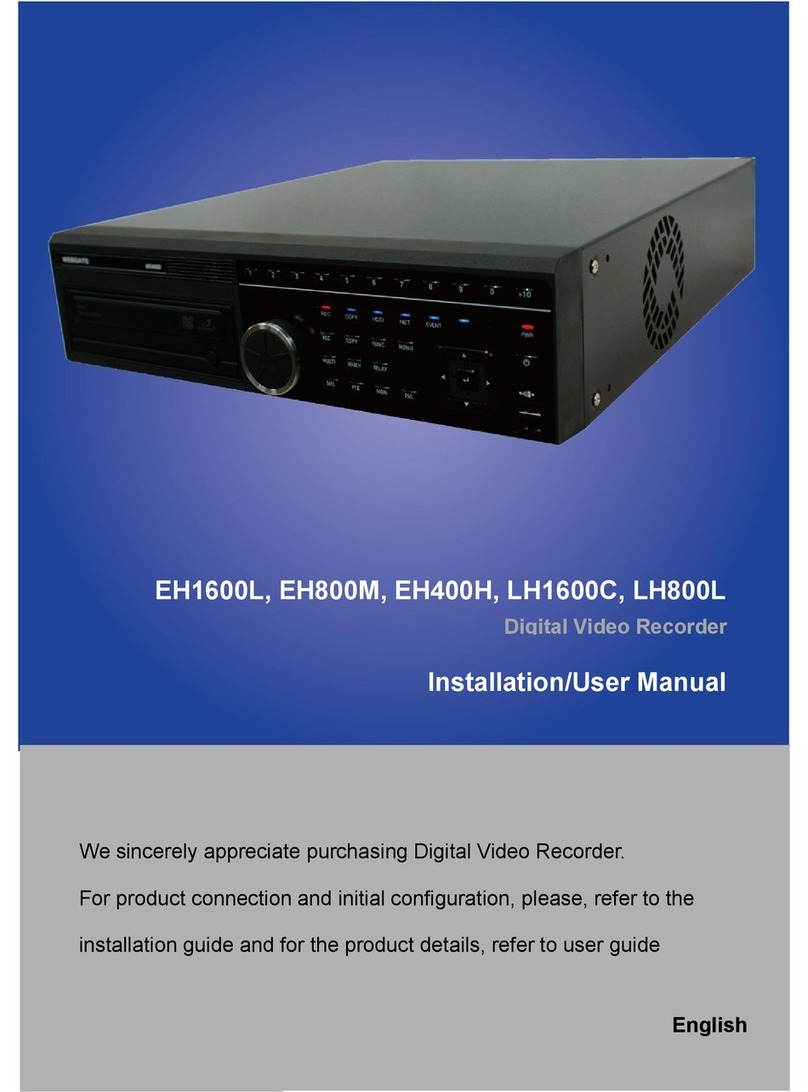
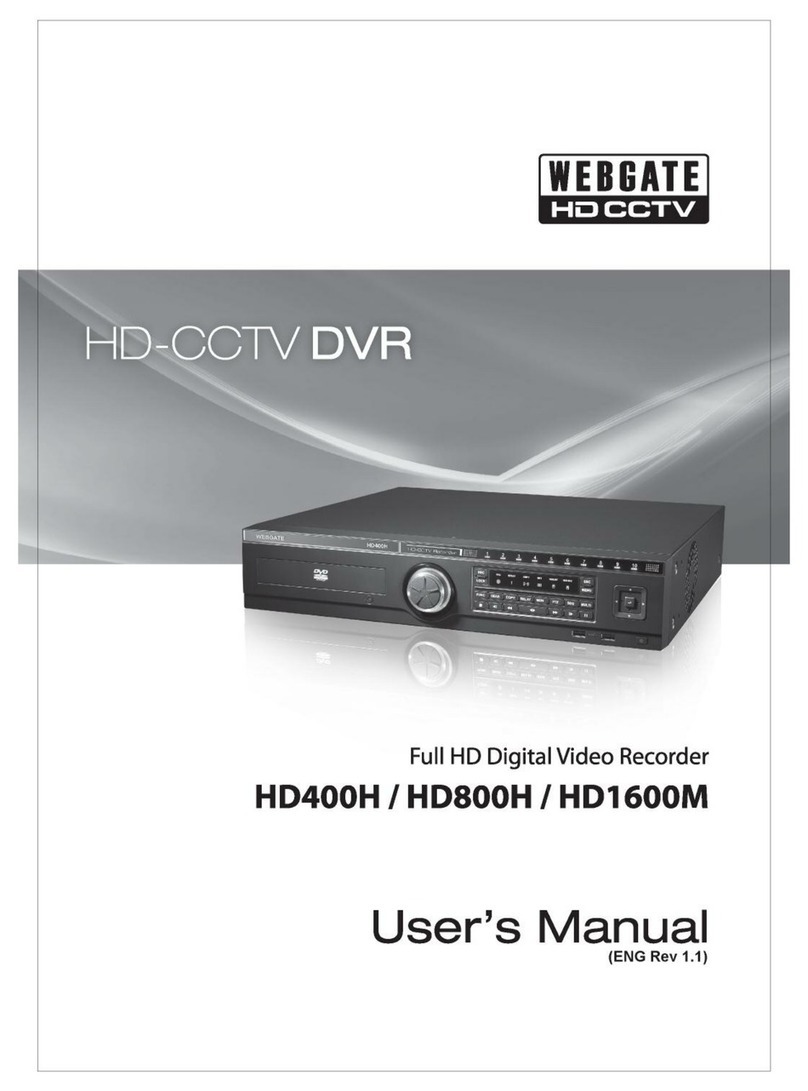
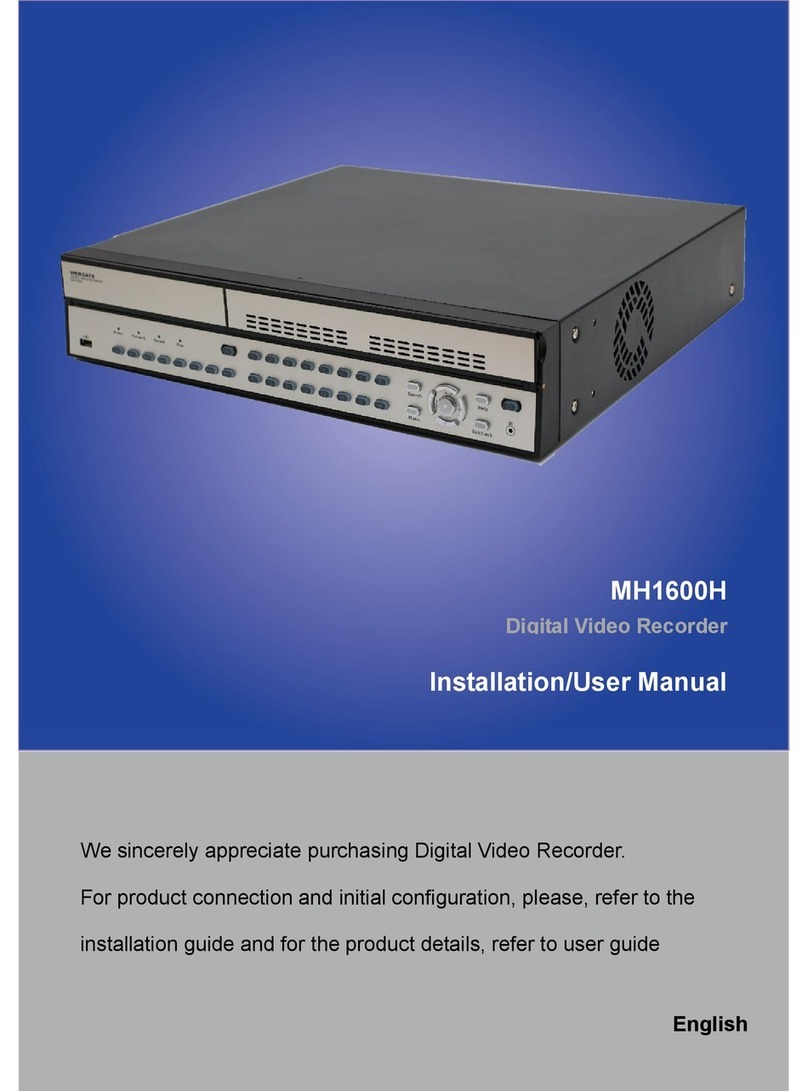
WebGate eDVR MD800M Manuel utilisateur

eDVR Installation Guide
MD800M
(v 1.0)

Caution
Since this device is operation purpose and registered as suitable electromagnetic waves, seller or user
should be cautios on this point. If the device is sold or purchased wrongly, it is required to replace as
Home use.
FCC Compliance Statement
Caution : Any changes or modifications in construction of this device which are not expressly approved
the party responsible for compliance could void the user s authority to operate the equipment.
TE : This equipment has been tested and found to comply with the limits for a Class A digital
device, pursuant to part 15 of the FCC Rules. These limits are designed to provide reasonable protection
against harmful interference when the equipment is operated in a commercial environment. This
equipment generates, uses, and can radiate radio frequency energy and, if not installed and used in
accordance with the instruction manual, may cause harmful interference to radio communications,
Operation of this equipment in a residential area is likely to cause harmful interference in which case
the user will be required to correct the interference at his own expense.
Warning
This is a class A product. In a domestic environment this product may cause radio interference in which
case the user may be required to take adequate measures
Warning
1. In case of changing built-in lithum battery, it should be replaced as same or kindred one to prevent a
danger of explosion. Since old batteries could be a factor of environment contamination, be cautios to
treat them.
2. Do not throw the batteries to fire or heating. Neither short circuiut or disassembly is prohibited.
3. Do not charge the batteries provided with Remote Controller

Important otice
1. Do not place heavy objects on the top of the eDVR
2. eDVR is for indoor use. It is not weatherproof. Use eDVR with referring to its environmental
specifications (Temperature & Humidity). To clean the eDVR, gently wipe the outside with a clean dry
cloth.
3. eDVR use AC power of 110V~240V. Be cautions not to cause electric damages to eDVR.
4. Becareful not to drop the eDVR. Physical shocks may harm the products including internal HDD. In
addition, be sure the eDVR is secured after installation.
5. eDVR is made of metal. Therefore you can hurt human beings if you throw it to them or hit on them.
When eDVR is installed, be cautious to locate on safe places where children are unreachable.
6. If eDVR does not operate properly, please contact the closest WEBGATE distributor for after sales
service. Tempering or disassembling the product will void warranty.
7. Security surveillance laws may differ for each country. Therefore, please contact the local region first
to avoid any surveillance law violations.
The contents of this manual can be modified in accordance with Firmware or Software upgrade. In the
interest of continually improving products, approval & outlook can be modified without prior notice

4
Contents
VERVIEW .................................................................................................................................. 7
1. What is MD800M? ................................................................................................................ 7
2. Supplied accessories .............................................................................................................. 8
3. Description & Function ......................................................................................................... 9
ISTALLATI AD C ECTI ....................................................................................... 11
4. Connecting & Running ........................................................................................................ 11
4.1. Connecting camera ...................................................................................................... 11
4.2. Connecting monitor ..................................................................................................... 12
4.3. Connecting Audio ........................................................................................................ 12
4.4. Supplying power .......................................................................................................... 13
5. Running OSD menu ............................................................................................................ 14
5.1. Using menu ................................................................................................................. 14
5.2. Dialogue box to edit a word .......................................................................................... 15
6. Setting remote controller ...................................................................................................... 16
6.1. Setting ID of MD800M ................................................................................................ 16
6.2. Selecting MD800M ...................................................................................................... 17
6.3. Operable range of remote controller .............................................................................. 17
6.4. Loading the batteries into remote controller ................................................................... 17
7. MD800M configuration ....................................................................................................... 18
7.1. Basic configuration ...................................................................................................... 18
7.2. Advanced configuration ............................................................................................... 18
7.3. External storage & Back up configuration ...................................................................... 19
7.4. Internet/ Intranet configuration ...................................................................................... 19
8. eDVR MD800M basic setting .............................................................................................. 20
8.1. Viewing Image ............................................................................................................ 20
8.2. Setting Date & Time .................................................................................................... 21
8.2.1. Time Zone ........................................................................................................... 21
8.2.2. Daylight Saving .................................................................................................... 21
8.2.3. Sync with NTP ..................................................................................................... 21
8.2.4. Time Format ........................................................................................................ 22
8.2.5. Date..................................................................................................................... 22
8.2.6. Time .................................................................................................................... 22

5
8.2.7. Apply Date/Time .................................................................................................. 22
8.3. Setting recording condition ........................................................................................... 23
8.3.1. Configuration Status ............................................................................................. 23
8.3.2. Recording Speed/Quality ....................................................................................... 24
8.3.3. Speed(ips) ............................................................................................................ 24
8.3.4. Quality ................................................................................................................ 24
8.3.5. Audio Recording .................................................................................................. 24
8.3.6. Alarm Recording .................................................................................................. 24
8.3.7. Apply .................................................................................................................. 24
9. Connecting and configuring DIO ports .................................................................................. 25
9.1. Connecting and configuring sensor ................................................................................ 25
9.1.1. Specification ........................................................................................................ 25
9.1.2. Connecting sensor input ........................................................................................ 26
9.1.3. Configuring sensor at OSD menu ........................................................................... 27
9.2. Connecting & configuring relay out ............................................................................... 28
9.2.1. Specifications ....................................................................................................... 28
9.2.2. Connecting relay out ............................................................................................. 29
9.2.3. Configuring relay out as OSD menu. ...................................................................... 30
9.3. Connecting serial port .................................................................................................. 31
9.3.1. Configuring serial ports for Pan/Tilt/Zoom.............................................................. 31
9.3.2. Diagram of serial ports .......................................................................................... 31
9.3.3. Configuring Serial ................................................................................................ 33
9.4. Connecting external device with serial port .................................................................... 34
9.4.1. Connecting text inout device (ATM / POS / Access Control) .................................... 34
9.4.2. Configuring serial setup (COM1) at OSD menu ...................................................... 35
9.4.3. Configuring text ................................................................................................... 36
9.5. Connecting USB device ................................................................................................ 37
9.6. Connecting video in/output ........................................................................................... 38
10. Connecting External Storage ............................................................................................ 39
10.1. IEEE1394 port ......................................................................................................... 39
10.2. Connecting IEEE1394 Device ................................................................................... 39
10.3. Available HDD ........................................................................................................ 40
10.4. Registering & Formating HDD .................................................................................. 40
11. Network monitoring & managing ...................................................................................... 41
11.1. Connecting Ethernet ................................................................................................. 41
11.2. Configuring Network infomraiton of MD800M .......................................................... 42

6
12. Using Control Center Lite ................................................................................................ 43
12.1. Starting .................................................................................................................... 43
12.1.1. PC system requirements for running Control Center Lite .......................................... 43
12.2. Installing Control Center Lite .................................................................................... 43
12.3. Log-In ..................................................................................................................... 44
12.4. Configuration Tool ................................................................................................... 45
12.5. Monitor ................................................................................................................... 45
12.6. Playback .................................................................................................................. 46
APPEDIX .................................................................................................................................. 47
#1. HDD .............................................................................................................................. 48
#1.1. Fundamental notions & terms .................................................................................... 48
#1.2. Installing HDD......................................................................................................... 51
#2. Using CD-ROM .............................................................................................................. 61
#3. How to recognize manufacturing date ............................................................................... 62
#4. Specification ................................................................................................................... 63

7
VERVIEW
1. What is MD800M?
The eDVR MD800M is 8-analog channels network digital video recorder. Video, Audio, Text and Event-
Logs are digitized and stored on two internal Hard-Drives
- It supports 8ch video input
- Supports 1 ch bi-directional audio
- Supports recording, playback, network recording, network playback simultaneously (Pentaplex)
- Max. Half D1, 240(NTSC) / 200(PAL) ips1 recording speed
- Max. 480(MD800M) ips real-time display speed
- Real time video surveilliance and recording via PC monitor & CCTV monitor
- Support 1 VGA output
- Internal hardware Quad Splitter for analog channel
- Internal software multiplexer for 8channel division monitoring (1 / 4 / 9 channel mode)
- Max. 8TB storage (External HDD expansion via eSATA)
- Various Recording & playback
- Independent file system for effective alarm data management
- Recording text data from ATM/POS in relevant to video data
- 8 sensor input & 4 alarm output
- MD searching (64 different specified MD area set, when Control Center operates)
- Text Searching (when Control Center operates)
- Internal CD-R/DVD-R backup
- PTZ control through RS232, RS485
- 32bit True Color graphic OSD menu for easy to use (Support Anti-Flicker)
- Support Static IP and DHCP, dynamic IP and xDSL, cable modem user
- Apply embedded Linux OS for reliability and efficiency
- Support Remote controller
- Firmware upgrading, Setup, retrieving through USB memory device
- Digital Water Mark
- Register max. 16 units eDVR to Control Center Lite-D (PC user interfacer)
[Total 128 channel managements (16 eDVR MD800M x 8ch) through one S/W program]
<ote>
It supports only DVD backup. CD backup will be supported later.
For the details, please contact to local distributor.
1 ips = image per second

8
2. Supplied accessories
Unpack and check all the items as below;
1. eDVR MD800M (1EA)
2. AC Power Cord (1EA)
3. CD (Including Software) (1EA)
4. Remote Controller (1EA)
5. Power (applied adaptor) (1EA)

9
3. Description & Function
MD800M front
(1) Function buttons
(2) LED
(3) USB port
(4) Remote controller receiver
(5) CD/DVD-RW ROM
(6) Shuttle

10
MD800M rear
(7) power connector
(8) Terminal block for sensor, relay, and serial input/output
(9) Audio input/ output connector
(10) BNC connector for video input
(11) BNC connector for video output
(12) VGA connector for video output
(13) Serial input/output
(14) eSATA connector
(15) Ethernet connector
Table des matières
Autres manuels WebGate DVR

WebGate
WebGate HD400H Manuel utilisateur

WebGate
WebGate EH1600L Manuel utilisateur

WebGate
WebGate HDC400M Manuel utilisateur

WebGate
WebGate MD1600E Manuel utilisateur

WebGate
WebGate UHN1600-H2 Manuel utilisateur

WebGate
WebGate Hybrid DVR Series Manuel utilisateur

WebGate
WebGate MH1600H Mode d’emploi

WebGate
WebGate HD1600F-PDR Series Manuel utilisateur

WebGate
WebGate HS1600F-D Manuel utilisateur

WebGate
WebGate MD1600H Manuel utilisateur