
Vonage VTA Manuel utilisateur
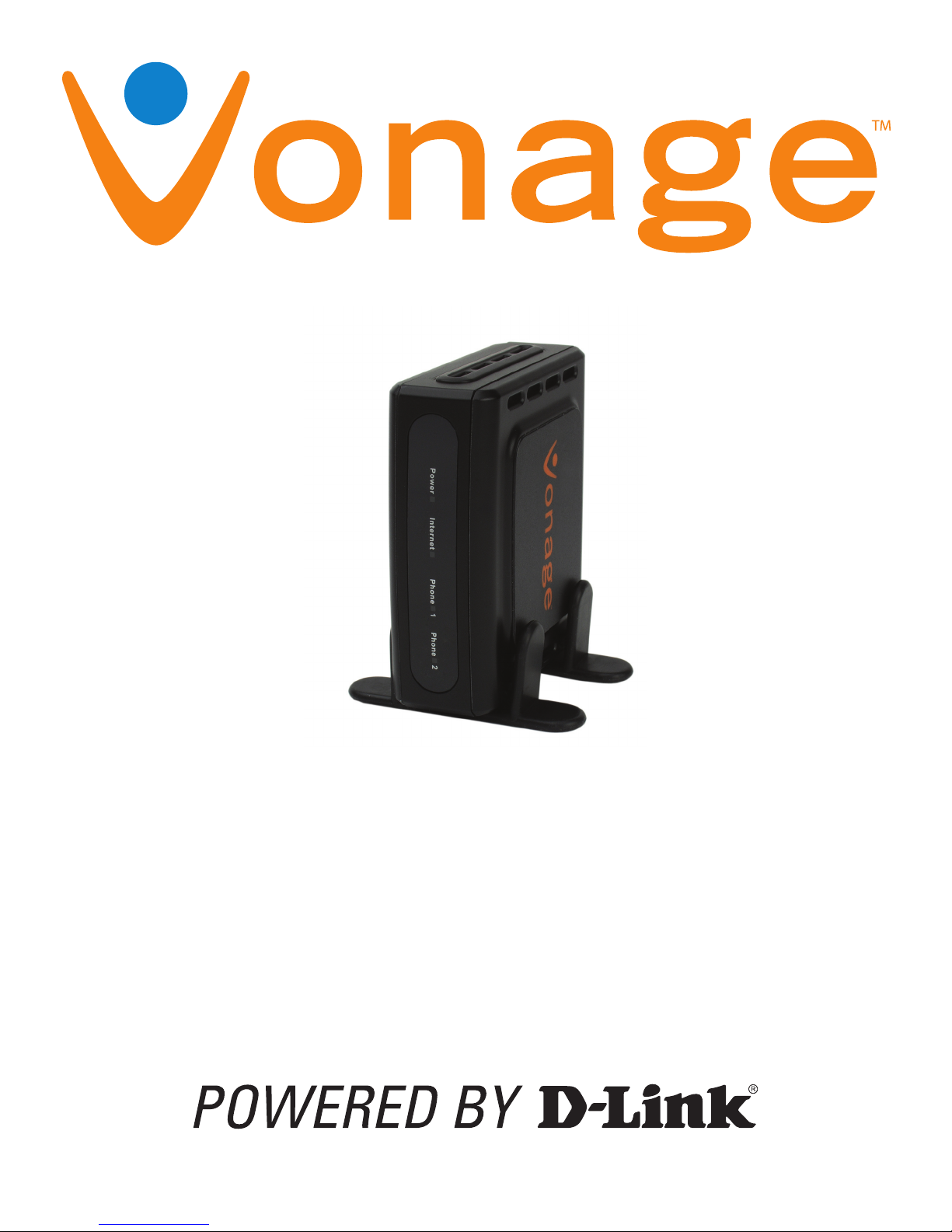
User Manual
New Vonage Logo
Orange - Pantone 021
Blue - Pantone 3005

ID-Link VTA User Manual
Welcome
Unleash Your Phone
For assistance with installation or troubleshooting common problems, please refer to this User
Manual or Quick Installation Guide.
Please visit www.vonage.ca to obtain the most up-to-date User Manual and a description of the
latest VTA features.
Activation
If you purchased your Vonage Telephone Adapter from a retail location, you must first activate your
Vonage phone service by visiting www.vonage.ca.
After activation, wait 30 minutes before checking for a dial tone.
You will need your MAC ID, which is located on your Vonage Telephone Adapter. The MAC ID is
a combination of twelve letters and numbers. Be sure to enter all of the characters. After you
have chosen a plan and activated, please follow the step-by-step installation guide to set up your
equipment.

IID-Link VTA User Manual
Table of Contents
Table of Contents
Chapter 1 - Product Overview ..................................................................................... 1
Package Contents ...............................................................................................................2
System Requirements.........................................................................................................2
Front Panel .........................................................................................................................3
Rear Panel ..........................................................................................................................3
Chapter 2 - Installation................................................................................................. 4
Network Overview...............................................................................................................5
Install the Hardware............................................................................................................6
Chapter 3 - Configuration ............................................................................................ 8
Find IP Address ..................................................................................................................9
Login ................................................................................................................................10
Internet .............................................................................................................................11
Dynamic IP Address....................................................................................................11
Static IP Address.........................................................................................................11
Password..........................................................................................................................12
Status ...............................................................................................................................13
Save&Reboot....................................................................................................................14
Logout ..............................................................................................................................14
Appendix A - Troubleshooting................................................................................... 15
Appendix B - Technical Specifications ..................................................................... 18

1D-Link VTA User Manual
Product Overview 1
Chapter 1 - Product Overview
Chapter1 - Product Over view

2D-Link VTA User Manual
Chapter 1 - Product Overview
Package Contents
System Requirements
An available Broadband connection
Router
A valid Vonage account*
Vonage VTA Telephone
Adapter
RJ-11 Phone Cable Blue Ethernet Cable
Stand
CD-ROM with
User Guide Power Adapter
* If you purchased your Vonage Telephone Adapter from a retail location,
you must first activate your Vonage phone service by visiting www.vonage.
ca. After activation, wait 30 minutes before checking for a dial tone.

3D-Link VTA User Manual
Chapter 1 - Product Overview
Rear Panel
Front Panel
Power Internet Phone 1 Phone 2
When the power light stops
blinking and is a solid
green, this indicates that
your adapter has started up
properly. Note that both the
power light and the phone
light must be solid in order
to make a phone call.
Solid light indicates
connectivity to your
router or network
- whenever there is data
activity this light will
blink.
Solid light indicates
that phone line 1 is
ready for Vonage
Internet telephone or
FAX calls.
Solid light indicates
that optional phone
line 2 is ready for
Vonage Internet
telephone or FAX
calls.
Phone (1 & 2) Internet Reset Power
Plug your phone into port
#1 and if you’ve signed
up for a second Vonage
phone line, an optional
phone or FAX machine
into phone port #2.
Connect to your network
using the blue Ethernet
cable.
Press the reset button to
reset the VTA back to the
default settings.
Plug in the supplied
power adapter.

4D-Link VTA User Manual
Installation 2
Chapter 1 - Product Overview

5D-Link VTA User Manual
Chapter 2 - Installation
Network Overview
Below is a common way to connect your VTA to your network.

6D-Link VTA User Manual
Chapter 2 - Installation
Install the Hardware
Verify the status lights on the unit. The
Power, Phone 1, and Internet status lights
should be solid green. The Phone 2 light
will be a solid green if you have a second
Vonage line. (The Internet light will blink
whenever there is data activity.)
1
2
3
Connect the blue Ethernet cable into the
blue port labeled Internet on the back
of the telephone adapter. Connect the
other end to one of your router’s Ethernet
ports.
Connect the included power supply to the
Power port of the Telephone Adapter.
Warning: Using a power supply with a
different voltage will cause damage to
the device and will void the warranty.

7D-Link VTA User Manual
Chapter 2 - Installation
Congratulations! You’ve finally freed yourself from the
phone company.
Once you hear the dial tone, please call 877-272-0528 to complete the installation process. Then,
you’re all set. Even if you are transferring your telephone number to Vonage, you can enjoy the
great savings and super quality by using your Vonage phone service right NOW.
Bon Vonage!
911 Service: Vonage’s 911 offering is different from that offered by traditional telephone
companies; please visit www.vonage.ca/911 to learn more about it.
Insert the provided RJ-11 telephone cable
into the green port labeled Phone 1 on
the back of the Vonage adapter. Connect
the other end to your telephone.
If you activate a second Vonage phone
line, then connect another phone or FAX
machine into the Phone 2 port.
Check for dial tone. If you do not hear one, please consult the Troubleshooting section of this
guide.
4
Table des matières
Autres manuels Vonage Adaptateur


