VISTEON CD6 Manuel utilisateur

PREMIUM AM/FM STEREO IN – DASH SIX CD RADIO
(CD CHANGER COMPATIBLE)
Welcome
Please take a few minutes to review this User Manual to become familiar
with your new Visteon In-Dash Six CD Radio features and operation of
controls.
For any information about your Visteon In-Dash Six CD Radio, please
call 1-800-367-3333.
1
Welcome
AUDIOPHILE AM/FM STEREO IN–DASH SIX CD RADIO
(CD CHANGER COMPATIBLE)
1
SHUF SCAN DSP
MUTE
DISC
TUNE
CD
PUSH
ON
AM
FM
2 3 4 5 6
MENU
SEEK
BASS
TREB
BAL
FADE
SEL
REW FF
EJ
LOAD
1
SHUF SCAN COMP
MUTE
DISC
TUNE
CD
PUSH
ON
AM
FM
23456
MENU
SEEK
BASS
TREB
BAL
FADE
SEL
REW FF
EJ
LOAD

2
Warranty and Service
Limited Warranty
The CD 6 Audio System Limited
Warranty is provided by Visteon.
Visteon will provide at no cost for
the repair or replacement of covered
components during the Limited
Warranty Period in accordance with
the following terms, conditions, and
limitations.
Eligibility
Original and subsequent purchasers
of the CD 6 Audio System, installed
by an authorized VISTEON Sales and
Service Center or Sales Center, are
eligible to enforce the conditions
and terms of this limited warranty for
the duration of the applicable
Limited Warranty Period.
Limited Warranty Period
New Vehicle
• If the CD 6 Audio System is
installed prior to delivery to initial
vehicle owner: three (3) years from
date the vehicle was delivered to the
original vehicle owner, or the first
36,000 miles as registered on the
vehicle’s odometer from time of
installation, whichever expires first.
• If the CD 6 Audio System is
installed up to 90 days after new
vehicle delivery: three (3) years from
date of installation, or the first
36,000 miles as registered on the
vehicle’s odometer from the time of
installation, whichever expires first.

3
Warranty and Service
• If the CD 6 Audio System is
installed after the first 90 days after
new vehicle delivery: one (1) year
from the date of installation.
Used Vehicle
• If the CD 6 Audio System is
installed on a used vehicle: one (1)
year from the date of installation.
Parts and Services
Except as follows, all the CD 6 Audio
System parts (and applicable labor)
are covered at no charge when failure
is due to a defect in a part, material
or workmanship during normal use
for the duration of the applicable
Limited Warranty Period.
Limitations and Exclusions
The Limited Warranty does not
cover:
• Repairs and replacement due to
recalls by vehicle manufacturer.
• Repairs caused by damage or
unreasonable use, road hazard,
accident, fire or other casualty,
misuse, negligence, or failures
caused by modifications or parts not
authorized by or supplied by the
vehicle manufacturer or the CD 6
Audio System manufacturer or
warrantor.
• Damage from the environment
(airborne fallout, acts of war,
flood, chemicals, tree sap, salt,
hail, windstorm, lightning).

4
Warranty and Service
• Damage due to theft, vandalism
or riot.
• Customer–applied chemicals or
accidental spills.
• Repairs needed to a covered part
caused by a non-covered part.
• Repairs if the odometer is altered,
disconnected, broken, repaired or
replaced so that the actual mileage
cannot be determined.
• To the extent allowed by law, loss
of use of vehicle and/or the CD 6
Audio System, loss of time, inconve-
nience commercial loss, consequen-
tial damages and personal expenses.
• Repairs performed outside of the
50 states and Canada, repairs
required because of operation
outside of the 50 states and
Canada.
• Any CD 6 Audio System installed
or repaired by any entity other than
an authorized VISTEON Sales and
Service Center or Sales Center.
• There are no express
warranties except as listed above.
• The warrantor shall not be liable
for incidental or consequential
damages resulting from the use of
this product, or arising out of any
breach of this warranty. All express
and implied warranties, including
the warranties of merchantability
and fitness for a particular
purpose, are limited to the
applicable limited warranty period
and terms set forth above.

5
Warranty and Service
Some states do not allow limita-
tions on how long an implied
warranty lasts, so the above
limitation may not apply to you.
Some states do not allow the
exclusion or limitation of
incidental or consequential
damages, so the above limitation
or exclusion may not apply to you.
This warranty gives you specific
legal rights, and you may also have
other rights, which may vary from
state to state.
Procedures For Obtaining Repair
During the applicable Limited
Warranty Period, call the Visteon
Global Customer Service Operations
Call Center at 1-800-367-3333 to
locate the Visteon Sales and Service
Center or Sales Center in the area.
Proof of the CD 6 Audio System
installation date, vehicle delivery
date, and proof of vehicle mileage at
time of installation is required to
obtain limited warranty repair. For
further information on limited
warranty performance and coverage,
contact the the CD 6 Audio System
Warrantor, VISTEON, through its
Customer Service Operations Call
Center at 1-800-367-3333 or write
to:

6
Warranty and Service
WARRANTOR:
VISTEON Global Customer Service
PO Box 532290
STE 400C
Livonia, MI 48153-2290 USA

Table of Contents
7
Welcome ..................................................................................... 1
Warranty and Service
Limited Warranty ............................................................................................... 2
Parts and Services ............................................................................................ 3
Procedures For Obtaining Repair .................................................................. 5
Controls and Features
Volume/power control ....................................................................................... 9
AM/FM select
AM/FM select in radio mode ......................................................................... 9
AM/FM select in CD mode ............................................................................ 9
Tune adjust
Tune adjust in radio mode .............................................................................. 9
Tune adjust for CD mode ............................................................................. 10
Seek function
Seek function in radio mode ........................................................................ 10
Seek function in CD mode ........................................................................... 10
Scan function
Scan function in radio mode ........................................................................ 11
Scan function in CD mode ........................................................................... 11
Radio station memory preset ......................................................................... 11
Setting memory preset stations .................................................................... 12
Autostore
Starting autostore .......................................................................................... 13
CD select ............................................................................................................ 13
Display description........................................................................................... 14
Load ..................................................................................................................... 14
Auto load ............................................................................................................ 15
Eject ..................................................................................................................... 15
Auto eject ........................................................................................................... 16
Rewind ................................................................................................................. 16
Fast forward........................................................................................................ 17
Shuffle feature ................................................................................................... 17
Compression feature (if equipped) ..............................................................17
Bass adjust ......................................................................................................... 18

Table of Contents
8
Treble adjust ...................................................................................................... 18
Speaker balance adjust .................................................................................... 18
Speaker fade adjust .......................................................................................... 18
Radio Data System (RDS)............................................................................... 19
Traffic announcements .................................................................................. 19
Find type.......................................................................................................... 20
Show in display .............................................................................................. 20
Menu mode ...................................................................................................... 21
Digital signal processing (if equipped) ....................................................... 22
Phone mode ...................................................................................................... 23
Setting the clock .............................................................................................. 23
Cleaning and Care
Troubleshooting the CD changer (if equipped) ....................................... 24
Cleaning compact discs.................................................................................. 24
CD and CD changer care ............................................................................... 25
Radio frequency information ..................................................... 25

9
Controls and Features
Volume/power control
Press the control to turn the audio
system on or off.
Turn the control to raise or lower
volume.
If the volume is set above a certain
level and the ignition is turned off,
the volume will come back on at a
“nominal” listening level when the
ignition switch is turned back on.
AM/FM select
The AM/FM select control works in
radio and CD modes.
AM/FM select in radio mode
This control allows you to select AM
or FM frequency bands. Press the
control to switch between AM, FM1
or FM2 memory preset stations.
AM/FM select in CD mode
Press this control to stop CD play
and begin radio play.
Tune adjust
The tune control works in radio or CD
mode.
Tune adjust in radio mode
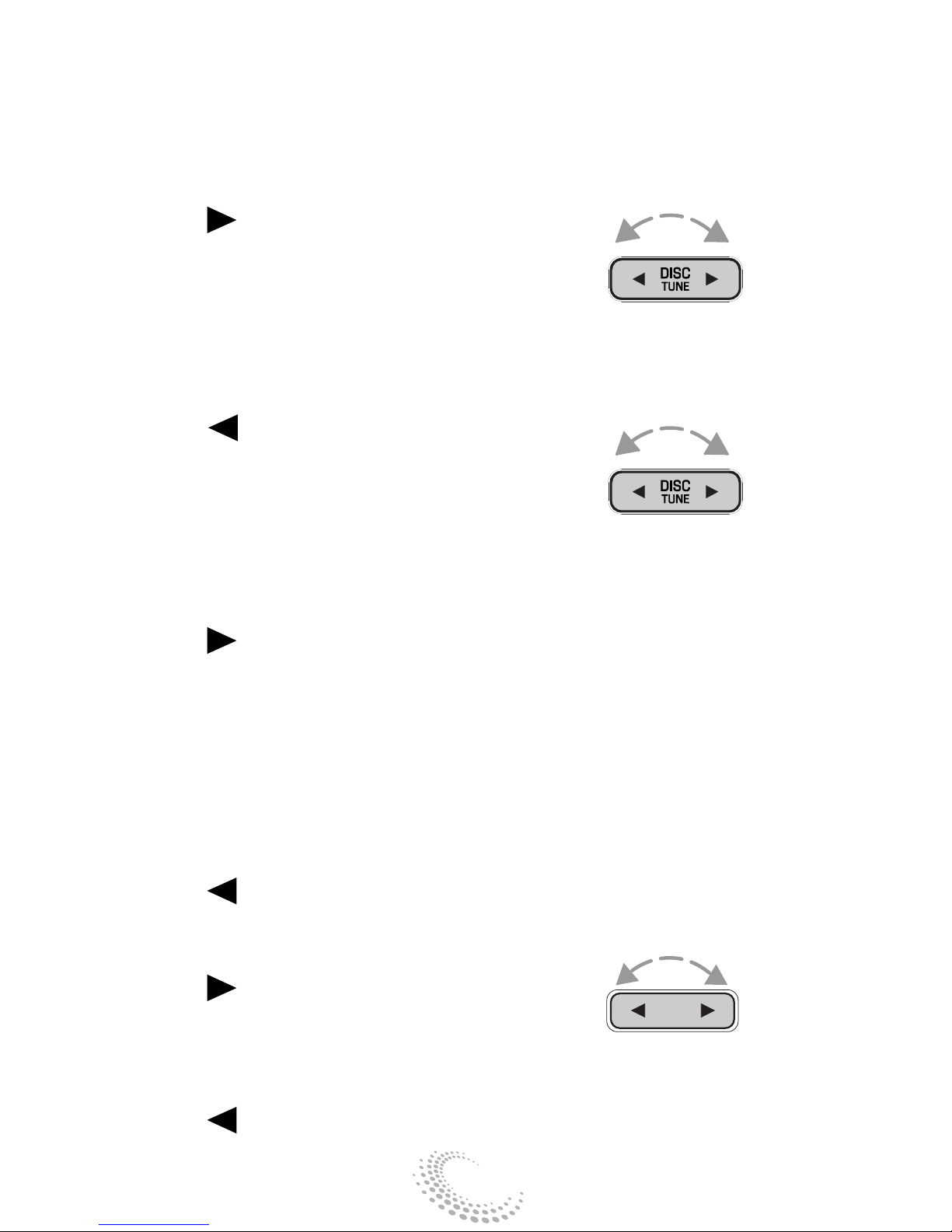
• Press to move to the next
CD
AM
FM
PUSH
ON
PUSH
ON

10
Controls and Features
frequency down the band (whether
or not a listenable station is located
there). Hold the control to move
through the frequencies quickly.
• Press to move to the next
frequency up the band (whether or
not a listenable station is located
there). Hold the control to move
through the frequencies quickly.
Tune adjust for CD mode
• Press to select the previous
disc. (Play will begin on the first track
of the disc unless shuffle mode is
engaged.) Hold the control to
continue reversing through the discs.
Refer to Shuffle feature for more
information.
• Press to select the next disc.
Hold the control to fast-forward
through the remaining discs.
Seek function
The seek function works in radio or
CD mode.
Seek function in radio mode
• Press to find the next listenable
station down the frequency band.
SEEK DOWN will display.
• Press to find the next listenable
station up the frequency band. SEEK
UP will display.
Seek function in CD mode
• Press to revert to the previous
SEEK
Table des matières
Autres manuels VISTEON Récepteur de voiture