In play safety guidelines
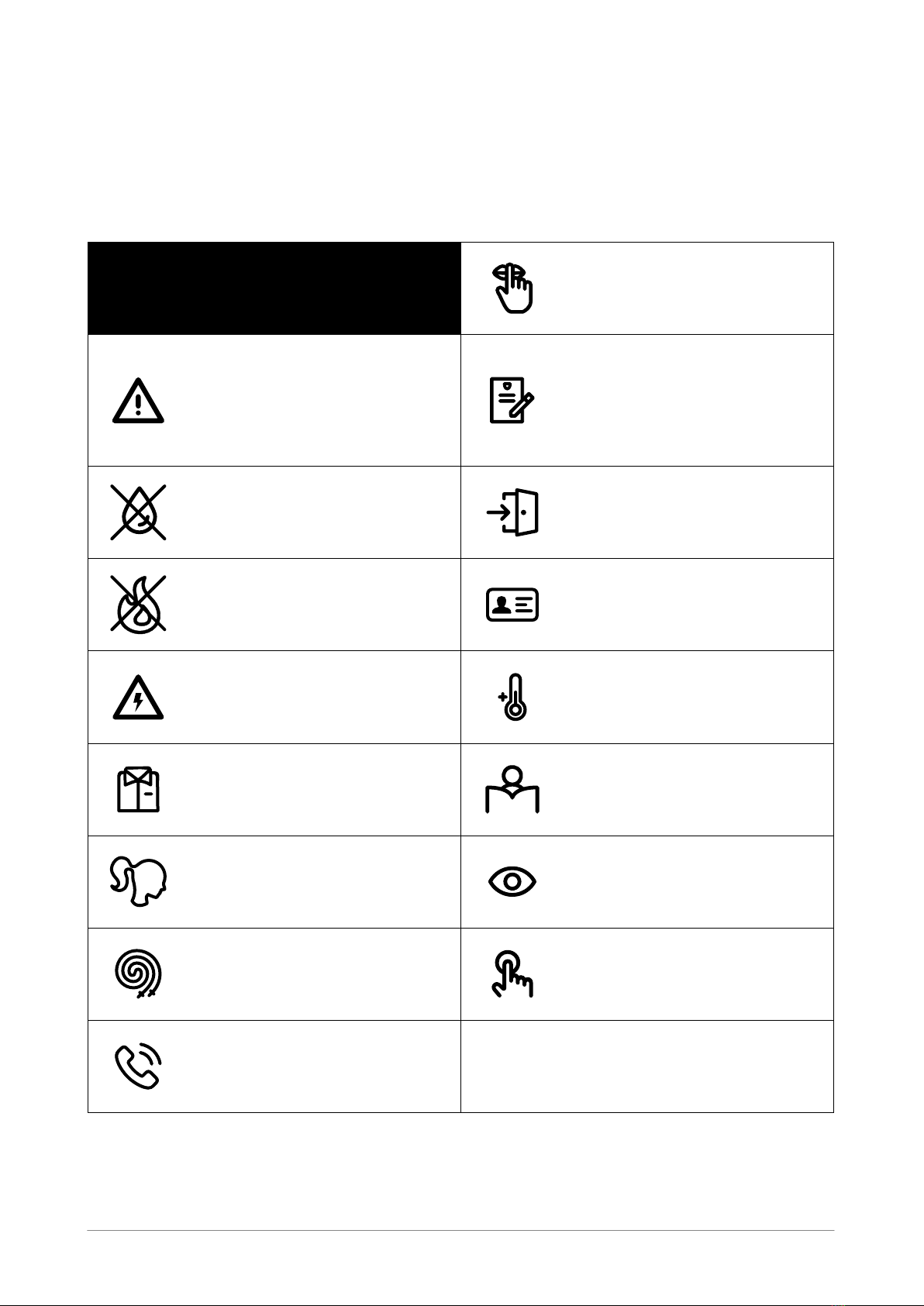
Before beginning any exercise program, it is recommended that you consult with your doctor.
Children under the age of 8 must always be supervised by an adult when using the equipment.
Visually check the equipment before using it, for any signs of damage, component failure or loose
cables that could become a tripping hazard.
Wear appropriate clothing. Anti slip socks must be worn while using the equipment.
Remove all items from your pockets prior to participation.
Practice being in control of your bounce before using the equipment. Be aware of how to bend your
knees to control or stop your bounce. Always stay in control. Uncontrolled jumps or falls are likely to
result in injuries to yourself and others.
Don’t drink or eat while playing the game.
Powering on for the first time
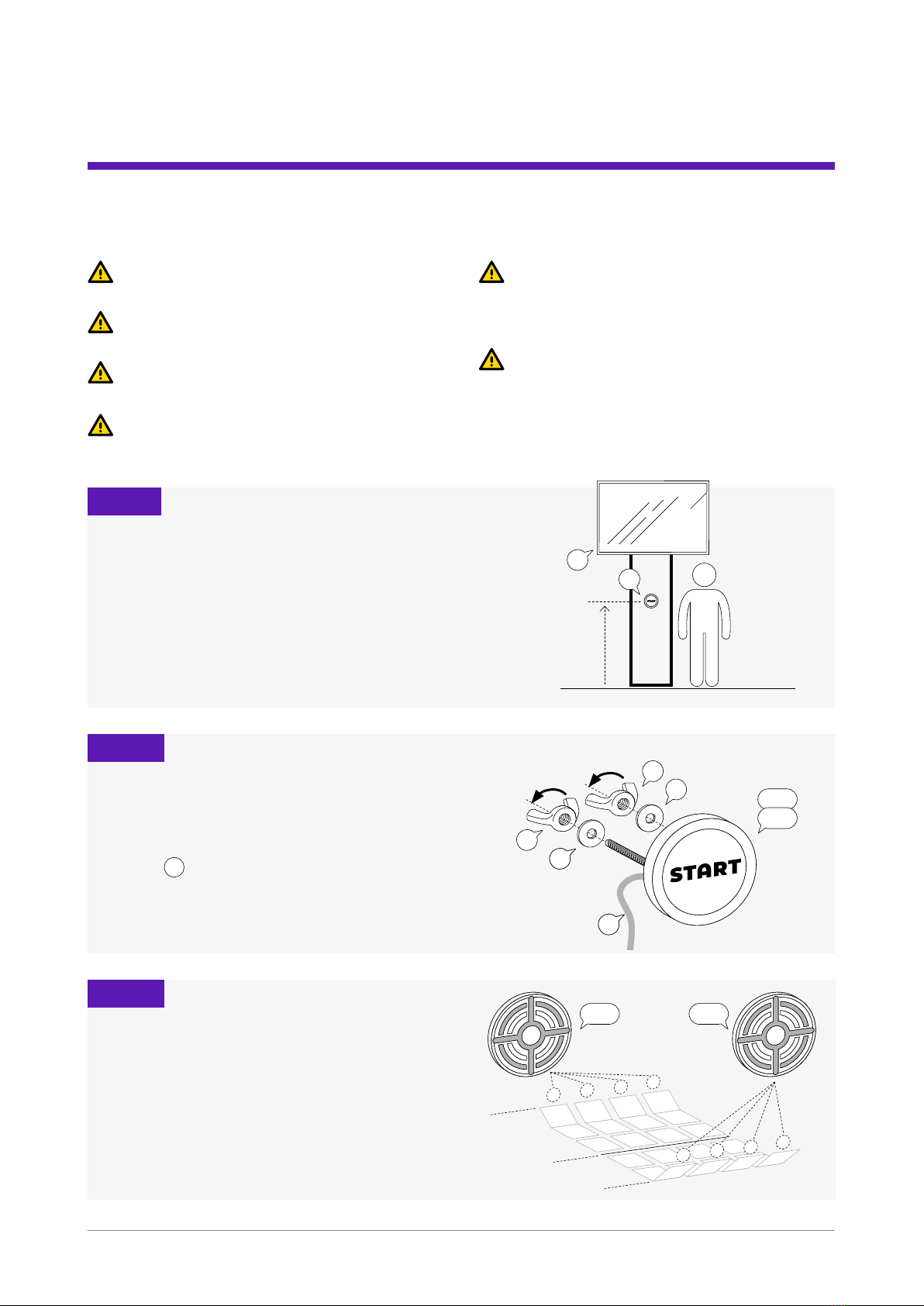
Make sure that all cables are connected to
the aggregator boxes and the computer and
connectors tightened.
Make sure that the targets are on the correct
side of court relative to the monitor.
When you power the system on the buttons
go over the programmed sequence and light
up RGB for a brief moment when the power is
provided by the computer.
After the rst sequence the buttons go dim and
are awaiting the game to start.
Monitor must power on by itself when
connected to power.
It usually takes around 1min for the system
to boot up. When ready you will hire the GO
sound.
At this time the game is set for the rst test.
Press start button and check that the targets
are in the right positions by playing one game.
Maintenance
• The device is easily damaged if you put excessive pressure on the display or other components.
• If not in use for a long period of time please disconnect the device from power.
• Disconnect the device when cleaning with a slight damp cloth. The display and buttons may be cleaned
with slightly damp cloth, but do not use any organic solvents to clean the device.
VISI DODGE – INSTALLATION MANUAL
10