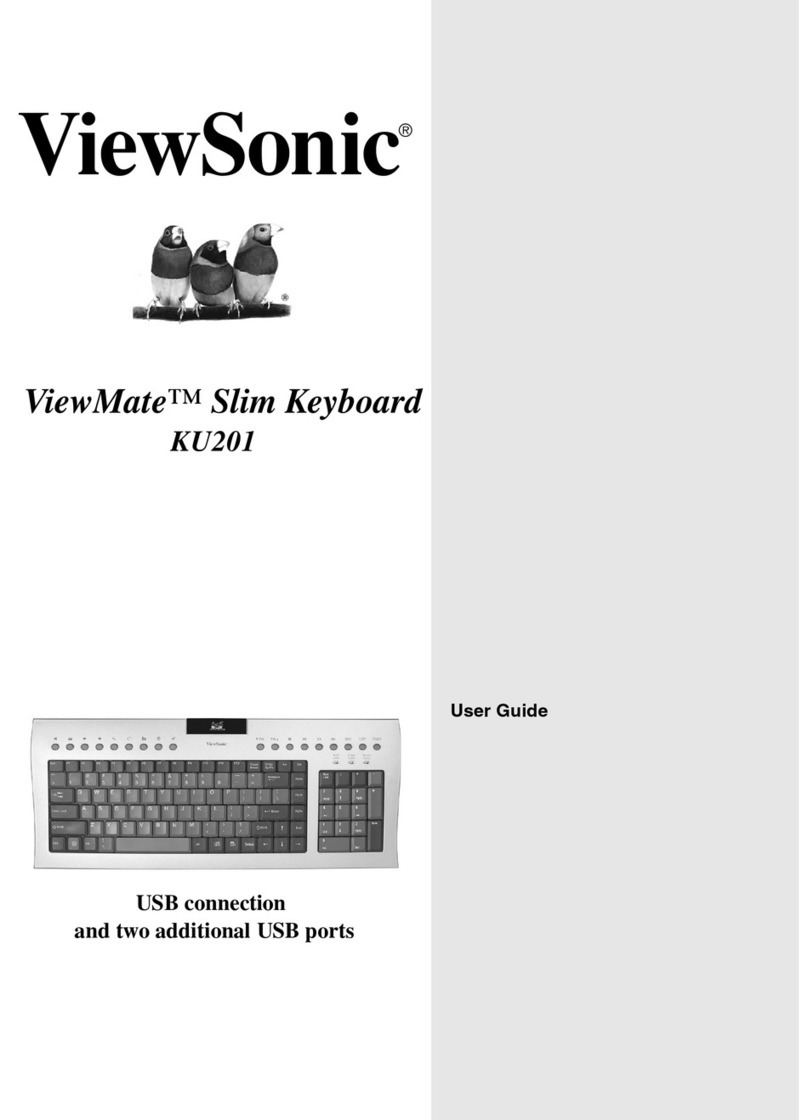
ViewSonic VSACC25612-1 Manuel utilisateur

USER GUIDE
ViewSonic®

ViewSonic Pocket PC Foldable Keyboard i
Contents
!" #
!$% &
%%
%%
'( )

ViewSonic Pocket PC Foldable Keyboard 1
!"#$"
!%
&'
()
*+'
'''
'
,''
'',
''
-''
''
For Your Records
# !!"$%
&&&&&&&&&&&&&&&&&&
&&&&&&&&&&&&&&&&&&
VSACC25612-1

ViewSonic Pocket PC Foldable Keyboard 2
Quick Start Instructions
1 Open the Foldable Ke board
Step 1
Step 2

ViewSonic Pocket PC Foldable Keyboard 3
Step 3
Step 4
Step 5

ViewSonic Pocket PC Foldable Keyboard 4
2 Install the Ke board Driver onto
our Pocket PC
*+,$!-$. !
!
"!#
$%%!
&!"
"""
"
'
"!#(!)
) *"+"+,-#!
/ ,
-,$0.*"+
!+
1+,.#"/,
"+,-#!
2+,
0./1
3+,12,

ViewSonic Pocket PC Foldable Keyboard 5
3 Launch the Ke board Driver
software
&"
&+
) &22
2'2

ViewSonic Pocket PC Foldable Keyboard 6
4 Connect the Foldable Ke board
to our Pocket PC
"
3"
Charging Function
Configuring the Ke board
45
!
-"
1-"
2))
3&
!
&"
+"
("
01
-,$0.
0)671
plug adapter

ViewSonic Pocket PC Foldable Keyboard 7
%,&')
!
3%3,)+
&
,)
&
$,&.&/
Ke Combinations
&
Ke Combination Function
S ift + letter key Capital letter
S ift + number key Upper left c aracter on key
Pocket PC device Start Menu
Today
Fn + Q Inbox
Fn + W Pocket Word
Fn + E Pocket Excel
Fn + R Calendar
Fn + T Tasks
Fn + Y Notes

ViewSonic Pocket PC Foldable Keyboard 8
Fn + A Contacts
Fn + Explorer
Fn + CapsLock NumLock mode
Fn + Tab Escape
Fn + Backspace Off
Fn + [number key] Hotkey function (example, Fn + 2)
Fn + Enter OK
Fn + [up arrow] Page up
Fn + [down arrow] Page down
Fn + [left arrow] Home
Fn + [rig t arrow] End
Ctrl + C Copy
Ctrl + V Paste
Ctrl + X Cut
Ctrl + A Select all
Ctrl + Z Undo
S ift + [rig t arrow] Selects area to t e rig t of t e cursor
S ift + [left arrow] Selects area to t e left of t e cursor
S ift + [up arrow] Selects area above t e cursor
S ift + [down arrow] Selects area below t e cursor
Ke Combination Function
Table des matières
Autres manuels ViewSonic Clavier