Contents
1. Equipment Introduction............................................................................................................1
2. Equipment Safety Notes............................................................................................................1
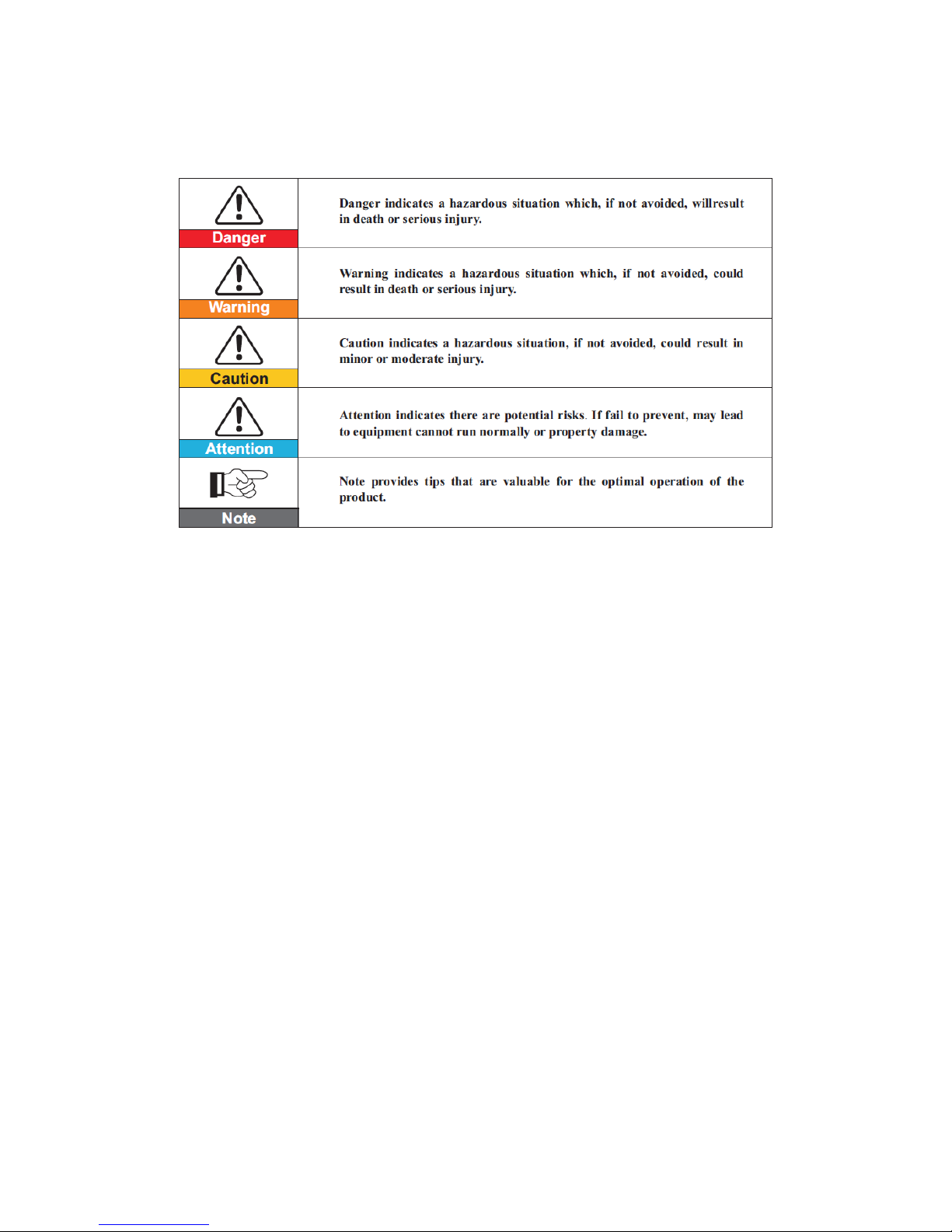
2.1 Safety Signs .........................................................................................................................2
2.2 Safety Notes ........................................................................................................................2
2.3 PowerCube 2.0 Installation and Maintenance Notes..........................................................3
3. Installation.................................................................................................................................4
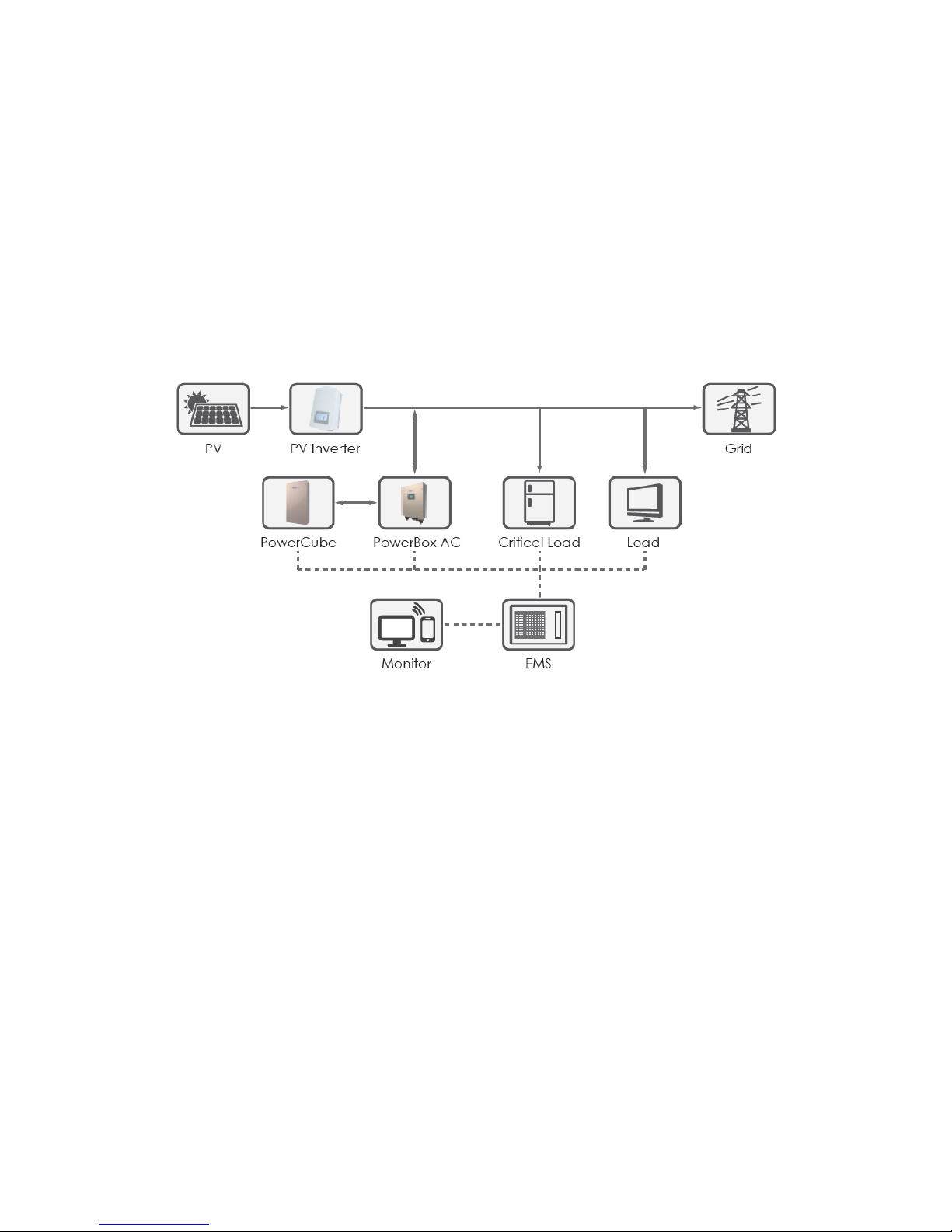
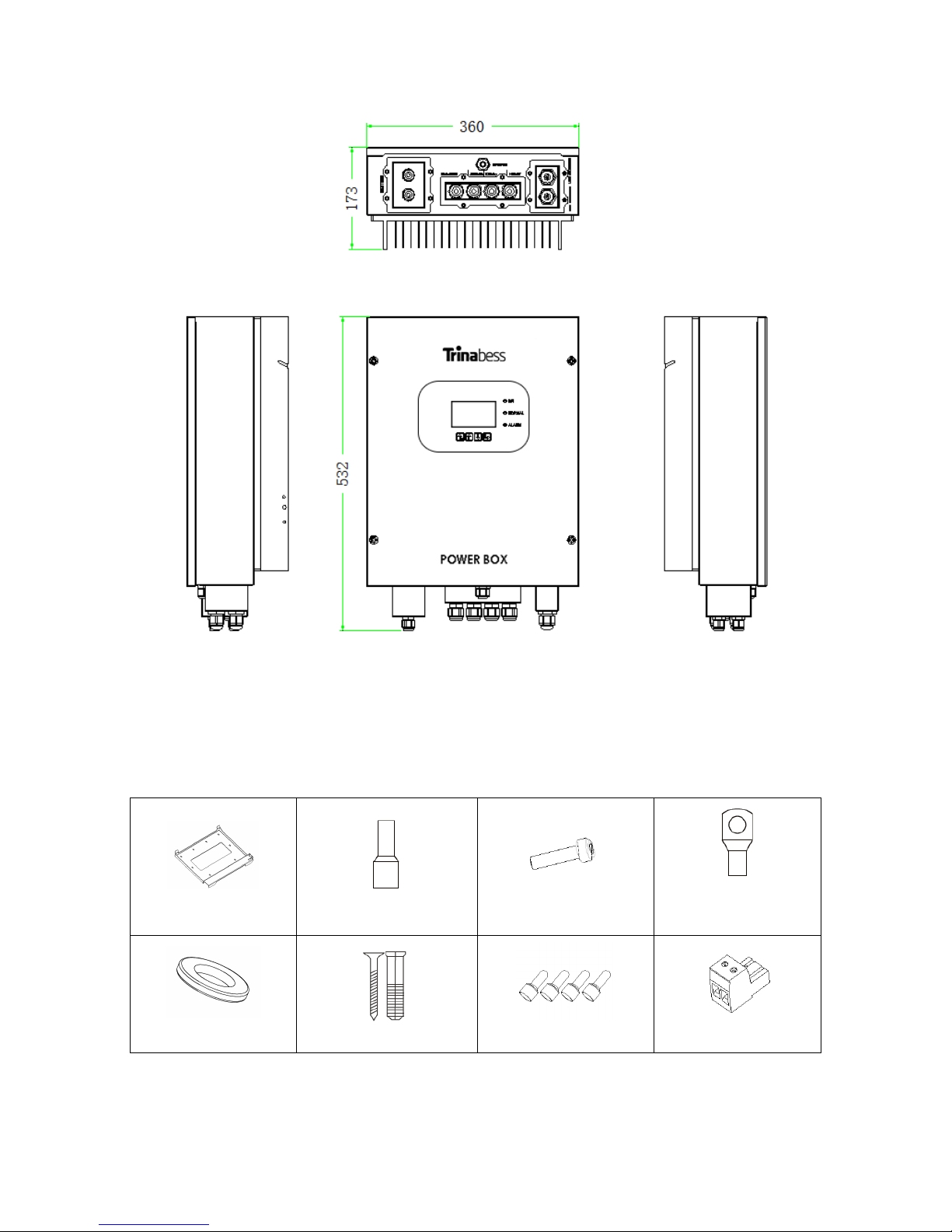
3.1 Product Overview................................................................................................................4
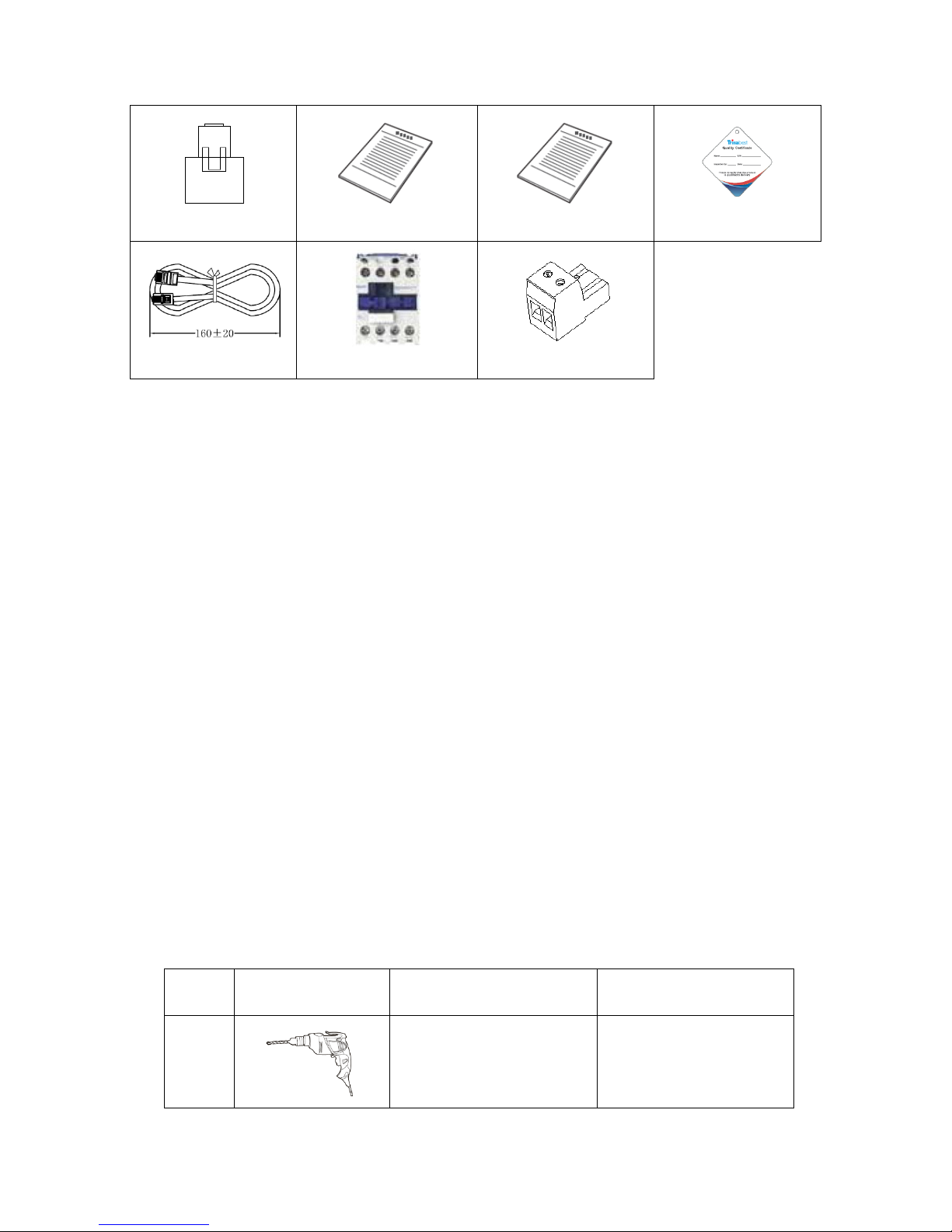
3.2 Packing List..........................................................................................................................5
3.3 Installation Environment.....................................................................................................6
3.4 Installation Tools .................................................................................................................6
3.5 Installation Position.............................................................................................................8
3.6 Mounting.............................................................................................................................8
4. Electrical Connection ................................................................................................................9
4.1 PowerCube 2.0 Connection...............................................................................................11
4.2 CT / RS485 connection ......................................................................................................12
4.3 Grid Connection ................................................................................................................14
4.4 Load Connection ...............................................................................................................15
5. Indicators and Keys .................................................................................................................16
6. Operation ................................................................................................................................17
6.1 Double Check ....................................................................................................................17
6.2 Commissioning ..................................................................................................................17
6.3 Main Menu........................................................................................................................18
7. WIFI MONITORING SETUP GUIDE ...........................................................................................31
7.1 Establishing a WLAN (Wi-Fi) connection to the user interface and setting up the
monitoring on smart device....................................................................................................31
7.2 APP Installation and Monitoring Set Up............................................................................37
8. Technical Data .........................................................................................................................45
9. Troubleshooting ......................................................................................................................46