Sensitivity set up MODE
● When the dynamic laser mode is chosen,
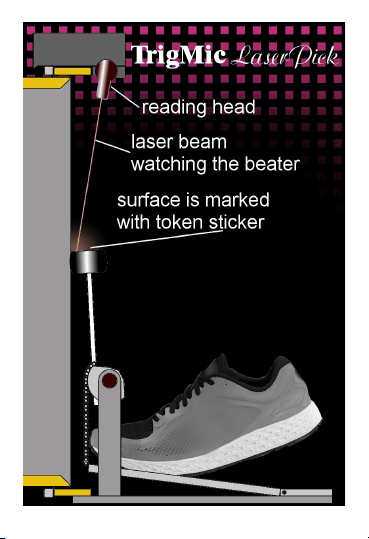
trigger can estimate the force of stroke by
measuring the rate of beater entering to the
laser beam. Weak strokes with too slow
motion of beater will be ignored. More
powerful strokes will be detected, estimated
by force and going playback by sound
module with corresponding loudness. The
MODE parameter is setting up the sensitivity.
The higher value the more sensitive to weak
strokes.
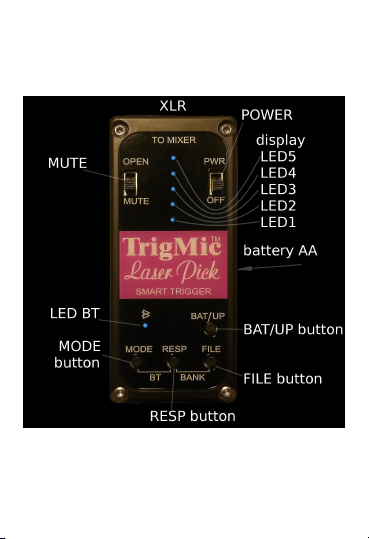
● Press and hold the MODE button. Current
value will be displayed. The scale has 9
levels. All the five lighting LEDs mean mid
level 5. Keep holding the MODE and change
the level by pressing the BAT/UP button.
Each press increases the sensitivity by 1, up
to level 9. The next press gives level 1.
Adjust the sensitivity of the ear, according
to the features of your strokes.
Value has no affect when the non-
d namic laser mode is chosen.