
Transmitter Solutions EIS-40 Manuel utilisateur
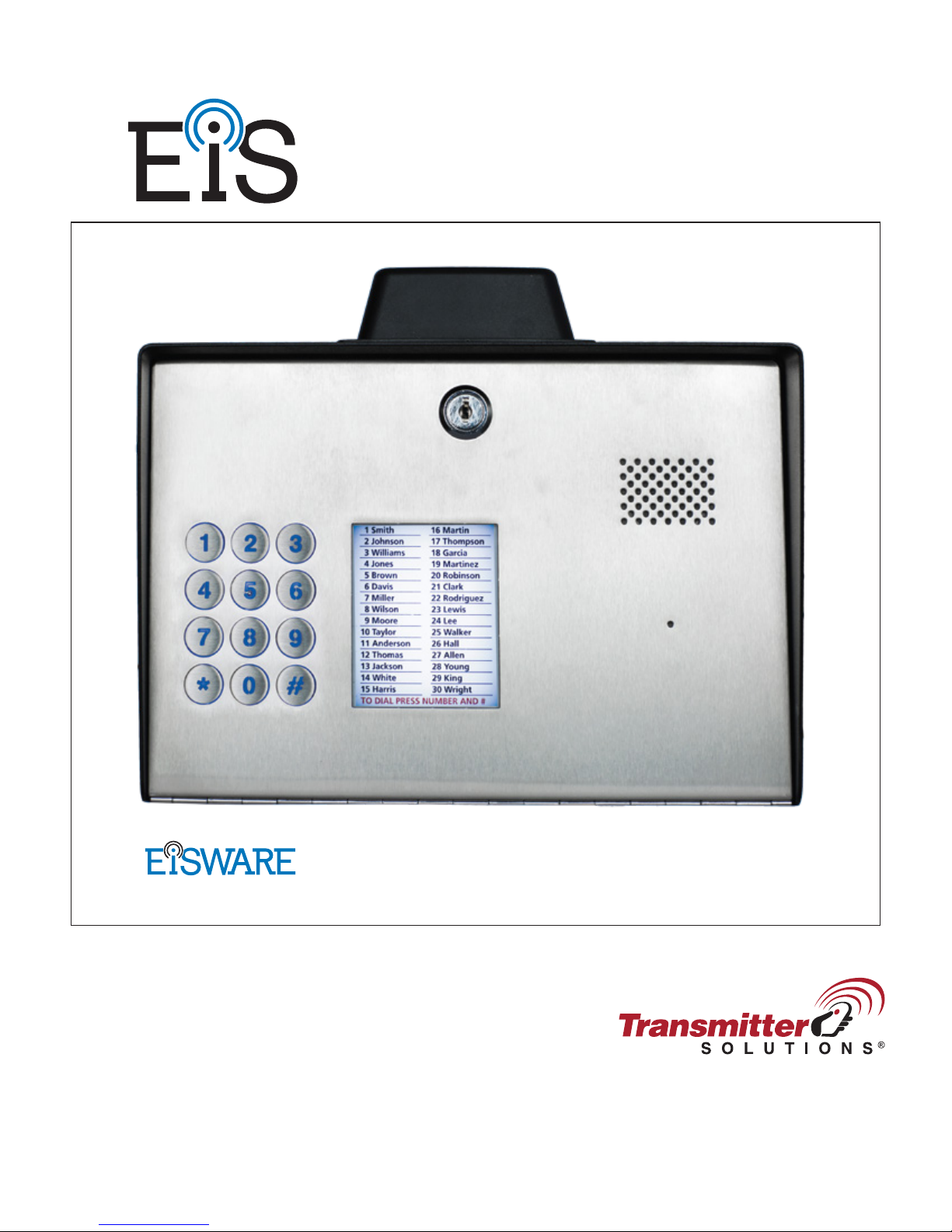
EIS-40
USER MANUAL
: DOOR ENTRY UNIT
v.1.4.20161115
Programming Software

EIS-LCD,!EIS-40!
USER!MANUAL!
Page%1%

EIS-LCD,!EIS-40!
USER!MANUAL!
Page%2%
Contents
1!FOR YOUR SAFETY.................................................................................................................................................4!
2!INTRODUCTION.......................................................................................................................................................5!
3!EIS-LCD, EIS-40 FEATURES and APPLICATIONS............................................................................................6!
4!START UP ...................................................................................................................................................................7!
5!LED INDICATION..................................................................................................................................................... 8!
6!CONNECTION DIAGRAM ......................................................................................................................................9!
7!EIS MANAGEMENT ...............................................................................................................................................10!
8!EIS FUNCTIONs with PROGRAMMING INSTRUCTIONs.............................................................................. 11!
8.1!WEB SERVER -LOG IN ....................................................................................................................................................... 11!
8.2!WEB SERVER –ADDING UNITS TO USER PROFILE .................................................................................................... 12!
8.3!WEB SERVER-UNIT MANAGEMENT ............................................................................................................................... 14!
8.4!INTERCOM CONFIGURATION .......................................................................................................................................... 15!
8.5!KEYPAD PIN ENTRY –ACCESS ........................................................................................................................................ 17!
8.6!WIEGAND ACCESS.............................................................................................................................................................. 19!
8.7!CALLER ID ACCESS ............................................................................................................................................................ 22!
8.8!OUTPUTS SETTINGS ........................................................................................................................................................... 23!
8.9!EIS WIEGAND OUTPUT INTEGRATION .......................................................................................................................... 25!
8.10!TIMER-TIMED CONTROLED OUTPUT........................................................................................................................... 26!
8.11!SERVICE BUTTON ............................................................................................................................................................. 28!
8.12!ADMINISTRATION ............................................................................................................................................................ 30!
8.13!EVENT LOGING.................................................................................................................................................................. 31!
8.14!MISCELLANEOUS.............................................................................................................................................................. 32!
8.15!PIN ACCESS NOTIFICATION FUNCTION ...................................................................................................................... 33!
9!SMS Commands ........................................................................................................................................................35!
9.1!INTERCOM SETTINGS ........................................................................................................................................................ 35!
9.2!OUTPUT CONFIGURATION ............................................................................................................................................... 35!
9.3!PIN CODES SETTINGS......................................................................................................................................................... 36!
9.4!SMS OUTPUT CONTROL .................................................................................................................................................... 36!
10!ADVANCED FUNCTIONS ................................................................................................................................... 37!
10.1!WIEGAND INPUT DATA FORMATS ............................................................................................................................... 37!
10.2!WIEGAND 26 BIT, DIFFERENT DATA FORMATS ........................................................................................................ 38!
10.3!WIEGAND 30 BIT, DIFFERENT DATA FORMATS........................................................................................................ 39!
10.4!ALARM INPUTS.................................................................................................................................................................. 40!

EIS-LCD,!EIS-40!
USER!MANUAL!
Page%3%
Figures
Figure 1: EIS Connection diagram.......................................................................................................9!
Figure 2: WEB Server-Sign In page. .................................................................................................11!
Figure 3: WEB Server-Main page select ADD mode........................................................................12!
Figure 4: WEB Server-Main page adding EIS units..........................................................................13!
Figure 5: WEB Server-Unit management window. ...........................................................................14!
Figure 6: WEB Server-Intercom settings...........................................................................................15!
Figure 7: WEB Server-Keypad PIN Access: Permanent PIN codes. ................................................17!
Figure 8: WEB Server-Keypad PIN Access: Temporary PIN codes.................................................18!
Figure 9: WEB Server-First Wiegand interface support....................................................................19!
Figure 10: WEB Server-Wiegand interface support. .........................................................................20!
Figure 11: WEB Server-Adding Wiegand devices with permanent use............................................21!
Figure 12: WEB Server-Adding Wiegand devices with temporary use. ...........................................21!
Figure 13: WEB Server-Caller ID Access. ........................................................................................22!
Figure 14: WEB Server-Output setting..............................................................................................23!
Figure 15: WEB Server-Wiegand Output settings.............................................................................25!
Figure 16: WEB Server-Timer setting →Day mode. ........................................................................26!
Figure 17: WEB Server-Timer setting →Week mode.......................................................................26!
Figure 18: WEB Server-Service button settings (Call mode)............................................................28!
Figure 19: WEB Server-Service button settings (Direct access). ......................................................29!
Figure 20: WEB Server-Notification numbers. .................................................................................30!
Figure 21: WEB Server-Input alarm configuration. ..........................................................................30!
Figure 22: WEB Server-Log events...................................................................................................31!
Figure 23: WEB Server-Misc. ...........................................................................................................32!
Figure 24: WEB Server-Global enabling of the notificaton function................................................33!
Figure 25: WEB Server-Selecting administrator numbers for notification. ......................................34!
Figure 26: WEB Server-First Wiegand interface support..................................................................37!
Figure 27: WEB Server-Second Wiegand interface support. ............................................................37!
Figure 28: Alarm inputs: Connection diagram. .................................................................................40!
Figure 29: Alarm inputs: Inputs tab configuration.............................................................................41!
Figure 30: Alarm inputs: Administration tab configuration. .............................................................42!
Tables
Table 1: Wiegand 26: Mode 0............................................................................................................38!
Table 2: Wiegand 26: Mode 1............................................................................................................38!
Table 3: Wiegand 26: Mode 2............................................................................................................38!
Table 4: Wiegand 26: Mode 3............................................................................................................38!
Table 5: Wiegand 30: Mode 0............................................................................................................39!
Table 6: Wiegand 30: Mode 1............................................................................................................39!
Table 7: Wiegand 30: Mode 2............................................................................................................39!
Table 8: Wiegand 30: Mode 3............................................................................................................39!

EIS-LCD,!EIS-40!
USER!MANUAL!
Page%4%
1FOR YOUR SAFETY
SWITCH ON SAFELY
Do not switch the unit on when use of wireless phone is prohibited or when it may cause
interference or danger.
INTERFERENCE
All wireless phones and units may be susceptible to interference, which could affect performance.
SWITCH OFF IN HOSPITALS
Follow any restrictions. Switch the unit off near medical equipment.
SWITCH OFF IN AIRCRAFT
Follow any restrictions. Wireless devices can cause interference in aircraft.
SWITCH OFF WHEN REFUELING
Do not use the unit at a refueling point. Do not use near fuel or chemicals.
SWITCH OFF NEAR BLASTING
Follow any restrictions. Do not use the unit where blasting is in progress.
USE SENSIBLY
Use only in the normal position as explained in the product documentation. Do not touch the
antenna unnecessarily.

EIS-LCD,!EIS-40!
USER!MANUAL!
Page%5%
2INTRODUCTION
EIS-LCD, EIS-40 (EIS) is a simple but powerful GSM intercom communication system designed to
ensure low-cost, simple to install/use, reliable and single box solution for intercom application. It is
designed for unlimited range, wire free GSM intercom, pin code access, caller ID control and
Wiegand access support.
EIS-LCD and EIS-40 units are built for multi-apartment solutions.
Optional EIS supports alarm detection, stay-alive messages, credit detection etc…

EIS-LCD,!EIS-40!
USER!MANUAL!
Page%6%
3EIS-LCD, EIS-40 FEATURES and APPLICATIONS
Features:
⇒Built-in 5 band GSM module
⇒Keypad call support (up-to 200 or 1000 apartments)
⇒LCD screen for user called (only valid in EIS-LCD)
⇒Keypad Access entry support (up-to 2000 PIN codes)
⇒Caller ID numbers control (up-to- 500 or 2100 caller ID numbers)
⇒Up to 100 temporary SPIN access codes
⇒Input Wiegand receiver (up-to 2000 receivers)
⇒2 outputs (relay supported)
⇒Programming with PC via “USB to Mini USB cable” connected to the unit
⇒Programming by SMS commands
⇒Programming by WEB server
Applications:
⇒Single box, wire free intercom solution
⇒Remote gate opener – Caller ID number recognition
⇒Simple (Wiegand) access system
IMPORTANT
Major difference between EIS-LCD and EIS-40 is absence of LCD
screen in EIS-40 unit

EIS-LCD,!EIS-40!
USER!MANUAL!
Page%7%
4START UP
EIS unit accepts a standard GSM SIM (T-Mobile or AT&T)
card from any network.
VERY
IMPORTANT
USE A MICRO SIM CARD
WARNING
DO NOT Insert or remove the SIM card while the unit is powered ON!!
IMPORTANT
Before inserting SIM card to unit make sure the PIN code is
removed!!
⇒Insert SIM card in EIS unit.
⇒Connect power cable to EIS unit (YOU MUST POWER THE EIS UNIT WITH THE
POWER SUPPLY INCLUDED). Do not power with any other power supply.
⇒Power up the unit.
⇒Wait until LED1 (Blue) starts flashing. This is set in around 30 – 45 seconds.
⇒EIS unit is now ready to operate.
NOTE
EIS will “beep” in 15s intervals until the unit reaches normal operation.

EIS-LCD,!EIS-40!
USER!MANUAL!
Page%8%
5LED INDICATION
Blue LED (LED1)
-Indicates the level of the GSM signal from 1 to 5 LED flashes (1 is weak signal, 5 is
excellent signal)
Red LED (LED2)
-GSM module Activity
Yellow LED (LED3)
-Short flashing indicates that the GSM module is ON, but it is not yet connected on the GSM
network. After connection, yellow led is flashing with short pulse (0,5s) ON and a long
pulse OFF (5s).

EIS-LCD,!EIS-40!
USER!MANUAL!
Page%9%
6CONNECTION DIAGRAM
Before connection the EIS please take a look at connection diagram.
Figure 1: EIS Connection diagram.
IMPORTANT
DO NOT USE Power out (12V AUX) for electric lock driving! Use
separate power source for door electric lock!
Ce manuel convient aux modèles suivants
1
Table des matières
Autres manuels Transmitter Solutions Système d'interphone


